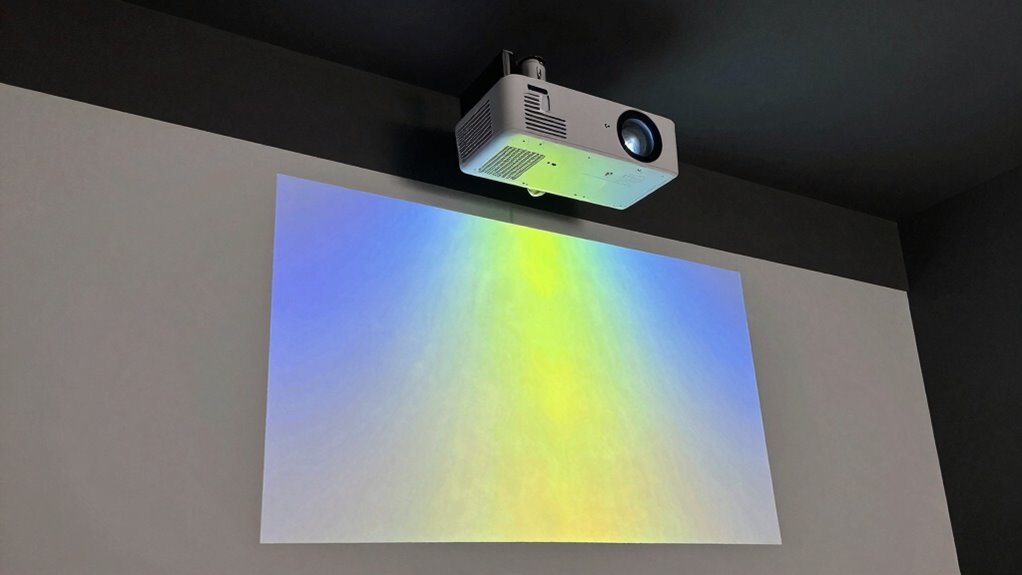

To choose the right projector, you need to understand lumens, throw distance, and resolution—key specs that affect image quality. Brightness (lumens) determines how well your image appears in different lighting conditions. Throw distance influences how close or far the projector should be placed for a clear picture. Resolution affects sharpness and detail. If these specs aren’t matched to your space and needs, your setup might fall flat. Keep going to learn how to get these details just right.

Get business pricing on office and shipping supplies
- Business-only prices and quantity discounts
- Tax-exempt purchasing
- Multiple users, one account, clear invoices
Key Takeaways
- Match projector lumens to your room’s ambient lighting for clear, glare-free images.
- Ensure throw distance aligns with room size to prevent distortion and maintain image sharpness.
- Choose resolution based on your viewing needs; higher resolutions like 4K offer more detail.
- Verify projector specs—particularly throw ratio and resolution—to ensure compatibility with your space and content.
- Proper calibration and placement are essential for optimal brightness, clarity, and color accuracy.
As an affiliate, we earn on qualifying purchases.
What Are Lumens and Why Do They Matter for Projector Brightness?
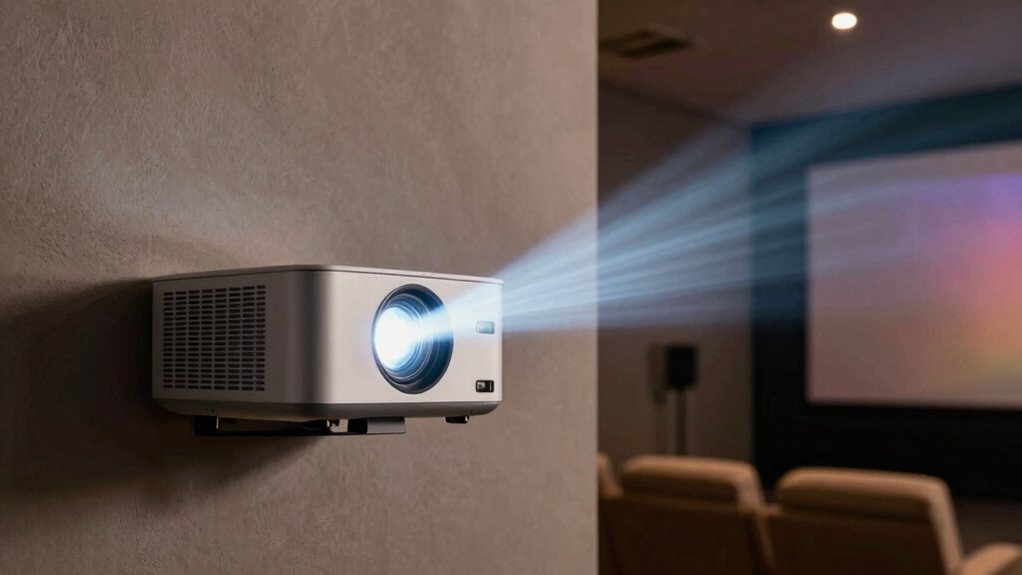
Lumens measure the brightness of a projector’s light output, and they play an essential role in determining how clear and vibrant your images will appear. Higher lumens generally mean brighter images, which are vital in well-lit rooms. But brightness isn’t the only factor affecting your viewing experience. Proper color calibration guarantees that images look accurate and lively, regardless of lumens. Additionally, sound quality can enhance overall enjoyment, especially if your projector includes built-in speakers. While lumens help you choose a projector suited for your lighting conditions, don’t forget to take into account projector specifications for true-to-life visuals and sound quality for immersive audio. Understanding the contrast ratio can also help you select a projector that performs well in dark scenes and enhances overall image clarity, making your investment worthwhile.
How Brightness Affects Your Viewing Experience
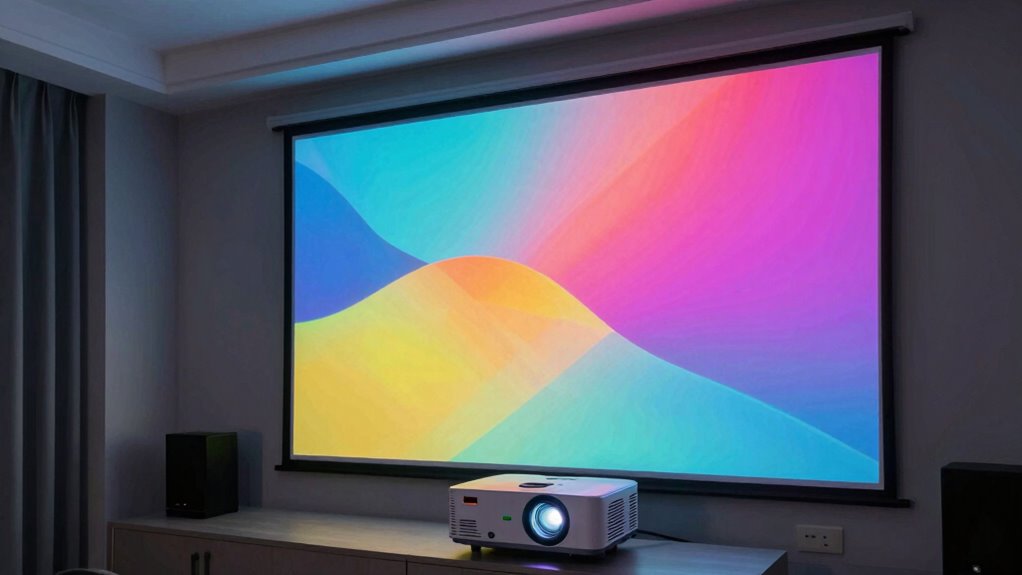
Have you ever watched a movie in a brightly lit room and found the image hard to see? Brightness plays a vital role in your viewing experience, especially when ambient light is high. If your projector isn’t bright enough, you’ll notice dull colors and poor contrast, making details hard to distinguish. Proper color calibration becomes challenging when brightness levels are off, affecting image quality. Conversely, higher brightness can improve visibility but also increases power consumption, which might raise your energy costs. Finding the right balance ensures vibrant colors and crisp images without overloading your projector or wasting energy. Additionally, choosing a projector with color calibration features can help optimize image quality regardless of brightness levels. It’s also important to be aware of volatility in the market, which can influence the long-term performance and value of your investment. Understanding how brightness impacts your viewing helps you select the right projector for your space, guaranteeing an enjoyable, clear, and colorful picture every time.
Understanding Throw Distance: How Far Should You Place Your Projector?
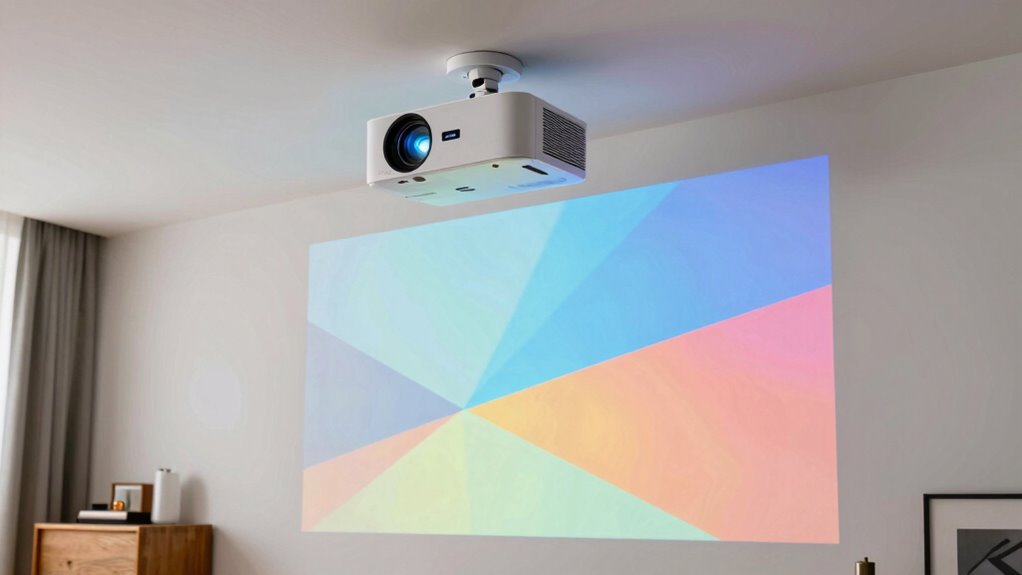
Choosing the right throw distance guarantees your image is sharp and properly sized. You need to take into account your room size to find the ideal placement distance. Knowing these factors helps you set up your projector for the best viewing experience. Additionally, understanding outdoor transformation essentials can help you optimize your setup for backyard movie nights or outdoor gatherings. Properly matching your projector’s specifications, such as throw distance and resolution, is essential to achieve a clear and immersive viewing experience. Being aware of smart home gear options can also enhance your overall entertainment setup for both indoor and outdoor spaces. It’s also important to perform practical checklists to ensure your setup is safe and functioning correctly before each use, including considering projector placement for optimal image quality.
Optimal Placement Distance
Understanding the ideal placement distance is essential for getting the best image quality from your projector. Placing it too close or too far affects color accuracy, making images look dull or washed out. To maximize clarity, follow the manufacturer’s recommended throw distance, which ensures sharpness and vibrant colors. Proper placement also helps manage power consumption, as projectors often operate more efficiently within specific distances. When positioned correctly, you’ll notice more consistent brightness and better color fidelity, enhancing your viewing experience. Keep in mind that adjusting the placement slightly within the optimal range can fine-tune image quality without sacrificing brightness or introducing distortion. Ultimately, finding this sweet spot ensures you maximize your projector’s performance while maintaining energy efficiency.
Room Size Considerations
Ever wondered how your room size influences the ideal throw distance for your projector? Larger rooms require a longer throw distance to fill the screen properly, while smaller spaces need closer placement to avoid image distortion. Measure your available space carefully to determine the correct distance, considering both width and height. Proper color calibration is essential to guarantee vivid, accurate images at any distance. Additionally, think about sound integration; larger rooms may need external speakers or sound systems to complement the projector’s placement. Keep in mind that adjusting for room size helps optimize image clarity, brightness, and overall viewing experience. Choosing the right projector placement is crucial for achieving the best viewing experience in any room. Understanding throw distance and how it relates to room size can help you avoid common setup mistakes and ensure your projector performs at its best.
How to Measure Throw Distance in Your Space
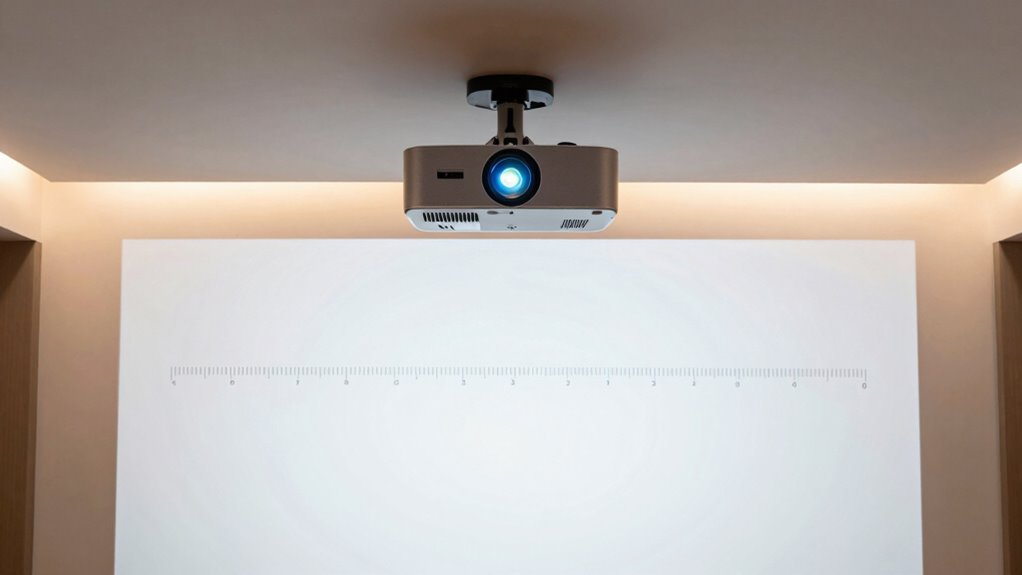
To accurately determine the throw distance for your projector, start by measuring the distance from the projector’s lens to the surface where you plan to display the image. This measurement helps you select a projector with the right throw ratio, ensuring the image fits your space. Keep in mind that proper color calibration at this distance improves image quality, making colors vibrant and true to life. Additionally, consider noise levels, as some projectors can be loud at certain distances, affecting your viewing experience. Use a tape measure or laser distance meter for precision. Remember, a longer throw distance may require a projector with specific calibration settings to optimize image clarity and minimize distortions, ensuring your setup looks sharp and professional. Also, understanding your **throw ratio** helps you choose the right projector for your intended space.
Decoding Resolution: What Makes a Projector’s Image Sharp?
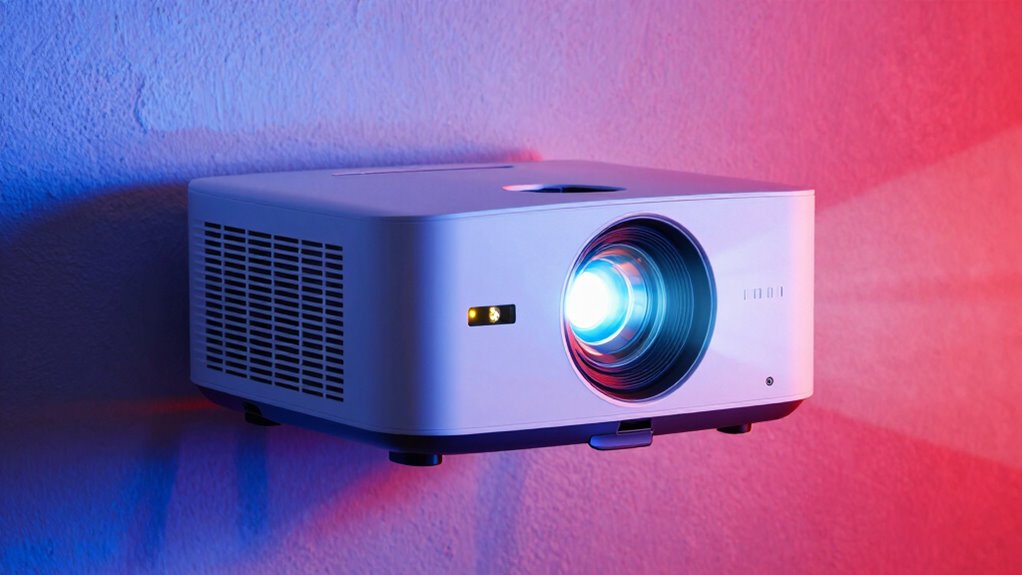
Your projector’s sharpness depends on pixel density and clarity, which determine how detailed the image appears. Understanding resolution types helps you choose the right one for your needs, while aspect ratio impacts how the image fits on your screen. Together, these factors shape the overall sharpness and viewing experience you get. Incorporating herbal wellness practices like herbal baths and spices can also enhance your relaxation and overall well-being during movie nights. Paying attention to resolution quality can help ensure you get the most crisp and clear images, making your viewing experience more enjoyable.
Pixel Density and Clarity
Pixel density plays a crucial role in determining how sharp and detailed a projector’s image appears. Higher pixel density means more pixels per inch, resulting in a clearer, more defined picture. To achieve ideal clarity, you should pay attention to color calibration, ensuring colors are accurate and vibrant without sacrificing image quality. Keep in mind that increasing pixel density can also impact power consumption; more pixels require more energy, which may affect your projector’s efficiency and operating costs. Balancing pixel density with your projector’s intended use helps you get the best image quality without unnecessary energy drain. Ultimately, understanding how pixel density influences clarity allows you to choose a projector that delivers sharp, vibrant images suited to your viewing environment. Detecting passive voice can further refine your writing and improve clarity.
Resolution Types Explained
Ever wondered what sets the sharpness of a projector’s image apart? Resolution types largely determine this, affecting how clear and detailed your picture appears. Standard resolutions like Full HD (1080p) deliver sharp visuals suitable for most uses, while 4K offers even crisper images with finer detail. When choosing, consider color calibration, as accurate color reproduction enhances perceived sharpness. Higher resolutions also improve sound integration visuals, making everything look more natural. Keep in mind, higher resolution projectors require more processing power and may need better input sources. Understanding these resolution types helps you match your projector to your specific needs, whether for home theater, presentations, or gaming. Sharp images depend on the right resolution, so choose wisely to assure vibrant, detailed visuals.
Aspect Ratio Impact
The aspect ratio of a projector plays a crucial role in how sharp and proportionate the image appears on your screen. A correct aspect ratio guarantees your content fits perfectly without stretching or black bars, maintaining clarity. It also affects color calibration, as an incorrect ratio can distort colors and reduce image quality. When choosing a projector, consider whether you’ll integrate audio seamlessly; a compatible aspect ratio helps align visuals with audio cues for a better viewing experience. Different ratios, like 16:9 or 4:3, suit various content types and screen sizes, impacting image sharpness and overall clarity. Understanding aspect ratio impact helps you select a projector that delivers crisp, well-proportioned visuals, optimized for your setup and multimedia needs.
Choosing the Right Lumens for Your Room Size and Lighting Conditions
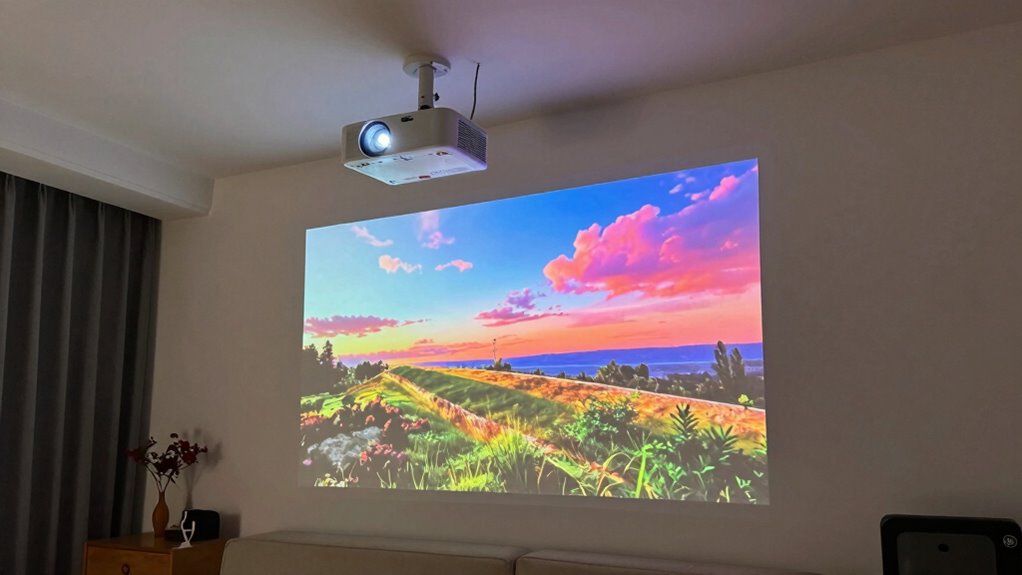
How bright your projector needs to be depends heavily on your room size and lighting conditions. If your room has a lot of ambient lighting, you’ll want a projector with higher lumens to guarantee a clear image. For smaller, dimly lit spaces, a projector with 1,500 to 2,500 lumens usually suffices. In larger or brighter rooms, aim for 3,000 lumens or more. Keep in mind that projector placement also affects brightness perception; placing it closer to the screen can help optimize image quality. If you can control ambient lighting, like dimming the lights or using blackout curtains, you can opt for a lower-lumen model. Understanding horsepower of electric dirt bikes can also help you choose a device that embodies strength and wisdom. Matching lumens to your room’s lighting and size ensures a vibrant, sharp image without overpaying for unnecessary brightness. Additionally, considering screen gain and reflectivity can further enhance image clarity and brightness, especially in rooms with challenging lighting conditions.
What Is the Ideal Throw Distance for Different Room Sizes?
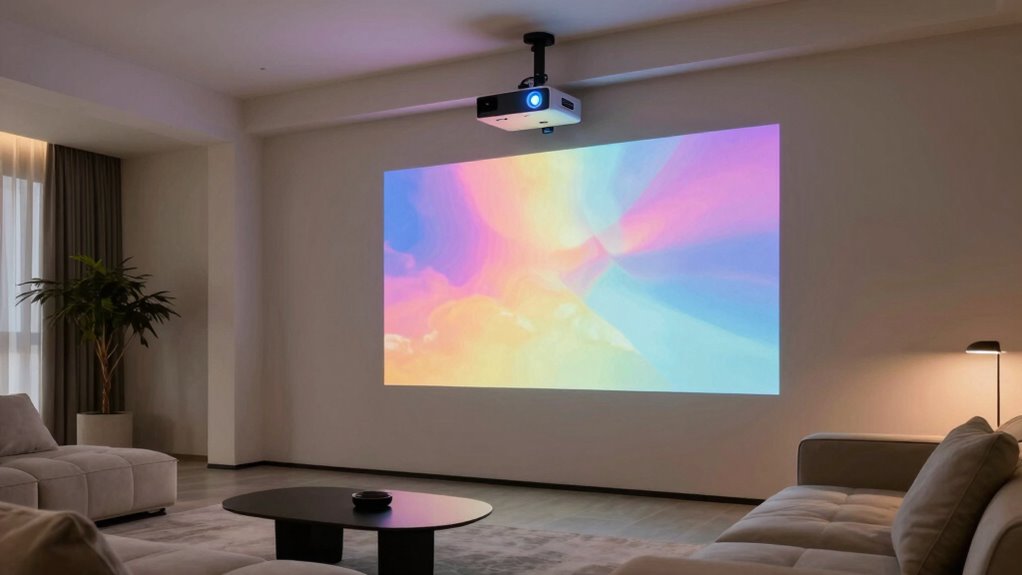
Determining the ideal throw distance depends on your room size and the projector’s specifications. For small rooms, keep the projector closer—about 3 to 8 feet—to avoid distorted images and maintain proper color calibration. Medium-sized rooms work well with a throw distance of 8 to 12 feet, offering a balanced image size and clarity. Larger rooms require a longer distance, typically 12 to 20 feet or more, to project a large, sharp image without loss of quality. Remember, placement affects sound quality as well; positioning the projector correctly reduces the need for excessive audio adjustments. Always check your projector’s throw ratio, and adjust based on your room’s dimensions to guarantee the best image size, color accuracy, and sound performance. Additionally, understanding the projection environment can help optimize your setup for the best viewing experience.
How Brightness, Placement, and Image Quality Combine
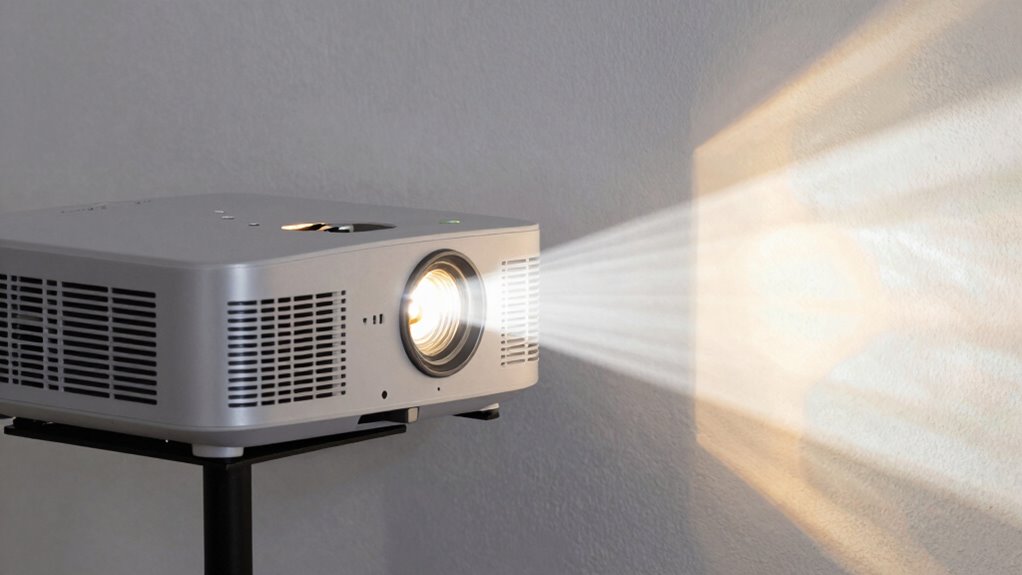
Brightness, placement, and image quality are interconnected factors that directly influence your overall viewing experience. If your projector isn’t properly placed, even high brightness levels can result in washed-out images. Consistent color calibration ensures the colors stay true and vibrant, enhancing realism and immersion. Proper placement also affects sound integration; positioning your projector correctly can improve audio clarity, making dialogues and effects more engaging. When brightness matches your room’s ambient light, your images remain sharp without glare. Combining these elements ensures a balanced, clear picture with accurate colors and synchronized sound. Ignoring any aspect can diminish image quality and disrupt your viewing pleasure. Paying attention to how brightness, placement, and image quality work together guarantees a seamless, immersive experience every time you watch.
Common Mistakes to Avoid When Picking Projector Specs
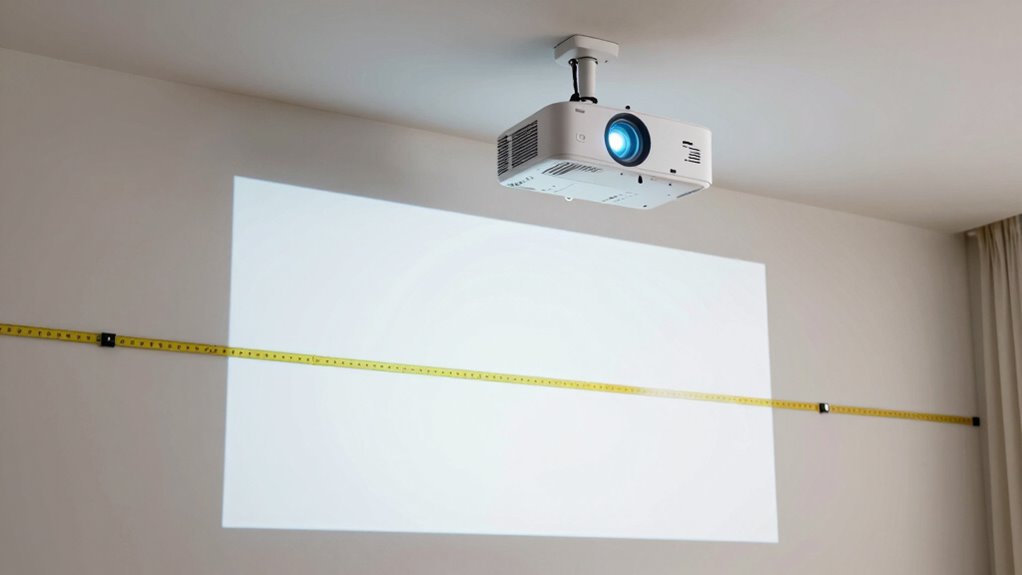
One common mistake is ignoring your brightness needs, which can leave your images too dim or washed out. You also risk compatibility issues if you don’t check whether the projector works with your devices and setup. To avoid these pitfalls, carefully assess your environment and equipment requirements before choosing your projector. Additionally, understanding personality assessments can help you determine the best features and specifications suited to your specific needs and preferences. Considering bedding options for your viewing area can also enhance comfort and viewing experience during extended sessions. Being aware of projection angles can help you optimize image quality and avoid distortion in your setup. Moreover, being mindful of indoor air quality can contribute to a healthier and more comfortable viewing environment, especially when spending long hours in your space.
Ignoring Brightness Needs
Have you considered how essential brightness is when choosing a projector? Ignoring your brightness needs can lead to poor image quality, especially in well-lit rooms. A projector with insufficient lumens will struggle to display vibrant colors, affecting color calibration and making images look dull. This can frustrate viewers and diminish the overall experience. Additionally, focusing solely on brightness without considering sound quality can leave you with a device that doesn’t deliver a balanced experience. Brightness impacts how well you see details, but don’t forget that a projector’s overall performance depends on matching specs to your environment. If you overlook this, you risk investing in a projector that underperforms, leaving your visuals washed out and your sound unsatisfactory.
Overlooking Compatibility Factors
While focusing on brightness is important, matching your projector’s compatibility features to your setup is equally essential. Overlooking factors like color calibration can lead to dull or inaccurate images, undermining your viewing experience. Make sure the projector’s color settings are adjustable to match your environment and content. Sound compatibility is another key aspect—check if the projector has built-in speakers or if it supports external audio connections compatible with your sound system. Ignoring these details can cause frustration and require costly upgrades later. Don’t assume all projectors work seamlessly with your existing devices; verify input/output options and compatibility standards beforehand. Paying attention to these compatibility factors guarantees a smooth setup and peak performance, helping you avoid common pitfalls and get the most out of your investment.
Tips for Testing and Adjusting Your Projector for the Best Picture
Before you start tweaking your projector, it’s important to set a baseline by testing its picture quality in the room where you’ll be using it. Turn off all unnecessary lights to assess the true image, considering ambient lighting’s impact on brightness and contrast. Check color accuracy by displaying a test pattern or familiar content, ensuring colors appear natural and vibrant. Use the projector’s menu to adjust settings like contrast, brightness, and color temperature for superior results. Focus on sharpness and clarity, making sure the image isn’t blurry or pixelated. Keep an eye on uniformity across the screen to avoid dark or washed-out spots. Fine-tuning these parameters will help you achieve the best possible picture quality tailored to your environment.
Frequently Asked Questions
How Do Projector Specs Vary Between Different Types of Projectors?
You’ll notice projector specs vary mainly because of different projection technologies, like DLP or LCD, affecting image quality and color accuracy. For example, DLP projectors often deliver sharper images, while LCD models excel in color accuracy. Additionally, specs like brightness and resolution differ based on the projector’s purpose—home theater, business, or outdoor use—so you should choose one that matches your needs for maximum performance.
Can Projector Features Compensate for Lower Lumen Ratings?
You can often compensate for lower lumen ratings with features like better color accuracy and longer lamp life. For example, a projector with enhanced color accuracy can produce vibrant images even in dimmer environments. While features help, remember that low lumens still limit brightness, so use projectors with these features in controlled lighting conditions for ideal viewing. Don’t rely solely on features—match specs to your environment for the best results.
What Environmental Factors Influence Projector Performance and Image Quality?
Environmental factors like ambient lighting and wall color considerably influence your projector’s performance and image quality. Bright ambient light can wash out images, so dimming the room or using blackout curtains helps. Wall color matters too; white or light-colored walls reflect images better, while dark or colored walls absorb light, reducing clarity. Adjusting these factors ensures you get the sharp, vibrant images you want, regardless of your projector’s specs.
How Does Screen Size Impact the Required Brightness and Resolution?
Worried your projector won’t handle a large screen? Larger screen sizes demand higher brightness requirements to keep the image clear and vibrant. As screen size increases, you need more lumens to prevent dim, washed-out visuals. Additionally, resolution becomes essential; a bigger display shows every detail, so higher resolution guarantees sharpness. Always match your projector’s brightness and resolution to your desired screen size for maximum image quality and an immersive experience.
Are There Industry Standards for Measuring and Comparing Projector Specs?
Yes, industry standards exist for measuring and comparing projector specs. You should look for standardized tests that assess color accuracy, ensuring consistent color reproduction across models. Power consumption ratings help you gauge efficiency, especially for long-term use. By comparing these standards, you can confidently choose a projector that meets your needs for image quality and energy efficiency, avoiding surprises in performance and operating costs.
Conclusion
Choosing the right projector specs is like tuning a musical instrument—you need to get every note just right. By understanding lumens, throw distance, and resolution, you guarantee your setup hits the perfect pitch for your space. Don’t settle for a blurry or dim performance; instead, test and adjust until your picture is crystal clear and bright. Master these specs, and you’ll enjoy a viewing experience as smooth as silk, no matter where you set up.
Halloween Picks
halloween
As an affiliate, we earn on qualifying purchases.