

TL;DR

Get business pricing on office and shipping supplies
- Business-only prices and quantity discounts
- Tax-exempt purchasing
- Multiple users, one account, clear invoices
This article explains how a local-first tool turns one video into everything you need to publish across platforms. It boosts privacy, cuts costs, and speeds up your workflow—no cloud required.
Imagine finishing a video and having a team of editors, writers, and social media managers all ready to publish—without ever uploading to a cloud. Sounds like a dream, right? Now, thanks to advances in local AI tools, that dream is closer to reality than ever before.
Today’s creators juggle dozens of assets: titles, thumbnails, clips, blog drafts, social posts. Each one takes time—hours, even days. But what if a single AI-powered system on your own machine could do all that work? No cloud, no subscription. Just your video, and a full publishing kit ready for review. Each one takes time—hours, even days. But what if a single AI-powered system on your own machine could do all that work? No cloud, no subscription. Just your video, and a full publishing kit ready for review.
This article walks through how that’s possible, why it matters, and what you need to get started.
Key Takeaways
- A local-first AI system analyzes video on multiple layers—audio, visuals, and fused data—creating structured, rich metadata.
- Processing on your device guarantees privacy, reduces costs, and speeds up publishing—no cloud needed.
- A complete publishing package includes titles, descriptions, clips, and social media posts, all generated from a single video.
- Compatibility depends on your hardware and camera ecosystem; capacity and legal issues must be considered.
- Starting is simple: choose hardware, install software, and feed your videos for instant publishing assets.
As an affiliate, we earn on qualifying purchases.
How a Local AI Transforms Video into a Complete Publishing Package
At the core, this system analyzes your video on four layers: audio, visuals, fused data, and intelligence. It doesn’t just transcribe what’s spoken; it understands who said what, when, and what’s on screen. This layered analysis is crucial because it allows the AI to interpret context and relationships within the content, leading to more accurate and meaningful asset generation. For example, recognizing a product mention and correlating it with visual cues enables the system to generate targeted titles or tags, which enhances discoverability and viewer engagement. The depth of this analysis means you’re not just getting raw data but structured, actionable insights that can be directly translated into publishing assets, saving you hours of manual editing and review.
Imagine a sports highlight reel. The AI detects scene cuts, reads the scoreboard, notes player names, and tags the exciting moments—then drafts a title, description, and social clips based on those highlights. All processing happens locally, on your machine, with no need to upload footage to the cloud. This layered approach ensures that each asset is contextually relevant and optimized for your audience, making your workflow more efficient and your content more impactful. For more insights on how local AI tools can streamline your content creation process, see this review.
Why Processing Video Locally Changes the Game for Creators
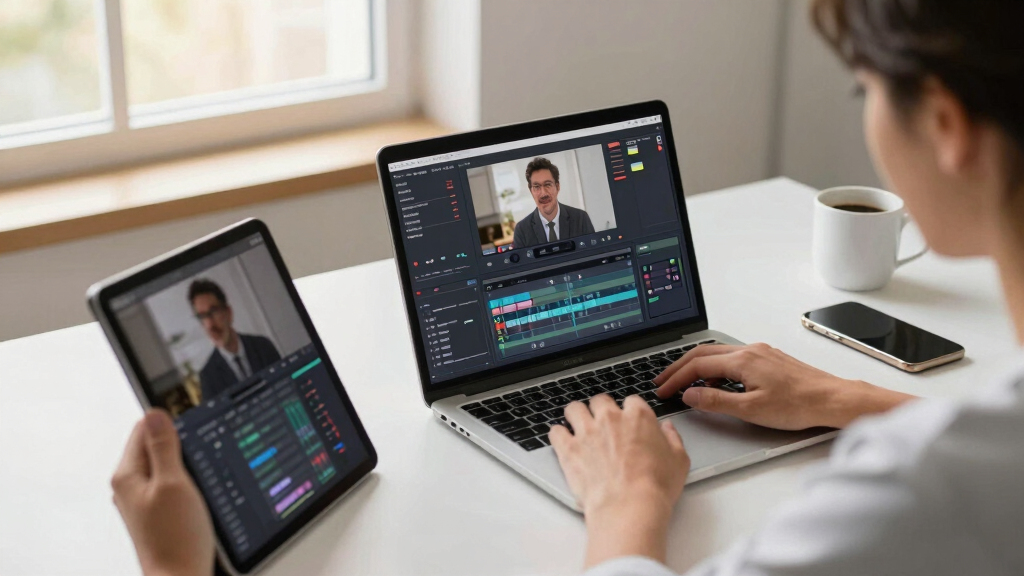
Processing on your own device means total control. Your footage stays private, secure, and never leaves your machine. If you want to explore more about local AI solutions, visit Similarlists for curated lists of relevant tools. This is crucial if you handle sensitive content or want to avoid the security risks of cloud storage. Beyond privacy, local processing eliminates latency issues—since all analysis occurs instantly on your hardware, you can iterate faster, making adjustments in real time without waiting for uploads or cloud computations. This immediacy can be a game-changer, especially for creators working under tight deadlines or in environments with unreliable internet. Additionally, by avoiding recurring subscription fees, you reduce long-term costs and dependencies on external providers, giving you more budget flexibility and independence. However, it’s important to recognize that local AI solutions often require substantial processing power and hardware optimization; not all devices may be capable of handling complex analysis at scale. For example, a security camera setup using local AI can detect intruders, label events, and generate reports—all on-site. To learn more about local AI applications, check out this resource. No need to send footage to a third-party server. According to recent trends, local AI solutions like UniFi’s AI Key process up to **1,000 detections per hour**, demonstrating they’re practical for real-world use [1]. This capacity means creators can handle moderate workloads efficiently without sacrificing privacy or control, but larger operations might need to consider hardware upgrades or distributed processing strategies.
The 4-Step Workflow: From Upload to Published Assets
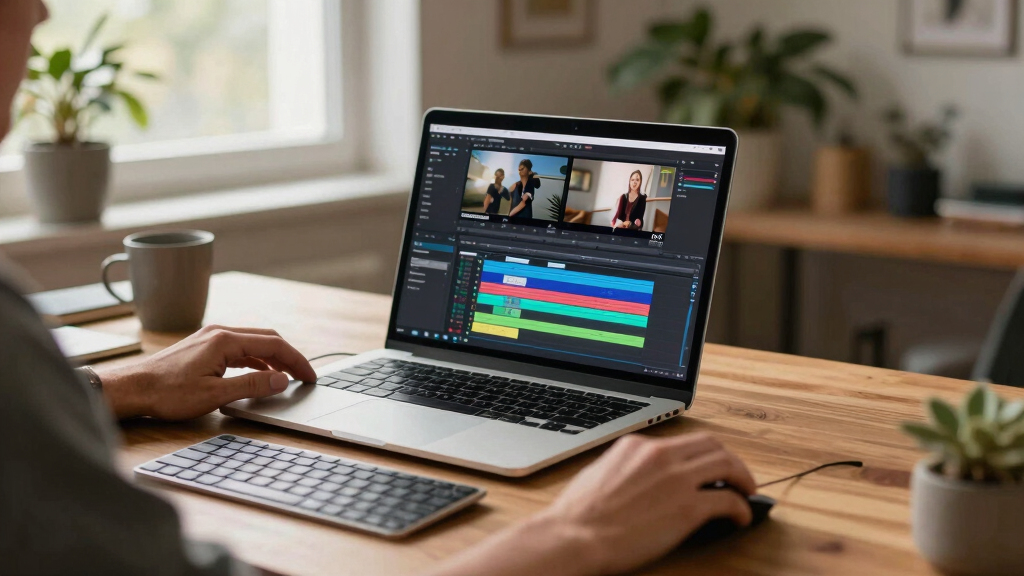
- Ingest: Drop your video file or paste a link. The system automatically detects the source, whether it’s a YouTube link or local file.
- Understand: Background workers analyze audio, visuals, and fuse data into a structured scene log. It tags topics, hooks, and key moments, creating a detailed map of your content. This layered understanding ensures that each generated asset—titles, descriptions, clips—is rooted in the actual content, not guesswork. The structured data allows for precise editing and customization, giving you control over the final output while still benefiting from automation.
- Review: You see a dashboard with drafts—titles, descriptions, clips—ready for editing. You can tweak, regenerate, or approve assets at this stage, ensuring quality and relevance before publishing.
- Publish: Approved assets are dispatched directly to your channels—YouTube, TikTok, blogs, social media—without leaving your device. This direct pipeline reduces delays and maintains your control over the publishing process, allowing for quick adjustments and immediate posting.
For example, you might see a suggested thumbnail and title score, then decide to swap out an image or reword a description before hitting publish. The entire workflow emphasizes speed, accuracy, and control—key factors for modern content creators seeking efficiency without sacrificing quality. Discover more about innovative content workflows at Similarlists.

Compare a Single Video to a Full Publishing Kit—Side by Side
| Feature | Traditional Workflow | Local AI Publishing Kit |
|---|---|---|
| Time to publish | Hours to days, with manual editing and uploading | Minutes, automated drafting and direct publishing |
| Data privacy | Uploads to cloud, risking leaks or privacy issues | All processing on your device, total control |
| Cost | Recurring subscription fees or cloud storage costs | One-time hardware investment, no ongoing fees |
| Assets generated | Manual creation, scattered across tools | All-in-one package: titles, descriptions, clips, social posts |
For example, a creator using this system can produce a YouTube thumbnail, TikTok clip, and newsletter draft all within 10 minutes—without leaving their desk or paying extra. This streamlined process reduces friction and allows creators to focus more on content quality rather than administrative overhead, fundamentally changing how quickly and efficiently content can be brought to market.
What You Should Know Before Going Fully Local
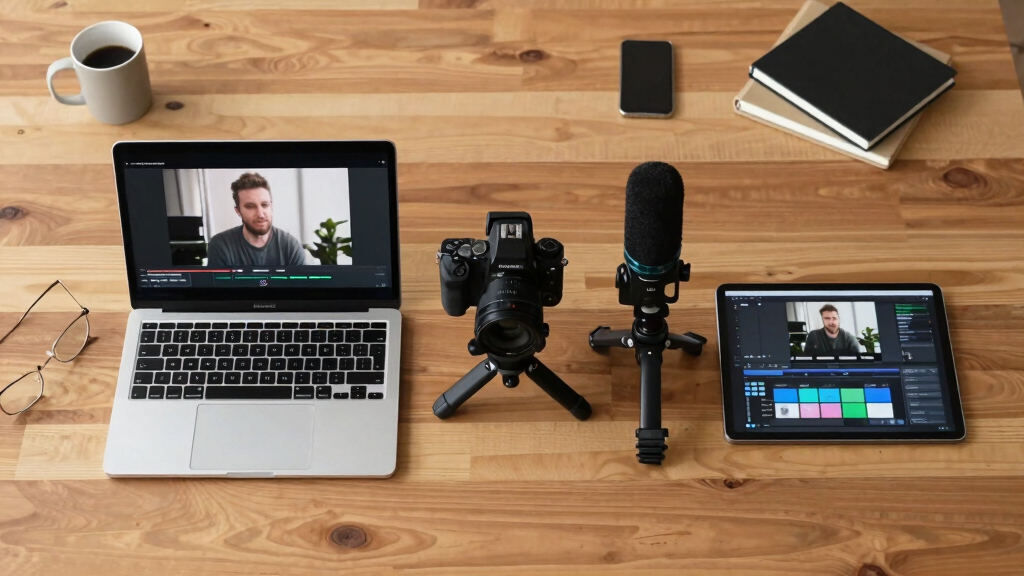
Not everything is seamless. Compatibility depends on your hardware and camera setup. The system supports G4, G5, and AI series cameras, with others possibly w. To explore compatible hardware options, visit Similarlists.orking if they have an AI port [1]. Understanding these technical requirements is essential because hardware limitations can impact analysis speed and accuracy. For instance, older or less powerful devices may struggle with real-time analysis, leading to delays or reduced asset quality. Capacity varies—each AI key can handle about 1,000 detections per hour—which might be sufficient for small to medium setups but could be limiting for larger operations with higher volume needs. Besides technical considerations, legal and privacy concerns are real. Local processing keeps data on-site, but understanding local laws around audio and video analysis is essential. For example, some states restrict voice detection or require signage for surveillance, which could influence how and where you deploy such systems. Being aware of these legal frameworks ensures compliance and avoids potential penalties or privacy breaches, making the decision to go fully local a strategic choice rather than just a technical upgrade.

How To Start Using a Local Video Publishing System in 3 Easy Steps
- Choose your hardware: Select a compatible camera setup and ensure you have the processing power needed.
- Install the software: Download and set up the local AI platform, like [ChannelHelm](https://channelhelm.com/), ensuring your system meets requirements.
- Feed your videos: Drop your files or link to your videos, then review and approve generated assets. Repeat as needed for ongoing content.
For example, a small business can set up a local server, connect their security cameras, and start automating daily reports and social posts within a weekend. This process simplifies deployment and helps you quickly realize the benefits of local AI without extensive technical expertise, making it accessible for various scales of operation.
Frequently Asked Questions
What does ‘without the cloud’ actually mean?
It means all video processing, analysis, and asset generation happen on your local device, without uploading footage or data to third-party servers. Your data stays private, and you avoid cloud subscription costs.
Does the video stay on my device, or is anything uploaded externally?
All processing occurs on your machine. Files only leave your device if you choose to upload assets or publish directly to platforms. The system is designed for complete local control.
What kinds of AI analysis are included?
The system detects scene cuts, reads on-screen text, recognizes objects, and links spoken words to visual cues. It builds a structured, timestamped log of your video’s key moments and topics.
How accurate is the metadata or search output?
While highly capable, accuracy depends on your hardware and setup. For example, the AI can reliably detect up to 1,000 events per hour [1], making it suitable for most small to medium workflows.
Which cameras or devices are compatible?
It supports G4, G5, and AI series cameras, with other models possibly compatible if they have an AI port. Check [ChannelHelm](https://channelhelm.com/) for specifics and setup guides.
Conclusion
Imagine a world where your videos turn into a full suite of publishing assets instantly—without uploading or subscription fees. That’s the promise of a truly local AI workflow. It’s faster, safer, and puts you in the driver’s seat.
As the tech evolves, more creators will find that controlling their content locally isn’t just a safety net—it’s a smart way to streamline their entire publishing process. Your next video could be ready to publish—by you, on your terms, in minutes.
Evergreen bestsellers Picks
bestsellers
As an affiliate, we earn on qualifying purchases.