

Many smart office devices, like printers, cameras, and thermostats, often lack strong security measures, making them easy targets for hackers. These vulnerabilities can lead to unauthorized access, data leaks, or malware infections that spread across your network. Hackers exploit outdated firmware, default passwords, or open ports. Staying vigilant and applying proper security practices can help protect your network. If you keep exploring, you’ll discover how to defend these hidden risks effectively.

Get business pricing on office and shipping supplies
- Business-only prices and quantity discounts
- Tax-exempt purchasing
- Multiple users, one account, clear invoices
Key Takeaways
- Many smart office devices have outdated firmware and default passwords, creating vulnerabilities for hackers to exploit.
- Compromised devices can serve as entry points for lateral network movement and data breaches.
- Malicious hardware or firmware modifications can be disguised, enabling covert access and control.
- Unusual device behavior and network activity are signs of potential hardware compromise.
- Proper security practices, such as regular updates and strong authentication, are essential to mitigate these risks.
Products Worth Considering

FLEXISPOT ErgoX Ergonomic Office Chair with Footrest, Black

Canon imagePROGRAF PRO-1100 17-Inch Professional Wireless Inkjet Photo Printer

Canon PIXMA PRO-200S Wireless Professional Inkjet Photo Printer
As an affiliate, we earn on qualifying purchases.
Why Office Devices Are Vulnerable to Cyberattacks
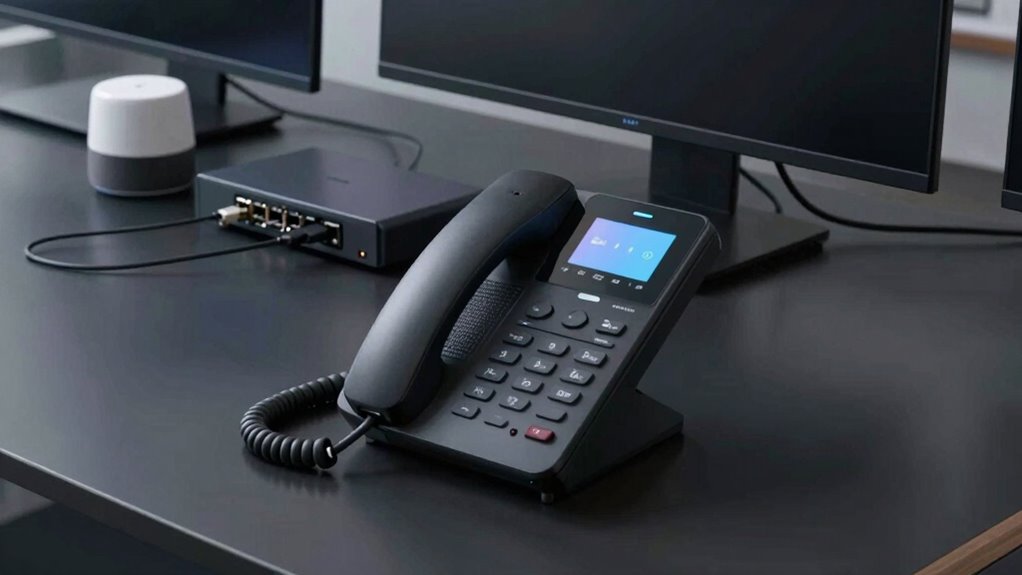
Have you ever wondered why office devices are prime targets for cyberattacks? The rise of remote work means more employees connect devices outside secure office networks, increasing vulnerability. When you use remote work setups, your devices often lack the same security measures as those within a controlled environment. IoT integration further amplifies risks, as many smart office devices connect to the internet with minimal security. These devices often have outdated firmware, weak passwords, or open ports, making them easy targets. Cybercriminals exploit these weaknesses to access sensitive data, disrupt operations, or gain control over your network. Additionally, color accuracy in device displays and interfaces can sometimes be compromised, leading to misconfigurations or overlooked security alerts. As your office hardware becomes smarter and more connected, understanding these vulnerabilities helps you recognize why safeguarding every device is *essential* for a secure work environment. Exploring digital concepts and research topics related to security can provide valuable insights into developing more resilient defenses. Implementing security best practices tailored for connected devices is crucial to reduce potential threats. Recognizing the importance of firmware updates and regular maintenance can significantly improve your security posture. Staying informed about emerging nanotech fabrication challenges can also help in designing more secure and robust hardware systems.
Common Smart Office Hardware and Their Security Risks

| Device Type | Main Risk | Mitigation |
|---|---|---|
| Networked Printer | Data leaks, unauthorized access | Regular firmware updates |
| IP Cameras | Privacy breaches, hacking | Change default passwords |
| Smart Thermostat | Unauthorized control, data theft | Enable security patches |
| All devices should also be monitored regularly for unusual activity to prevent potential security breaches. Additionally, implementing encryption protocols can further protect sensitive data transmitted between devices. Ensuring these devices are configured with strong authentication can significantly reduce the risk of unauthorized access. Regularly reviewing device logs can also help detect any signs of unauthorized activity before serious issues arise. Incorporating cybersecurity best practices tailored to IoT devices can further strengthen overall device security.
How Hackers Exploit Office Devices to Access Networks
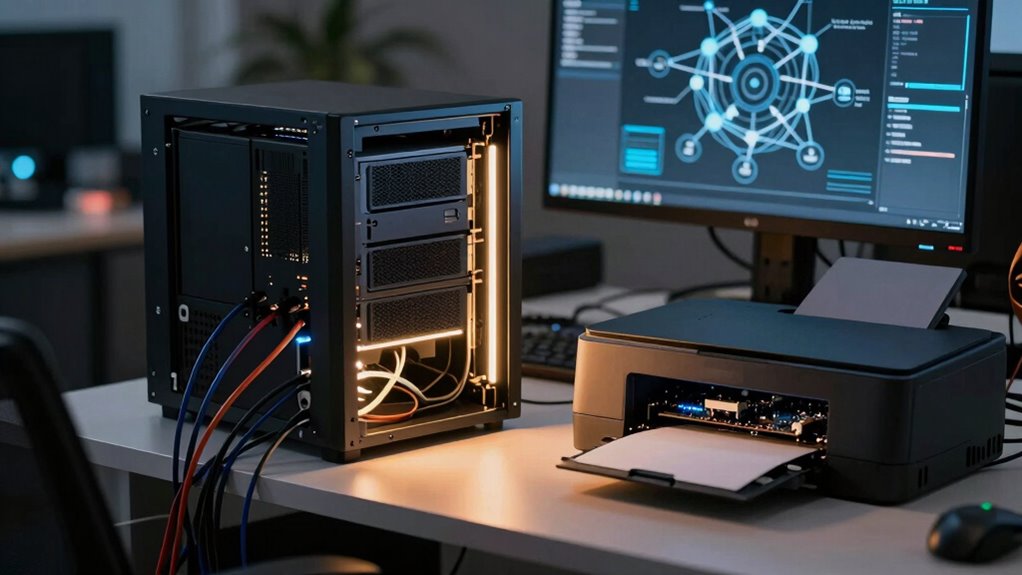
Hackers often target office devices as entry points to access entire networks, exploiting their vulnerabilities to bypass security measures. IoT device vulnerabilities are common because many office hardware items lack proper security updates or use default passwords. Once inside, hackers can perform firmware exploitation, manipulating device software to gain deeper access. They may exploit outdated firmware or weak encryption to install malware or create backdoors. Utilizing landscaping techniques, hackers can disguise malicious hardware within the office environment, making detection more difficult. These compromised devices act as bridges, allowing hackers to infiltrate sensitive data or move laterally across the network. Your office hardware, if not properly secured, becomes a weak link, enabling cybercriminals to bypass defenses and access critical systems. Protecting these devices from firmware exploitation and patching known vulnerabilities is essential to prevent network breaches. Regular firmware updates and security best practices are crucial for maintaining a secure office environment. In addition, understanding the security threats associated with connected devices can help organizations develop more effective defense strategies. Being aware of common vulnerabilities can guide organizations in prioritizing security efforts to safeguard their networks.
Signs Your Office Hardware Might Be Compromised

If you notice unusual activity on your network or your devices start acting oddly, it could be a sign of compromise. Unexpected hardware behavior, like frequent crashes or unresponsive functions, might also point to a security issue. Keep a close eye on these signs to catch potential threats early. Regularly updating your firmware can help prevent vulnerabilities in smart office hardware. Additionally, enabling device security features can provide an extra layer of protection against unauthorized access. Monitoring biosensor activity can also help detect unusual patterns that might indicate a breach or compromise. Employing performance upgrades such as firmware updates can significantly enhance the security and stability of your hardware. Staying aware of side-channel attack vulnerabilities can further safeguard your devices from sophisticated breaches.
Unusual Network Activity
Have you noticed unusual activity on your office network lately? This could be a sign that your hardware has been compromised. Keep an eye out for irregular data transfers, unexplained device behavior, or sudden network slowdowns. These anomalies often stem from IoT vulnerabilities that hackers exploit to gain access. Attackers may manipulate firmware updates, either intercepting or forcing compromised versions, to embed malicious code. Regularly monitoring network logs can help identify unauthorized connections or data spikes. Ensuring your devices are up to date with the latest firmware updates reduces vulnerabilities. Staying vigilant for these signs can help you catch security breaches early and prevent further damage. Remember, unrecognized activity isn’t normal and warrants immediate investigation.
Unexpected Hardware Behavior
Unusual sounds, persistent overheating, or devices turning on and off unexpectedly are clear signs that your office hardware might be compromised. These hardware anomalies often point to unexpected firmware updates or malicious modifications. If your equipment behaves unpredictably, it could indicate a cyberattack manipulating its functions. Pay attention to irregular performance, such as slow responses or unexplained resets, which are common signs of tampering. Compromised hardware may also display strange error messages or fail to perform routine tasks. These signs suggest that malicious actors have infiltrated your device’s firmware, making it essential to investigate further. Regularly monitor hardware behavior and seek professional help if you notice persistent anomalies, as addressing these issues promptly can prevent more serious security breaches. Understanding hardware integrity and regional insights in hardware can also help identify unusual activity or unauthorized modifications. Additionally, awareness of firmware vulnerabilities can assist in recognizing signs of malicious tampering early on.
Best Practices to Secure Office Devices
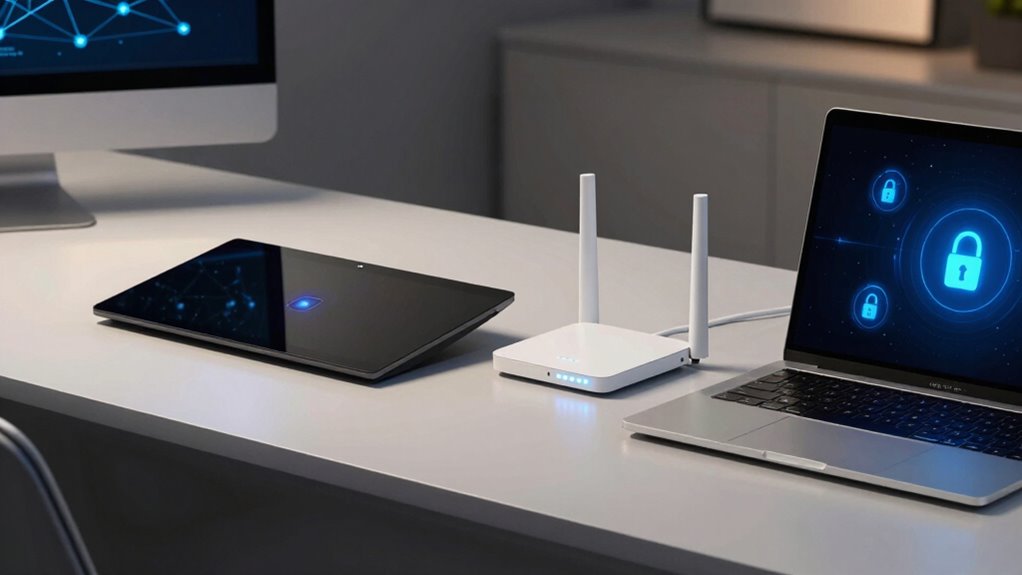
Securing office devices starts with implementing strong, unique passwords for each device and account, making it harder for cybercriminals to gain unauthorized access. Enable two-factor authentication whenever possible, especially for remote access. Regularly update firmware to patch vulnerabilities and improve security. Limit remote access to trusted networks and avoid using default credentials. Incorporate home comfort principles to optimize device placement and network performance for enhanced security. Additionally, understanding the horsepower of electric dirt bikes can help in assessing the power and security of certain hardware, especially as more office devices incorporate high-performance electric components. Staying informed about cybersecurity best practices and potential threats can further strengthen your office’s defenses.
Key Security Features for Smart Office Hardware

Smart office hardware often includes built-in security features designed to protect sensitive data and maintain operational integrity. Data encryption is essential, guaranteeing that information transmitted or stored remains unreadable to unauthorized users. This prevents data breaches and safeguards confidential business details. Regular firmware updates are equally critical; they patch vulnerabilities, improve performance, and add security enhancements. By keeping firmware current, you reduce the risk of exploitation through known weaknesses. Some devices also feature secure boot processes and hardware-based security modules, which further protect against tampering. Implementing these key security features helps ensure your smart office hardware operates securely, reducing the likelihood of cyberattacks and data leaks while maintaining smooth, reliable workflows.
How to Manage and Monitor Office Devices Effectively
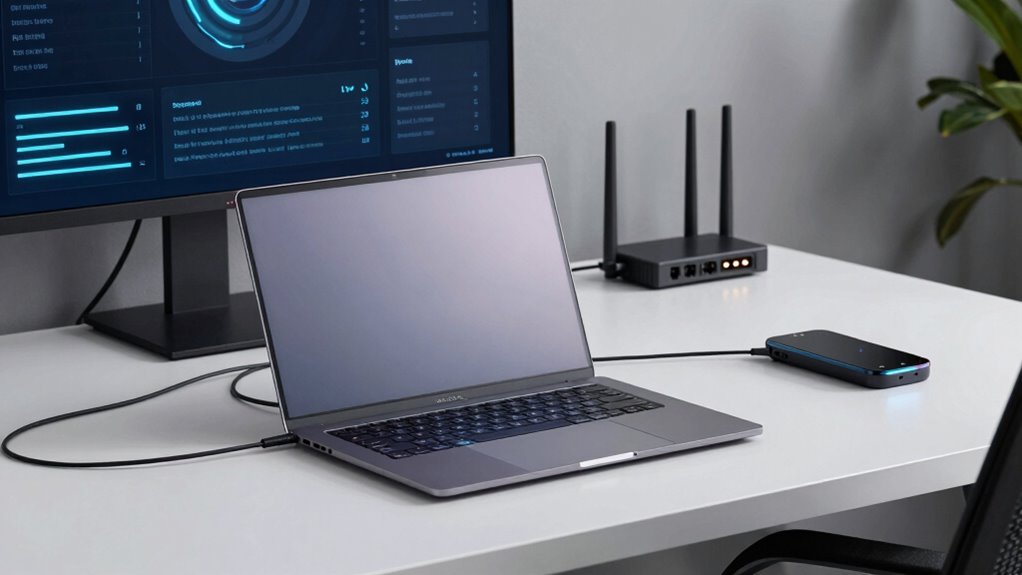
To manage and monitor office devices effectively, you need a proactive approach that includes real-time tracking, regular audits, and centralized control. Make certain device encryption is enabled to protect data and prevent unauthorized access. Keep firmware updates current to patch vulnerabilities and improve security features. Monitor device activity logs consistently to detect unusual behavior early. Use centralized management tools to streamline updates and enforce security policies across all hardware.
Proactively monitor devices with real-time tracking, regular audits, encryption, and centralized management to ensure security and compliance.
- Implement automated alerts for suspicious activity
- Schedule regular security audits and firmware updates
- Enforce strong encryption standards and monitor compliance
Training Employees to Prevent Hardware Security Breaches

Training employees is a essential step in preventing hardware security breaches, as human error often remains one of the weakest links in cybersecurity. You need to prioritize employee awareness by regularly educating staff on potential threats and proper handling of smart office devices. Clear security policies should be communicated and enforced, ensuring everyone understands their role in safeguarding hardware. Conducting ongoing training sessions and simulated phishing exercises can reinforce good habits and highlight vulnerabilities. Emphasize the importance of strong passwords, secure device access, and reporting suspicious activity immediately. When your team is well-informed about security protocols, they become a key line of defense, reducing the risk of breaches caused by negligence or lack of knowledge. This proactive approach helps protect your smart office infrastructure from malicious attacks.
Future Trends in Smart Office Devices and Security

As smart office devices become more interconnected, the risks of security breaches increase, making it essential to stay ahead of potential threats. Advances in security protocols are promising, but they must evolve to address new vulnerabilities. You’ll need to keep a close eye on these developments to protect your workspace effectively.
Increased Device Interconnectivity Risks
The growing number of interconnected devices in smart office environments amplifies the risk of security breaches, as each new connection creates potential entry points for cyber threats. When devices aren’t properly secured with device encryption, hackers can intercept sensitive data or manipulate device functions. Outdated firmware increases vulnerability, as outdated firmware often lacks critical security patches. Additionally, inconsistent or delayed firmware updates can leave devices exposed to known exploits. As interconnectivity expands, so does the attack surface, making it harder to monitor and secure every device. Ensuring robust device encryption and timely firmware updates is essential to reduce these risks. You need a thorough security strategy that prioritizes these protections to safeguard your smart office infrastructure effectively.
- Importance of strong device encryption standards
- Challenges in maintaining timely firmware updates
- Impact of poorly secured interconnected devices
Advancements in Security Protocols
Advancements in security protocols are shaping the future of smart office devices by integrating more robust and adaptive defenses against cyber threats. Quantum encryption offers unparalleled data protection by leveraging quantum mechanics, making hacking virtually impossible. Biometric authentication enhances security by verifying users through unique physical traits, reducing reliance on passwords. These innovations guarantee your devices stay ahead of evolving threats, providing stronger safeguards.
| Security Feature | Benefit |
|---|---|
| Quantum encryption | Future-proof, unbreakable encryption |
| Biometric authentication | Faster, more secure user verification |
| Adaptive security protocols | Responds to emerging threats instantly |
| Blockchain integration | Enhances data integrity |
| AI-driven threat detection | Identifies anomalies proactively |
Frequently Asked Questions
Are There Specific Brands More Vulnerable to Cyber Threats?
Yes, some brands are more vulnerable to cyber threats due to manufacturer risks and brand vulnerabilities. Smaller or less established manufacturers often lack robust security measures, making their smart office hardware easier targets. It’s essential that you research brand vulnerabilities before purchasing. Look for manufacturers with strong security protocols and regular updates. By choosing reputable brands, you reduce your risk of falling prey to cyberattacks and guarantee better protection for your office infrastructure.
Can Outdated Firmware Increase Office Hardware Security Risks?
Outdated firmware definitely increases your office hardware security risks. Firmware vulnerabilities in legacy equipment can be exploited by hackers, leaving your systems exposed. When firmware isn’t updated, known security flaws remain unpatched, making it easier for cybercriminals to access sensitive data or disrupt operations. Regularly updating firmware is essential to close these vulnerabilities, especially for older devices, ensuring your office hardware stays protected against emerging threats.
How Often Should Office Devices Be Updated for Optimal Security?
You should update your office devices at least once a month to maintain essential security. Coincidentally, firmware vulnerabilities often emerge from outdated firmware, making regular updates vital. An update frequency that aligns with manufacturers’ recommendations helps patch security gaps promptly. Neglecting these updates leaves your hardware exposed to cyber threats. Stay proactive by setting reminders and automating updates, ensuring your office remains protected against evolving cybersecurity risks.
What Are the Legal Implications of Hardware Breaches in Offices?
If a hardware breach occurs, you could face legal consequences for failing to protect data privacy and maintain legal compliance. You might be liable for damages, fines, or lawsuits if sensitive information is compromised. It’s essential that you adhere to data protection laws and implement strong cybersecurity measures. Regular updates, secure hardware, and compliance protocols help minimize legal risks and safeguard your organization from costly legal repercussions.
How Does Remote Management Impact Device Security?
Remote management streamlines device oversight but can inadvertently open doors to security risks. You need to guarantee tight network segmentation and control user access carefully. When you grant remote access, you’re fundamentally widening your security perimeter, so it’s vital to implement layered protections. By doing so, you prevent unauthorized users from exploiting vulnerabilities, keeping your office hardware safe while enjoying the convenience of remote management.
Conclusion
Think of your office hardware as the keys to your kingdom—easily lost or stolen if not guarded wisely. By staying vigilant, updating security measures, and training your team, you’re not just protecting devices; you’re safeguarding your future. Remember, a single unguarded lock can open the door to chaos. Treat your smart office tools as your trusted guardians—strengthen their defenses, and they’ll stand watch over your success in the digital age.