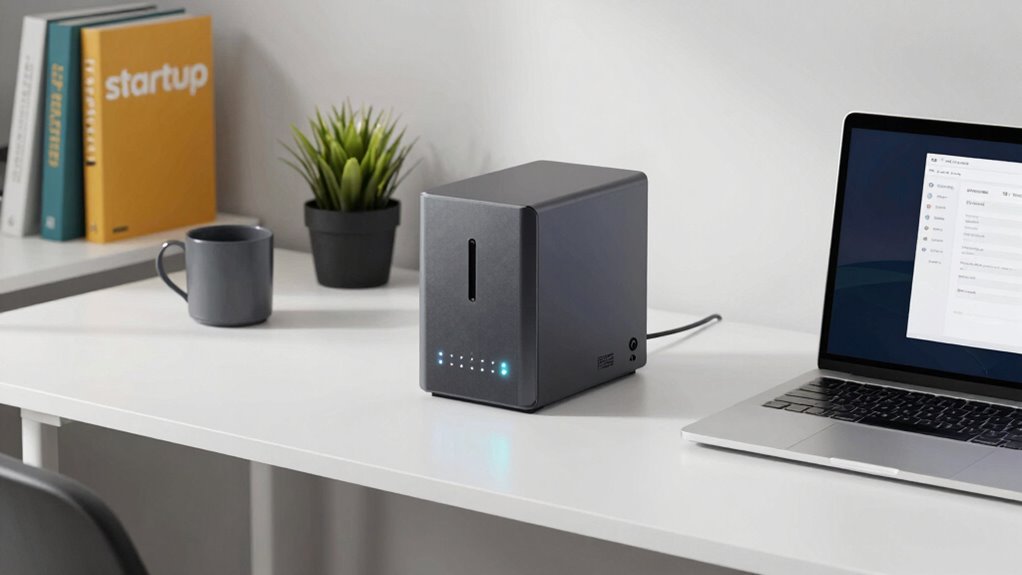

When choosing a NAS for your startup, ask if it offers straightforward setup options and user-friendly interfaces. Check its data processing speed for multiple users and whether it has enough CPU power and RAM for your needs. Make sure it supports fast network connections like Gigabit or 10GbE, and see if it’s easily scalable as your data grows. If you want to discover more about making the right choice, keep exploring how these features come together.

Get business pricing on office and shipping supplies
- Business-only prices and quantity discounts
- Tax-exempt purchasing
- Multiple users, one account, clear invoices
Key Takeaways
- Does the NAS offer an intuitive setup process with guided instructions or app-based configuration?
- Can the device be easily managed remotely with automatic updates and user-friendly interfaces?
- Is the hardware scalable for future growth, such as adding drives or upgrading components?
- Does it support quick deployment features to minimize setup time for your team?
- Are there built-in data security features like encryption, multi-factor authentication, and cloud integration?
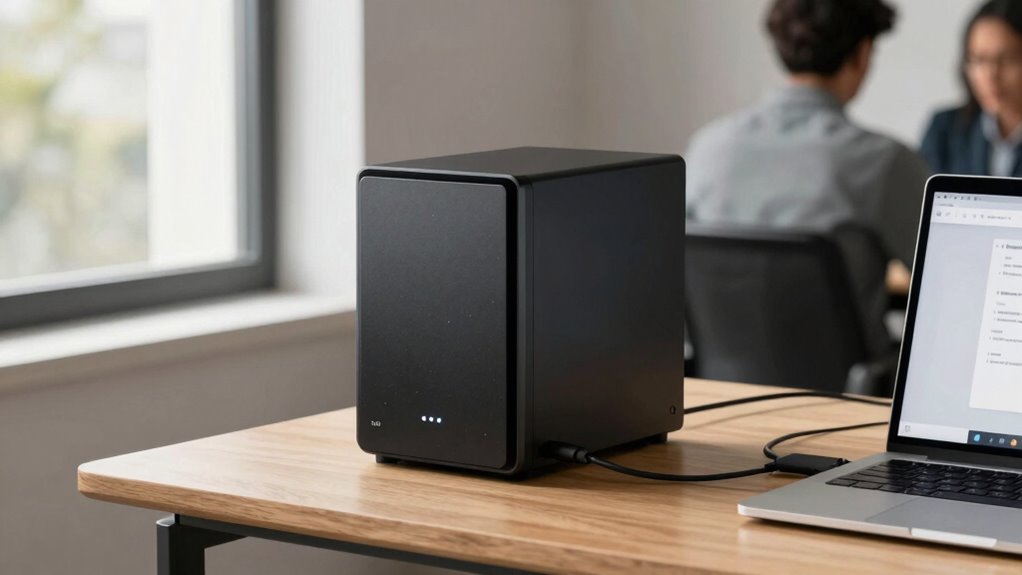
Are you looking for a straightforward way to store and share your startup’s data without the hassle of complex setups? A reliable NAS (Network-Attached Storage) system can be your answer, especially if you want quick access to files and seamless collaboration. But before you invest, it’s essential to ask the right questions about performance and setup. One of the first things to think about is whether the NAS supports cloud storage integration. Cloud storage allows you to back up critical data off-site, providing an extra layer of security and accessibility. This feature is especially important for startups, as it enables remote team members to access files easily and guarantees that your data remains safe even if hardware fails.
A reliable NAS offers quick file access, seamless collaboration, and essential cloud backup for startups.
Next, think about data security. Your startup’s sensitive information needs protection from cyber threats and unauthorized access. Ask whether the NAS offers robust security features such as encryption, user access controls, and automated backups. These features are fundamental to maintaining data integrity and preventing breaches. A device that supports secure data transfer protocols and multi-factor authentication can substantially reduce vulnerabilities, giving you peace of mind that your data is safe. Additionally, understanding the performance capabilities of the NAS can help ensure it meets your startup’s operational needs. Considering the hardware specifications will enable you to evaluate whether the device can handle your current and future data loads effectively. It’s also helpful to review the device’s power efficiency, as energy consumption can impact ongoing operational costs. Furthermore, assessing the network connectivity options can ensure your NAS integrates smoothly into your existing infrastructure, preventing potential bottlenecks.
Performance is another key factor. How fast does the NAS process data, especially when multiple users are connected? Look for models with decent CPU power, sufficient RAM, and fast network interfaces like Gigabit Ethernet or even 10GbE if your budget allows. These specs ensure smooth file transfers and quick access, which is essential when your team needs to collaborate in real-time. Also, consider the scalability of the system—can you add more drives or upgrade your hardware as your startup grows? This flexibility allows your NAS to keep up with increasing data demands without requiring a complete overhaul.
Ease of setup and management cannot be overlooked. The best NAS for startups should be user-friendly, with an intuitive interface that doesn’t demand extensive technical expertise. Many models come with step-by-step guides or app-based setups that simplify initial configuration. You want your team to focus on your core business, not troubleshooting technical issues. Additionally, look into whether the device offers features like automatic updates and remote management, which can save time and reduce maintenance efforts.
Finally, think about the overall cost. While a high-performance NAS may seem tempting, ensure it aligns with your startup’s budget. Sometimes, a slightly less powerful but easier-to-manage device can be more beneficial in the long run. Balancing performance, security, ease of use, and cost will help you choose a solution that fits your current needs and future growth plans. By asking these questions upfront, you’ll set yourself up with a reliable, secure, and scalable NAS that keeps your startup’s data safe and accessible.
easy setup NAS for small business
As an affiliate, we earn on qualifying purchases.
As an affiliate, we earn on qualifying purchases.
Frequently Asked Questions
How Scalable Is the NAS for Future Business Growth?
You’ll find that a scalable NAS adapts well to your future business growth. When doing a cost analysis, consider if additional drives or modules are easily added without huge expenses. Check the hardware durability to guarantee it can handle increased data loads over time. A good NAS should support expansion, allowing you to upgrade storage capacity seamlessly, so your growing business stays efficient without frequent replacements or major disruptions.
What Security Features Are Essential for Startup Data Protection?
You need to prioritize security features like encryption protocols and user authentication to safeguard your startup data. Encryption protocols guarantee your data stays secure during storage and transfer, while robust user authentication prevents unauthorized access. Look for NAS devices that support advanced encryption standards and multi-factor authentication. These features create a strong security layer, giving you peace of mind knowing your sensitive information remains protected against breaches and cyber threats.
Can the NAS Integrate With Existing Cloud Services?
Think of your NAS as a bridge connecting your on-site storage to the cloud. Yes, it can integrate with existing cloud services, enabling seamless data synchronization. This means you can effortlessly back up files, share data across platforms, and access information remotely. When choosing a NAS, make certain it supports your preferred cloud providers for smooth integration, saving you time and reducing data management headaches.
What Is the Typical Downtime During Setup and Maintenance?
During setup and maintenance, expect minimal downtime, typically just a few hours, depending on hardware compatibility and your network complexity. Streamlined NAS models designed for startups often offer quick setup durations, sometimes under an hour, with user-friendly interfaces. Regular maintenance might cause slight interruptions, but selecting a NAS with reliable hardware compatibility guarantees smoother updates and less downtime, helping you keep operations running efficiently.
How Does the NAS Handle Simultaneous Multi-User Access?
Your NAS handles simultaneous multi-user access efficiently through robust multi-user management features. It allows multiple users to access files concurrently without slowdown or data conflicts, ensuring smooth collaboration. User access controls enable you to set permissions, so only authorized individuals can view or edit specific files. This setup supports your startup’s needs by providing reliable, fast access for your team, minimizing downtime and boosting productivity during peak collaborative tasks.
Conclusion
Choosing the right NAS is like planting a sturdy tree in your startup’s garden—it’s an investment that grows with your needs. When you ask the right performance questions, you’re shaping a solid foundation for your data to flourish. Remember, ease of setup is just the first branch; ensuring it supports your growth is the true fruit. With careful planning, your NAS will become a reliable shield, guarding your digital orchard as it blossoms into something extraordinary.
Fall Picks
fall essentials
As an affiliate, we earn on qualifying purchases.