
📊 Full opportunity report: Build vs Buy a Prebuilt AI Workstation on ThorstenMeyerAI.com — validation score, market gap, and execution plan.

Get business pricing on office and shipping supplies
- Business-only prices and quantity discounts
- Tax-exempt purchasing
- Multiple users, one account, clear invoices
TL;DR
In 2026, the traditional cost advantage of building your own AI workstation has diminished due to component shortages and rising prices. Buyers now need to compare both options carefully, considering cost, time, thermal management, and warranty. The decision depends on individual needs and preferences, not just price.
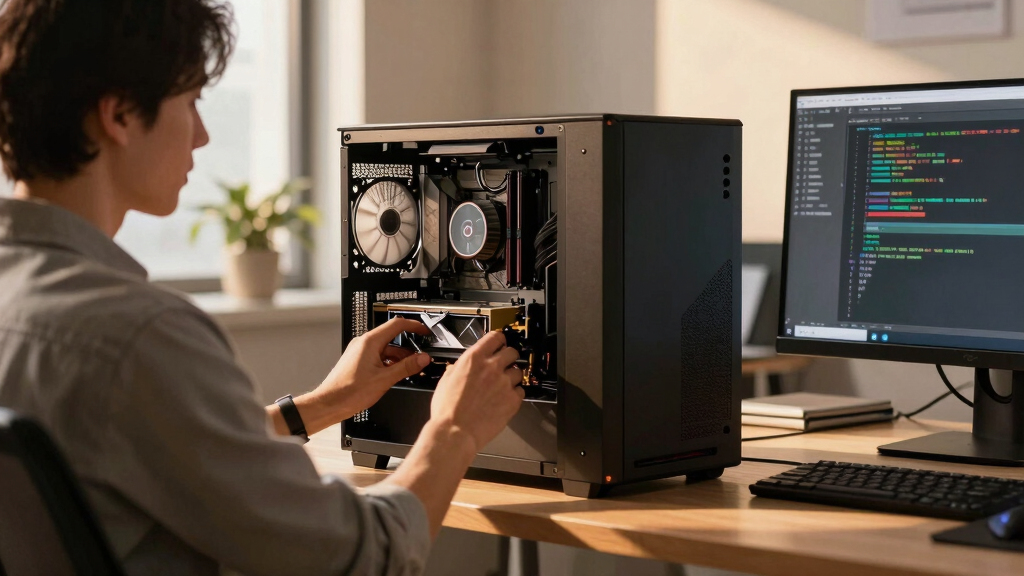
In 2026, the longstanding assumption that building a custom AI workstation is cheaper than buying prebuilt has been challenged by recent market developments, including component shortages and price spikes. This shift means buyers must now carefully compare costs and benefits, as the choice involves more than just saving money — it includes thermal management, time investment, warranty, and control.
Traditionally, DIY building of AI workstations was considered more cost-effective, especially for enthusiasts and small-scale users. However, in 2026, component shortages driven by the AI boom have caused prices for critical parts like GPUs, DDR5 RAM, and SSDs to rise sharply. As a result, a typical DIY build that once cost under $1,000 now exceeds $1,250 before adding an OS license, making it comparable or even more expensive than prebuilt options.
Large prebuilt manufacturers such as Lambda, Puget Systems, and BIZON have secured bulk purchasing and perform extensive thermal validation, burn-in testing, and noise reduction tuning, often including water-cooling solutions. These systems are tested under sustained load, with warranties that cover thermal and hardware failures, offering a risk-mitigated alternative to DIY builds. Some prebuilt options are now priced competitively, sometimes even lower than the cost of sourcing individual parts and assembling them yourself.
Choosing between build and buy involves more than cost. Building offers customization, control over components, and the ability to upgrade gradually, which appeals to hobbyists and researchers with the time and expertise to tune their systems. Buying prebuilt provides plug-and-play convenience, validated thermals, and support, which can be crucial for professionals with tight schedules or mission-critical workloads.
Build vs buy
an AI workstation.
The real question behind this whole series: do you pull the five heat-and-noise levers yourself, or buy a prebuilt where the vendor pulled them for you? And in 2026, the old “building is cheaper” rule has broken. Match your situation in Part 3.
Why the 2026 Market Shift Changes the Decision
This shift means that consumers and organizations can no longer assume DIY is always cheaper or better. The rising costs of components and the efficiencies of prebuilt vendors have made the purchase decision more complex, requiring careful price comparison and consideration of thermal management, warranty, and time investment. For many, the choice now hinges on balancing cost with convenience, reliability, and control, fundamentally changing how AI workstations are acquired in 2026.high performance AI workstation prebuilt
As an affiliate, we earn on qualifying purchases.
As an affiliate, we earn on qualifying purchases.
Component Shortages and Market Dynamics in 2026
Over the past year, the AI boom has driven unprecedented demand for high-end GPUs, DDR5 RAM, and SSDs, leading to shortages and price spikes. While DIY builders previously benefited from lower costs and customization, the current market conditions have eroded these advantages. Major prebuilt vendors have preemptively purchased components in bulk, allowing them to offer systems at prices that are difficult for individual builders to match today. Additionally, these vendors perform extensive thermal validation, which is often beyond the scope of DIY setups, especially for multi-GPU configurations requiring advanced cooling solutions."The traditional cost advantage of building your own AI workstation no longer holds in 2026. Component shortages and price hikes have leveled the playing field, making prebuilt systems a more viable option for many."
— Thorsten Meyer, AI hardware expert
Remaining Questions About Long-Term Upgrades and Support
It is still unclear how the evolving component market will impact future prices and availability, especially as AI demand continues to grow. The longevity of prebuilt warranties and the ease of upgrading DIY systems remain uncertain, particularly for complex multi-GPU setups. Additionally, the impact of potential new manufacturing technologies or supply chain improvements on pricing has yet to be seen.
Future Trends in AI Workstation Acquisition Strategies
In the coming months, consumers should continue to compare current prices of prebuilt systems versus DIY components, considering the rapid market fluctuations. Manufacturers may introduce new cooling and thermal management innovations, and supply chains could stabilize, affecting prices. Buyers are advised to evaluate their priorities—cost, control, convenience, or support—and monitor vendor offerings and component markets closely.
Key Questions
Is building an AI workstation still cheaper in 2026?
Not necessarily. Due to component shortages and rising prices, the cost advantage of building your own system has diminished. It’s now important to compare specific prices for your configuration.
What are the main benefits of buying a prebuilt AI workstation?
Prebuilt systems offer plug-and-play convenience, validated thermal performance, comprehensive warranties, and expert support, reducing setup time and risk.
Can I upgrade a prebuilt AI workstation later?
It depends on the system design. Some prebuilt models are upgradeable, but others may have limited options. DIY builds generally offer more flexibility for future upgrades.
How do thermal management and noise levels compare between DIY and prebuilt systems?
Prebuilt vendors often validate thermal performance and tune noise levels through advanced cooling solutions, which can be difficult for DIY builders to replicate without significant expertise.
What should I consider if I want multi-GPU setups?
Multi-GPU configurations require robust power delivery and cooling. Vendors like Lambda specialize in validated multi-GPU systems, while DIY setups demand careful thermal and power management.
Source: ThorstenMeyerAI.com
Halloween Picks
halloween
As an affiliate, we earn on qualifying purchases.