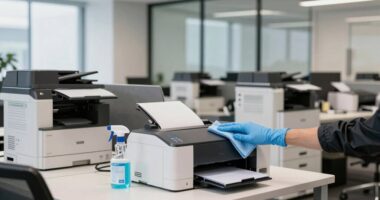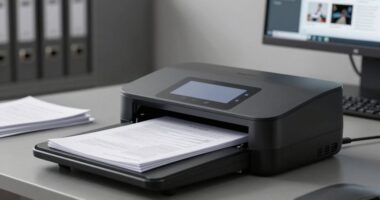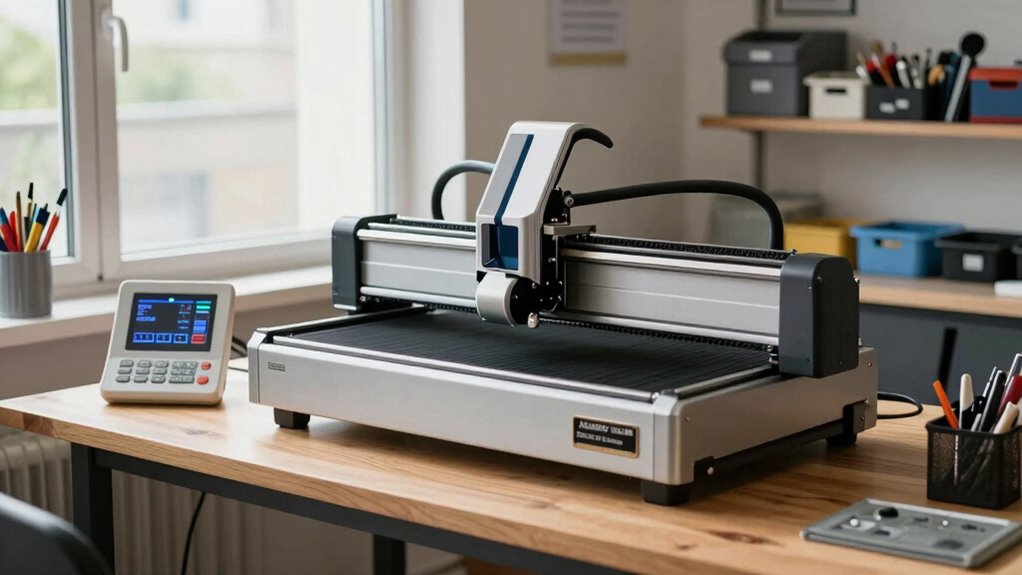

To keep your laser engraver from becoming a headache, prioritize maintaining a clean, organized workspace with clear safety protocols. Keep tools and materials properly stored and easily accessible, and regularly clean equipment to prevent breakdowns. Make certain proper ventilation to remove fumes and protect your health. Use safety signage and wear the right gear during operations. Staying on top of maintenance and safety measures makes your work smoother and safer—if you want to learn how to do this effectively, keep going.

Get business pricing on office and shipping supplies
- Business-only prices and quantity discounts
- Tax-exempt purchasing
- Multiple users, one account, clear invoices
Key Takeaways
- Maintain a clutter-free, organized workspace to prevent accidents and ensure quick access to tools and materials.
- Implement clear safety signage and protocols to promote awareness and prevent hazards during operation.
- Regularly clean and inspect equipment to avoid malfunctions and ensure consistent, high-quality results.
- Properly ventilate the workspace to remove fumes and particles, safeguarding health and reducing fire risks.
- Store flammable and hazardous materials separately in labeled, fire-resistant containers to minimize fire hazards.
As an affiliate, we earn on qualifying purchases.
Why Your Laser Engraving Workspace Needs to Be Clean and Organized
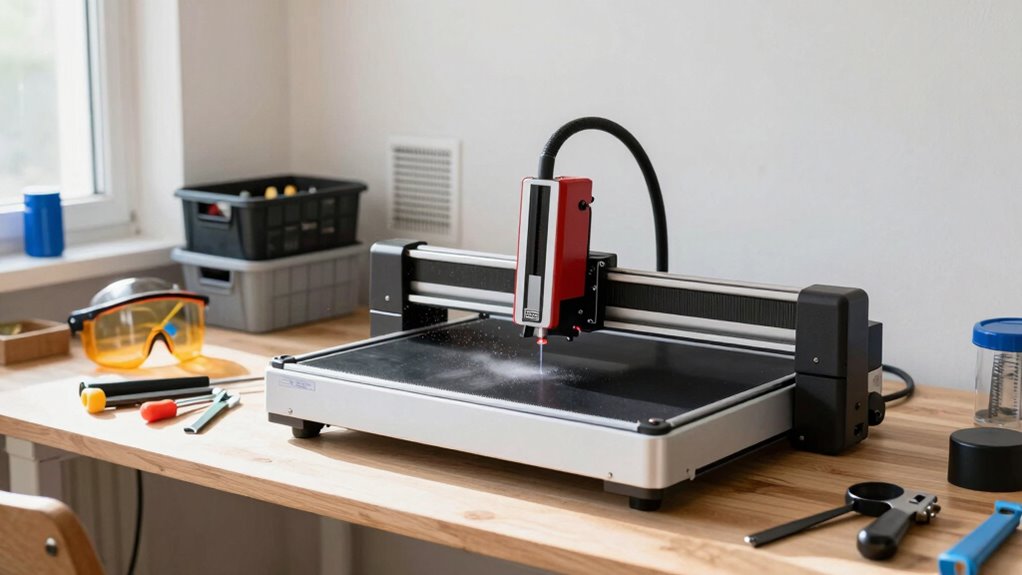
Keeping your laser engraving workspace clean and organized is essential for both safety and efficiency. When your space is tidy, you can focus more on creative design without worrying about clutter causing mistakes or accidents. An organized setup also helps you quickly find materials compatible with your laser engraver, reducing errors and damage. Proper storage keeps delicate materials protected and guarantees you use the right type for each project. Clear work areas prevent debris from interfering with laser precision, leading to cleaner engravings and less cleanup time. Regular maintenance routines can also help ensure your laser equipment operates safely and efficiently. Additionally, maintaining a clean environment minimizes the buildup of dust and fumes that could compromise the quality of your engravings or pose health risks. Incorporating proper indoor air quality measures, such as effective air filtration, can further improve safety and performance. Keeping your workspace well-ventilated and free of dust is crucial for laser safety and maintaining optimal performance. Ensuring proper dust management is essential to prevent buildup that may affect both safety and engraving quality. Overall, maintaining order helps you work smarter, stay safe, and produce high-quality results every time.
How to Set Up a Dedicated and Safe Laser Engraving Area

To create a safe and efficient laser engraving area, you need to prioritize proper ventilation, ensuring fumes are effectively removed. Keep your work surface clear of clutter to prevent accidents and improve accuracy. Additionally, store your tools and materials securely to avoid spills or damage that could compromise safety. Regularly monitoring indoor air quality can help identify potential hazards like dust or fumes that may accumulate over time. Using an air purifier with filter maintenance can further enhance air safety in your workspace. Implementing smart home safety devices can provide real-time alerts and automate ventilation systems to maintain optimal air quality and safety standards. Incorporating appropriate bedding or comfort tools into your workspace can also help reduce fatigue during long sessions, promoting better focus and safety. Understanding regional flavors and incorporating them into your workspace environment can also contribute to a more comfortable and inspiring setting.
Proper Ventilation Setup
Setting up proper ventilation is essential to guarantee a safe and effective laser engraving workspace. You need a well-designed air filtration system and a reliable exhaust system to remove fumes and particles. An efficient exhaust system pulls contaminated air away from your work area, preventing buildup. Air filtration units filter out harmful particles before recirculating clean air back into the room. Proper setup minimizes health risks and keeps your workspace safe. Additionally, understanding the importance of contrast ratio can help ensure that your workspace lighting does not interfere with your work precision. Ensuring your ventilation system is properly maintained is crucial for ongoing safety and efficiency. Regularly inspecting and cleaning your air filtration units helps maintain their effectiveness and prolongs their lifespan, which is vital for system performance.
Clear Work Surface
Creating a dedicated and safe laser engraving area begins with establishing a clear, clutter-free work surface. A tidy workspace prevents accidents and keeps your workflow smooth. Start by removing unnecessary tools and materials, leaving only what you need for your current project. Proper material organization is key—use bins or shelves to keep supplies within reach but off the work surface. Avoid workspace clutter that can lead to mistakes or damage to your equipment. Regularly clean your surface to prevent debris buildup, which can interfere with precise engraving. A designated, organized area not only enhances safety but also boosts efficiency, helping you focus on your work without distractions. Incorporating space management strategies can further optimize your workflow and safety. Keeping your work surface clear is a simple yet crucial step in maintaining a safe and productive laser engraving environment.
Safe Storage Practices
Organizing your storage spaces is essential for maintaining a safe and efficient laser engraving area. Proper storage organization minimizes clutter, reducing the risk of accidents and guaranteeing laser safety. Use labeled containers for materials and tools, keeping flammable or hazardous items away from the laser machine. Store delicate or sensitive materials in designated, dust-free areas to prevent damage. Keep fire extinguishers and safety gear within easy reach, and ensure cords are neatly tucked away to avoid tripping hazards. Establish clear zones for different tasks, like material prep and finished products. Regularly inspect storage spaces for expired or unsafe items. Additionally, understanding cabling solutions helps prevent cable failures and ensures a safer workspace. By maintaining a dedicated, well-organized storage area, you promote safety, streamline workflow, and keep your laser engraving workspace efficient and headache-free.
Why Proper Ventilation Is Critical for Safe Laser Engraving
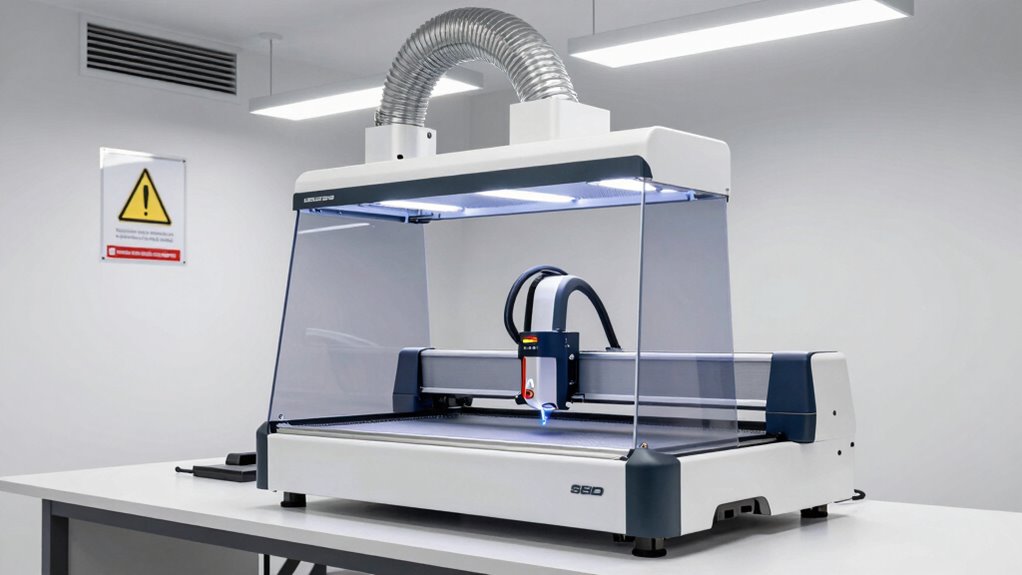
Proper ventilation is essential for safe laser engraving because it helps remove hazardous fumes and particles generated during the process. Without adequate airflow, you risk inhaling chemical hazards, which can cause health problems over time. Effective air filtration systems trap dangerous fumes and tiny particles, preventing them from lingering in your workspace. This is similar to how proper ventilation is vital in food preparation areas to maintain a clean environment. Making sure your ventilation setup includes a high-quality exhaust fan and appropriate filters designed for chemical hazards. Regularly maintaining and replacing these filters is indispensable for optimal performance. Proper ventilation isn’t just about comfort; it’s a critical safety measure that minimizes risks associated with laser engraving fumes and keeps your workspace safe. Additionally, understanding air quality standards can help you select the right equipment to ensure a healthier environment. Incorporating proper airflow patterns can further improve the removal of fumes and enhance overall safety.
Keeping Your Equipment Clean to Prevent Breakdowns
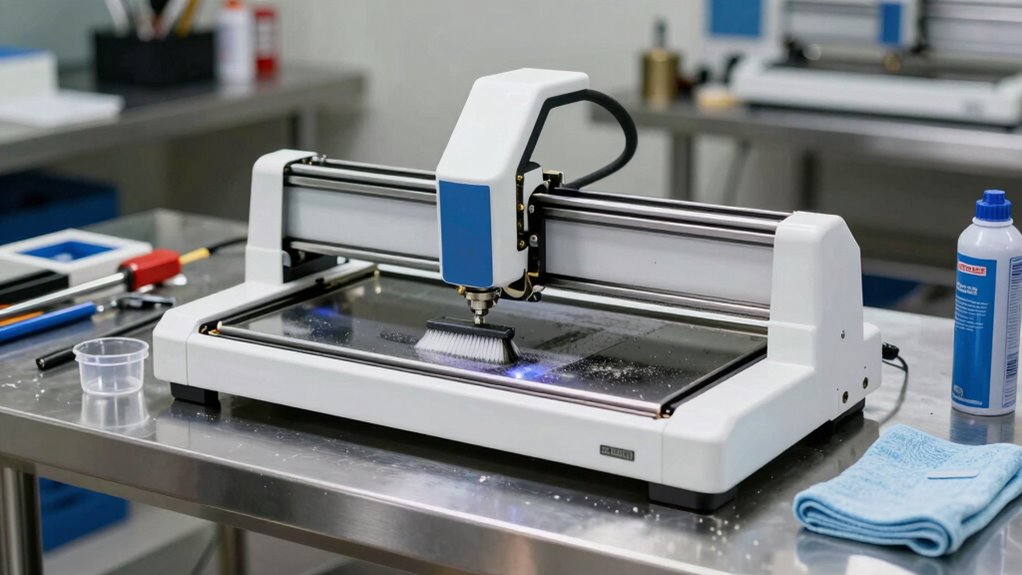
Keeping your equipment clean is essential to prevent breakdowns and guarantee ideal performance. You should regularly remove dust and debris and stick to a proper maintenance schedule. Doing so keeps your laser engraver running smoothly and extends its lifespan. Regularly inspecting and replacing worn parts can also help avoid unexpected failures prevent equipment failure. Additionally, following manufacturer guidelines for equipment maintenance can optimize the longevity and reliability of your laser engraver. Incorporating routine cleaning procedures as recommended by the manufacturer can further enhance its durability and user experience. Moreover, understanding how dust accumulation impacts sensitive components can help you implement more effective cleaning practices.
Regular Dust Removal
Dust accumulation is one of the main culprits behind laser engraver malfunctions, so maintaining proper cleaning practices is vital. Regular dust removal prevents dust buildup that can impair optics and cooling systems. It also helps reduce workspace clutter, keeping your environment safe and efficient. Use compressed air or a soft brush to clear dust from vents, lenses, and fans. Keep a cleaning schedule to guarantee dust doesn’t settle and cause issues.
| Task | Tip |
|---|---|
| Remove dust | Use compressed air or a microfiber cloth |
| Clear workspace | Keep clutter away from the equipment |
| Check vents | Ensure airflow isn’t blocked |
| Clean lenses | Use appropriate lens cleaner |
Proper Maintenance Schedule
Establishing a regular maintenance schedule guarantees your laser engraver stays in top condition and minimizes unexpected breakdowns. Consistently check and perform laser calibration to guarantee precision and peak performance. Schedule routine cleanings of lenses, mirrors, and vents to prevent dust buildup that can affect operation. Keep your software up to date by installing the latest updates; this not only improves functionality but also patches bugs that could cause malfunctions. Regularly inspect cables and connections for wear or damage, replacing parts as needed. By adhering to this schedule, you reduce the risk of costly repairs and downtime. Staying proactive with maintenance ensures your equipment remains reliable, delivering consistent quality work while extending its lifespan.
How to Establish Safety Protocols and Clear Signage
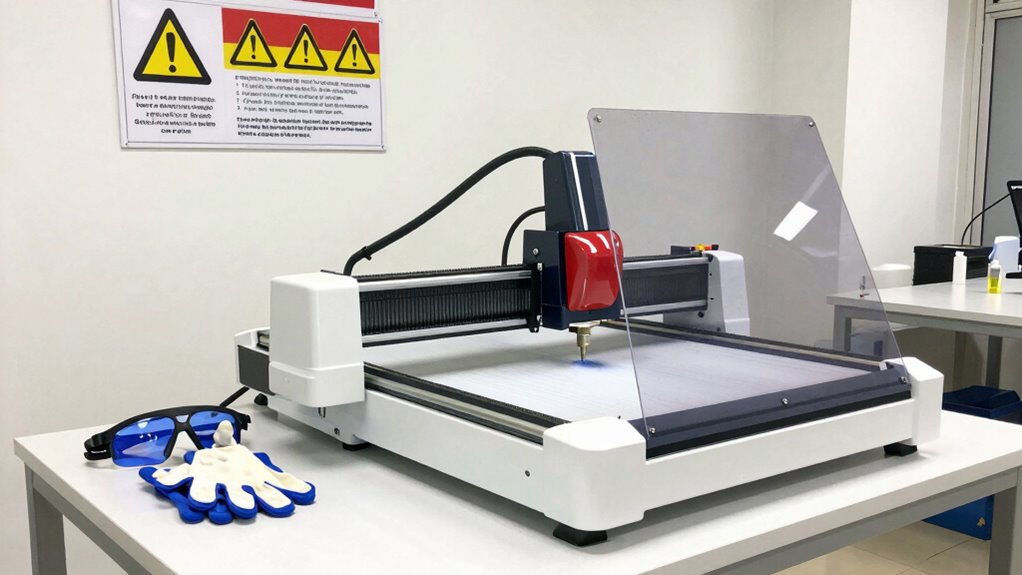
To guarantee safety in your workspace, you need to implement clear protocols and visible signage that guide everyone on proper procedures. Laser safety is critical, so your signage should highlight hazards and safety steps clearly. Ensuring signage clarity helps prevent accidents and keeps protocols top of mind. Make sure signs are large, legible, and strategically placed near laser equipment and exits. Use universal symbols and concise instructions to communicate effectively. Regularly review and update signage to reflect current safety standards.
Clear, visible signage near laser equipment and exits ensures safety and prevents accidents.
- Use high-contrast colors and bold fonts for visibility
- Include specific safety instructions and emergency contacts
- Position signs at eye level and in high-traffic areas
Organizing Material Storage to Prevent Fire Hazards
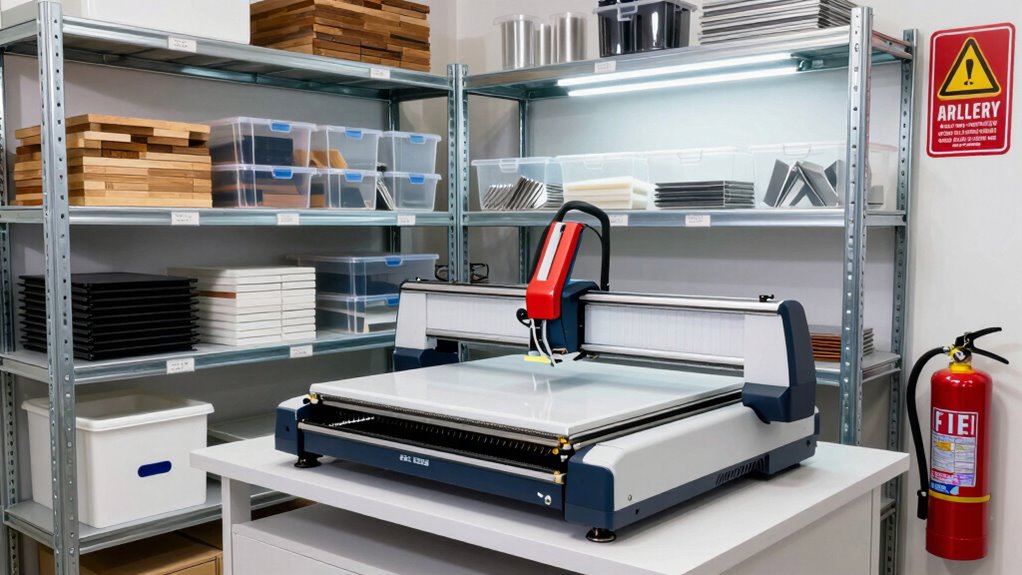
To prevent fire hazards, you need to organize your materials carefully. Proper segregation keeps flammable items separate from heat sources, while fire-resistant storage solutions add an extra layer of safety. Regular inventory checks help identify potential risks before they turn into hazards.
Proper Material Segregation
Proper material segregation is essential for preventing fire hazards in a workspace with laser engravers. By organizing materials based on their classification, you reduce the risk of accidental ignition. Clear storage labeling helps you quickly identify and separate combustible from non-combustible items, maintaining a safe environment. Proper segregation involves understanding which materials are flammable or hazardous and ensuring they’re stored apart from each other. This prevents cross-contamination and minimizes fire risk. You should regularly review your storage practices, adjusting labels and classifications as needed. Keeping these techniques in check helps you avoid costly accidents and keeps your workspace compliant with safety standards. Proper segregation isn’t just best practice; it’s a crucial step in maintaining a safe, efficient workspace for your laser engraving projects.
Fire-Resistant Storage Solutions
Using fire-resistant storage solutions is essential for minimizing the risk of fire hazards in your workspace. Fire-resistant storage helps contain flammable materials, reducing the chance of accidental ignition and spreading fires. Choose cabinets or containers specifically designed for safety compliance, ensuring they meet fire safety standards. Properly organizing materials in fire-resistant storage not only enhances safety but also keeps your workspace compliant with regulations. Keep combustible items away from heat sources and clearly label storage units for easy identification. Regularly inspect your fire-resistant storage for damage or wear, and replace any compromised containers promptly. Implementing these solutions creates a safer environment, helping prevent fires and protecting both your workspace and personnel from potential hazards.
Regular Inventory Checks
Maintaining an organized workspace involves more than just fire-resistant storage; it also requires regular inventory checks to prevent fire hazards. Effective inventory management and supply tracking help you identify expired or damaged materials that could pose risks. By routinely reviewing your stock, you guarantee flammable materials are stored properly and are up to date. This proactive approach minimizes clutter and reduces the chance of accidental ignition.
- Check for expired or damaged materials and discard them safely
- Verify that storage containers are intact and labeled correctly
- Keep a detailed inventory log to track quantities and locations
Consistent inventory checks keep your workspace safe, ensuring that fire hazards don’t develop from neglected supplies or mismanaged materials.
Streamlining Your Workflow to Avoid Mistakes
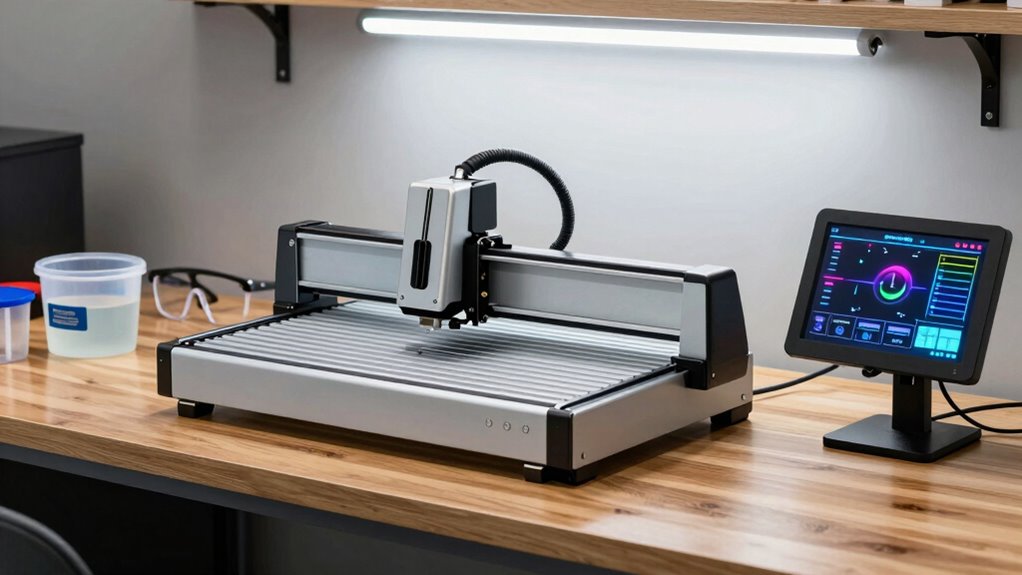
To avoid costly mistakes, it’s essential to organize your workflow efficiently from the start. Begin with a clear creative design process, double-checking your files for accuracy before engraving. This ensures that your designs are ready and reduces the need for rework. Streamlining your workflow efficiency means setting up your workspace to minimize distractions and delays—labelting materials, organizing tools, and establishing a step-by-step process. Use templates or presets for common projects to speed up production without sacrificing quality. By maintaining a consistent routine, you reduce errors and save time. Staying focused on each phase, from design to execution, helps catch mistakes early. A well-organized workflow keeps your laser engraver running smoothly and prevents headaches caused by overlooked details.
Choosing and Using Protective Gear for Laser Safety
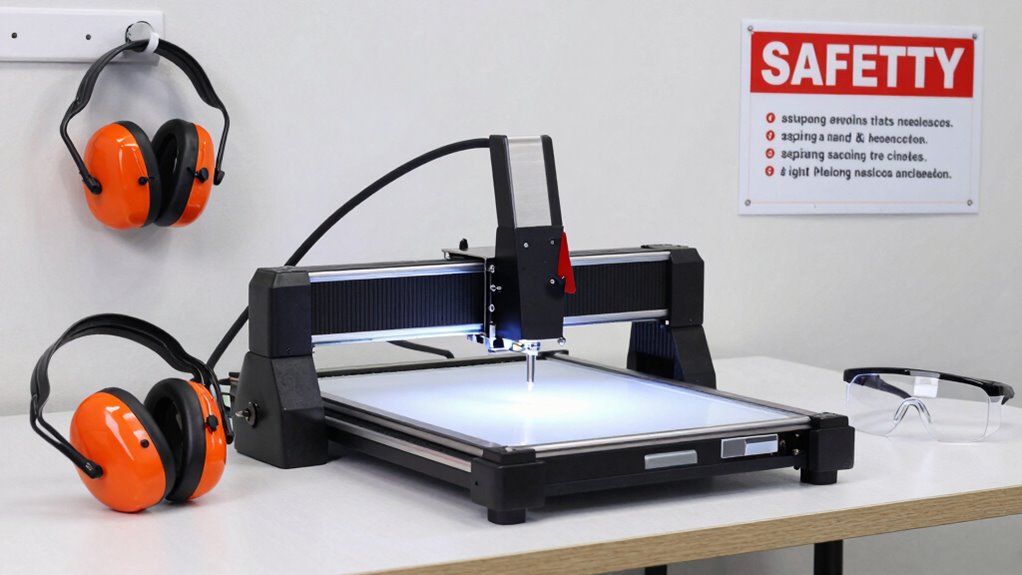
Ensuring your safety while operating a laser engraver begins with selecting the right protective gear. Proper safety equipment shields you from harmful laser radiation and debris. Always wear laser safety glasses designed specifically for your engraver’s wavelength to protect your eyes. Additionally, consider gloves and aprons made from flame-resistant materials to guard your skin and clothing.
- Use certified protective gear that meets safety standards
- Keep safety equipment clean and in good condition
- Wear protective gear consistently during every session
Choosing the correct safety equipment and using it properly is essential to prevent injury. Never compromise on protective gear, as it’s your first line of defense against laser hazards. Staying vigilant about safety gear ensures a safer, more productive workspace.
Regular Maintenance Checks to Keep Your Laser Running Smoothly
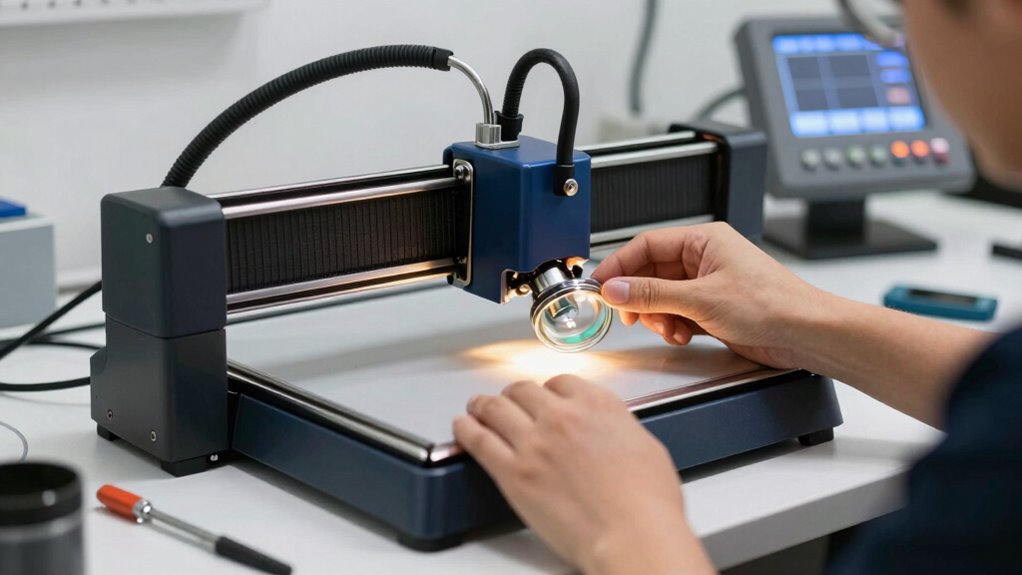
Regular maintenance checks are essential for keeping your laser engraver operating at peak performance. Regularly inspecting and calibrating your laser guarantees precise cuts and consistent results. Use your engraving software to run test engravings and verify accuracy. Check the laser calibration regularly and adjust as needed to prevent misalignments. Clean lenses and mirrors to avoid power loss, and keep the airflow system unobstructed. Staying on top of these tasks minimizes downtime and prolongs your machine’s lifespan.
| Maintenance Task | Frequency |
|---|---|
| Laser calibration | Monthly or after major adjustments |
| Cleaning lenses/mirrors | Weekly |
| Software updates | As released |
| Inspection of airflow | Every 2 weeks |
Training Tips and Documentation for Safe Laser Engraving
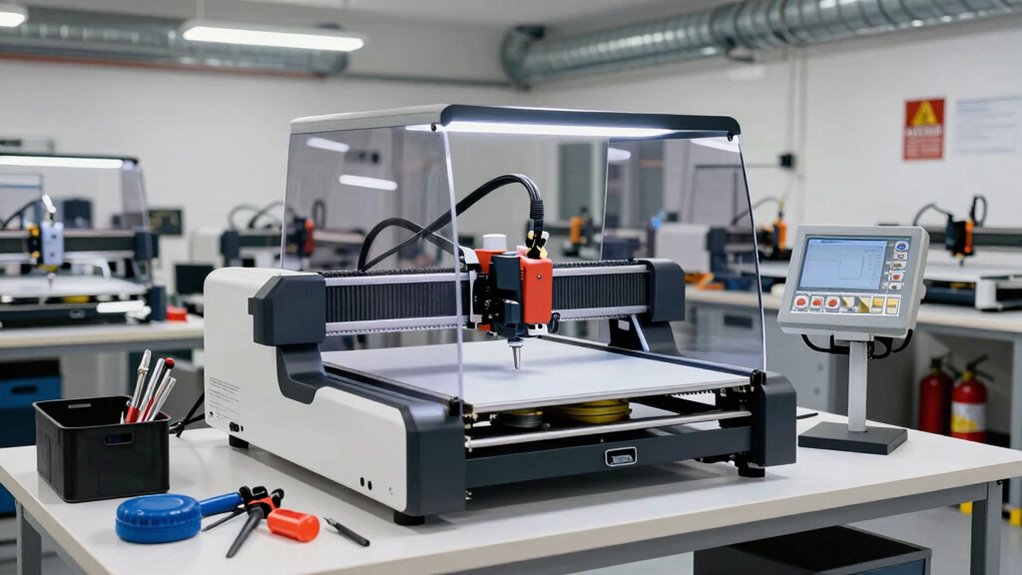
Proper training and thorough documentation are essential for maintaining safety and achieving consistent results with your laser engraver. When you understand safety protocols and proper operation, you reduce risks and improve your creative design process. Clear documentation helps you track material sourcing, settings, and troubleshooting steps, making future projects smoother.
- Use step-by-step guides to familiarize yourself with machine functions and safety procedures
- Keep detailed records of material sourcing and settings for different materials
- Regularly update training materials to include new safety practices and creative techniques
This approach guarantees everyone knows how to operate the laser safely and efficiently. Well-maintained documentation fosters consistency, especially when experimenting with creative design ideas or sourcing new materials. Staying organized keeps your workspace safe and productive.
Frequently Asked Questions
How Often Should I Perform Maintenance on My Laser Engraver?
You should perform maintenance on your laser engraver weekly to ensure peak performance. Regularly check and calibrate the laser, focusing on laser calibration to maintain precision. Clean the lens and mirrors, and update your engraver software to prevent glitches. These steps help avoid headaches caused by misalignments or software issues. Consistent maintenance keeps your engraver running smoothly and produces high-quality results every time.
What Are the Best Materials to Use for Laser Engraving Safety?
You should prioritize materials with proven safety and compatibility for laser engraving, like wood, acrylic, and anodized aluminum. Always check material compatibility to prevent toxic fumes or damage. Use appropriate engraving techniques tailored to each material’s properties, such as adjusting laser power and speed. By selecting safe, compatible materials and applying proper techniques, you minimize risks and guarantee clean, safe engravings every time.
How Can I Prevent Laser Fumes From Accumulating in My Workspace?
You need to act fast before fumes take over your workspace. Install a reliable ventilation system to extract hazardous fumes effectively. Keep your filters clean and maintained; clogged filters can cause fumes to build up dangerously. Regularly check and replace them to guarantee maximum airflow. By staying proactive with ventilation and filter maintenance, you protect your health and keep your workspace safe, avoiding the headache of inhaled fumes.
What Emergency Procedures Should I Have in Place for Laser Accidents?
You should establish clear emergency response plans that include shutting off the laser immediately, evacuating the area, and notifying emergency services. Follow laser safety protocols by having fire extinguishers and first aid kits nearby. Train yourself and others regularly on accident procedures, ensuring everyone knows how to respond quickly. Staying prepared minimizes injuries and damage, making your workspace safer during laser incidents.
How Do I Choose the Right Protective Gear for Different Laser Engraving Tasks?
Choosing the right protective gear means you’re basically assembling a superhero costume—only, for laser safety. For eye protection, you need protective eyewear that blocks specific laser wavelengths; don’t skimp on clarity or comfort. When fumes are involved, respirator masks are your best buddies. Match the gear to your task: delicate engraving demands precision eyewear, while thick smoke calls for a sturdy respirator. Safety first, superhero second.
Conclusion
Keeping your workspace clean and organized isn’t just about neatness—it reduces accidents and boosts efficiency. Did you know that properly maintained laser engravers last 30% longer? By establishing safety protocols, ensuring good ventilation, and regularly checking your equipment, you’ll avoid costly breakdowns and headaches. Remember, a well-structured workspace keeps you safe and productive, letting you focus on creating amazing projects without worry. Stay vigilant, stay safe, and keep your laser engraver running smoothly!
Halloween Picks
halloween
As an affiliate, we earn on qualifying purchases.