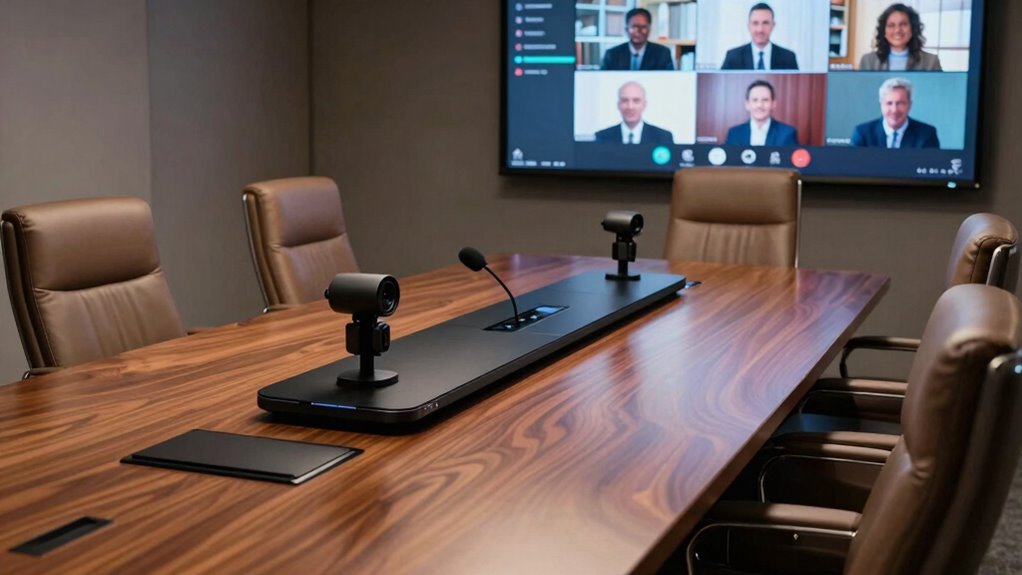

When selecting an all-in-one video bar for your boardroom, prioritize seamless integration with your existing systems like Zoom, Teams, or Google Meet, and make sure it offers reliable wired and wireless connectivity. Look for devices with high-quality audio and microphones that minimize background noise, along with an intuitive interface that’s easy to operate. A sleek, compact design and energy-efficient features also matter. Keep these factors in mind to make your meetings smooth—continue on to learn more about the top options and features to evaluate.

Get business pricing on office and shipping supplies
- Business-only prices and quantity discounts
- Tax-exempt purchasing
- Multiple users, one account, clear invoices
Key Takeaways
- Ensure seamless integration with existing hardware and compatibility with major conferencing platforms like Zoom, Teams, and Google Meet.
- Prioritize robust wireless options (Wi-Fi, Bluetooth) alongside multiple wired inputs (HDMI, USB) for flexible connectivity.
- Select models with high-quality microphones and speakers that minimize noise and echo for clear, productive communication.
- Opt for user-friendly designs with intuitive interfaces, touchscreens, or remote controls for effortless operation.
- Consider energy-efficient features, compact aesthetics, and reliable manufacturer support for long-term, hassle-free use.
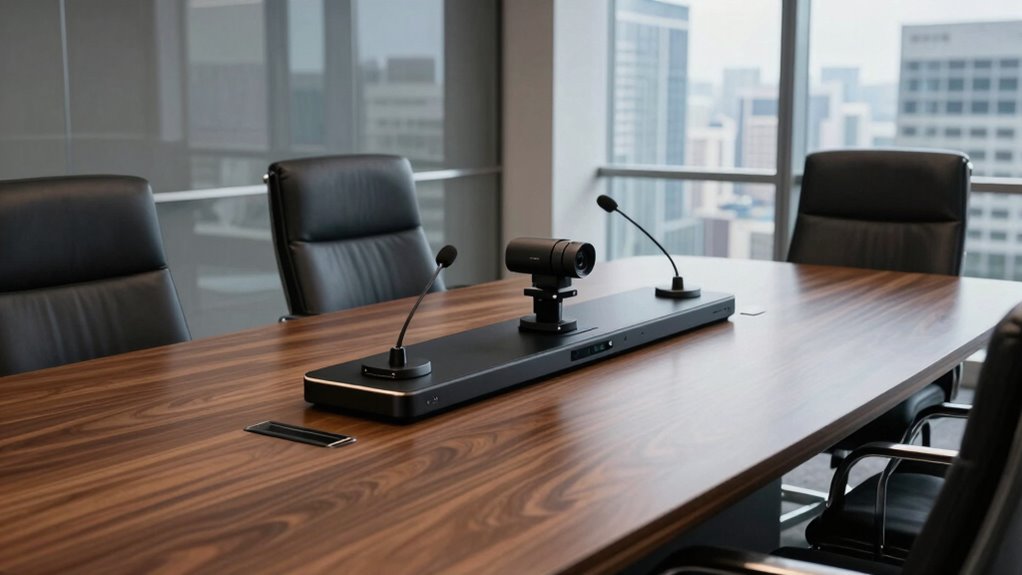
In today’s fast-paced business environment, having reliable, easy-to-use video conferencing solutions is essential for effective boardroom meetings. When evaluating all-in-one video bars, you need to focus on how well they integrate into your existing setup and how seamlessly they enable communication. Wireless connectivity is a critical feature, as it reduces clutter and simplifies installation. Look for a video bar that offers robust wireless options, such as Wi-Fi or Bluetooth, so you can connect effortlessly without cumbersome cables. This flexibility allows you to position the device optimally, ensuring everyone has a clear view and sound.
Audio quality is equally vital; it’s the foundation of productive meetings. You’ll want a video bar that delivers crisp, clear sound, minimizing background noise and echo. High-quality microphones with beamforming technology are ideal because they focus on voices, even in larger or more echo-prone rooms. This ensures that every participant, whether in-person or remote, can be heard without strain. The speaker quality should also be powerful enough to fill the room evenly, avoiding dead zones or muffled audio, so everyone feels engaged and connected.
Ease of use is another key factor. Your team shouldn’t need to wrestle with complicated controls or setup procedures. Opt for a device with a simple, intuitive interface, preferably with a touch screen or straightforward remote control. Compatibility with popular video conferencing platforms like Zoom, Microsoft Teams, or Google Meet is essential, so verify that the video bar supports seamless integration. Automatic updates and firmware improvements can help maintain performance over time, so check if the manufacturer offers reliable support and regular updates.
Connectivity options extend beyond wireless features. Ensure the device includes multiple wired input options, such as HDMI or USB, for versatile connectivity with existing hardware. Power management is also worth considering—look for models that support Power over Ethernet (PoE) or have energy-efficient features, reducing clutter and operational costs. Additionally, integrating wireless connectivity options enhances flexibility and reduces setup time, making it easier to adapt the device to different room configurations. Considering the importance of network integration, it’s also beneficial to ensure the device can connect seamlessly to your existing network infrastructure for optimal performance.
Finally, consider the design and size of the video bar. It should blend into your boardroom environment without being obtrusive, while still housing the necessary components for robust performance. A sleek, modern design combined with durability will ensure the device remains functional and aesthetically appropriate over time.
Products Worth Considering

Logitech MX Master 4 for Mac, Ergonomic Bluetooth Mouse with Haptic Feedback, Ultra-Fast Scrolling, USB-C Charging, for MacOS, iPadOS, Windo

Logitech MX Mechanical Full-Size Wireless Mechanical Keyboard, Tactile Quiet Switches, Backlit Keys, Bluetooth, USB-C, Multi-Device, Graphit

LG UltraGear 27-Inch QHD OLED Gaming Monitor, 240Hz, 0.03ms, G-SYNC Compatible, FreeSync Premium Pro, HDMI 2.1
As an affiliate, we earn on qualifying purchases.
Frequently Asked Questions
How Do All-In-One Video Bars Integrate With Existing Conference Room Systems?
All-in-one video bars seamlessly integrate with your existing conference room systems through wireless connectivity, making setup straightforward. They connect easily via Wi-Fi or Bluetooth, reducing cabling hassles. The user interface is intuitive, allowing you to control features like audio, video, and camera angles effortlessly. Most models are compatible with common platforms like Zoom or Teams, ensuring smooth operation without needing extensive technical knowledge.
What Is the Typical Setup Time for a Video Bar in a Boardroom?
The typical setup time for a video bar in a boardroom usually takes about 30 minutes to an hour, depending on your setup efficiency. You’ll follow straightforward installation steps, like mounting the device, connecting the power, and linking it to your network and display systems. Most all-in-one video bars are designed for quick setup, allowing you to start using them promptly without complicated procedures.
Are All-In-One Video Bars Compatible With Various Video Conferencing Platforms?
Yes, all-in-one video bars are generally compatible with various video conferencing platforms. They often feature a user interface designed for easy access, so you can quickly switch between platforms like Zoom, Teams, or Skype. Plus, they prioritize audio quality to guarantee clear communication during meetings, regardless of the platform. This compatibility and user-friendly design make all-in-one video bars a versatile and reliable choice for any boardroom.
What Maintenance Is Required for All-In-One Video Bars Over Time?
Maintaining your all-in-one video bar is like tending a garden; regular care guarantees it thrives. You should follow a cleaning schedule to keep lenses and microphones free of dust and smudges. Additionally, firmware updates are essential, like watering plants, to improve functionality and security. Regularly checking connections and ensuring software stays current helps prevent issues, so your setup runs smoothly during every important meeting.
How Do Video Bars Handle Varying Room Sizes and Acoustics?
Video bars handle varying room sizes and acoustics through room size adaptation and acoustic calibration features. You can adjust settings to optimize audio and video quality, ensuring clear sound regardless of room dimensions. Many models automatically detect room acoustics, performing calibration to minimize echo and background noise. This way, you get consistent, high-quality communication, whether your space is small or large, making meetings more effective and seamless.
Conclusion
Choosing the right all-in-one video bar transforms your boardroom into a stage for seamless communication. It’s the backbone that supports your meetings, ensuring clarity and connection at every turn. Think of it as the conductor of your corporate symphony—guiding each note with precision. When you select wisely, you’re not just investing in technology; you’re orchestrating an environment where ideas flow effortlessly, making collaboration as smooth as a well-rehearsed masterpiece.