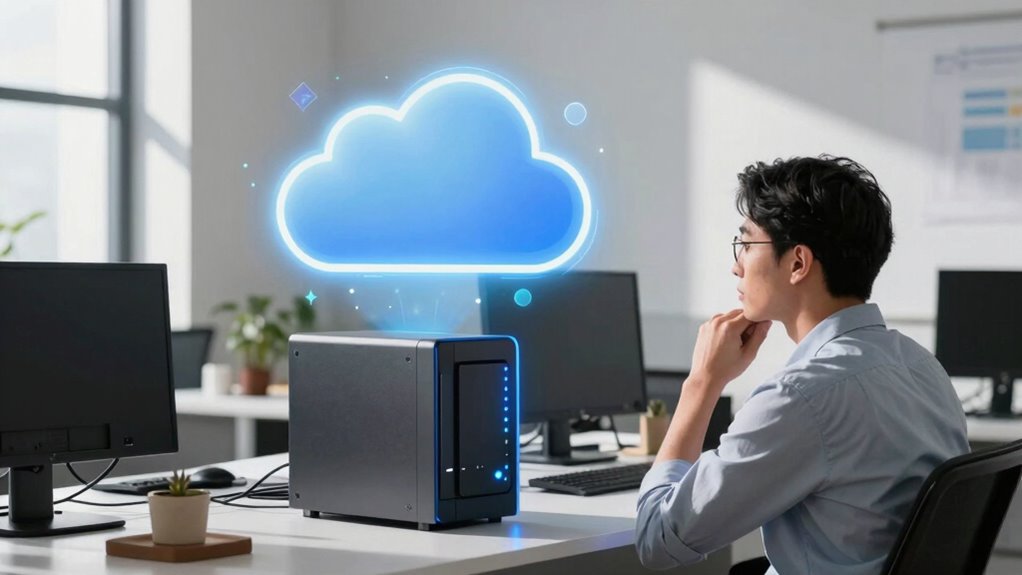

Many small businesses choose the cloud because it’s scalable, cost-effective, and offers remote access without the need for upfront hardware investments. Cloud storage automatically handles data redundancy and backups, making it easier to protect your data. However, a NAS provides faster local access and more control, especially if data sovereignty is important. To learn how to decide which fits your business best, explore the options further.

Get business pricing on office and shipping supplies
- Business-only prices and quantity discounts
- Tax-exempt purchasing
- Multiple users, one account, clear invoices
Key Takeaways
- Small businesses often prioritize cloud for easy remote access and scalability without significant upfront hardware investment.
- Cloud storage offers automatic data redundancy and off-site backups, reducing disaster recovery concerns for small firms.
- Many small businesses lack IT resources to manage NAS security, updates, and maintenance effectively.
- Cloud solutions provide predictable subscription costs and simplified management compared to hardware upgrades with NAS.
- The perceived convenience and familiarity of cloud services encourage small businesses to choose them over NAS options.
Network Attached Storage NAS for small business
As an affiliate, we earn on qualifying purchases.
As an affiliate, we earn on qualifying purchases.
Cloud or NAS? Which Storage Solution Fits Your Small Business?

Deciding between cloud storage and a Network-Attached Storage (NAS) device depends on your small business’s specific needs and priorities. Cloud storage offers automatic data redundancy, ensuring your data stays protected even if one server fails. It also reduces your network dependency since you access files via the internet, not internal hardware. A NAS device, on the other hand, keeps data on-site, giving you direct control and faster local access. However, it requires a reliable network connection for remote access and may need regular maintenance. If your priority is minimizing network reliance and maintaining control, a NAS could be better. But if you want scalable, off-site backups with built-in data redundancy, cloud storage might suit your business better. Understanding your data needs can help you make a more informed decision. Additionally, considering data security is crucial, as each option has different implications for protecting sensitive information. Regularly evaluating storage options and keeping up with technological advancements can further optimize your data management strategy, especially as emerging technologies like cloud-based solutions continue to evolve. Staying informed about backup strategies can also help ensure your data remains safe and accessible in any scenario.
Understanding the Differences: Cloud Storage vs. NAS
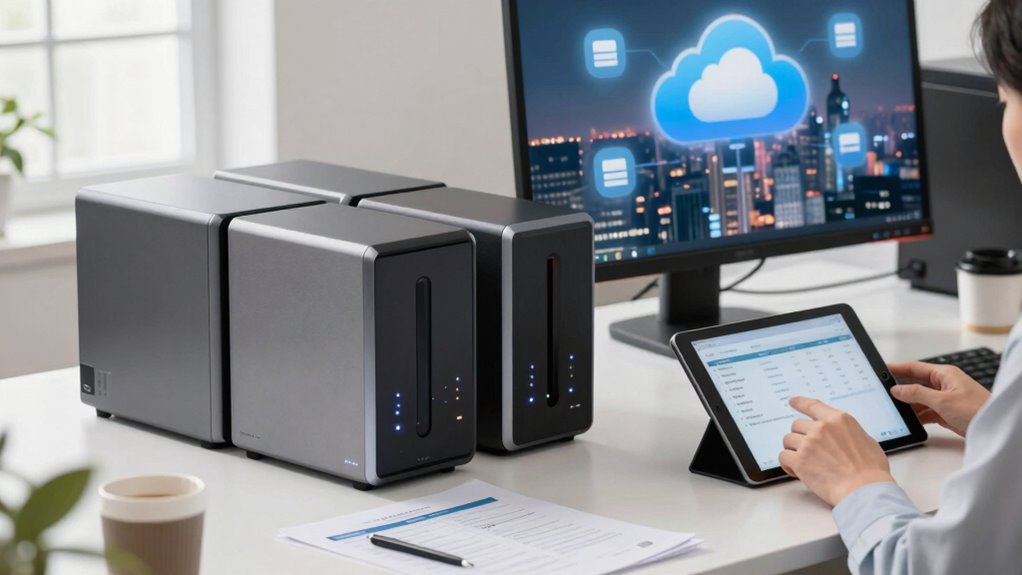
Are you trying to determine which storage option best suits your small business? Cloud storage and NAS each serve different needs. Cloud offers remote access, automatic data encryption, and flexible scalability, but relies on internet stability. NAS provides local control, faster access within your network, and customizable user access, giving you peace of mind. Additionally, understanding the ethical considerations involved in data management can help you make more informed decisions. Being aware of the privacy policies associated with each option can further guide your choices, ensuring your data remains secure and compliant with relevant regulations. Considering the cost-effectiveness of each solution can also influence your decision based on your budget constraints. Evaluating the performance differences between these options can help you choose the most suitable storage solution for your business needs. When assessing reliability, it’s important to consider the system uptime and how each option maintains data availability during outages.
Why Do Small Businesses Usually Go for Cloud Storage?
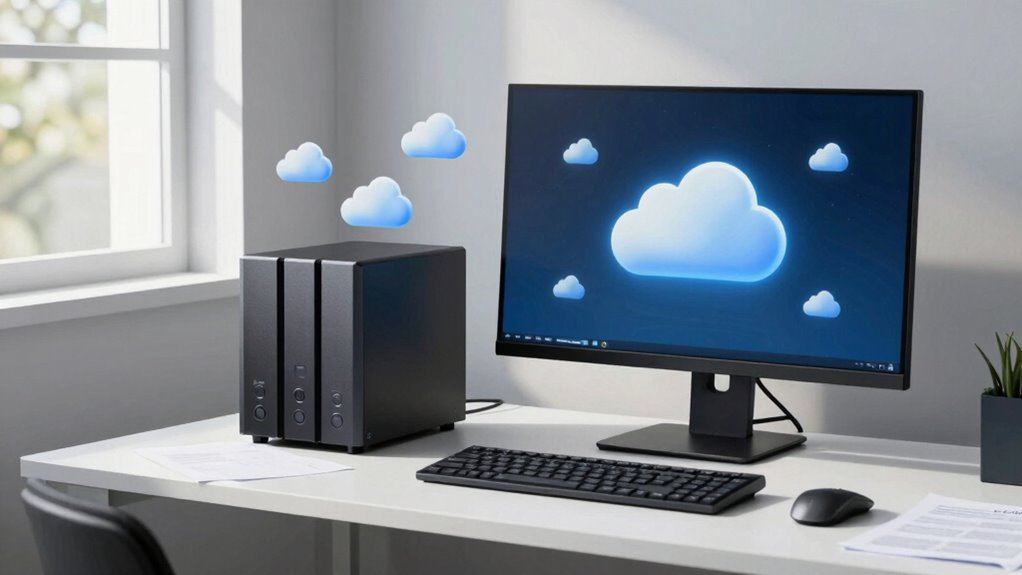
Small businesses often choose cloud storage because it offers a cost-effective and hassle-free way to manage their data. With cloud solutions, you benefit from data redundancy, meaning your files are automatically backed up across multiple servers, reducing the risk of data loss. This setup guarantees your critical information remains safe even if one server encounters issues. Additionally, cloud storage enhances user accessibility—you can access your files from anywhere with an internet connection. This flexibility is essential for small teams that often work remotely or on the go. Cloud services also eliminate the need for expensive hardware and ongoing maintenance, making them an attractive choice for small businesses aiming for simplicity and reliability without breaking the bank. Furthermore, many cloud providers use data redundancy to ensure your data remains protected even in the event of hardware failures. Implementing cloud storage solutions can also simplify disaster recovery planning, giving small businesses peace of mind. Moreover, cloud providers often incorporate advanced security measures to safeguard sensitive information from cyber threats. Additionally, integrating these solutions can enhance your overall digital transaction security, which is increasingly crucial in today’s fintech landscape. A growing trend is the adoption of natural pools and eco-friendly backyard features, which can also appeal to environmentally conscious customers and enhance your business’s community image.
Is NAS a Better Fit for Your Business? When to Choose On-Premise Storage
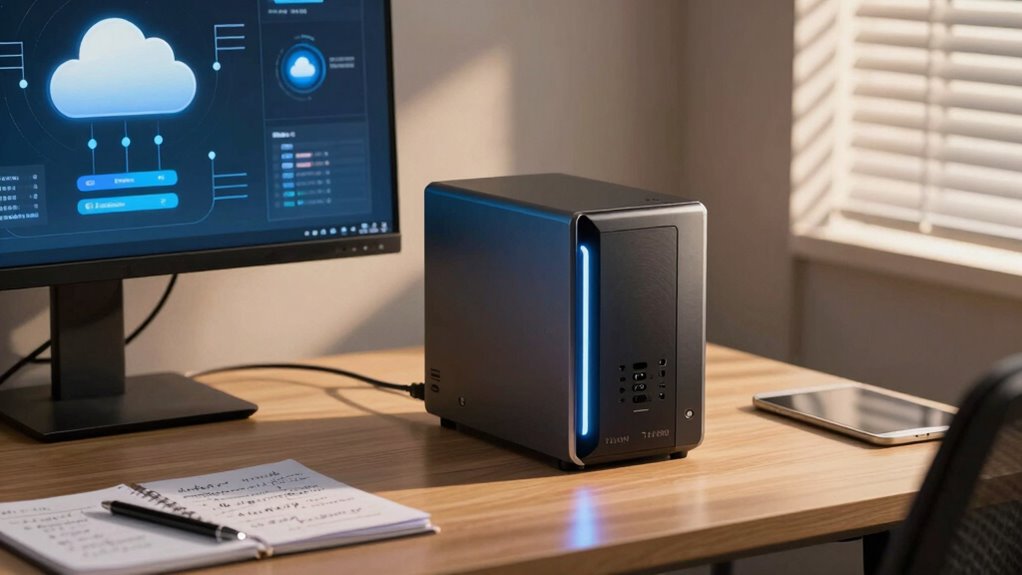
When your business requires fast, reliable access to large amounts of data, Network-Attached Storage (NAS) can be a better fit than cloud solutions. NAS offers direct control over your data, making it ideal for scenarios demanding high-speed transfers and minimal latency. It’s especially suitable if you need to maintain data sovereignty—keeping sensitive information on-premise to comply with regulations or internal policies. Additionally, NAS can integrate seamlessly with hybrid solutions, allowing you to balance cloud and local storage as needed. You might choose NAS if:
Choose NAS for fast, reliable data access, control, and compliance with on-premise storage needs.
- You prioritize quick access and performance over remote access
- You need control over data sovereignty and compliance
- You want to optimize costs by reducing ongoing cloud fees
- Steampunk-inspired technology demonstrates how innovative hardware solutions can enhance data management.
Security & Cost: What Small Businesses Need to Consider
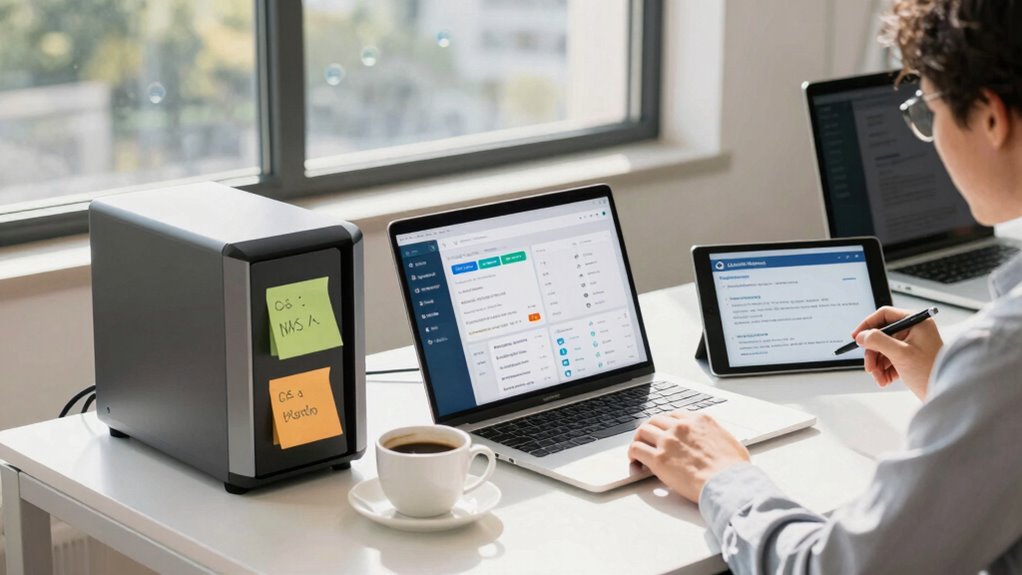
Security and cost are essential considerations for small businesses evaluating cloud storage options. You need to assess the vendor’s reputation, ensuring they have a strong track record for protecting data. A reputable provider invests in security measures like encryption, regular audits, and compliance with industry standards. Data sovereignty is also crucial — understand where your data will be stored and how local laws might affect access and privacy. Cloud storage often offers flexible pricing, but costs can escalate with increased usage or additional features. Compare plans carefully to avoid surprises. While cloud solutions can reduce upfront investments, ongoing expenses and potential security risks require thorough evaluation. Additionally, understanding neural interface technology trends can offer insights into emerging secure data management methods for innovative business applications. Recognizing how molecular-scale circuits could influence future data security approaches may also be valuable as technology advances. Staying informed about cybersecurity developments ensures your business remains protected against evolving threats. Moreover, staying aware of battery inverter generator technology can help small businesses prepare for reliable backup power solutions in case of outages.
How to Decide Between Cloud and NAS for Your Business
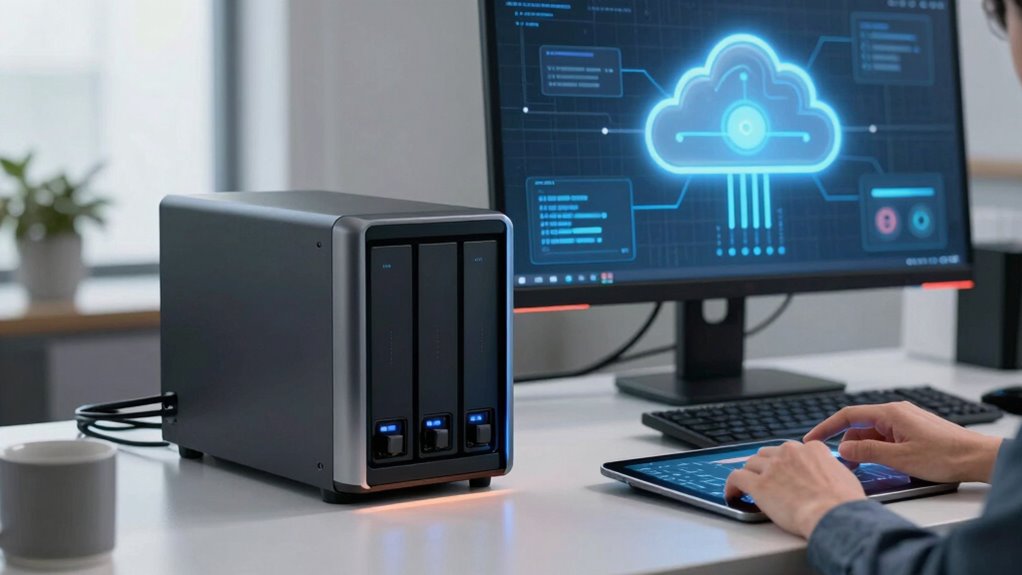
When choosing between cloud storage and a NAS, you need to think about your budget and long-term costs. Think about how much your storage needs might grow and whether you’ll need flexible options later. Also, evaluate the security features each option offers to keep your data safe. Additionally, consider how system efficiency tips can help optimize your storage setup for better performance. To make an informed decision, assess the cost-effectiveness of different storage options and how they align with your business’s growth plans.
Cost Considerations
Deciding between cloud storage and NAS often comes down to a clear understanding of costs involved. Cloud solutions typically have predictable subscription fees, but those can add up over time. With NAS, you face upfront hardware costs and ongoing expenses like hardware maintenance. Consider these factors:
- Initial investment versus ongoing subscription fees
- Costs for data backup strategies
- Expenses related to hardware upkeep and repairs
A total cost of ownership analysis can help clarify which option offers better value over the long term.
A further consideration is the potential impact of tax law changes on your overall cost structure and business strategy. Cloud storage reduces the need for physical hardware and simplifies data backup, but it can be more expensive long-term if your storage needs grow. NAS might be cheaper initially, but maintenance and replacements can add up. Your choice depends on balancing these costs against your business’s current and future needs.
Scalability Needs
Choosing between cloud storage and NAS depends heavily on your business’s growth trajectory and data needs. If you anticipate rapid expansion, cloud solutions offer scalable storage that grows with you, reducing the need for frequent hardware upgrades. Cloud services also provide data redundancy, ensuring your data stays protected even if hardware fails. User accessibility is another key factor; cloud storage allows your team to access files from anywhere, making remote work seamless. Conversely, NAS devices can handle moderate growth but may require manual upgrades and maintenance as your data demands increase. Consider your long-term plans: if flexibility and ease of scaling are priorities, the cloud might be the better choice. For more controlled growth, NAS can still meet your needs, but with less flexibility.
Security Features
Security features are a critical factor in determining whether cloud storage or a NAS device better suits your business. You need to evaluate how each option protects your data through encryption protocols and access controls. Cloud providers typically offer advanced encryption both during transit and at rest, along with granular access controls, ensuring your data remains secure. On the other hand, with a NAS, you have direct control over security settings, including customizable access controls and encryption options. Consider these points to decide:
- How well does each solution implement encryption protocols for data protection?
- Can you manage access controls effectively to prevent unauthorized access?
- Does the provider or device offer security updates and monitoring features?
- Additionally, understanding microplastics in dust and other indoor pollutants can help inform comprehensive safety measures for your environment.
Choosing the right option hinges on your security requirements and your ability to manage these features.
Frequently Asked Questions
How Scalable Is Each Storage Option for Future Growth?
A NAS offers limited scalability, so as your data grows, you’ll need to add more drives or replace existing ones, which can be costly and time-consuming. Cloud storage, on the other hand, scales easily with your needs, providing flexible expansion without upfront costs. Both options prioritize data security, but cloud often offers better cost efficiency for future growth, making it a smarter choice if you anticipate rapid expansion.
What Are the Maintenance Requirements for NAS Versus Cloud?
Did you know that 60% of small businesses find maintenance challenges intimidating? With a NAS, you’re responsible for hardware costs and regular updates, including firmware and security patches, which demand ongoing effort. In contrast, cloud services handle most maintenance, easing security concerns and reducing hardware upkeep. However, if you prefer control and lower long-term costs, a NAS might be better, but it requires consistent attention.
Can Cloud Storage Improve Collaboration for Remote Teams?
Yes, cloud storage can improve collaboration for remote teams by providing easy access to files from anywhere. It enhances data security through encryption and regular backups, giving you peace of mind. Plus, a thorough cost analysis shows it often costs less than maintaining a physical NAS, especially for small businesses. This flexibility enables your team to work efficiently together, boosting productivity and streamlining workflows.
What Is the Typical Downtime Associated With Each Solution?
Ironically, downtime varies—cloud services often promise 99.9% uptime but can still falter during outages, causing unpredictable delays. NAS solutions typically offer minimal downtime since they’re local, but that depends on your setup. When doing a cost analysis, consider data security too; cloud providers handle it, but local NAS requires diligent management. Overall, your downtime depends on your choice, tech setup, and how prepared you are for unexpected hiccups.
How Do Backup and Disaster Recovery Options Differ?
You’ll find that backup and disaster recovery options differ markedly between cloud and NAS solutions. Cloud services often include automatic backups with data encryption, offering remote recovery options, but can be costly over time. NAS devices provide on-site backups with faster access and lower ongoing costs, though they may require manual management. Conducting a thorough cost analysis helps you decide which solution best balances security, recovery speed, and budget.
Conclusion
So, you’re drawn to the cloud, thinking it’s the easier choice, while a NAS might actually give you more control. Ironically, what seems like a hassle—managing on-site storage—could save you money and headaches in the long run. Ultimately, your decision hinges on your needs, not the hype. So go ahead, reach for the cloud—just don’t forget, sometimes the best solution is the one right under your nose.
Halloween Picks
halloween
As an affiliate, we earn on qualifying purchases.