Many startups go wrong by choosing storage solutions without fully understanding security, costs, or scalability. They often underestimate ongoing security efforts with NAS or rely too much on third-party protections in cloud storage, risking vulnerabilities. Cost assessments may also be overlooked, leading to unexpected expenses. Additionally, failing to evaluate growth needs can cause limitations later. If you want to avoid these pitfalls, there’s more to take into account to make the best choice for your startup.

Get business pricing on office and shipping supplies
- Business-only prices and quantity discounts
- Tax-exempt purchasing
- Multiple users, one account, clear invoices
Key Takeaways
- Many startups overlook comprehensive security reviews, risking vulnerabilities in both NAS and cloud storage options.
- Underestimating long-term costs can lead to budget overruns, especially with scaling and maintenance.
- Teams often choose storage solutions without assessing their specific scalability and growth needs.
- Relying solely on provider security protocols without internal oversight can create gaps in data protection.
- Insufficient evaluation of security protocols and compliance requirements increases potential risks and liabilities.
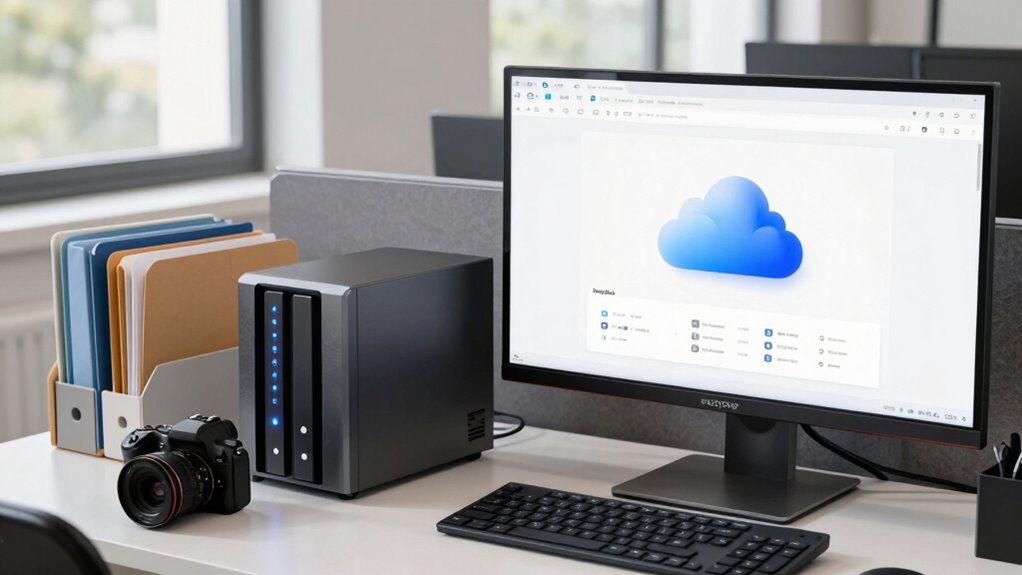
When choosing between NAS and cloud storage for your startup, understanding the key differences can help you make an informed decision. Both options offer valuable solutions for data storage, but each comes with its own set of advantages and pitfalls. Many teams jump into a choice without thoroughly evaluating their needs, leading to costly mistakes. One common mistake is underestimating the importance of data security. With NAS, data security often feels more controlled because your files stay within your physical environment. You can implement your own security measures, like firewalls and encryption, and have direct oversight of access. However, this also means you’re responsible for maintaining and updating security protocols, which can be time-consuming if you lack dedicated IT support. Additionally, understanding security protocols is crucial for safeguarding your data effectively. It’s also vital to recognize that data security requires ongoing effort and awareness to adapt to emerging threats. Moreover, assessing the cost implications over the long term can prevent unexpected expenses as your data needs grow.
Choosing between NAS and cloud storage requires evaluating security, costs, scalability, and your startup’s specific needs.
Cloud storage, on the other hand, provides security managed by specialized providers. These companies invest heavily in security measures, including encryption, regular updates, and compliance with industry standards. This can be reassuring, especially if you lack the resources to build a robust security system. But it’s essential to understand that relying on a third-party provider introduces vulnerabilities if their security protocols are compromised or if there are data breaches. Consequently, you need to carefully review the provider’s security policies and ensure they meet your startup’s requirements. Additionally, understanding the security protocols of each option can significantly impact your data integrity and peace of mind. When considering costs, many teams underestimate the long-term expenses involved in either choice, especially as their data needs evolve.
As an affiliate, we earn on qualifying purchases.
Frequently Asked Questions
How Does Security Differ Between NAS and Cloud Storage?
You’ll find security differs considerably between NAS and cloud storage. With NAS, you control access through physical security measures and access control settings, but you’re responsible for implementing encryption protocols for data protection. Cloud storage offers built-in encryption and sophisticated access control, often managed by the provider. However, you must guarantee your cloud provider has strong security practices. Choosing the right option depends on your security needs and your ability to manage these protocols effectively.
What Are the Cost Implications for Long-Term Use?
You’ll find that a cost comparison shows NAS has higher upfront expenses for hardware and maintenance, making it pricier initially. Cloud storage, on the other hand, offers flexible subscription plans that can be more budget-friendly over time. For long-term use, consider your budget planning carefully—NAS might be better if you prioritize control and lower ongoing costs, while cloud storage suits startups needing scalability and minimal management.
Which Option Offers Better Scalability for Growing Startups?
Cloud storage blows away NAS in scalability because it offers endless, almost magical expansion capabilities. As your startup grows, you need data redundancy and access flexibility, and cloud storage delivers both effortlessly. With cloud, you can scale up instantly without hardware headaches, ensuring your data stays safe and accessible wherever you go. NAS can’t keep up with the rapid, flexible growth that cloud storage makes possible, making it the smarter choice for startups aiming high.
How Does Data Backup and Disaster Recovery Compare?
You’ll find that cloud storage generally offers better data backup and disaster recovery, thanks to its built-in data redundancy across multiple locations. Recovery time with the cloud is usually faster because providers automate backups and offer quick restoration options. With NAS, you’re more dependent on manual backups and may face longer recovery times if hardware fails. Cloud solutions give you peace of mind with rapid, reliable disaster recovery.
What Are the Maintenance Requirements for Each Storage Type?
You might think NAS needs less maintenance than cloud storage, but both require effort. With NAS, you handle hardware upgrades and monitor energy consumption regularly, ensuring ideal performance. Cloud storage reduces hardware worries but still needs updates for security and management. Either way, staying on top of maintenance keeps your data safe, efficient, and reliable—so don’t underestimate the ongoing work involved, regardless of your storage choice.
Conclusion
Choosing between NAS and cloud storage isn’t just about cost or access; it’s about your startup’s future. While NAS offers control and local speed, cloud storage provides flexibility and scalability. Too often, teams get caught in the trap of sticking with what’s familiar, missing out on growth opportunities. Keep your options open, weigh your needs carefully, and remember: the right choice today can shape your success tomorrow. Don’t let short-term comfort blind you to long-term potential.
Fall Picks
fall essentials
As an affiliate, we earn on qualifying purchases.