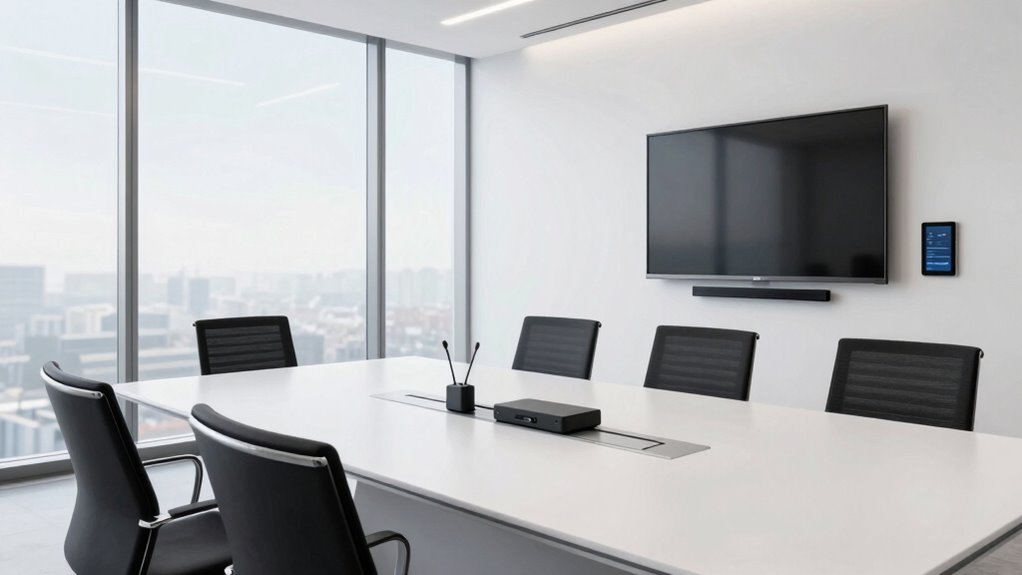

To equip a modern meeting room, focus on wireless connectivity for easy device sharing and seamless collaboration, eliminating clutter and reducing lag. Prioritize high-quality audio with clear microphones and speakers to guarantee everyone’s voice is heard, especially remote participants. Use intuitive AV controls and versatile wireless screen sharing to make presentations smooth and quick. Strong network infrastructure keeps everything reliable and ready for future updates. Keep these essentials in mind, and you’ll discover how to create more productive meetings.

Get business pricing on office and shipping supplies
- Business-only prices and quantity discounts
- Tax-exempt purchasing
- Multiple users, one account, clear invoices
Key Takeaways
- Prioritize wireless connectivity for seamless device sharing and reduced cable clutter.
- Use high-quality microphones and speakers to ensure clear, natural audio for all participants.
- Implement integrated AV systems with wireless screen sharing and intuitive controls for easy operation.
- Ensure robust network infrastructure supporting current and future wireless standards for reliable performance.
- Focus on creating an engaging environment that enhances communication, collaboration, and meeting productivity.
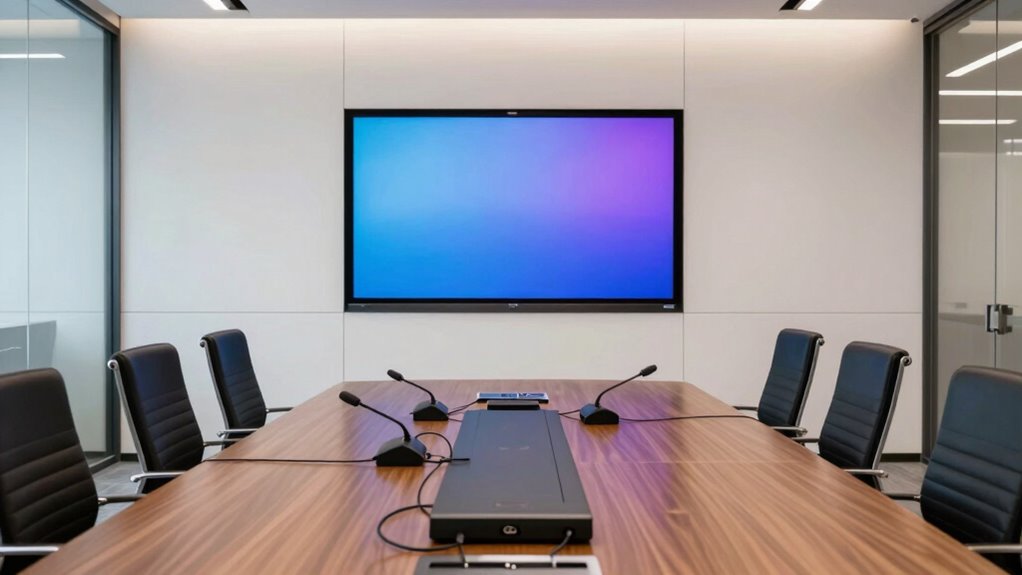
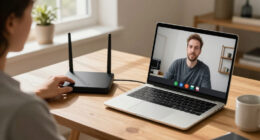
Have you ever wondered what essential audio-visual equipment makes a meeting room effective? It all starts with reliable wireless connectivity and crisp audio quality. When you step into a modern office conference room, seamless wireless connectivity ensures that your devices—laptops, tablets, smartphones—can connect effortlessly without those frustrating cables tangling everywhere. This not only keeps the space tidy but also allows you to move freely, share presentations, or collaborate without interruption. A strong wireless network minimizes lag and dropouts, so your meetings run smoothly and without delays, which is vital when you’re sharing high-resolution videos or real-time data.
Reliable wireless connectivity ensures seamless device access, keeping meetings smooth, collaborative, and free of interruptions.
Equally important is audio quality. Clear, natural sound makes all the difference when communicating with remote team members or clients. High-quality microphones and speakers eliminate echoes and background noise, so every word you say is heard accurately. When your audio system is exceptional, it reduces misunderstandings and keeps everyone engaged. You don’t want your message lost because of muffled sound or distracting static. Instead, investing in good audio equipment helps create a professional environment where conversations flow effortlessly, fostering better collaboration.
In a modern meeting room, the combination of strong wireless connectivity and excellent audio quality transforms the experience. You can share your screen wirelessly, switch between devices without hassle, and engage in video calls that feel as natural as in-person conversations. The right setup also includes intuitive controls and user-friendly interfaces so that you don’t waste time fiddling with tech during pivotal moments. When everyone’s connected wirelessly with high fidelity sound, meetings become more efficient and productive. Additionally, incorporating wireless standards ensures compatibility with a broad range of devices and future technologies, which enhances the flexibility of your AV setup. Proper network infrastructure is essential to sustain these benefits and maintain consistent performance.
Moreover, these elements support a versatile, future-proof workspace. As technology evolves, a solid foundation of wireless connectivity and superior audio ensures your meeting room stays relevant and functional. You’re not constantly troubleshooting or upgrading outdated equipment. Instead, you’re equipped for seamless integration with new tools and platforms, keeping your team connected and collaborative no matter what the future holds. Ensuring your equipment is compatible with the latest standards, such as wireless connectivity, helps maintain this future-proofed environment.
Ultimately, the key to an effective meeting room lies in these core AV components. When you prioritize wireless connectivity and audio quality, you create an environment where ideas flow freely, communication is clear, and meetings are more engaging. These essentials might seem small, but they have a significant impact on the overall experience, helping your team stay connected, productive, and ready to tackle any challenge.
wireless conference room microphone
As an affiliate, we earn on qualifying purchases.
As an affiliate, we earn on qualifying purchases.
Frequently Asked Questions
How Do I Troubleshoot AV Equipment Issues During Meetings?
When troubleshooting AV equipment issues during meetings, start by checking hardware connections and power sources. If audio problems occur, perform audio calibration to guarantee sound levels are balanced and clear. Reset or restart devices if necessary, and confirm that all cables are plugged in securely. Keep handy a troubleshooting checklist to quickly identify common problems, and don’t hesitate to consult your AV system manual or support team if issues persist.
What Are the Best Practices for Cable Management?
Imagine a chaotic tangle of cables sabotaging your meeting—distractions you don’t need. To avoid this, prioritize wireless connectivity whenever possible to cut clutter. When cables are unavoidable, use ergonomic cable routing techniques, securing wires along walls or under desks with cable clips and sleeves. Keep cables labeled and organized, ensuring quick setup and tear-down. Effective cable management creates a sleek, professional environment, letting you focus on what truly matters—your meeting’s success.
How Can I Ensure AV Security and Data Privacy?
To guarantee AV security and data privacy, you should implement data encryption for all transmitted and stored information, preventing unauthorized access. Control user access by setting permissions based on roles, ensuring only authorized personnel can operate or view sensitive AV content. Regularly update firmware and security protocols, and educate your team on best practices. These steps help safeguard your AV systems, maintaining confidentiality and protecting your organization’s data.
What Are the Latest Trends in Meeting Room Technology?
You should look into the latest trends like smart displays and wireless conferencing solutions. Smart displays enhance collaboration with touch interfaces and integrated apps, making meetings more interactive. Wireless conferencing allows seamless connection from any device, reducing clutter and setup time. These innovations enable smoother, more flexible meetings, boosting productivity and engagement. Staying updated on these trends helps you create a modern, efficient meeting environment that adapts to your team’s evolving needs.
How Do I Integrate AV Systems With Existing Office Infrastructure?
To integrate AV systems with your existing office infrastructure, start by guaranteeing wireless connectivity is seamless, allowing devices to connect effortlessly. Focus on user interface design to make controls intuitive, so users can operate the systems confidently. Compatibility is key—select AV hardware that easily integrates with your current network and software setup. Test the integration thoroughly, and provide training to ensure everyone can utilize the new systems effectively.
Conclusion
Now that you’re equipped with the essentials of meeting room AV, picture your space alive with clear visuals and crisp sound, where ideas flow effortlessly like a well-orchestrated symphony. Every meeting feels seamless, inspiring confidence and collaboration. As you set up your modern office with these basics, you’re not just investing in technology—you’re creating a vibrant hub where innovation thrives and every voice is heard clearly. Your perfect meeting space is within reach.
Fall Picks
fall essentials
As an affiliate, we earn on qualifying purchases.