
The key difference between a big screen and a true interactive whiteboard is their main function: big screens focus on high-quality, passive visual display for presentations or multimedia content, offering vivid images and sharp resolution. In contrast, an interactive whiteboard combines display with touch capabilities, allowing active collaboration, writing, and real-time interaction. If you want to understand which option best fits your needs and how they compare, keep exploring further.

Get business pricing on office and shipping supplies
- Business-only prices and quantity discounts
- Tax-exempt purchasing
- Multiple users, one account, clear invoices
Key Takeaways
- Interactivity: True interactive whiteboards respond to touch, gestures, and tools for real-time collaboration, unlike passive big screens.
- Display Quality: Big screens provide brighter, higher-resolution visuals suited for vivid multimedia presentations, whereas whiteboards focus on writing and annotations.
- Functionality: Whiteboards combine display and input capabilities, enabling active participation, while big screens mainly display content passively.
- Use Cases: Whiteboards are ideal for brainstorming and interactive lessons; big screens excel in multimedia display and large audience viewing.
- Setup and Cost: Big screens often require mounting and higher investment, whereas interactive whiteboards are more affordable and easier to integrate into collaborative environments.
Products Worth Considering

Dell XPS 13 9350 Laptop, 13.4 FHD+ Display, Intel Ultra 7 256V, 16GB DDR5, 1TB SSD

Dell XPS 13 9350 AI Professional Laptop 13.4 120Hz FHD+ Display

Logitech MX Mechanical Mini Mac Wireless Keyboard Low-Profile – Space Grey
As an affiliate, we earn on qualifying purchases.
What Are Big Screens and Interactive Whiteboards?
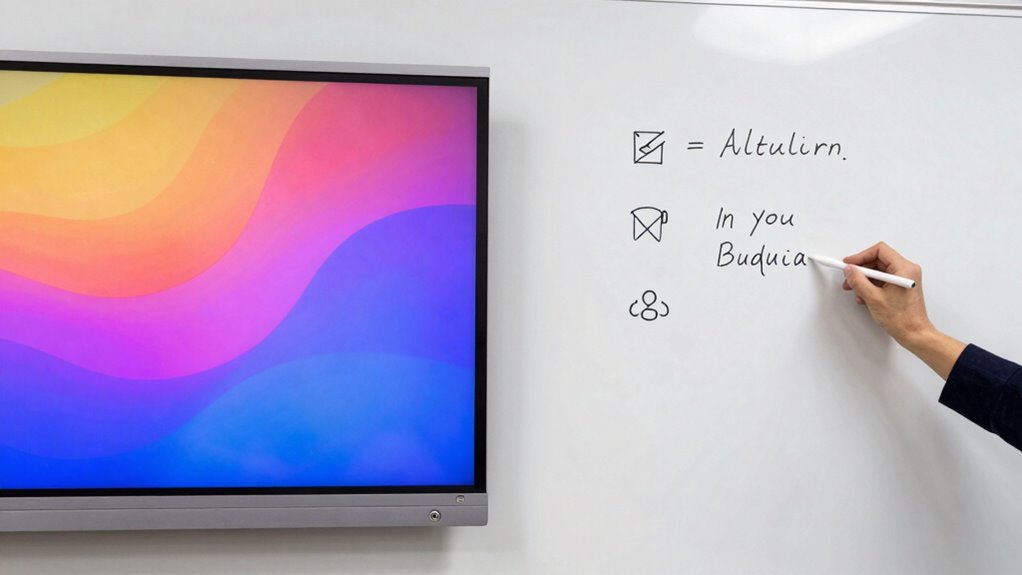
Big screens and interactive whiteboards are both powerful tools used in modern classrooms and meeting spaces, but they serve different purposes. Big screens are large displays, often LED or LCD, designed to project images, videos, or presentations clearly from a distance. Their technical specifications focus on size, resolution, and brightness, ensuring visibility in various lighting conditions. Interactive whiteboards, on the other hand, combine display technology with touch-sensitive surfaces that allow direct interaction. Their user interface is designed for ease of use, supporting gestures, pen input, and sometimes even handwriting recognition. While big screens mainly offer a visual display, interactive whiteboards enable active participation, making them versatile for collaborative learning and discussions. Both tools enhance engagement but differ markedly in functionality and user experience. Additionally, the ability to application and interaction distinguishes interactive whiteboards as more dynamic teaching and presentation tools. Understanding the features and capabilities of each device can help educators and presenters choose the most suitable option for their specific needs, especially considering the importance of digital skills in today’s educational and professional environments. For example, the integration of color accuracy and contrast ratio in projectors can significantly impact the clarity and visual appeal of displayed content. Moreover, recognizing the importance of visual clarity is essential when selecting display technology for effective communication.
How Do Big Screens Compare to Interactive Whiteboards?
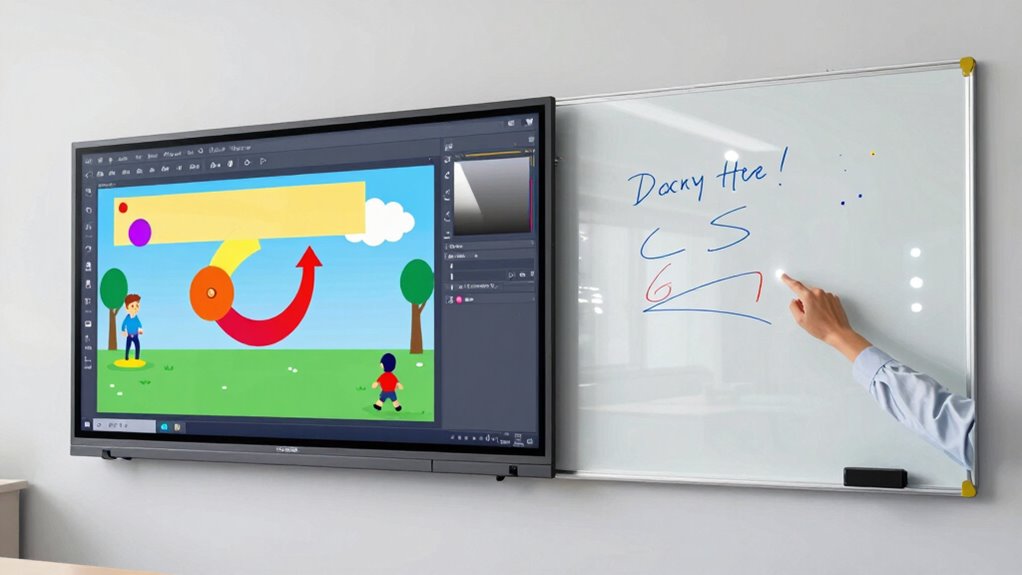
Big screens and interactive whiteboards differ mainly in display quality and how you use them. You’ll find that big screens offer clearer visuals, while whiteboards provide more hands-on engagement. Understanding these differences helps you choose the right tool for your needs. Additionally, whiteboards often include interactive features, making them more suitable for collaborative activities and real-time annotations. For example, the role of display technology plays a significant part in how effectively these tools can be integrated into various settings. Recognizing the impact of display quality can help determine which device best suits specific environments and purposes. When selecting between these options, considering the importance of user interaction can further guide you toward the most effective choice for your specific application. Moreover, understanding the security of payment processing can influence how these devices are deployed in secure educational or corporate environments.
Display Quality Differences
When comparing display quality, it’s clear that big screens often deliver brighter images with higher resolution options, making visuals more vibrant and detailed. They typically offer better resolution clarity, allowing you to see fine details without pixelation. This results in sharper images that stand out clearly, even from a distance. Additionally, big screens usually provide superior color accuracy, ensuring that colors appear more natural and true to life. This enhances the overall visual experience, especially during detailed presentations or multimedia displays. Interactive whiteboards, while capable of good display quality, generally don’t match the brightness and resolution levels of large screens. As a result, visuals may seem less vivid or detailed, particularly in well-lit environments. Moreover, understanding display quality differences can help consumers make more ethical choices about the technology they invest in, considering factors like environmental impact and longevity.
Interactivity and Engagement
While large screens excel at displaying visuals, interactive whiteboards are designed to actively engage users through touch and collaborative features. They respond to gesture recognition and touch sensitivity, allowing you to interact naturally. This makes lessons more dynamic and participatory. The table below highlights key differences:
| Feature | Big Screen | Interactive Whiteboard |
|---|---|---|
| Gesture recognition | Not typically supported | Fully supported, enabling natural gestures |
| Touch sensitivity | Limited, mainly for navigation | Highly responsive for writing, drawing, and control |
| Engagement | Passive viewing | Active participation and collaboration |
With interactive whiteboards, you become an active participant, fostering better engagement and understanding. Big screens, while visually impressive, don’t offer the same level of interaction.
What Are the Main Benefits of Using a Big Screen?

Using a big screen instantly boosts visual engagement, making it easier for everyone to see and understand content. It also encourages group collaboration by creating a shared focal point for discussions. With these benefits, your presentations become more interactive and impactful.
Enhanced Visual Engagement
Big screens considerably boost visual engagement by making content more vivid and easier to see from any part of the room. This enhanced visual clarity grabs your audience’s attention right away, ensuring everyone stays focused. Bright, sharp images and videos become more impactful, making complex ideas easier to understand. When your visuals are clear and vibrant, your message resonates more effectively. A big screen minimizes the need for viewers to strain or squint, creating a seamless viewing experience. This heightened engagement keeps learners or participants involved longer, fostering better retention. Ultimately, a big screen transforms passive viewing into an active experience, making your presentations more compelling and memorable through superior visual clarity and sustained audience attention.
Facilitates Group Collaboration
A large screen naturally encourages group interaction by providing a shared focal point that everyone can see and engage with simultaneously. This makes it easier to facilitate content sharing among team members, whether in the same room or remotely. With a big screen, you can effortlessly include remote collaborators, allowing them to view and contribute in real-time. This promotes active participation and keeps everyone on the same page. It also streamlines discussions, as everyone can see the same visuals, reducing misunderstandings. The ability to share content instantly makes brainstorming sessions more dynamic and productive, fostering collaboration across different locations. Overall, a big screen enhances teamwork by making group interactions more seamless, inclusive, and engaging. Additionally, visual clarity plays a crucial role in ensuring that all participants can easily interpret shared information, further boosting collaborative efforts.
Why Choose an Interactive Whiteboard for Engagement and Collaboration?
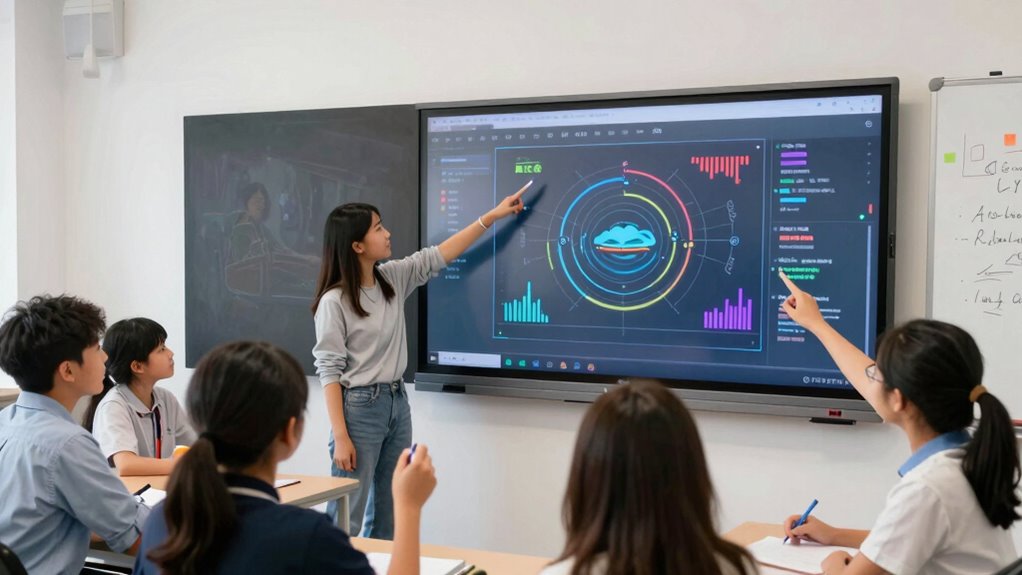
Interactive whiteboards excel at boosting engagement and fostering collaboration in the classroom or meeting room. Their interactive features make lessons and discussions more dynamic, encouraging active participation from everyone involved. With a seamless user experience, you can easily write, draw, and manipulate content directly on the board, making ideas come to life. These tools break down barriers, allowing multiple users to contribute simultaneously, which keeps everyone engaged and invested. Unlike static screens, interactive whiteboards respond to touch and gestures, creating a more intuitive and immersive environment. This heightened level of interaction makes learning and collaboration more effective, as participants stay focused, motivated, and involved. Overall, choosing an interactive whiteboard transforms passive viewing into active, collaborative exploration.
How to Decide Between a Big Screen and an Interactive Whiteboard
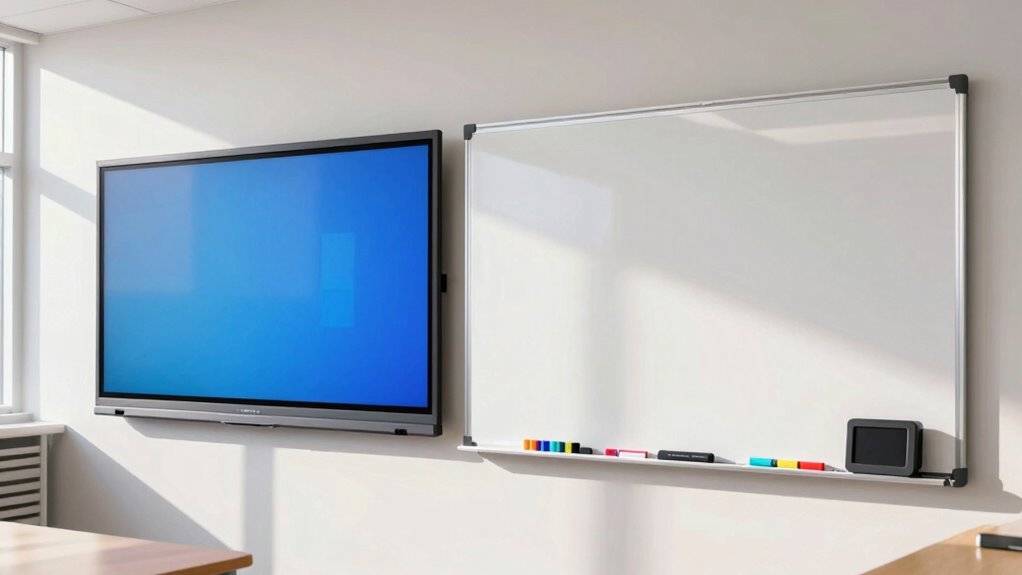
Deciding between a big screen and an interactive whiteboard depends on your specific needs and how you plan to use the technology. If you require flexible content customization and interactive features, an interactive whiteboard is often the better choice. It allows for real-time collaboration, annotations, and tailored presentations. On the other hand, if your focus is on displaying static content to large audiences, a big screen might suffice. Consider installation considerations as well—whiteboards typically need a dedicated space with power and internet connections, while big screens are easier to set up but may require mounting and wiring. Think about your space, budget, and how much interaction you want to facilitate to make the best decision.
Common Myths About Big Screens and Whiteboards Debunked

Many common beliefs about big screens and whiteboards are actually misconceptions that can lead to poor decision-making. Some assume that big screens are only useful for digital signage and can’t be effectively integrated into classrooms. In reality, big screens enhance classroom integration by providing a clear visual experience for students, fostering engagement. Conversely, whiteboards aren’t just outdated tools; they can complement digital displays for brainstorming and interactive lessons. A myth suggests that whiteboards are more versatile, but modern big screens allow touch interaction and multimedia use, making them equally flexible. Don’t mistake digital signage for classroom tools; each has distinct roles. Debunking these myths helps you choose the right technology for your needs, ensuring more effective teaching and communication.
Real-World Examples: When to Use Big Screens or Whiteboards
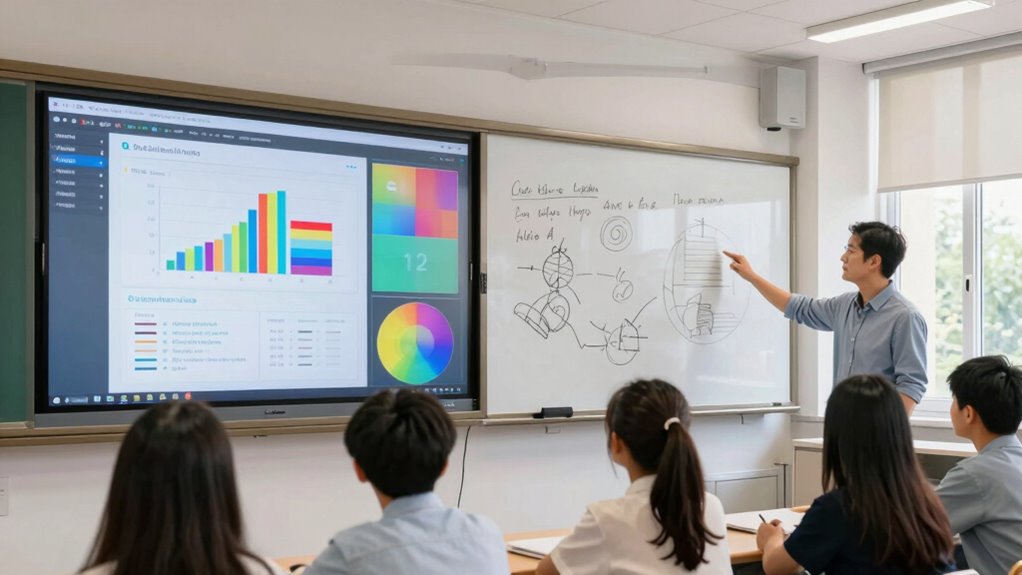
Choosing between big screens and whiteboards depends on the context of your lesson or presentation. For example, use big screens when:
Choosing between big screens and whiteboards depends on your lesson or presentation context.
- Displaying digital signage for dynamic, eye-catching visuals that grab attention.
- Facilitating remote collaboration, where participants need to see content clearly from afar.
- Presenting multimedia content, like videos or slideshows, that benefit from high resolution and large display size.
- Conducting interactive sessions that require real-time annotation or input, where a whiteboard is more effective.
- Considering performance fluids like synthetic lubricants to ensure reliable operation of digital equipment, especially in demanding environments.
Whiteboards excel in brainstorming, quick sketches, or collaborative problem-solving. They’re ideal for spontaneous ideas and hands-on engagement, especially when physical interaction enhances understanding. Choose based on whether visual clarity or interactive flexibility best fits your scenario.
Which Display Technology Fits Your Needs and Budget?

Selecting the right display technology requires balancing your specific needs with your budget constraints. If you need high display resolution for detailed visuals, a large, high-resolution screen might be ideal but can be costly. Conversely, if your budget is limited, opting for a standard resolution display or a basic whiteboard could suffice. Consider the following comparison:
| Feature | Big Screen TV | Interactive Whiteboard | Projector |
|---|---|---|---|
| Display resolution | High (4K or higher) | Moderate to high | Varies, often lower than screens |
| Cost considerations | Higher upfront and maintenance | More affordable | Budget-friendly but requires dark rooms |
| Interactivity | Limited without accessories | Fully interactive | Usually not interactive on its own |
Matching your needs with these factors ensures you choose a display that fits both your use case and budget.
Frequently Asked Questions
Can Big Screens Replace Traditional Whiteboards Completely?
Big screens can’t fully replace traditional whiteboards because they lack the tactile experience and simplicity of quick, spontaneous writing. While they enhance digital collaboration and boost user engagement, they often require setup and connectivity, which can slow down dynamic classroom interactions. Whiteboards still excel for immediate brainstorming and visual explanations, making them a valuable complement rather than a complete replacement for traditional tools.
How Durable Are Interactive Whiteboards in Daily Use?
You’ll find that interactive whiteboards are quite durable for daily use, thanks to their surface durability and high-quality touch sensitivity. They withstand frequent tapping, writing, and cleaning without damage, maintaining responsiveness over time. However, proper maintenance is key to prolong their lifespan. With careful handling, these boards can serve your needs reliably, offering consistent performance even with regular use, making them a practical investment for busy classrooms or offices.
What Software Compatibility Issues Might Arise With These Displays?
Hold onto your smartphone, because software glitches and connectivity challenges can pop up with interactive whiteboards. Compatibility issues may arise if the display doesn’t support certain operating systems or software updates, causing delays or malfunctions. You might also face trouble integrating third-party apps or legacy systems, which can hinder seamless collaboration. To avoid these hiccups, make certain your whiteboard’s software is up-to-date and compatible with your existing tech ecosystem.
Are There Privacy Concerns With Interactive Whiteboard Data?
Yes, there are privacy concerns with interactive whiteboard data. You need to take into account data security and user privacy, especially if sensitive information is displayed or stored. Make sure the device has strong encryption and access controls to prevent unauthorized use. Regularly update software and educate users on privacy best practices. By taking these steps, you protect user privacy and maintain data security, reducing potential privacy risks.
How Easy Is It to Integrate Both Technologies in a Single Space?
Integrating both technologies is like fitting puzzle pieces together easily. You’ll find it straightforward with room customization options that accommodate your space, and tech compatibility guarantees seamless operation. Most systems are designed to work side-by-side, allowing you to switch between a big screen and an interactive whiteboard effortlessly. With a little planning, you can create a versatile, engaging environment that meets all your presentation and collaboration needs smoothly.
Conclusion
Choosing between a big screen and an interactive whiteboard depends on your needs, budget, and desired level of engagement. Think of it as picking the right tool for the right job—you wouldn’t use a hammer to screw in a bolt. By understanding their differences and benefits, you can make an informed decision that helps you connect, collaborate, and communicate more effectively. Ultimately, the right choice will turn your workspace into a well-oiled machine.