
To roll out a smart board without causing confusion, start with thorough planning that involves your team early. Assess their current tech skills and identify gaps to tailor training effectively. Choose a suitable device aligned with your team’s needs, and set clear goals for its use. Communicate steps clearly, and provide ongoing support to troubleshoot issues. Consistently gather feedback to improve. Want to learn more about making your rollout seamless? Keep exploring for detailed strategies.

Get business pricing on office and shipping supplies
- Business-only prices and quantity discounts
- Tax-exempt purchasing
- Multiple users, one account, clear invoices
Key Takeaways
- Develop a detailed plan with clear steps, responsibilities, and timelines to ensure smooth deployment and team understanding.
- Assess team members’ tech skills to tailor training and prevent confusion during the rollout.
- Provide hands-on training sessions focusing on practical use and real-world scenarios for better engagement.
- Communicate regularly, using visual aids and simple instructions, to clarify features and address questions promptly.
- Establish ongoing support channels and feedback mechanisms to resolve issues quickly and refine the implementation.
interactive smart board for classrooms
As an affiliate, we earn on qualifying purchases.
As an affiliate, we earn on qualifying purchases.
Why Planning Is Key to a Successful Smart Board Rollout
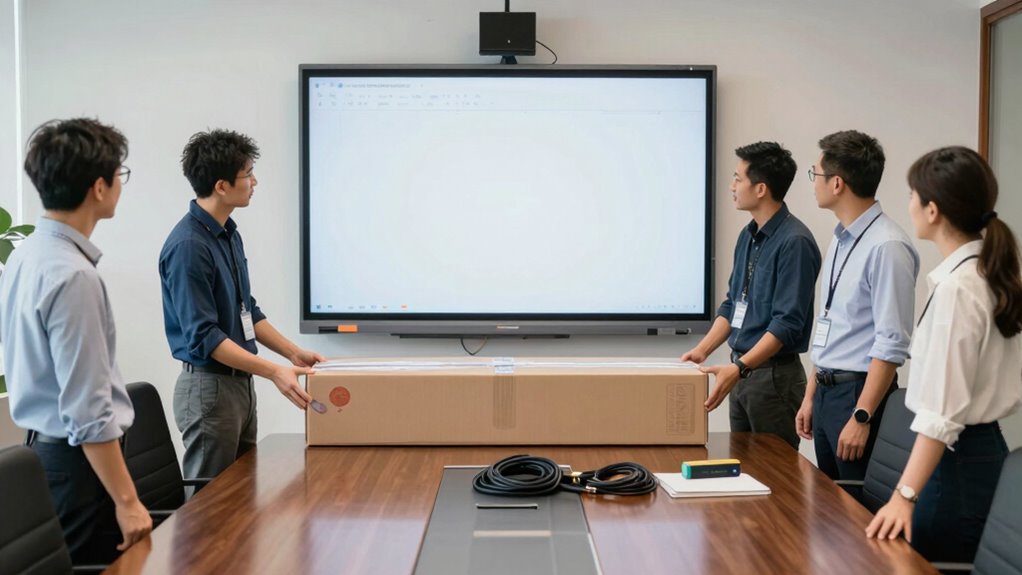
Planning is the foundation of a successful smart board rollout. When you take the time to map out your strategy, you set the stage for effective team collaboration and higher user engagement. Clear plans help identify the right hardware, software, and training needs, ensuring everyone is on the same page. By involving your team early in the planning process, you foster a sense of ownership and excitement. This encourages active participation and reduces confusion once the smart board is introduced. Good planning also helps anticipate potential challenges, allowing you to address them proactively. When your team feels prepared and confident, user engagement naturally increases. Additionally, understanding digital concepts can help tailor your implementation to maximize efficiency. Ultimately, thorough planning creates a smooth shift, maximizing the benefits of your new smart board and boosting overall collaboration.
How to Assess Your Team’s Tech Skills and Readiness

To guarantee a smooth smart board rollout, you need to assess your team’s current tech skills and readiness. Start by evaluating what your team already knows about similar technology, and then identify any skill gaps that could hinder adoption. This way, you can tailor your training to meet their needs and boost confidence. Understanding your team’s familiarity with electric bikes or related tech concepts can also help inform your training approach. Additionally, assessing their understanding of projector technology can provide insights into how comfortable they might be with new display tools. Recognizing their potential exposure to interactive display systems can further help in designing effective training sessions and ensuring seamless integration. Conducting a tech skills assessment can also reveal areas where hands-on practice may be necessary to build competence. Incorporating media literacy principles can help ensure your team can critically evaluate and effectively utilize new digital tools.
Evaluate Existing Tech Knowledge
Before rolling out a smart board, it’s essential to gauge your team’s current tech skills and comfort levels. Understanding their familiarity with tech terminology and user interface navigation helps tailor training. Use simple assessments or surveys to identify strengths and weaknesses. Creating a skills matrix can clarify this:
| Skill Level | Tech Terminology | User Interface Navigation |
|---|---|---|
| Beginner | Basic terms | Struggles with menus |
| Intermediate | Recognizes most | Navigates with guidance |
| Advanced | Uses technical jargon | Confident in features |
This table reveals where your team stands, enabling you to plan appropriate support. Recognizing their baseline guarantees you don’t overwhelm or underprepare, leading to a smoother smart board rollout. Additionally, understanding familiarity with tech terminology helps in customizing training materials for better comprehension.
Identify Skill Gaps
Once you’ve assessed your team’s current tech knowledge, the next step is to pinpoint specific skill gaps that could hinder a smooth smart board implementation. Conducting a skill assessment helps identify areas where team members lack confidence or understanding, revealing knowledge gaps that need addressing. Focus on key functionalities of the smart board, such as navigation, annotation, and sharing features, and see who struggles with each. Recognizing these gaps allows you to tailor training sessions or support resources effectively. By addressing skill assessment results early, you create a clearer picture of what training is necessary, preventing frustration and ensuring everyone is prepared. Filling these knowledge gaps guarantees a more seamless adoption process and empowers your team to maximize the smart board’s potential.
Choosing the Best Smart Board for Your Team’s Needs
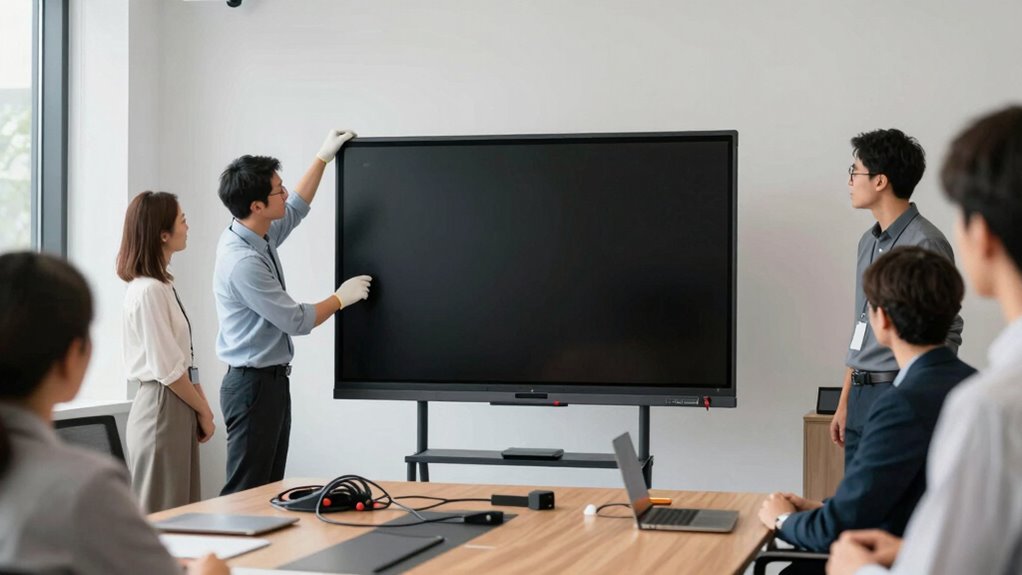
Choosing the right smart board for your team starts with understanding your specific needs and goals. Consider the interactive features that will enhance collaboration and engagement—such as touch responsiveness, multi-user functionality, and app integrations. These features should align with your team’s activities and technical skills. Additionally, evaluate hardware compatibility to guarantee the smart board integrates seamlessly with your existing devices and software systems. Check for compatibility with your computers, tablets, and operating systems to avoid future frustrations. Prioritize models that offer flexibility, ease of use, and reliable performance. By focusing on these key aspects, you’ll select a smart board that truly supports your team’s workflows and promotes effective, smooth collaboration.
How to Train Your Team for Smart Board Success

How can you guarantee your team makes the most of the new smart board? The key is effective training focused on technology integration. Start with interactive training sessions that engage your team and build confidence in using the smart board’s features. Encourage hands-on practice, so team members can familiarize themselves with tools like annotation, screen sharing, and multimedia integration. Provide clear, step-by-step instructions and resources they can revisit later. Incorporate real-world scenarios relevant to your work to make training practical. Regularly check in to address questions and reinforce learning. By emphasizing methodical training approaches, you help your team gain proficiency quickly and confidently, ensuring they utilize the smart board’s full potential for collaboration and productivity. Incorporating Backyard Transformation Essentials can inspire your team to think creatively about artistic expression and integrating new technology into versatile outdoor spaces. Additionally, understanding broader trends like AI and Society can help you develop innovative strategies for system monitoring and debugging.
Defining Clear Goals for Your Smart Board Implementation

Before implementing your smart board, establishing clear, specific goals that align with your organizational needs is vital. Focus on how the interactive features will enhance collaboration, engagement, and learning outcomes. To do this effectively, consider these goals:
- Improve classroom interaction by leveraging interactive features that foster participation.
- Streamline workflow through seamless software integration, reducing technical barriers.
- Enhance content delivery with tools that support multimedia and real-time collaboration.
Clearly defining these objectives helps you target the right features and guarantees everyone understands the purpose behind the smart board. This focus minimizes confusion and guides your team’s efforts, making the implementation smoother and more effective. Remember, clarity at this stage sets the foundation for a successful rollout.
Creating a Step-by-Step Rollout Plan to Minimize Confusion
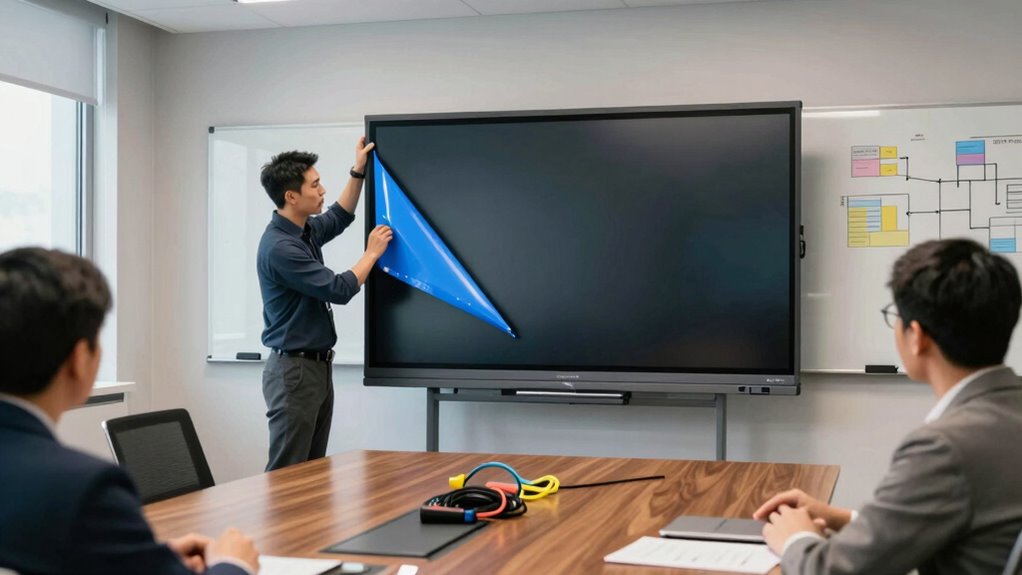
Creating a step-by-step rollout plan is essential for guaranteeing a smooth and organized implementation of your smart board. Start by outlining each phase, from initial setup to full adoption, to avoid confusion. Incorporate strategies for remote collaboration, making sure team members can access training materials and support online. This helps guarantee everyone stays informed, regardless of location. Focus on digital integration, planning how the smart board connects with existing tools and software. Break down tasks into manageable steps, assigning responsibilities clearly. Schedule training sessions and testing periods to address issues early. A detailed plan keeps everyone aligned, minimizes misunderstandings, and builds confidence in the new technology, making the transition seamless and efficient.
How to Communicate Effectively During the Deployment
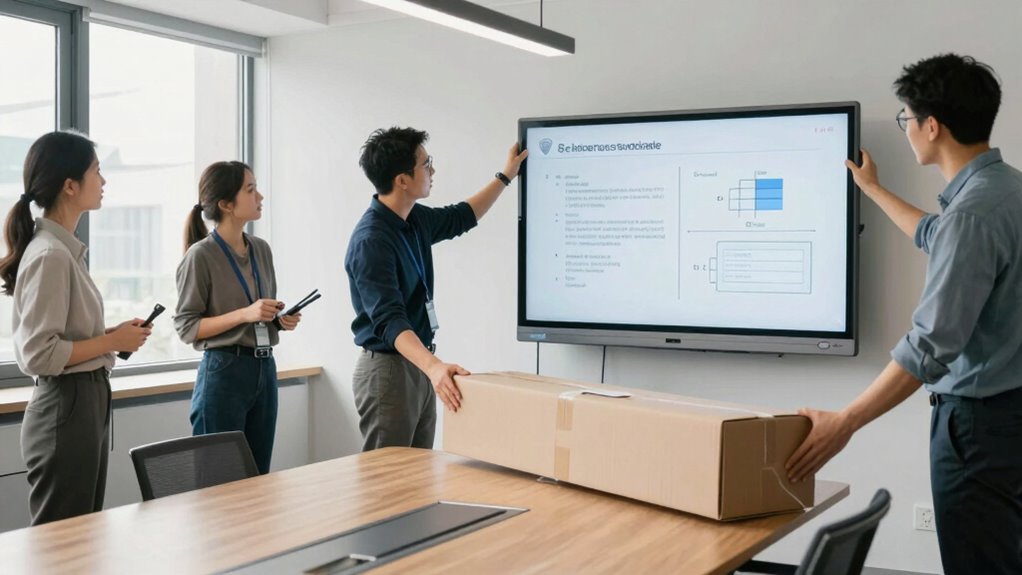
Effective communication during deployment hinges on clear messaging strategies that keep everyone informed and aligned. You should also practice active listening to address concerns and gather feedback promptly. Together, these techniques guarantee a smooth rollout and foster positive engagement with your team.
Clear Messaging Strategies
How can you guarantee your message is understood clearly during the smart board deployment? The key is using clear messaging strategies. Start with interactive demonstrations to engage your team and showcase features in real-time. Use visual aids, like diagrams or step-by-step slides, to simplify complex concepts. To make your message stick, consider these tips:
- Keep instructions simple and focused.
- Use visuals to complement spoken words.
- Check understanding regularly with quick questions.
Active Listening Techniques
During the deployment of a smart board, actively listening to your team’s feedback is essential for a smooth process. Use your communication skills to show genuine interest and understanding. Make eye contact, nod, and summarize what they say to confirm clarity. Avoid interrupting and give your team space to express concerns or ideas. This illustrates that you value their input and helps identify potential issues early. Ask open-ended questions to encourage detailed responses, and remain attentive to both verbal and non-verbal cues. Active listening fosters trust and ensures everyone feels heard. When you respond thoughtfully, you build a collaborative atmosphere that facilitates the deployment and makes the transition seamless for everyone involved.
Tips for Providing Ongoing Support and Troubleshooting

Providing ongoing support and troubleshooting is essential to guarantee your smart board remains a valuable teaching tool. To foster team collaboration and maintain user engagement, focus on these key steps:
Ongoing support and troubleshooting ensure your smart board stays effective and boosts team collaboration in the classroom.
- Establish clear communication channels for users to report issues quickly, ensuring problems are addressed promptly. Encouraging open communication fosters a trustworthy environment where users feel comfortable sharing concerns and seeking assistance.
- Schedule regular training refreshers to keep everyone updated on new features and best practices, boosting confidence and collaboration.
- Create a troubleshooting guide tailored to common issues, empowering users to resolve minor problems independently and reducing downtime.
- Incorporate preventive maintenance practices to identify potential issues early, minimizing interruptions and extending the device’s lifespan. Regular inspection of hardware components, similar to vehicle inspections, can help spot problems before they escalate. Additionally, understanding the environmental impact of tissue paper can inspire eco-friendly practices that support sustainable use of resources in your setting. Being aware of support and boundaries in your team can also help balance assistance with independence, fostering a more resilient troubleshooting environment.
These strategies encourage shared responsibility, improve user engagement, and foster a supportive environment. Consistent support helps your team stay confident and efficient, ensuring the smart board continues to enhance your teaching experience seamlessly.
Gathering Feedback and Making Improvements After Launch

Once your smart board is in use, gathering feedback from users becomes essential for continuous improvement. You want to boost user engagement and guarantee the device meets everyone’s needs. Use various feedback channels like surveys, quick polls, or direct conversations to gather insights. Track feedback systematically to identify common issues or suggestions. Regularly review and act on this input to refine features and address concerns promptly. Here’s a simple way to visualize feedback sources:
| Feedback Channel | Purpose | Frequency |
|---|---|---|
| Surveys | Collect detailed input | Monthly |
| Quick Polls | Real-time opinions | Weekly |
| Direct Conversations | Immediate concerns | As needed |
This approach keeps improvements targeted and responsive, fostering a responsive environment where user needs are prioritized. Incorporating user feedback into your process ensures ongoing enhancements and aligns the device with user needs. Additionally, understanding sound therapy principles can help in designing ergonomic and calming workspaces that reduce stress and increase productivity. Recognizing the role of essential oils in creating a soothing atmosphere can further support a balanced and stress-free environment. Moreover, integrating ergonomic techniques and balance exercises can contribute to a healthier workspace, promoting overall well-being.
Encouraging Adoption and Maximizing Your Smart Board’s Benefits

After gathering feedback and making improvements, the next step is to actively promote your smart board to guarantee it becomes a valued part of daily routines. To encourage adoption and maximize benefits, focus on fostering creative engagement and innovative collaboration. Start by:
Promote your smart board through ongoing training, sharing successes, and celebrating wins to foster daily engagement and collaboration.
- Providing ongoing training that inspires new ways to use the smart board, boosting confidence and creativity.
- Creating opportunities for team members to share successful ideas, encouraging peer-driven innovation.
- Celebrating early wins and showcasing how the smart board enhances projects, reinforcing its value.
- Incorporating inclusive casting practices to ensure diverse perspectives are represented and valued in all collaborative efforts.
Frequently Asked Questions
How Long Does a Typical Smart Board Rollout Take?
A typical smart board rollout takes about one to two weeks. You’ll need to schedule training sessions early to guarantee everyone understands how to use the new technology. During this period, provide ongoing technical support to address questions and troubleshoot issues. The process can be faster or slower depending on team size and tech familiarity, but consistent training and support are key to a smooth changeover.
What Budget Should I Allocate for Smart Board Deployment?
Think of your budget as planting a garden. You’ll need a training budget to make sure everyone can water their skills, and hardware costs to nurture the smart board itself. Allocate around $3,000 to $7,000 depending on the board’s size and features. Remember, investing wisely in training and quality hardware guarantees a fruitful deployment, avoiding weeds of confusion and ensuring your team blossoms with confidence.
How Do I Handle Resistance From Team Members?
To handle resistance, you should focus on effective change management by actively listening to staff concerns and addressing them openly. Offer thorough staff training to boost confidence and demonstrate the smart board’s benefits. Involving team members early in the process fosters buy-in, making them more receptive. Keep communication transparent, celebrate small wins, and provide ongoing support to ease their shift and reduce resistance.
Can Smart Boards Integrate With Existing Tech Tools?
Yes, smart boards can integrate with your existing tech tools, enhancing user adoption smoothly. You should check the technical compatibility of your current software and devices with the smart board model you’re considering. Most smart boards support popular platforms like Microsoft Office, Google Workspace, and video conferencing tools. Ensuring compatibility beforehand helps prevent disruptions, encourages user adoption, and guarantees a seamless shift for your team.
What Are Common Troubleshooting Issues During Rollout?
You might face troubleshooting issues like software compatibility problems or user training hurdles during rollout. Guarantee the smart board’s software seamlessly integrates with your existing tools, avoiding conflicts. Provide thorough user training to prevent confusion and help your team adapt quickly. Regularly check for updates and troubleshoot connectivity or display issues promptly. This proactive approach minimizes disruptions and makes the smart board adoption smooth and efficient for everyone involved.
Conclusion
Remember, a successful smart board rollout isn’t just about technology—it’s about empowering your team. When you plan carefully, communicate openly, and support your colleagues, you create a culture of innovation and trust. Some say that embracing new tech can be overwhelming, but history shows that those who adapt and learn together often discover new potentials they never imagined. Trust in your team’s ability to grow, and watch your smart board become a catalyst for positive change.
Halloween Picks
halloween
As an affiliate, we earn on qualifying purchases.