
Choosing between diode, CO2, or fiber laser engravers depends on your projects and budget. Diode lasers are affordable and great for hobbyist detail work, while CO2 lasers handle versatile materials like wood and acrylic but require safety precautions. Fiber lasers excel at metal engraving and offer high precision but come at a higher cost. Understanding each type’s capabilities and limitations helps you make smarter choices—continue exploring to find the best fit for your needs.

Get office and shipping supplies delivered free — and shop member deals
- Fast, free delivery on millions of items
- Access to Prime Big Deal Days deals on October 6–7
- Prime Video, Amazon Music and more included
Key Takeaways
- Material Compatibility: Diode lasers excel with plastics and wood; CO2 lasers are versatile for organic materials; fiber lasers are ideal for metals.
- Cost & Investment: Diode lasers are affordable for hobbyists; CO2 lasers suit small businesses; fiber lasers are high-cost, industrial-grade options.
- Speed & Precision: Fiber lasers offer high precision and speed for intricate metal work; diode lasers provide detailed engravings on softer materials.
- Safety & Maintenance: Fiber lasers require less maintenance and produce fewer fumes; CO2 lasers need ventilation and regular lens cleaning.
- Application Focus: Choose based on your primary materials and project complexity—consider long-term needs for optimal laser type selection.
diode laser engraver for hobbyists
As an affiliate, we earn on qualifying purchases.
As an affiliate, we earn on qualifying purchases.
Understanding the Differences Between Diode, CO2, and Fiber Lasers
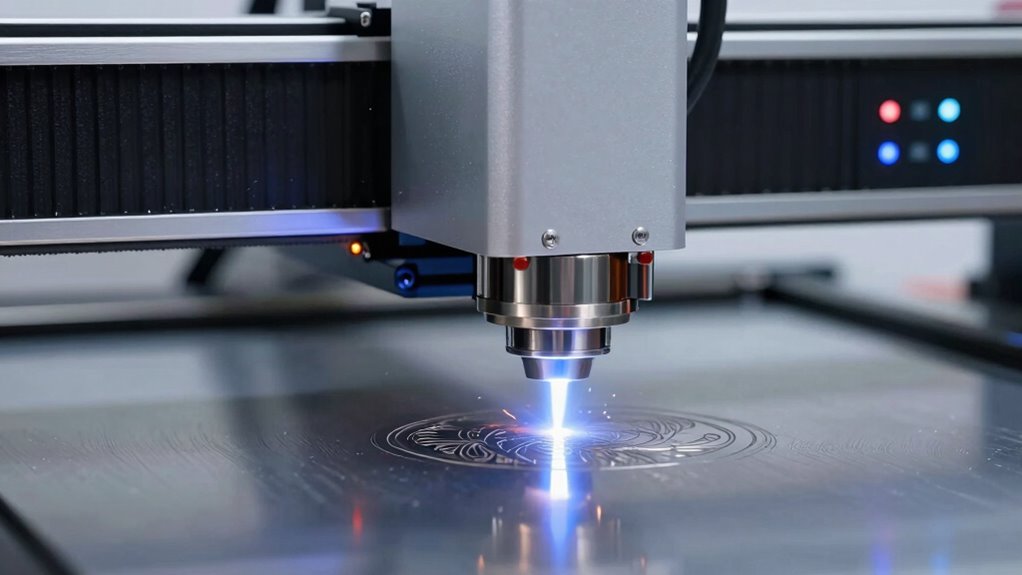
When choosing a laser engraver, understanding the core differences between diode, CO2, and fiber lasers is essential because each type is designed for specific applications and materials. The laser beam wavelength plays a key role in how effectively each laser interacts with different surfaces. Diode lasers typically emit wavelengths around 800-1000 nm, making them suitable for detailed engraving on plastics and certain metals, with good engraving resolution. CO2 lasers operate at about 10,600 nm, excelling at cutting and engraving non-metal materials like wood and acrylic. Fiber lasers have a wavelength around 1064 nm, offering high precision and deep engraving on metals. Recognizing these differences helps you select the right laser type for your project’s material and desired engraving resolution. Understanding laser wavelengths is crucial for optimizing your engraving results.
Which Laser Type Is Best for Hobbyists or Professionals?
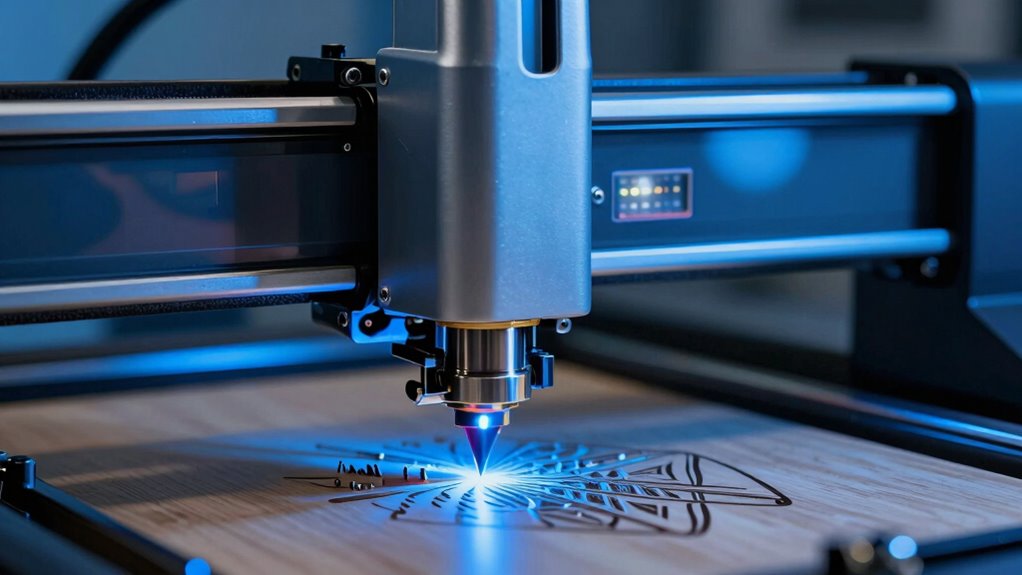
When choosing a laser for hobby or professional use, your budget and the materials you’ll work with play vital roles. Hobbyists often prioritize affordability and material versatility, while professionals may focus on precision and durability. Considering these points helps you select the laser type that fits your needs and budget best.
Cost and Budget
Choosing the right laser engraver largely depends on your budget, as the costs can vary considerably between types. Diode lasers are typically the most affordable, making them ideal for hobbyists starting out. CO2 models tend to be more expensive but offer greater versatility and power, suited for small business owners or serious enthusiasts. Fiber lasers, while costly, are designed for industrial applications and might be overkill for casual use. When considering your investment, also factor in laser safety features, which are vital regardless of price. Additionally, a user-friendly interface can save you time and reduce frustration, especially if you’re new to laser engraving. Balancing upfront costs with long-term usability helps guarantee you choose a machine that fits your budget without sacrificing essential features.
Material Compatibility
Different laser types excel at working with specific materials, making it important to match your needs with the right technology. Diode lasers work well with small projects and materials like wood, acrylic, and leather, but may struggle with thicker or denser materials. CO2 lasers are versatile, cutting and engraving a wide range of organic materials such as wood, glass, and plastics, but require strict laser safety measures due to higher power levels. Fiber lasers are ideal for metals and certain plastics, offering superior power efficiency and precision. Consider how each laser’s compatibility aligns with your project materials. Also, evaluate the safety protocols needed, especially for higher-powered systems. Contrast ratio plays a significant role in determining the quality of the engraved or cut images, affecting how well details are rendered. Choosing the right laser guarantees maximum performance and safety, whether for hobbyist crafts or professional production.
Key Factors to Consider When Choosing a Laser Engraver
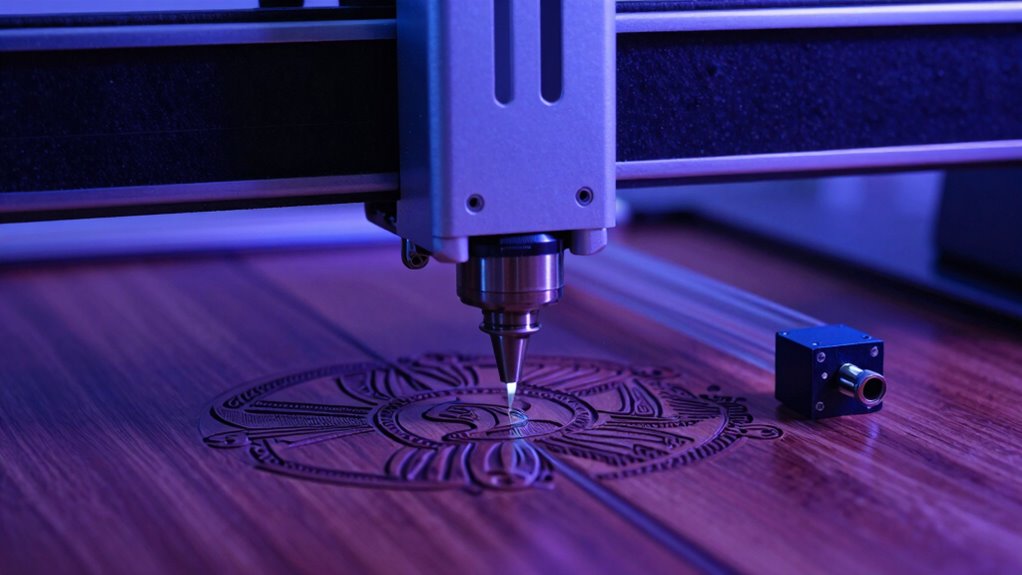
When choosing a laser engraver, you need to take into account whether it can handle the materials you plan to work with. Cost and ongoing maintenance also play a big role in your decision, affecting your long-term investment. Making the right choice means balancing your material needs with budget and upkeep requirements.
Material Compatibility Considerations
Understanding the materials you plan to work with is essential because not all laser engravers are compatible with every substrate. Different materials such as wood, acrylic, metal, or glass require specific laser types for effective engraving or cutting. Compatibility affects laser safety, as some materials produce harmful fumes or intense reflections that can damage equipment or pose health risks. Additionally, consider the environmental impact—some materials release toxins or require special ventilation. Ensuring your chosen laser engraver can handle your materials minimizes safety hazards and reduces environmental concerns. Always verify material compatibility before purchasing. This helps you achieve high-quality results while maintaining safe working conditions and minimizing ecological footprint. Proper matching of laser type and materials is key to a successful and responsible engraving process.
Cost and Maintenance Factors
Choosing a laser engraver involves more than just matching it to your materials; budget considerations and ongoing costs play a significant role in making the right investment. You need to factor in laser safety, guaranteeing your setup minimizes risks to users and complies with regulations. Maintenance costs vary depending on the type—fiber lasers often require less frequent upkeep compared to CO2 models, which need regular lens cleaning and component checks. Energy efficiency also impacts your expenses; more efficient machines reduce electricity bills over time. Consider the durability of parts and the availability of replacement components, as these influence long-term costs. Balancing initial purchase price with ongoing maintenance and safety considerations ensures you select an engraver that’s both economical and safe to operate.
How Do Speed, Precision, and Power Vary Among Laser Types?
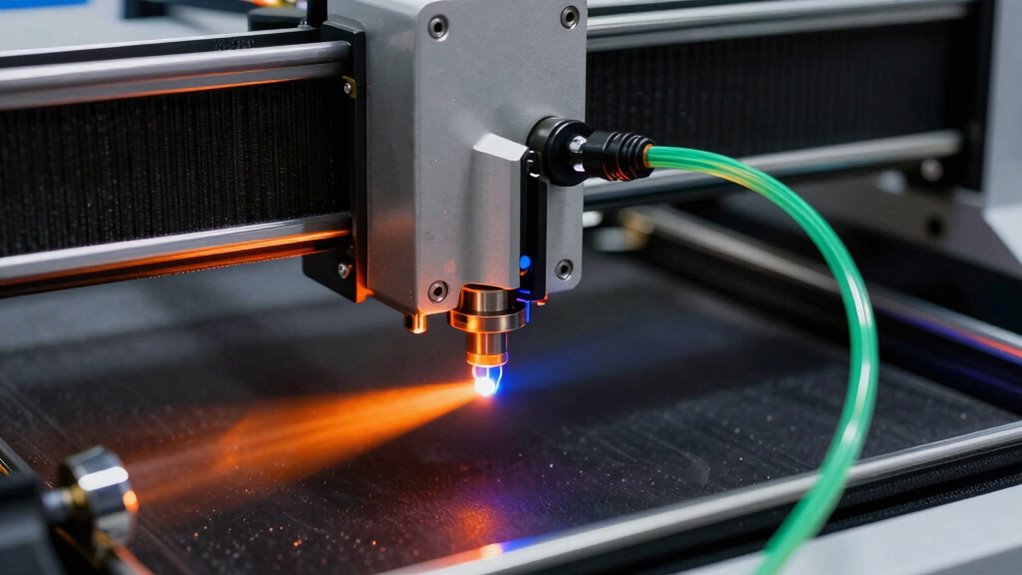
Different laser types offer varying levels of speed, precision, and power, which directly impact their suitability for different projects. The laser beam wavelength influences how effectively a laser interacts with materials, affecting both engraving speed and detail. For example, diode lasers have a shorter wavelength, enabling precise, detailed work at moderate speeds, but they might lack the power for deep cuts. CO2 lasers use a longer wavelength, providing higher power and faster engraving speeds on organic materials but with less fine detail. Fiber lasers generally deliver high power with excellent precision, making them ideal for fine, intricate designs at high speeds. Your choice depends on the project’s required detail, material, and desired throughput, as these factors determine the best fit among laser types. Additionally, understanding laser interaction with materials can help optimize your results for each specific application.
Material Compatibility: What Can Each Laser Mark or Cut?
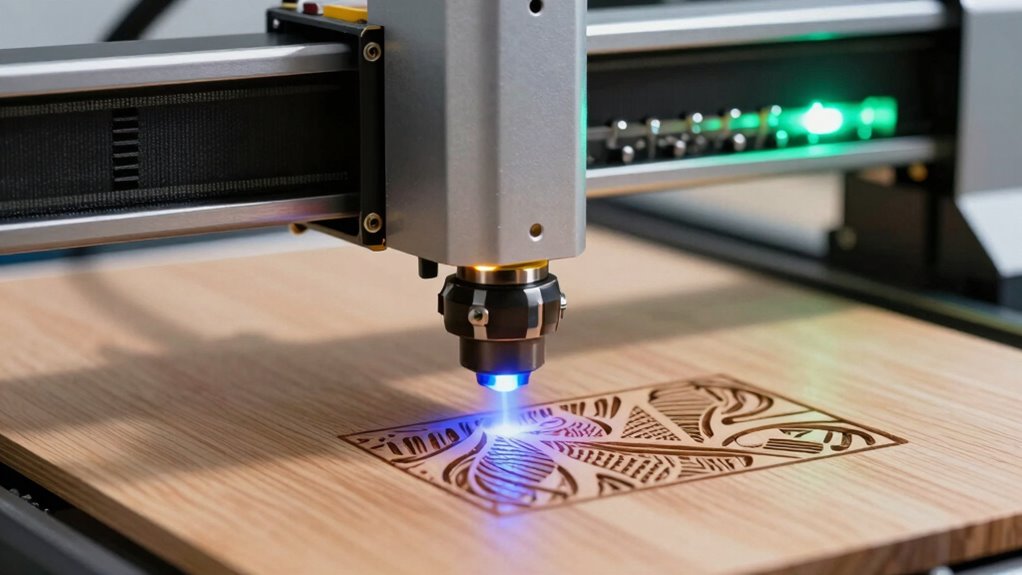
The type of laser you select not only affects speed and precision but also determines which materials you can effectively work with. Diode lasers excel at marking plastics, wood, and leather, but struggle with metals or thick materials. CO2 lasers are versatile, cutting and engraving non-metallic materials like glass, acrylic, and fabric, while often requiring proper laser safety measures to avoid fumes. Fiber lasers are ideal for marking metals, including stainless steel and aluminum, with minimal environmental impact due to their efficiency and lower waste. Each laser type influences environmental impact through energy consumption and waste generation. Understanding material compatibility helps you choose the right laser for your projects, ensuring safety and minimizing environmental harm while achieving best possible results.
Cost, Maintenance, and Operating Expenses for Different Laser Types
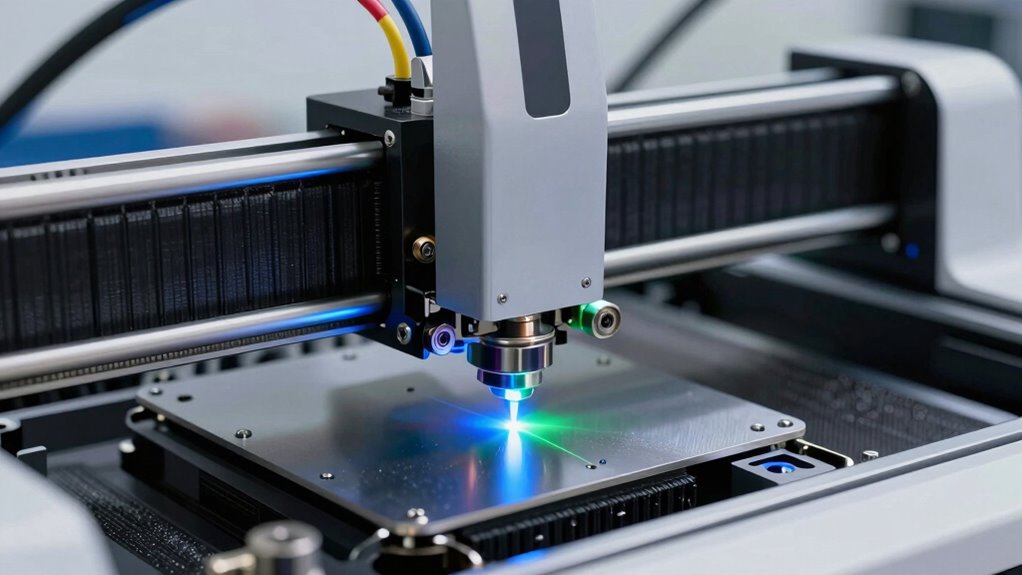
Understanding the costs associated with each laser type is essential for making an informed investment. You’ll want to evaluate three main areas: 1) initial purchase price, which varies greatly—diodes are budget-friendly, while fiber lasers are pricier; 2) ongoing maintenance, including replacing laser tubes or diodes, which impacts your budget and safety protocols; and 3) operating expenses like electricity and consumables, affecting your environmental impact. Fiber lasers often require less maintenance, but their higher power consumption can increase costs. Laser safety is critical across all types, especially since different lasers produce varying levels of hazardous emissions. By weighing these factors, you can choose a laser that balances upfront costs, ongoing expenses, and safety considerations.
Choosing the Right Laser Engraver for Your Creative or Business Needs
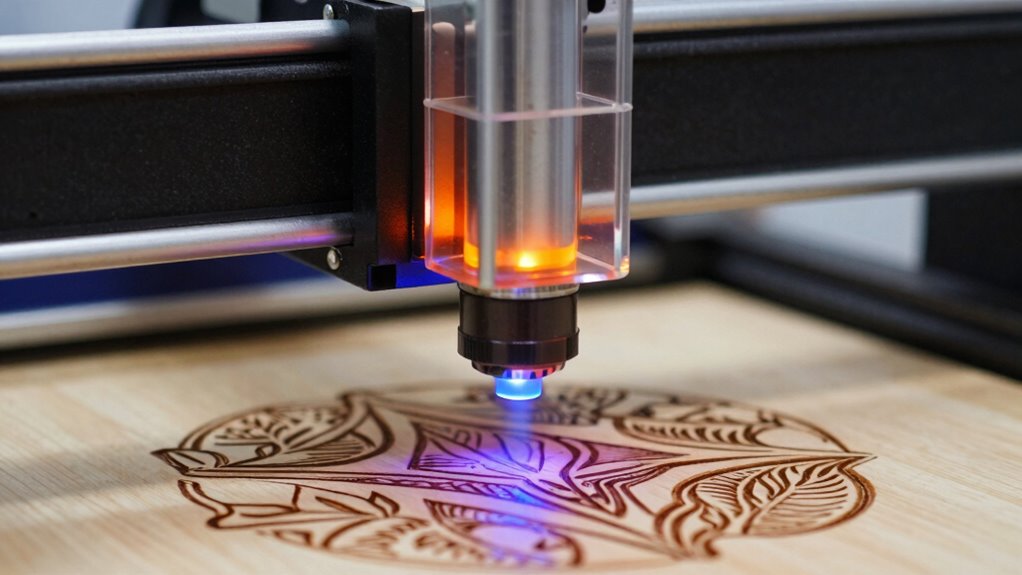
Choosing the right laser engraver depends on your specific creative or business goals, as well as the materials you’ll work with most often. Consider the types of projects you’ll undertake—whether jewelry, signage, or detailed artwork—to determine the best technology. Laser safety is essential; make sure your setup includes proper enclosures and safety features to protect yourself and others. Also, think about the environmental impact, such as emission levels and energy consumption, which vary among laser types. Fiber lasers, for example, often have lower emissions, while CO2 lasers may produce more fumes. Your choice should align with your workspace’s safety standards and sustainability goals. By evaluating these factors carefully, you’ll select a laser engraver that enhances productivity and minimizes risks.
Final Tips: Picking the Best Laser Engraver for Your Projects
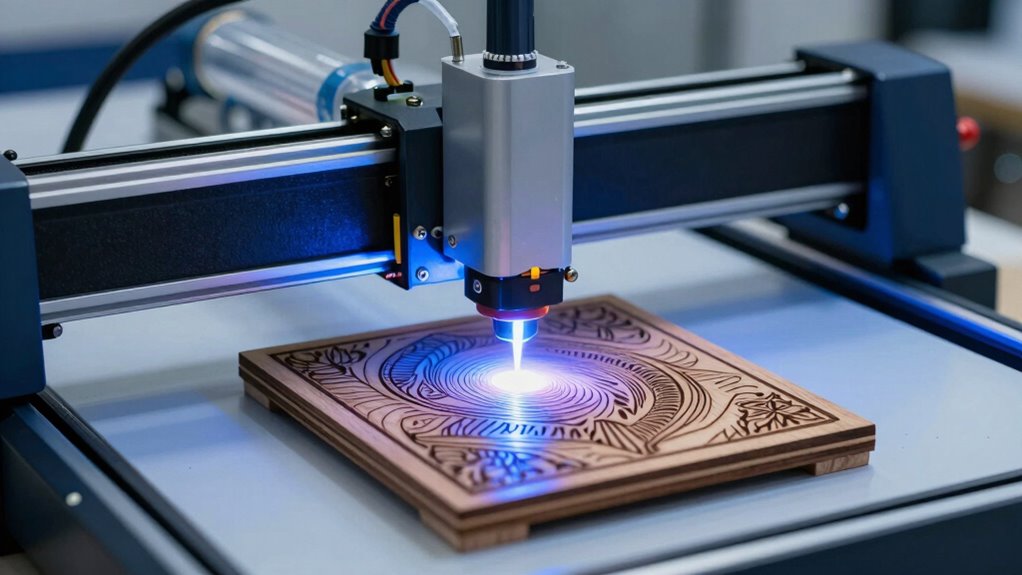
When narrowing down your options, consider how the laser engraver’s features align with your specific project requirements. Think about:
- The laser safety features—ensure the machine has proper enclosure, safety interlocks, and clear instructions to protect you during operation.
- The user interface—a simple, intuitive control panel or software makes setup and adjustments easier, saving you time and frustration.
- Your project scope—whether you need detailed precision for jewelry or larger cuts for signage influences your choice between diode, CO2, or fiber types.
Frequently Asked Questions
How Long Do Diode, CO2, and Fiber Lasers Typically Last?
You can expect diode lasers to last around 10,000 to 20,000 hours, while CO2 lasers typically run 10,000 to 15,000 hours with proper maintenance. Fiber lasers usually last over 50,000 hours, making them highly durable. Material compatibility and maintenance requirements greatly influence lifespan; regular cleaning and correct settings guarantee your laser stays efficient. Proper care and choosing the right laser for your materials optimize longevity and performance.
Are There Safety Concerns Specific to Each Laser Type?
You should be aware that each laser type has unique safety concerns. Proper laser safety practices, like wearing protective eyewear and ensuring adequate ventilation, are essential. Regular equipment maintenance helps prevent accidents and keeps the laser functioning safely. For example, CO2 lasers may emit harmful fumes, so ventilation is necessary, while fiber lasers require eye protection due to their high-intensity beams. Always follow safety guidelines for your specific laser type.
Can I Upgrade or Retrofit My Laser Engraver Later?
Yes, you can often upgrade or retrofit your laser engraver later, but it depends on the machine’s design. Upgrading can enhance laser precision and improve performance, though it may increase maintenance requirements. Before proceeding, check if your engraver’s components are compatible with the new parts or technology. Planning upgrades carefully ensures you maintain ideal laser precision while managing maintenance needs effectively for continued high-quality engraving.
What Are the Environmental Impacts of Each Laser Type?
This is an environmental game-changer! Each laser type impacts the planet differently. You’ll find that CO2 lasers generally emit more greenhouse gases and require substantial electricity, but have fewer hazardous emissions. Diodes produce minimal waste, yet their manufacturing impacts are notable. Fiber lasers are energy-efficient, aligning well with strict environmental regulations, and recycling options are more available for their components. Your choice influences sustainability, waste management, and your eco-footprint considerably.
How Do Energy Consumption and Efficiency Compare Across Laser Types?
You’ll find that diode lasers typically have lower power consumption and operational costs, making them more efficient for small-scale projects. CO2 lasers, while consuming more energy, offer faster engraving speeds and higher precision, which can save you time. Fiber lasers are highly efficient and cost-effective for metal work, with lower energy use over time. Overall, your choice depends on balancing initial costs with ongoing energy efficiency and operational expenses.
Conclusion
Choosing the right laser engraver can transform your projects, whether you’re a hobbyist or a pro. Did you know that fiber lasers can achieve speeds up to 4,000 mm/sec? That’s lightning-fast compared to diode and CO2 options. By considering your material needs, budget, and desired precision, you’ll find a machine that elevates your work and saves you time. Pick wisely, and watch your creativity and productivity soar!
Fall Picks
fall essentials
As an affiliate, we earn on qualifying purchases.