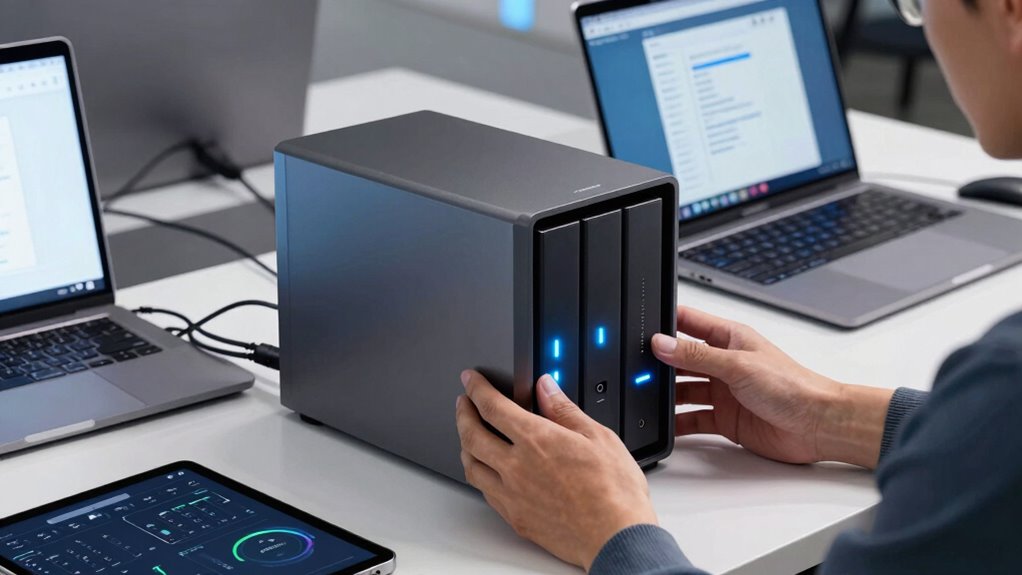
When choosing a NAS device for your small business, ask how fast it can back up and restore files to meet your workflow needs. Check if it supports scalable performance as your data grows, and whether it offers seamless cloud integration for hybrid backup strategies. Security features like encryption and multi-factor authentication are essential for protecting sensitive info. If you want to discover more key performance questions, keep exploring how to select the best device for your business needs.

Get business pricing on office and shipping supplies
- Business-only prices and quantity discounts
- Tax-exempt purchasing
- Multiple users, one account, clear invoices
Key Takeaways
- Does the NAS support high-speed data transfer for efficient backups and restores?
- Can the device handle scalability to accommodate growing business data volumes?
- Are there robust security features like encryption and multi-factor authentication to protect backups?
- Is the NAS compatible with popular cloud services for hybrid backup strategies?
- Does the device offer user-friendly management tools for easy setup and ongoing maintenance?
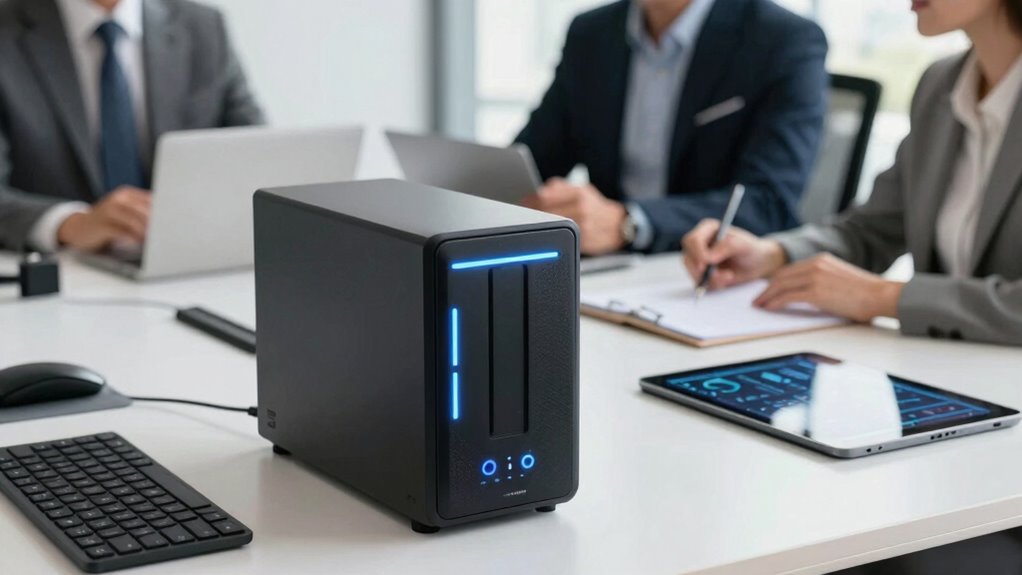
For small businesses, safeguarding critical data is essential, and Network Attached Storage (NAS) devices offer an efficient solution. When selecting a NAS, one of your first questions should be about cloud integration. You want a device that seamlessly connects with popular cloud services like Google Drive, Dropbox, or OneDrive. This integration allows you to create hybrid backup strategies, guaranteeing your data is redundantly stored both locally and in the cloud. It also simplifies remote access, giving you the flexibility to retrieve files from anywhere without compromising security. Cloud integration isn’t just a convenience; it’s a crucial feature that enhances your disaster recovery plan and keeps your business agile. Understanding technology reviews can help you stay informed about the latest features and updates, ensuring you choose a device that meets your needs. Data security must be at the top of your list when evaluating NAS options. You need to ask how the device protects your sensitive information. Look for features like built-in encryption, secure user authentication, and regular firmware updates that patch vulnerabilities. The device should support encrypted data transfers, so your information remains protected during backups and remote access. Additionally, consider whether the NAS supports multi-factor authentication and user permissions, which limit access to authorized personnel only. Data security isn’t just about preventing external threats; it also involves safeguarding against accidental data loss or internal breaches. A reliable NAS will have multiple layers of protection to ensure your business’s data stays safe. Implementing comprehensive security measures can further help mitigate risks associated with data breaches. Staying aware of emerging security threats can help you proactively update your defenses and maintain data integrity. Moreover, it’s important to choose a NAS with scalability options that can grow alongside your business, ensuring longevity and ongoing performance. A high-performing NAS not only speeds up backups and restores but also ensures your team can access files quickly and reliably. Finally, think about ease of use and management. A user-friendly interface makes it easier to set up, monitor, and maintain your backup system, especially if you don’t have dedicated IT staff. Look for devices that offer intuitive management tools, automated backup scheduling, and helpful customer support. By asking these key questions—about cloud integration, data security, performance, and user experience—you’ll be better equipped to choose a NAS that fits your small business’s needs, providing peace of mind and reliable data protection every day.
Products Worth Considering

LG UltraWide 34U620B-B 34-Inch Curved WQHD 144Hz Monitors, 2-Pack Bundle

FLEXISPOT Mochi-Pro Zero-Wall Oversized Power Recliner, Beige

Dell XPS 13 9350 Copilot+ Laptop, 13.4-inch 120Hz Display, Intel Core Ultra 7 256V, 16GB RAM, 512GB SSD, Ubuntu Linux 24.04 LTS
As an affiliate, we earn on qualifying purchases.
Frequently Asked Questions
How Secure Are NAS Devices Against Cyber Threats?
NAS devices can be quite secure against cyber threats if you take proper precautions. You should guarantee they use robust encryption protocols to protect your data and regularly apply firmware updates to fix vulnerabilities. These updates help patch security flaws, reducing the risk of unauthorized access. Additionally, enable strong passwords and two-factor authentication. By staying proactive with these security measures, you greatly enhance your NAS device’s resilience against cyber threats.
Can NAS Devices Support Remote Access Securely?
You can absolutely support remote access securely with your NAS device if you set up secure connectivity measures. Think of it as locking the door before leaving home—you’ll want encryption, VPN, and strong passwords to safeguard data. Properly configured, your NAS can provide safe remote access, allowing your team to work efficiently from anywhere without risking security breaches. Don’t cut corners—prioritize security to keep your business safe.
What Is the Typical Lifespan of a NAS Device?
A typical NAS device lasts around 3 to 5 years, depending on usage and maintenance. Regular firmware updates help keep it secure and running smoothly, extending its lifespan. Hardware durability also plays a role; choosing models with sturdy build quality guarantees longevity. Keep an eye on performance signs, and consider upgrading or replacing your NAS when you notice slowdowns or hardware issues to prevent data loss.
Are NAS Devices Compatible With Existing Business Infrastructure?
Did you know about 90% of small businesses use network-integrated storage solutions? Your NAS device is likely compatible with your existing infrastructure if it supports standard network protocols like SMB or NFS. Check for seamless network integration, ensuring it connects smoothly with your current systems. Also, consider power consumption, as a device with low energy use can reduce operational costs while maintaining reliable backups and data sharing across your business.
How Easy Is It to Expand Storage Later?
Expanding storage later is usually straightforward with NAS devices that offer expandable storage options. Look for models with multiple drive bays or the ability to add external storage for future scalability. This way, you can easily increase capacity as your business grows without replacing the entire device. Choosing a NAS with flexible expansion options guarantees you stay prepared for increased data needs, saving time and money down the line.
Conclusion
Choosing the right NAS device can markedly improve your small business backups, ensuring data security and quick recovery. Did you know that 60% of small businesses that experience data loss shut down within six months? By asking the right performance questions and selecting a reliable NAS, you can avoid becoming part of that statistic. Invest wisely now, and safeguard your business’s future with a solution that grows with you.