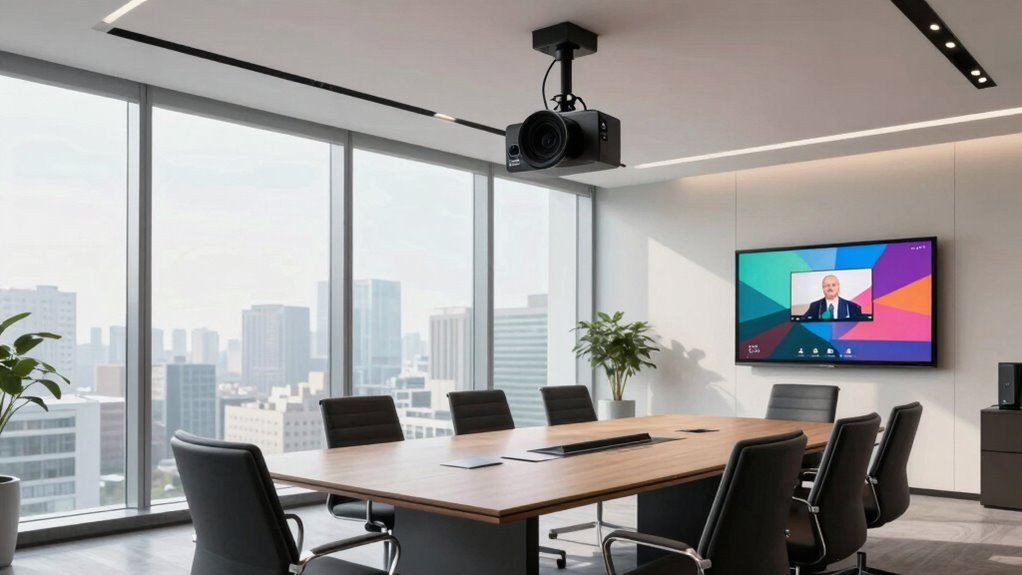

To find the best conference cameras for large rooms without overspending, focus on recent models with wide-angle lenses, good resolution, and flexible placement options. Avoid buying outdated hardware by checking camera specifications and ensuring they match your room size and lighting conditions. Proper lighting and camera placement can boost quality without costly upgrades. If you keep exploring, you’ll discover how to pick smart, budget-friendly options that meet your needs perfectly.

Get business pricing on office and shipping supplies
- Business-only prices and quantity discounts
- Tax-exempt purchasing
- Multiple users, one account, clear invoices
Key Takeaways
- Opt for modern cameras with wide-angle lenses to cover large rooms without multiple devices.
- Prioritize cameras with high resolution and good low-light performance to maximize virtual background quality.
- Choose models with adjustable pan, tilt, and zoom features for flexible coverage at a lower cost.
- Match camera specifications to room size and lighting to avoid overpaying for unnecessary features.
- Consider reputable brands offering firmware updates and support to extend hardware lifespan and value.

Are you looking to upgrade your conference room setup with the best camera options? If so, the key isn’t just choosing a high-end model but understanding how to optimize its use for large rooms. One of the most effective ways to do this is by focusing on camera placement. Proper positioning ensures everyone is visible and engaged, reducing the need for multiple cameras or expensive hardware. For large rooms, placing your camera at eye level and slightly elevated gives a natural perspective, preventing distortion and ensuring your participants look comfortable and professional. Avoid placing cameras too close to walls or corners, which can create blind spots or awkward angles. Instead, position them centrally, ideally on a sturdy tripod or ceiling mount, to maximize space and visibility. Additionally, consider the benefits of wide-angle lenses which can help cover more space with a single camera and reduce blind spots. Using optimal camera placement techniques can further enhance the overall video quality and participant experience. Moreover, understanding camera specifications can help you select models that deliver the best performance without paying for unnecessary features.
In large conference rooms, virtual backgrounds can be a game-changer, especially if the physical environment isn’t always ideal or looks cluttered. When paired with good camera placement, virtual backgrounds help maintain a professional appearance and hide distractions behind you. To get the most out of this feature, ensure your camera captures a clear, well-lit image of your face. Good lighting combined with a stable, high-resolution camera enhances virtual background effectiveness, making it look seamless instead of pixelated or out of focus. This way, you won’t need to invest in costly physical upgrades or worry about outdated hardware that struggles with background replacement features. Additionally, choosing a wide-angle lens can significantly improve coverage in large rooms, allowing a single camera to capture more of the space without losing image quality. It’s also helpful to consider the lighting conditions of your room, as proper illumination directly impacts virtual background clarity and overall video quality.
Products Worth Considering

Dell UltraSharp U4025QW 40-Inch Curved 5K2K WUHD LED Monitor

LG 27-Inch QHD 300Hz IPS Gaming Monitor with USB-C

Apple MacBook Air 15-inch Laptop with M5 Chip, 16GB Memory, 512GB SSD, Liquid Retina Display, and 12MP Center Stage Camera (Midnight)
As an affiliate, we earn on qualifying purchases.
Frequently Asked Questions
How Often Should Conference Cameras Be Upgraded for Optimal Performance?
You should upgrade conference cameras every 2 to 3 years for peak performance. Regularly check camera placement to guarantee clear visibility, and make lighting adjustments to improve image quality. Technology advances quickly, so staying updated helps prevent outdated hardware from affecting your meetings. By maintaining proper camera positioning and lighting, you maximize your current equipment’s lifespan, but timely upgrades ensure you benefit from the latest features and improved video clarity.
What Features Differentiate Premium Conference Cameras From Budget Options?
Premium conference cameras stand out with features like remote control capabilities, allowing you to adjust angles easily, and superior audio quality that guarantees clear conversations. They often include pan-tilt-zoom functions for better coverage and advanced sensors for high-resolution video. Budget options may lack these, offering limited control and lower audio clarity. Investing in premium models enhances your meeting experience without needing to pay for outdated hardware.
Can Existing AV Equipment Be Easily Integrated With New Conference Cameras?
You can usually integrate existing AV equipment with new conference cameras, but compatibility challenges may arise, especially if the hardware is outdated. Be prepared for installation complexities, as connecting different systems might require adapters or software updates. To guarantee smooth integration, check compatibility specifications beforehand and consider consulting a professional. This approach helps you avoid unnecessary costs and technical headaches, making your setup more efficient and cost-effective.
What Are Common Connectivity Issues With Large Room Conference Cameras?
You might face connectivity issues with large room conference cameras due to wireless interference or problems with cable connectivity. Wireless signals can get disrupted by other devices or thick walls, leading to unstable video. Similarly, loose or damaged cables can cause dropout or poor image quality. To avoid these issues, make certain you use high-quality cables, minimize wireless interference sources, and consider wired connections for more reliable performance.
How Do I Ensure Privacy and Security With High-End Conference Cameras?
To guarantee privacy and security with high-end conference cameras, you should enable data encryption to protect transmitted footage and control access with strong passwords. Regularly update your camera firmware to patch vulnerabilities and disable features like remote access when unnecessary. Be mindful of privacy concerns by positioning cameras thoughtfully and informing participants about data handling practices. These steps help safeguard your meetings from potential security breaches.
Conclusion
Now that you know what to look for, you’re ready to choose a conference camera that fits your large room needs without breaking the bank. But what if the perfect option is just around the corner, hiding in plain sight? Stay tuned, because the next breakthrough could revolutionize your meetings—and you won’t want to miss it. Keep your eyes open; the future of conference cameras is about to get even better.