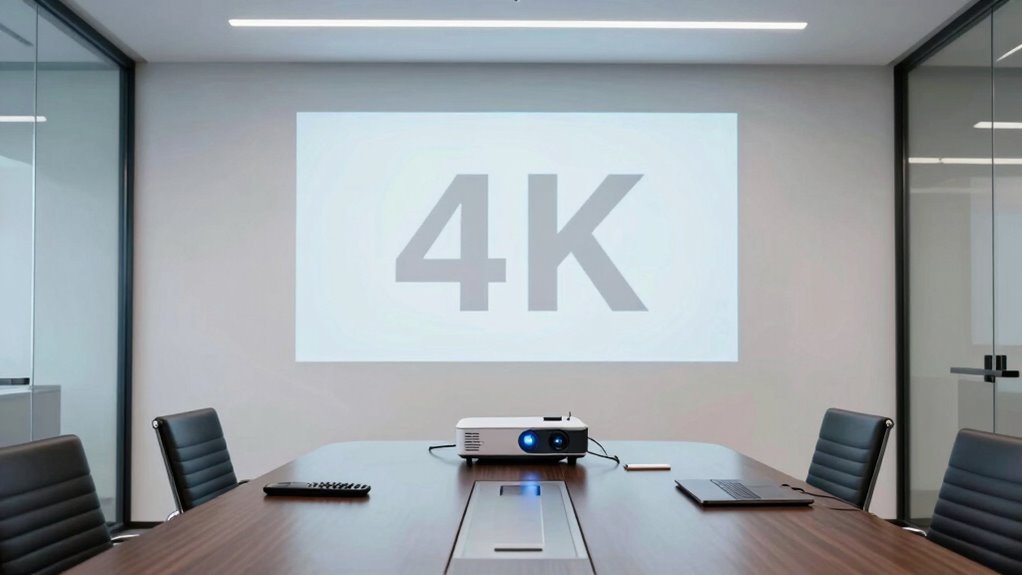

When choosing a 4K projector for your conference room, ask yourself about its resolution, brightness, and contrast to guarantee sharp, vibrant images even in well-lit spaces. Check for versatile connectivity options like HDMI or wireless streaming, allowing easy device pairing. Consider the projector’s throw distance to match your room size, and verify its reliability for seamless presentations. Stay curious—there’s more to uncover that will help you pick the perfect setup for your needs.

Get business pricing on office and shipping supplies
- Business-only prices and quantity discounts
- Tax-exempt purchasing
- Multiple users, one account, clear invoices
Key Takeaways
- Does the projector offer native 4K resolution (3840 x 2160) for crisp, detailed images suitable for complex graphics and text?
- Are there sufficient connectivity options (HDMI, USB-C, wireless) for seamless device integration during presentations?
- Is the brightness level adequate for the room’s ambient lighting to prevent washed-out visuals?
- Does the projector’s throw distance match the room size to ensure proper image size and prevent distortion?
- Does the projector deliver reliable performance with consistent image quality and minimal downtime?
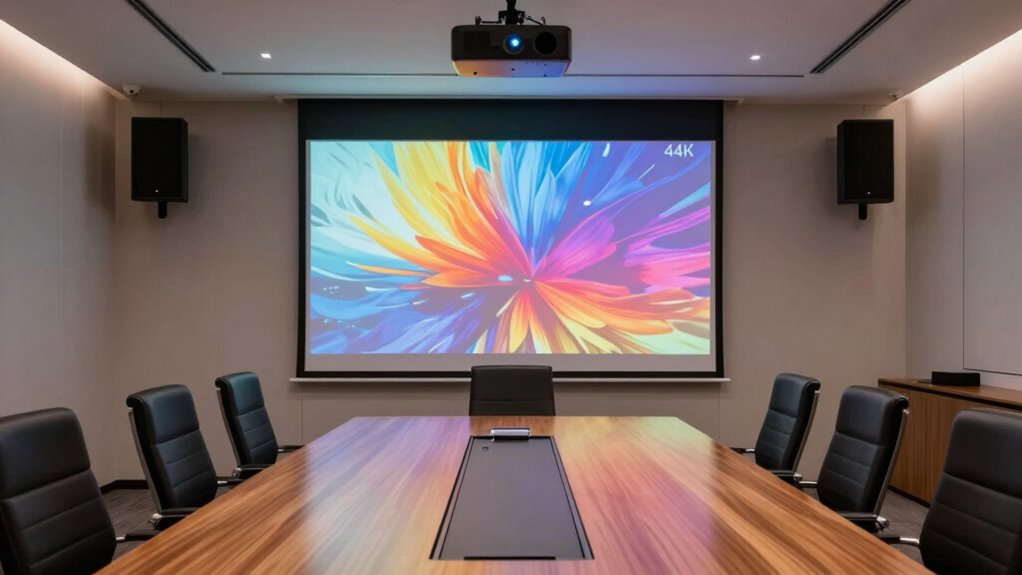
When choosing a 4K projector for your conference room, clarity and reliability are crucial for effective presentations and meetings. You need a device that delivers sharp images and seamless performance, so understanding key performance questions helps you make the best choice. One of the most critical aspects is display resolution. While 4K refers to a resolution of 3840 x 2160 pixels, not all projectors are created equal. Some may have variations in color accuracy, brightness, or image processing capabilities that affect the overall clarity of your visuals. You want a projector that consistently produces crisp, detailed images, especially when displaying complex graphics, fine text, or multimedia content. By focusing on display resolution, you guarantee your audience sees vibrant, clear visuals that enhance comprehension and engagement.
Port compatibility is another essential consideration. Your conference room setup likely involves multiple devices—laptops, tablets, smartphones, or even dedicated media players. You need a projector that can easily connect to these various sources without hassle. Check what types of ports it offers—HDMI, DisplayPort, USB-C, VGA, or wireless options—and verify that they match your existing equipment. Having multiple port options allows for quick, uncomplicated connections, reducing downtime during meetings. Additionally, consider whether the projector supports wireless streaming or screen mirroring, which can streamline your presentation process and reduce cable clutter. The ability to connect effortlessly to different devices and platforms directly impacts the ease of use and reliability during your meetings.
Beyond resolution and port compatibility, think about other performance factors like brightness, contrast ratio, and throw distance. A high display resolution alone won’t suffice if the projector isn’t bright enough for your room’s lighting conditions or if the image appears washed out. Adequate brightness, measured in lumens, ensures your visuals remain sharp and clear even in well-lit environments. The contrast ratio determines how well the projector can differentiate between dark and bright areas, adding depth and realism to your images. Throw distance is equally important, as it affects how far the projector needs to be from the screen to fill it completely. Ensuring these elements align with your room’s specifications guarantees a smooth, professional presentation experience.
Products Worth Considering

Vari ComfortEdge Electric Standing Desk, 60 x 30 in, Walnut/Black

Apple iMac MK472LL/A 27‑Inch Retina 5K Desktop (3.2 GHz Intel Core i5, 8 GB DDR3, 1 TB, macOS)

Canon imageCLASS MF462dw II Wireless Monochrome Duplex Laser Printer
As an affiliate, we earn on qualifying purchases.
Frequently Asked Questions
How Does Projector Lamp Life Impact Long-Term Costs?
Projector lamp life directly impacts your long-term costs because longer lamp durability means fewer replacements, saving you money over time. When choosing a projector, consider lamps with high durability for better cost efficiency. A longer-lasting lamp minimizes maintenance, reduces downtime, and lowers expenses on replacement parts. This guarantees your conference room setup remains reliable and economical, giving you a smarter investment while maintaining high-quality visuals during meetings.
Are 4K Projectors Compatible With All Video Conferencing Software?
Yes, most 4K projectors are compatible with a wide range of video conferencing software. You’ll want to check the projector’s input options and confirm it supports HDMI or USB-C connections, which are common for video conferencing tools. Additionally, verify that the projector’s firmware and software are up-to-date for seamless integration. This guarantees smooth video conferencing sessions, regardless of the platform you’re using, providing reliable performance during meetings.
What Is the Ideal Throw Distance for Various Room Sizes?
Think of your room as a stage—smaller rooms need a short throw distance to prevent shadows, while larger spaces call for a longer throw to fill the screen. For ideal screen size, measure your room’s length and consider room acoustics; echoing sounds can distract from visuals. For rooms under 15 feet, a throw distance of 6–8 feet works well, ensuring clear images without sacrificing space or clarity.
How Does Ambient Lighting Affect 4K Projector Visibility?
Ambient light greatly impacts your 4K projector’s visibility, making screen brightness essential. When there’s a lot of ambient light, your projector’s brightness needs to be higher to guarantee clear, vibrant images. If your conference room isn’t easily controlled for lighting, choose a projector with high lumen output to combat ambient light. Additionally, investing in a high-quality screen can enhance contrast and reduce glare, improving overall visibility.
What Maintenance Is Required for Optimal 4K Projector Performance?
Think of your 4K projector as a finely tuned instrument that needs regular care to sing its best. You’ll want to keep up with projection calibration, ensuring colors and focus stay sharp, and manage cooling requirements to prevent overheating. Dust off filters, check lamp life, and replace parts as needed. Consistent maintenance keeps your projector performing at its peak, delivering crisp, vibrant images every time you turn it on.
Conclusion
Choosing the right 4K projector for your conference room can transform your presentations and guarantee your message hits home. Remember, “the proof of the pudding is in the eating”—so prioritize performance, clarity, and ease of use. By asking the right questions and considering your specific needs, you’ll find a projector that not only impresses but also elevates your meetings. Don’t settle for less; the right investment will pay off in every presentation.