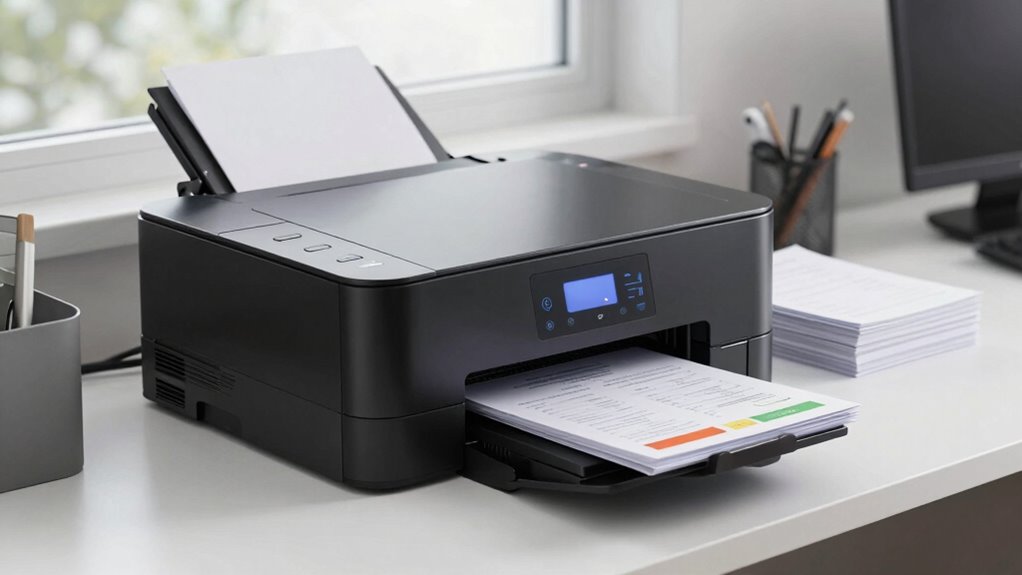

Choosing the wrong laser printer with scanner can lead to high costs, workflow delays, and security risks you’d rather avoid. Without wireless connectivity or multifunction features, you’ll struggle with slower document processing and managing multiple devices, wasting time and resources. Poor quality or incompatible models can cause errors and downtime, affecting your team’s productivity. Keep these risks in mind, and you’ll discover how to make smarter choices that keep your office efficient and secure.

Get business pricing on office and shipping supplies
- Business-only prices and quantity discounts
- Tax-exempt purchasing
- Multiple users, one account, clear invoices
Key Takeaways
- Choosing a non-wireless or single-function printer limits mobility and workflow efficiency for admin teams.
- Opting for a device with poor scan quality or speed can cause delays and miscommunications.
- Ignoring long-term operational costs may lead to higher expenses and frequent replacements.
- Selecting incompatible or unreliable models risks security issues and technical disruptions.
- Failing to consider multifunction capabilities can result in increased equipment clutter and management complexity.

When it comes to supporting administrative teams, having a reliable laser printer with a scanner is essential for maintaining productivity and efficiency. The right device can streamline your workflow, reduce delays, and keep your team moving smoothly. One of the key features to look for is wireless connectivity, which allows you to print and scan from any device on your network without the hassle of cables. This flexibility means you can send documents from your laptop, tablet, or smartphone without interrupting your work or needing to be near the printer. Wireless connectivity also simplifies setup and minimizes clutter, making your workspace cleaner and more organized.
Wireless connectivity enables seamless printing and scanning from any device, simplifying setup and reducing workspace clutter.
Equally important is multifunction capability, which combines printing, scanning, copying, and sometimes faxing into a single device. This all-in-one approach not only saves space but also reduces the need for multiple machines, cutting costs and maintenance efforts. With multifunction capabilities, you can quickly scan documents and send digital copies to your email or cloud storage, saving time compared to manual file transfers. This feature is crucial for administrative teams that handle large volumes of documents daily, ensuring quick turnaround and easy access to scanned files. Additionally, selecting a device with easy-to-use interface can further improve efficiency by minimizing the learning curve for team members.
Choosing the wrong laser printer with a scanner can have serious consequences. A device lacking wireless connectivity might force you to rely on physical connections, slowing down your operations and limiting mobility. If a printer doesn’t have multifunction capabilities, you’ll find yourself juggling multiple devices, which can lead to increased expenses, more maintenance, and potential errors. Poor print and scan quality can result in miscommunications or the need to reprint, wasting resources and delaying critical tasks. Additionally, if the device isn’t compatible with your existing network or software, it can cause frustrating technical issues that eat into your productivity.
Investing in the wrong model can also mean higher long-term costs. Cheaper printers might have higher toner replacement costs, slower speeds, or shorter lifespans. Conversely, a device with advanced features might seem pricier upfront but can save you money over time by reducing downtime, minimizing repairs, and lowering consumable expenses. The real cost of getting this purchase wrong isn’t just about the initial price—it’s about the impact on your team’s efficiency, document security, and overall workflow.
wireless laser printer with scanner
As an affiliate, we earn on qualifying purchases.
As an affiliate, we earn on qualifying purchases.
Frequently Asked Questions
How Often Should I Service or Replace Parts on a Laser Printer With Scanner?
You should service your laser printer with scanner every 6 to 12 months, depending on usage. Regular maintenance helps with paper jam management and extends toner cartridge lifespan. Check for paper jams regularly and replace toner cartridges when print quality declines. Keep an eye on the printer’s performance, and perform routine cleaning and parts replacement as recommended by the manufacturer to prevent costly repairs and guarantee smooth operation.
Are There Security Features Specific to Laser Printers With Integrated Scanners?
Yes, laser printers with integrated scanners often include security features like cloud integration and user authentication. These features help protect sensitive data by controlling who can access or scan documents and securely transmitting data to cloud storage. You should look for printers that offer robust encryption, login requirements, and secure cloud options to prevent unauthorized access and safeguard your organization’s information.
What Is the Typical Lifespan of a Laser Printer With Scanning Capabilities?
A laser printer with scanning capabilities can last a lifetime—literally! On average, you’re looking at 5 to 7 years if you prioritize printer ergonomics and maintain it well. Unlike inkjets, toner-based machines are built for durability, making them a smarter investment. Proper maintenance and choosing a model with robust components guarantee your laser printer with scanning features stays reliable, saving you from costly replacements and downtime.
Can These Printers Handle High-Volume Scanning and Printing Tasks Simultaneously?
Yes, these printers can handle high-volume scanning and printing simultaneously, especially models designed for busy admin teams. They maintain excellent color accuracy and efficient paper handling during heavy workloads. Look for features like automatic duplexing and large input trays, which help manage large print and scan jobs smoothly. By choosing a model with these capabilities, you guarantee consistent performance without compromising quality or speed, even during peak usage.
How Energy-Efficient Are Modern Laser Printers With Scanners?
Modern laser printers with scanners are quite energy-efficient, helping you save on energy consumption and reduce your overall costs. While some worry about higher energy use, new models incorporate energy-saving features like auto-sleep and low-power modes. These innovations guarantee you get effective performance without draining your budget. By choosing an energy-efficient model, you’ll enjoy cost savings while maintaining productivity, making it a smart investment for your admin team.
Conclusion
Choosing the right laser printer with a scanner is like finding the perfect compass for your admin team’s journey—guide them right, and they’ll navigate smoothly through every task. Make the wrong choice, and they’ll be lost in a sea of wasted time and money. So, weigh your options carefully, and let this trusty tool become your team’s loyal captain, steering your workflow safely to calmer, more efficient waters.
Halloween Picks
halloween
As an affiliate, we earn on qualifying purchases.