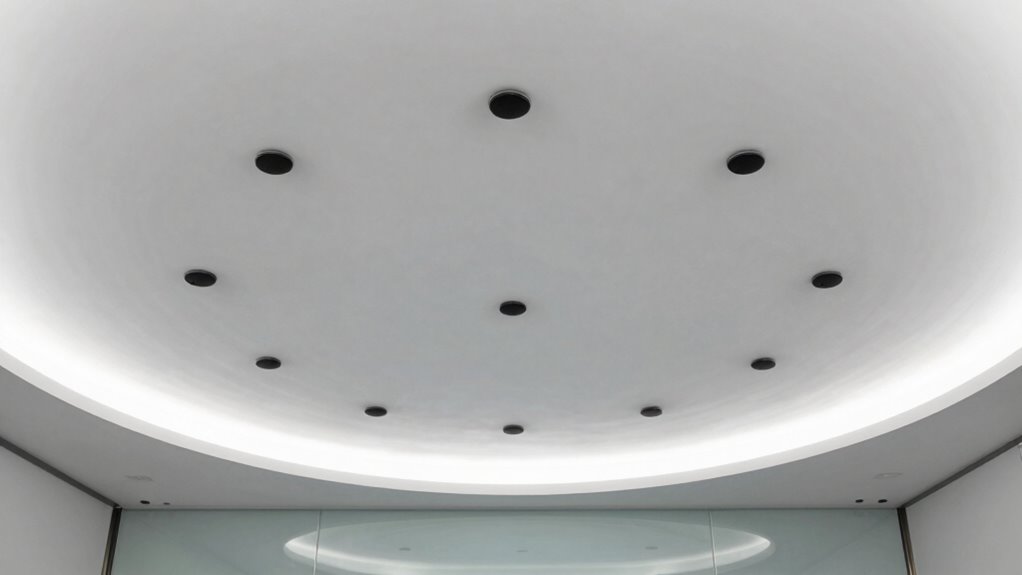

The best ceiling microphones save you time with features like one-touch pairing, automatic calibration, and seamless wireless protocols, making setup quick and simple. They support remote management and firmware updates, reducing on-site support and troubleshooting. Intuitive controls and automation streamline daily tasks, ensuring reliable performance with minimal effort. These workflow capabilities simplify operation and maintenance, helping you run meetings smoothly. Keep exploring to discover how these tools can transform your conference experience even further.

Get business pricing on office and shipping supplies
- Business-only prices and quantity discounts
- Tax-exempt purchasing
- Multiple users, one account, clear invoices
Key Takeaways
- One-touch pairing and automatic calibration streamline setup, reducing installation time and technical complexity.
- Seamless wireless protocol integration enables quick, hassle-free connection with existing conferencing systems.
- Remote management features allow easy monitoring and adjustments, minimizing on-site technical support.
- Firmware updates over the air keep systems current, preventing downtime and maintenance delays.
- Advanced noise reduction, echo cancellation, and beamforming ensure clear audio, reducing troubleshooting during meetings.
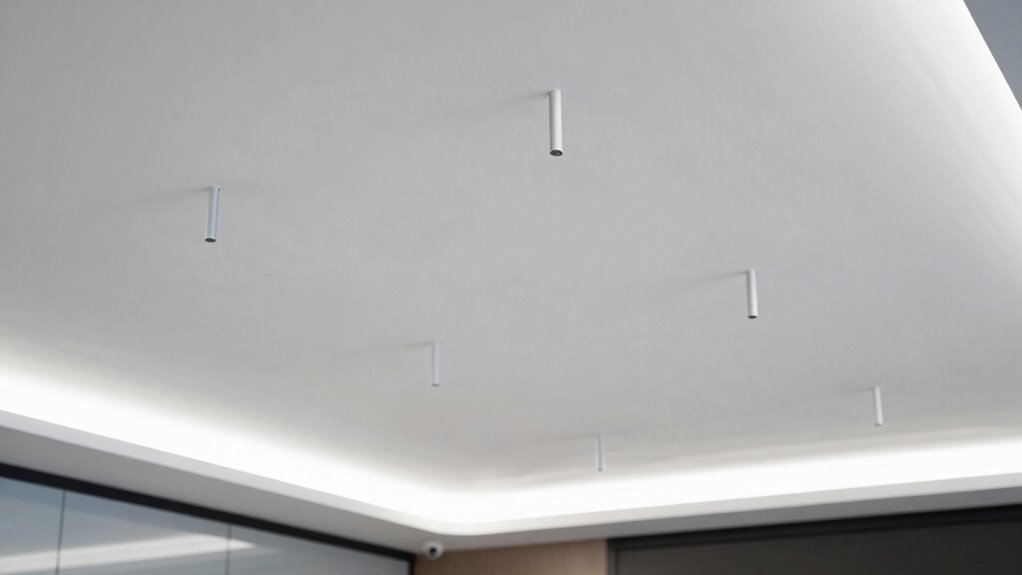
When choosing the right ceiling microphone for your meeting room, you’ll want a solution that delivers clear audio, easy installation, and reliable performance. One of the key features to contemplate is wireless connectivity. With wireless models, you can avoid the clutter and hassle of running long cables across the ceiling, making setup much more straightforward. Wireless microphones also allow for flexible placement, guaranteeing ideal sound coverage without worrying about cable length or interference. This flexibility means you can quickly adapt the setup if your room layout changes or if you need to reposition the microphone for different types of meetings.
Wireless ceiling microphones offer flexible placement and easy setup without cable clutter.
Sound quality enhancement is equally essential. High-quality ceiling microphones are designed to pick up voices clearly even in rooms with ambient noise or reflections. Look for models with advanced noise reduction and echo cancellation features, which help focus on the speaker’s voice rather than background sounds. Some microphones are equipped with beamforming technology, which automatically detects and amplifies the person speaking, further improving clarity. When sound quality is maximized, you spend less time troubleshooting audio issues during meetings, and participants can focus more on the discussion rather than struggling to hear.
The most efficient workflow features in ceiling microphones are those that streamline setup and operation. For example, many models now come with one-touch pairing and automatic calibration, saving you from complex configuration processes. Once installed, these microphones can often connect seamlessly with your existing conferencing systems through wireless protocols, minimizing downtime. Additionally, some units offer remote management capabilities, allowing you to monitor and adjust settings from a central control point. This reduces the need for on-site technical support and ensures your microphone system remains reliable and tuned to your room’s acoustics.
Furthermore, integration with your room’s control system can save time during daily operations. When the microphone communicates smoothly with your AV equipment, you eliminate the need for manual adjustments or troubleshooting. Many ceiling microphones also support firmware updates over the air, so you can keep the device’s performance optimized without complicated procedures. Incorporating workflow features that simplify daily tasks can significantly enhance overall efficiency and reduce the time spent on technical issues. A well-designed system with intuitive controls and automation can also minimize setup time**, making it easier for staff to manage without extensive training. Understanding how these features contribute to overall ease of use** can help ensure your meeting technology remains dependable and efficient, ultimately saving even more time in the long run. All these workflow features combine to cut down on setup time, simplify maintenance, and ensure your meetings run smoothly without interruptions caused by audio issues.
wireless ceiling microphone for conference rooms
As an affiliate, we earn on qualifying purchases.
As an affiliate, we earn on qualifying purchases.
Frequently Asked Questions
How Do Ceiling Microphones Handle Background Noise?
Ceiling microphones handle background noise through sound absorption and noise reduction features. They focus on capturing voice frequencies while minimizing ambient sounds, thanks to directional pickup patterns. This helps filter out background noise and improves clarity during meetings. By effectively reducing unwanted noise, ceiling microphones guarantee you get crisp, clear audio, making conversations smoother and more productive without distractions from surrounding sounds.
Are Ceiling Microphones Compatible With Existing AV Systems?
About 85% of modern ceiling microphones are compatible with existing AV systems, making integration smoother. You’ll find many models support wireless integration, reducing cable clutter and setup time. However, compatibility concerns can arise with older systems, so it’s essential to verify your AV infrastructure’s specifications. Ensuring your chosen microphone matches your current setup helps streamline meetings without costly upgrades or technical issues.
What Is the Typical Installation Process for Ceiling Microphones?
You typically start by selecting ideal ceiling microphone placement, usually above the main speaking area, to guarantee clear audio capture. During installation, you consider ceiling material compatibility, power requirements, and integration with your existing AV system. You’ll mount the microphone securely, run necessary cabling discreetly, and connect it to your AV processor or mixer. Proper installation considerations help avoid audio issues and ensure seamless, time-saving operation during meetings.
How Do Ceiling Microphones Perform in Large, Acoustically Challenging Rooms?
Ever wondered how ceiling microphones handle large, acoustically challenging rooms? They perform well when paired with proper sound absorption and acoustic treatment, reducing echo and background noise. These features help the microphones pick up voices clearly across the space. While challenging environments can pose issues, strategic placement and improved acoustic solutions ensure your meeting audio remains crisp and intelligible, even in difficult room conditions.
What Maintenance Is Required for Ceiling Microphones Over Time?
You should clean ceiling microphones regularly, ideally every few months, to prevent dust buildup that can affect sound quality. Calibration procedures are also essential periodically, especially after cleaning or any room modifications, to guarantee peak performance. Use a soft cloth for cleaning and follow manufacturer guidelines for calibration. This routine maintenance keeps the microphones functioning smoothly, saves time during meetings, and maintains clear audio quality over time.
Conclusion
Choosing the right ceiling microphone is like finding the perfect conductor for your meeting symphony—your audio harmony depends on it. When you pick a model that seamlessly captures every voice, your meetings flow like a well-rehearsed orchestra, saving you time and frustration. With the right mic, you’ll keep the conversation clear and the productivity high, turning your meeting room into a stage where collaboration hits all the right notes.
Evergreen bestsellers Picks
bestsellers
As an affiliate, we earn on qualifying purchases.