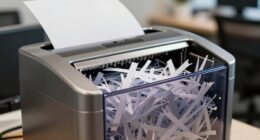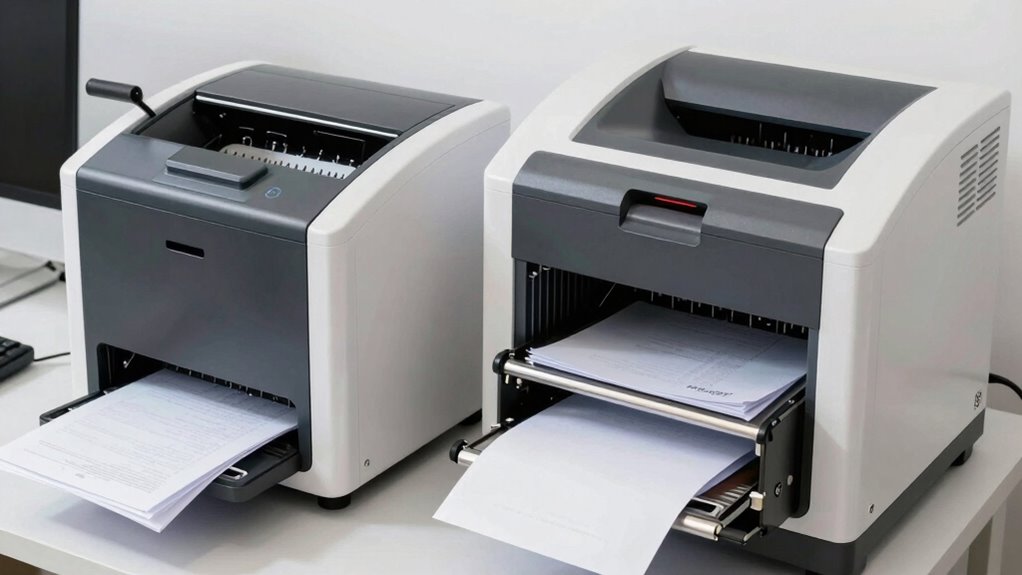
Auto-feed shredders save you more time because they automatically handle large stacks of paper, allowing continuous shredding without manual effort. They operate at higher speeds, making them ideal for frequent or high-volume tasks, and require less user intervention. Manual shredders, on the other hand, slow down the process since you have to insert sheets one by one. If you want to discover which option best suits your needs, keep exploring the details that follow.
Key Takeaways
- Auto-feed shredders handle large volumes continuously, significantly reducing total shredding time compared to manual models.
- Manual shredders require individual sheet insertion, making them slower for high-volume or frequent shredding tasks.
- Auto-feed models operate at higher speeds due to automatic paper loading and powerful motors.
- Manual shredders are better suited for small jobs, but are time-consuming for larger volumes.
- Choosing an auto-feed shredder saves time in busy environments by automating and streamlining the shredding process.
How Do Auto-Feed and Manual Shredders Work?
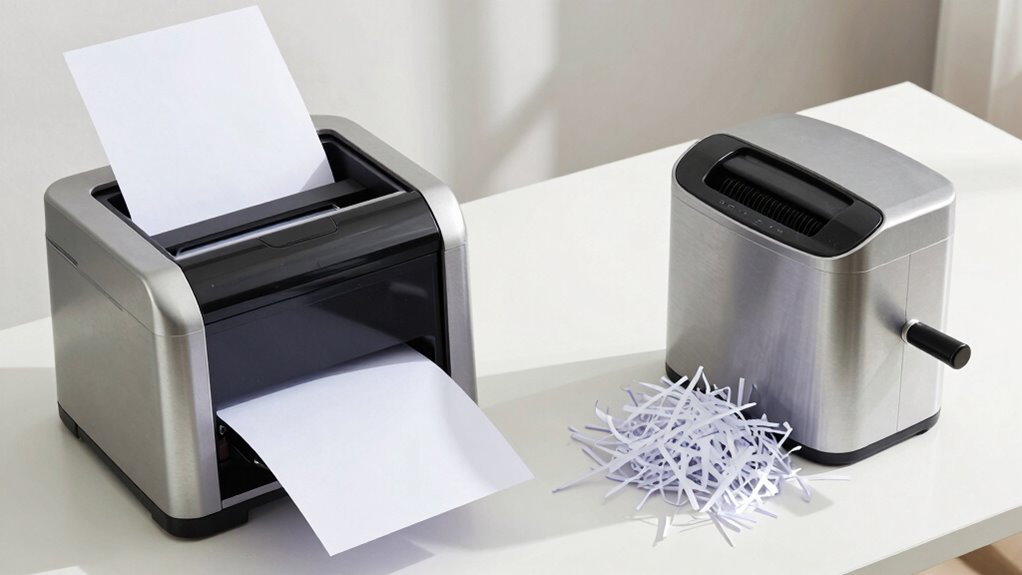
Auto-feed and manual shredders both serve the purpose of destroying sensitive documents, but they operate quite differently. Auto-feed shredders automatically pull paper into the cutting mechanism, making them ideal for larger jobs. They handle various paper types, including thick stacks or mixed documents, with minimal user effort. The shredding speed is usually faster because the machine continuously feeds paper without manual intervention. Additionally, safety features in modern shredders can help prevent accidents during operation. Manual shredders require you to insert each sheet individually, which can slow down the process. They work well for small batches, but you’ll need to spend more time feeding paper, especially if dealing with larger volumes. Overall, auto-feed shredders boost efficiency for large tasks, while manual models suit smaller, occasional shredding needs. Proper maintenance can also extend the lifespan of these machines and ensure consistent performance.
Which Shredder Is Better for Small Offices?
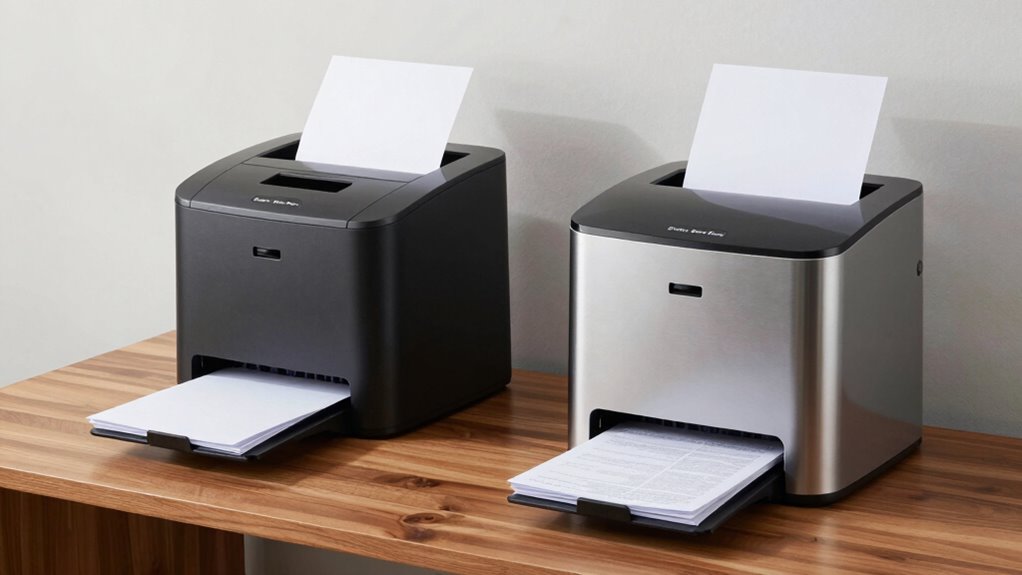
When choosing a shredder for a small office, space efficiency is key—you need a model that fits comfortably without sacrificing performance. Security features also matter, especially if you’ll handle sensitive documents regularly. Consider which shredder type offers the right balance of compactness and protection for your needs. Additionally, incorporating features like automatic shredding can streamline the process and save valuable time throughout the workday.
Space Efficiency
In small offices where space is at a premium, choosing the right shredder can make a significant difference. Auto-feed shredders often have a bulkier design due to their larger paper capacity, which can take up more room. Manual shredders, on the other hand, tend to be more compact, fitting easily into tight spaces. When considering design considerations, look for models that offer a slim profile and vertical orientation to save space. Maintenance requirements also influence space efficiency; shredders with simple, easy-to-access parts and less frequent servicing stay practical in small areas. Additionally, shipwreck preservation techniques highlight the importance of efficient space utilization in confined environments, emphasizing that compact equipment can be crucial in limited spaces. Choosing a shredder with a space-saving design can further optimize your office layout and workflow, especially when considering office ergonomics to ensure comfort and productivity in small workspaces. Investing in models with modular components can also facilitate easier storage and maintenance, making them ideal for small offices.
Security Features
While manual shredders often save space and are easier to fit into small offices, their security features are equally important to evaluate. You need to *take into account* security vulnerabilities, especially if sensitive documents are involved. Auto-feed shredders often offer higher security levels, with cross-cut or micro-cut options, reducing the risk of data theft. Manual shredders may require more maintenance, such as clearing jams or replacing blades, which can compromise security if neglected. Additionally, security features of auto-feed models tend to be more advanced, providing better protection for confidential information. The design innovation in auto-feed shredders also contributes to their enhanced security, offering features like automatic shut-off and jam detection to prevent unauthorized access. Incorporating advanced safety features further enhances the security and efficiency of auto-feed shredders, making them a reliable choice for small offices. Moreover, security protocols integrated into auto-feed models help ensure compliance with data protection regulations, adding an extra layer of security.
Handling Large-Volume Shredding: Auto-Feed or Manual?
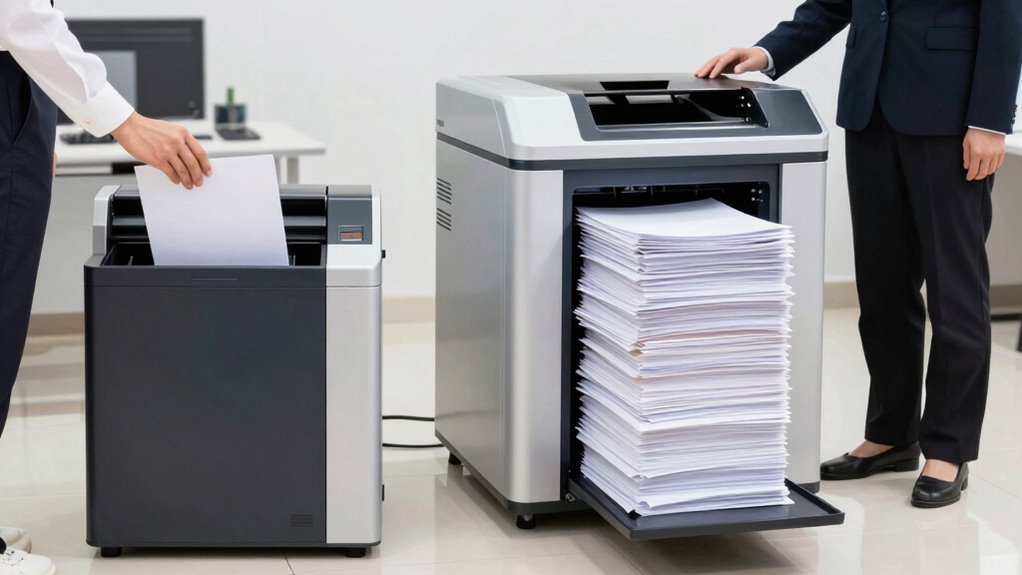
When handling large volumes of shredding, auto-feed models can save you time and effort by quickly processing stacks of paper. They’re generally easier to operate, allowing you to load documents and focus on other tasks. Manual shredders, on the other hand, may slow you down but give you more control over each batch.
Efficiency in Large Batches
Handling large batches of documents efficiently requires choosing the right shredder. Auto-feed shredders excel in this area by quickly processing big volumes, saving you time and effort. They’re ideal for paper recycling, especially when dealing with frequent, high-volume shredding tasks. Manual shredders, on the other hand, can be slower and more labor-intensive, making them less suited for large batches. To maximize efficiency, consider these points:
- Auto-feed shredders handle continuous, large-volume shredding with minimal supervision.
- Regular shredder maintenance keeps auto-feeders functioning smoothly, preventing jams and downtime.
- Consistent shredding speeds up paper recycling, reducing the overall time spent on document destruction.
Choosing the right shredder streamlines large batch handling and keeps your workflow efficient.
Ease of Operation
Auto-feed shredders are designed to make large-volume shredding straightforward and effortless. You simply load the paper, press start, and let the machine handle the rest. They often require less manual effort, but may have higher noise levels during operation. Manual shredders demand more physical input, which can be tiring for large jobs, but they’re generally quieter and easier to maintain with simple maintenance tips like oiling blades regularly.
| Feature | Auto-Feed Shredders | Manual Shredders | Ease of Use |
|---|---|---|---|
| Handling Large Volumes | Very easy, hands-free | Requires manual effort | Auto-feeds save time but may be noisy |
| Noise Levels | Usually louder | Quieter | Manual shredders are more discreet |
| Maintenance Tips | Clean and oil regularly | Easy to maintain | Both need basic upkeep for ideal use |
| Setup Time | Minimal | Slightly longer | Auto-feeds are more convenient |
| User Effort | Low | Higher | Auto-feeds excel in handling large volumes |
Features That Make Auto-Feed Shredders Faster
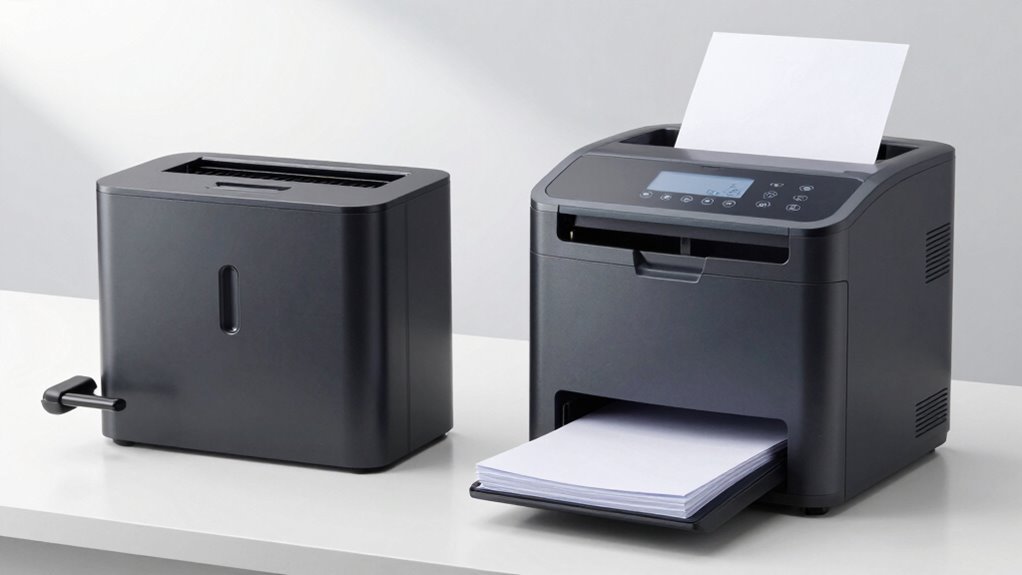
One of the key features that make auto-feed shredders faster is their ability to process large volumes of paper continuously without needing frequent user intervention. This efficiency stems from several design elements.
- Automatic paper feeding: You load multiple sheets at once, saving time compared to manual feeding. Efficient design elements contribute greatly to this capability.
- Powerful motors: These enable quick shredding speeds, reducing overall operation time.
- Built-in motor cooling: This helps maintain peak performance over extended periods, minimizing downtime.
- Specialized components: Using high-quality materials can improve the durability and longevity of auto-feed shredders, ensuring consistent performance over time.
While auto-feed models are faster, keep in mind that they may have higher maintenance costs due to more complex parts. Additionally, they often produce higher noise levels, which could be a concern in quieter office environments.
Is a Manual Shredder the Budget-Friendly Choice?
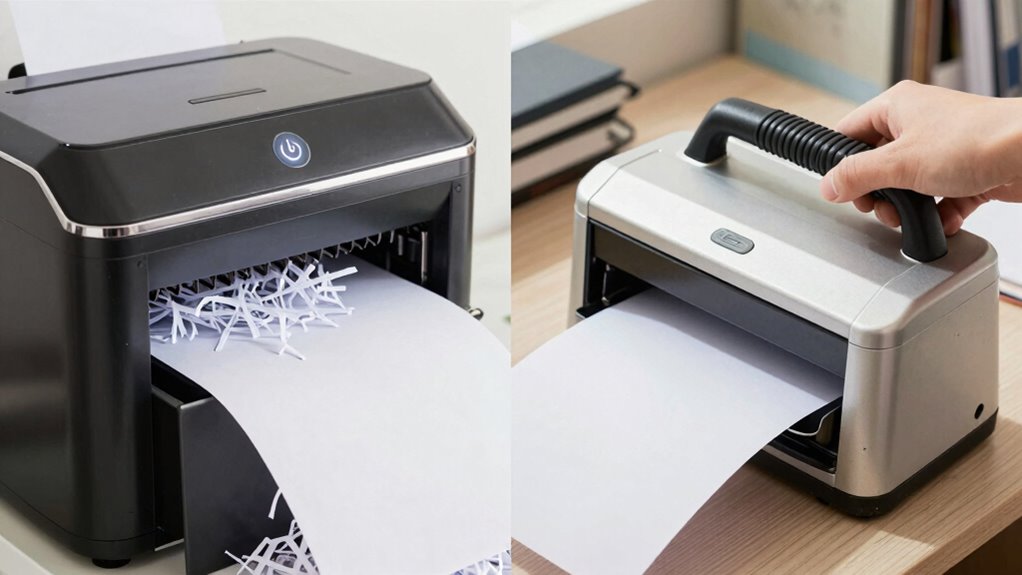
Manual shredders often stand out as the most budget-friendly option because they require less complex technology and fewer parts. When comparing costs, they typically have a lower upfront price, making them ideal if you’re on a tight budget. The cost comparison shows they’re more affordable initially and over time, since maintenance requirements are minimal. Unlike auto-feed models, manual shredders don’t need electrical components or motor repairs, reducing ongoing expenses. Additionally, they promote mindful use, encouraging users to be more intentional about their shredding needs. This approach can also lead to increased productivity by focusing on the task without distractions. Considering long-term affordability, manual shredders can be a practical choice for those seeking a simple, cost-effective solution. They also help foster curiosity about how things work by requiring manual effort, which can be an educational experience for some users. This simple design can also contribute to reliability, as there are fewer parts that might fail over time. However, consider your shredding volume—manual models may require more effort and time for larger jobs. If you need a simple, cost-effective solution for occasional use, a manual shredder offers significant savings. But if you prioritize convenience and speed, the initial savings might be offset by the extra effort involved.
Choosing the Right Shredder for Your Office Needs
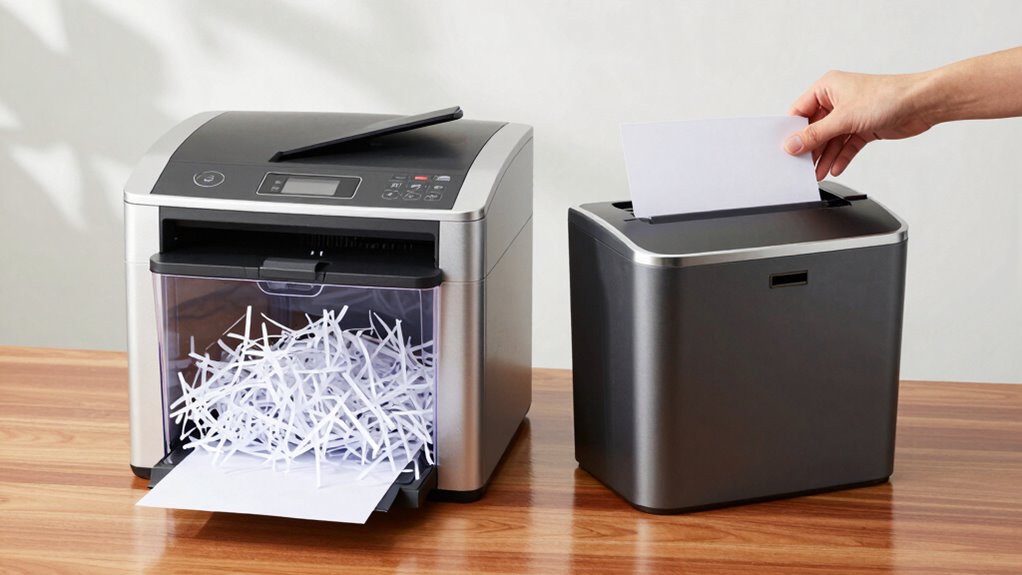
Choosing the right shredder for your office depends on your specific needs and daily workflow. Consider these key factors to make an informed decision:
Selecting the ideal office shredder depends on your unique workflow and daily shredding requirements.
- Shredding capacity: Determine how much material you’ll need to shred daily, and select a shredder that can handle that volume efficiently without frequent jams. A higher capacity shredder can save significant time during busy periods.
- Noise levels: If your office requires a quiet environment, look for models with lower noise output, especially for frequent use or shared spaces.
- Type of shredder: Decide between auto-feed or manual shredders based on your volume and speed needs. Auto-feed models excel with large tasks, while manual ones suit smaller jobs. Selecting the right type can streamline your workflow and reduce downtime.
- Efficiency and automation: Modern smart yard care technologies, such as multi-unit setups, demonstrate how automation can increase efficiency—similar principles can be applied to choosing shredders for improved productivity.
Frequently Asked Questions
How Long Do Auto-Feed Shredders Typically Last With Regular Use?
Auto-feed shredders typically last about 3 to 5 years with regular use, depending on how often you shred and how well you maintain it. You might encounter paper jams or need blade replacements over time, which can affect its lifespan. Regularly clearing jams and replacing blades when needed helps extend the shredder’s life, ensuring it continues to save you time without frequent breakdowns.
Are Auto-Feed Shredders More Secure Than Manual Ones?
Back in the day, auto-feed shredders offer better security than manual ones because they come with advanced safety features like auto shut-off and jam detection. These enhance user convenience and reduce accidents, making your shredding process safer and more reliable. While manual shredders depend solely on your careful handling, auto-feed models protect your data with consistent, secure shredding, giving you peace of mind for sensitive documents.
Can Auto-Feed Shredders Handle Staples and Paperclips Efficiently?
Auto-feed shredders generally handle staples and paperclips efficiently, but you need to take into account staple management and paperclip compatibility. Many models can shred staples without issue, saving you time and effort, but paperclips can sometimes jam the machine. Always check the shredder’s specifications to guarantee it’s designed for staple management and compatible with paperclips. Proper maintenance and adhering to the manufacturer’s guidelines help keep your shredder running smoothly.
What Maintenance Is Required for Auto-Feed Versus Manual Shredders?
Think of your shredder as a loyal steed. Auto-feed models need regular oiling to keep their gears running smoothly, preventing jams and maintaining energy efficiency, while manual models require less maintenance but need occasional blade cleaning. Both emit noise—auto-feed often louder—so monitor noise levels. Regularly check and clear paper jams, and guarantee blades stay sharp. Proper upkeep keeps your shredder efficient, reducing strain and prolonging its lifespan.
Do Auto-Feed Shredders Consume More Power Than Manual Models?
Auto-feed shredders generally consume more power than manual models because their motor needs to handle continuous feeding and larger shredding loads. This impacts their energy consumption, making them less power-efficient, especially during frequent use. If you prioritize energy efficiency and lower power bills, manual shredders are better. However, auto-feed models save time and effort, which might justify the increased power consumption depending on your shredding needs.
Conclusion
In the end, choosing between auto-feed and manual shredders is about finding the right fit for your office’s needs. Auto-feed models are like a well-oiled machine—save you time and effort, especially with large volumes. Manual shredders, on the other hand, are more budget-friendly but require more elbow grease. Remember, it’s all about picking the tool that best suits your workload so you don’t end up burning the candle at both ends.