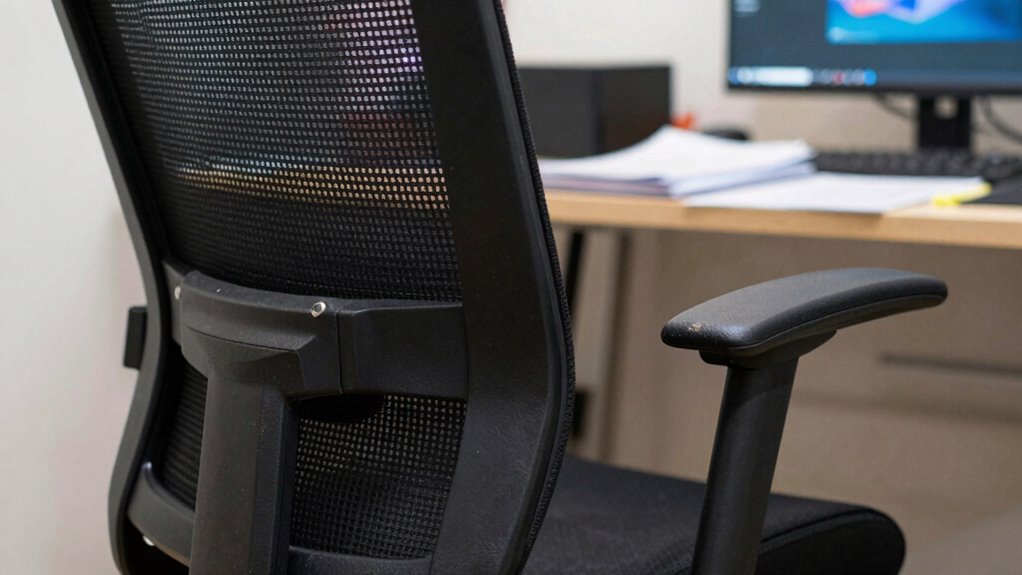
Using an improperly adjusted ergonomic chair might seem minor, but it can quietly harm your back, cause discomfort, and reduce your productivity during long workdays. Common mistakes include setting the seat height too high or low, ignoring lumbar support, and neglecting movement. These issues strain muscles, misalign your spine, and lead to long-term health problems. If you keep overlooking proper setup, discomfort will only worsen. Learn how to fine-tune your chair for lasting comfort and better health.
Key Takeaways
- Incorrect seat height can cause leg and back strain, leading to discomfort during long workdays.
- Poor lumbar support placement results in lower back pain and misalignment over extended periods.
- Failing to make small ergonomic adjustments frequently can accumulate into chronic musculoskeletal issues.
- Neglecting movement and posture shifts increases muscle fatigue and reduces circulation, impacting focus and comfort.
- Using an ergonomic chair without proper setup and support diminishes its benefits and worsens long-term health effects.
Why Poor Ergonomic Chair Setup Can Wreck Your Back and Health
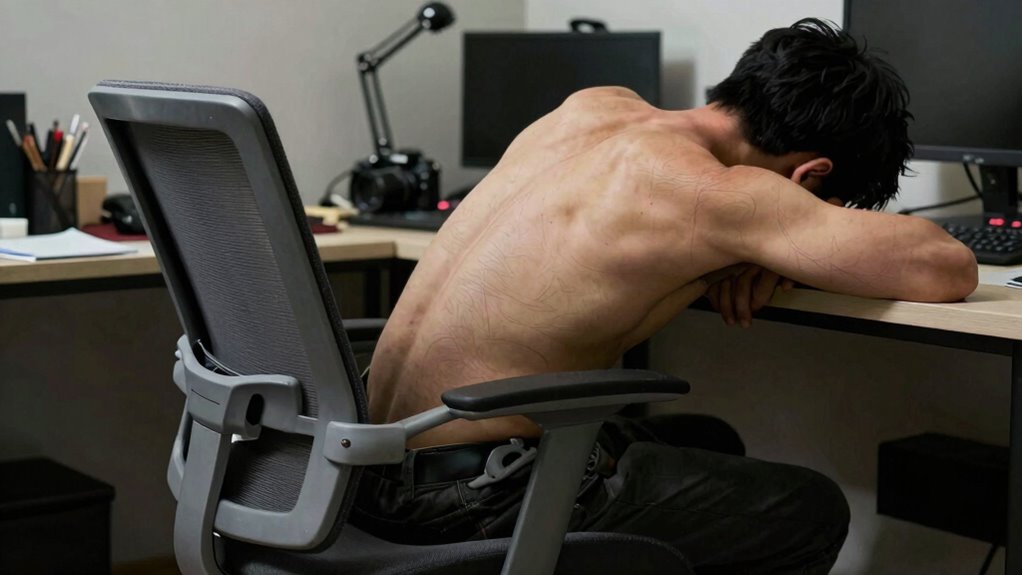
Poor ergonomic chair setup can seriously harm your back and overall health because it places unnecessary strain on your spine, muscles, and joints. Ergonomic research shows that improper positioning leads to discomfort and long-term issues like chronic pain. When your office ergonomics aren’t optimized, you might slouch, lean forward, or sit too low or high, causing uneven pressure on your body. Over time, this can result in poor posture, muscle fatigue, and even nerve compression. It’s essential to understand how a proper ergonomic setup supports your body during long workdays. Small adjustments now can prevent serious health problems later, making your workspace healthier and more sustainable. Office ergonomics is a crucial aspect of maintaining long-term health during extended work periods. Additionally, understanding the importance of proper chair adjustments can significantly enhance your comfort and prevent musculoskeletal issues. Maintaining awareness of ergonomic principles can help you make informed choices that protect your health over time. Recognizing ergonomic hazards early can further help you avoid developing persistent discomfort or injury.
What Features Make an Office Chair Truly Ergonomic
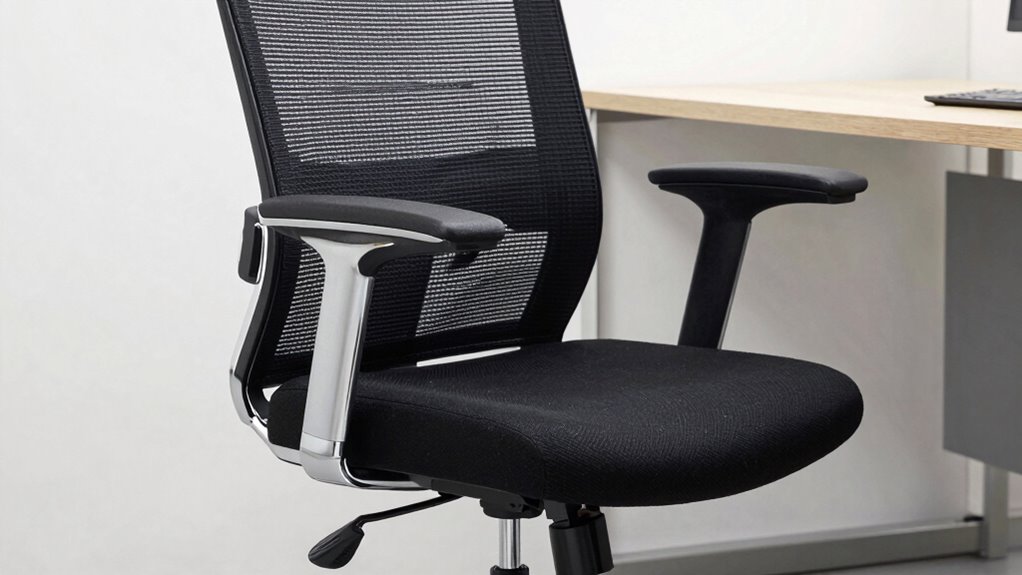
To guarantee your office chair is truly ergonomic, look for adjustable seat depth so you can find the right fit for your legs. Proper lumbar support design helps maintain your spine’s natural curve, reducing strain. Additionally, breathable mesh material keeps you comfortable during long hours at your desk. Incorporating supportive ergonomic features can further enhance comfort and prevent long-term discomfort.
Adjustable Seat Depth
An adjustable seat depth is a crucial feature that guarantees your office chair fits your body perfectly, promoting comfort and proper posture. It allows you to move the seat forward or backward, ensuring your thighs are supported without pressure behind the knees. This feature is essential for long workdays, preventing discomfort and circulation issues. When choosing a chair, consider options like color choices to match your workspace and brand comparisons to find the best quality and price. Additionally, selecting chairs with ergonomic design can further enhance comfort and support during extended periods of sitting.
Lumbar Support Design
A well-designed lumbar support is essential for maintaining proper posture and preventing back pain during long hours at the desk. An effective lumbar support features adjustable height and depth, allowing you to customize it to fit your lower back’s natural curve. Look for ergonomic design elements that provide firm yet comfortable support, reducing strain on your lumbar spine. A good lumbar support shouldn’t be rigid; it should contour to your back’s shape, promoting a neutral spine position. Some supports include flexible or soft padding, but the key is consistent, targeted support that encourages proper alignment. When choosing an ergonomic office chair, prioritize lumbar support that can be fine-tuned to your needs, helping you stay comfortable and maintain good posture throughout your workday.
Breathable Mesh Material
Breathable mesh material is an essential feature that enhances an office chair’s ergonomic quality by promoting airflow and reducing heat buildup. It allows air to circulate freely, preventing sweat and discomfort during long work sessions. This material offers superior ventilation comfort, helping you stay cool and focused. Unlike foam or leather, breathable mesh adapts to your body, providing consistent support without trapping heat. When choosing a chair, look for high-quality mesh that’s durable and stretchy, ensuring it maintains its shape over time. Proper ventilation comfort can make a significant difference, especially if you work in warm environments or tend to sit for extended periods. Additionally, cycling gear care tips highlight the importance of durable, breathable materials, which can be beneficial when selecting office furniture. The durability of materials is crucial for maintaining long-term comfort and support, preventing the need for frequent replacements. Incorporating ergonomic design principles can further enhance the chair’s overall support and help prevent long-term discomfort. Prioritizing breathable mesh helps you maintain comfort, boost productivity, and avoid the discomfort caused by heat and trapped moisture.
Common Mistakes When Adjusting Your Office Chair
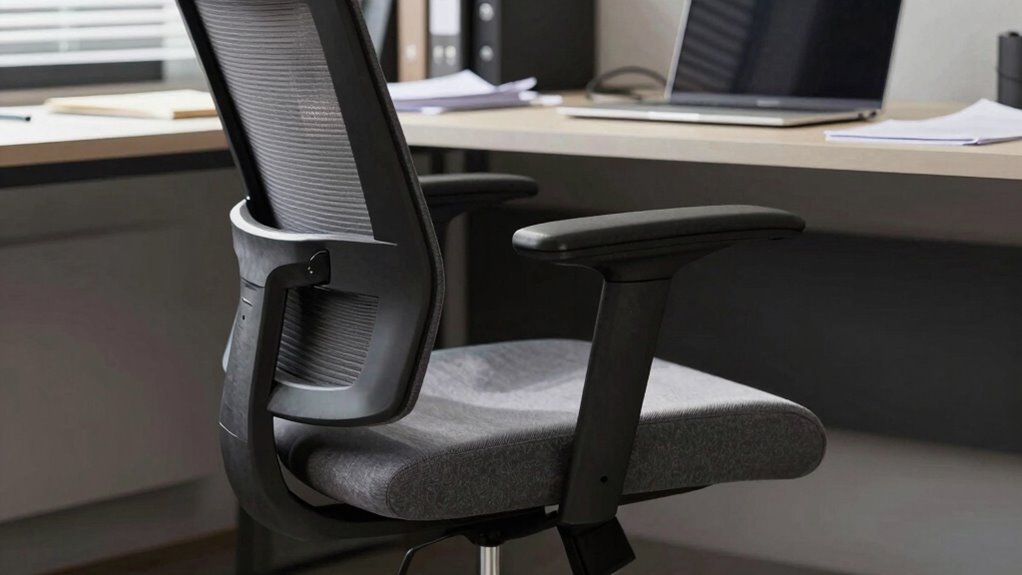
One common mistake is setting your seat height too high or low, which can strain your legs and back. Another is misplacing lumbar support, leaving your lower back without proper support. Correct adjustments are key to avoiding discomfort and maintaining good posture throughout the day. Additionally, improper positioning can lead to poor ergonomic alignment, increasing the risk of long-term musculoskeletal issues. Using ergonomic principles can help you optimize your chair settings for better health and productivity.
Incorrect Seat Height Adjustment
Have you ever adjusted your seat height without really paying attention? If so, you might be setting yourself up for discomfort. Your footwear choices can influence how your feet rest on the floor, so make sure your chair height allows your feet to be flat and supported. When your seat is too high, your hips elevate, causing unnecessary pressure and strain. Conversely, if it’s too low, it can lead to poor posture and sluggish circulation. Proper desk organization also matters—your keyboard and mouse should be within easy reach, encouraging a natural arm position. An incorrect seat height forces your body to compensate, leading to fatigue and long-term issues. Taking the time to adjust your ergonomic setup can help prevent these problems and improve overall comfort. Regularly checking your DIY tools ensures your workspace remains safe and efficient, preventing potential injuries. Being mindful of posture correction techniques can also contribute to a healthier, more comfortable work experience. Additionally, understanding the importance of proper ergonomic design can guide you in making better adjustments for long-term health. Take a moment to fine-tune your chair so your feet are firmly planted, and your workspace supports good posture all day.
Improper Lumbar Support Placement
Even with the right lumbar support, placing it incorrectly can negate its benefits. Many believe that simply adding lumbar support is enough, but improper placement can cause discomfort and long-term strain. Avoid ergonomic myths that suggest a “one-size-fits-all” approach—your body needs personalized support. When adjusting, guarantee the support aligns with the curve of your lower back, not just the backrest. Misplaced lumbar support can lead to pain that distracts from your work and worsens posture over time. It can also compromise office aesthetics, making your workspace feel less professional and more uncomfortable. Remember, comfort isn’t just about looks; it’s about how your body feels during long hours at the desk. Proper placement is key to preventing pain and maintaining productivity. Additionally, understanding home ergonomics can help optimize your workspace for better long-term health, especially when considering classic arcade games that often encourage prolonged sitting. Being aware of ergonomic principles can guide you in making adjustments that truly support your body’s needs.
How to Properly Set Your Seat Height and Depth
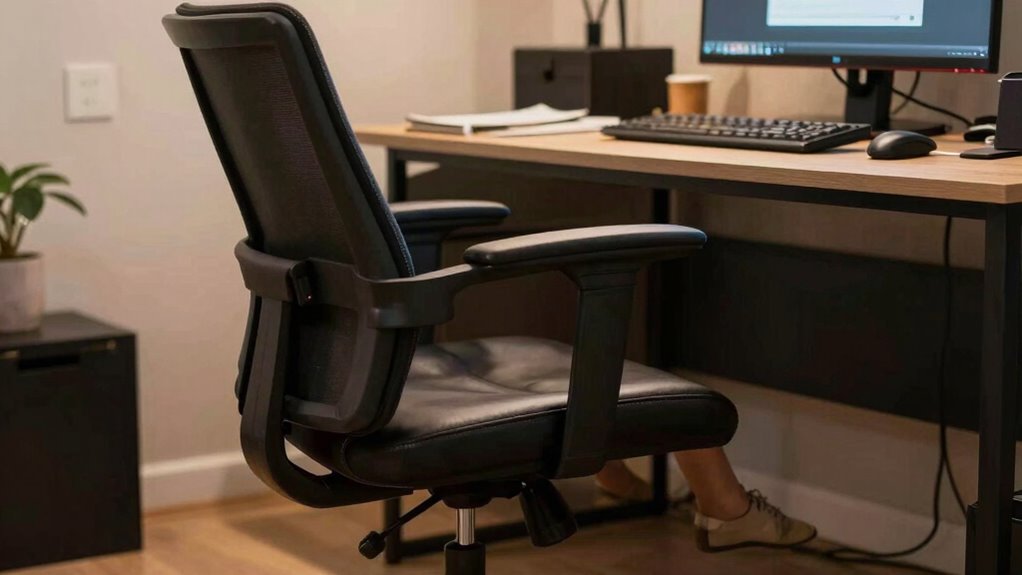
To guarantee your chair supports good posture, start by adjusting the seat height so that your feet rest flat on the floor and your knees are at a 90-degree angle. Proper foot positioning helps reduce pressure on your legs and maintains circulation. Confirm your hips are level, and your thighs are parallel to the floor. Next, adjust the seat depth so there’s about a two to three-inch gap between the edge of the seat and the back of your knees. This prevents pressure on your thighs and promotes circulation. Make sure your desk height complements these adjustments; your elbows should rest comfortably at a 90-degree angle when typing. Correct seat height and depth keep your body aligned and reduce strain during long work sessions. Ensuring your ergonomic setup is properly adjusted can significantly improve comfort and reduce the risk of musculoskeletal issues during extended periods of sitting. Additionally, being aware of indoor air quality can further enhance your overall health during long workdays.
Getting Lumbar Support Right for Long-Term Comfort
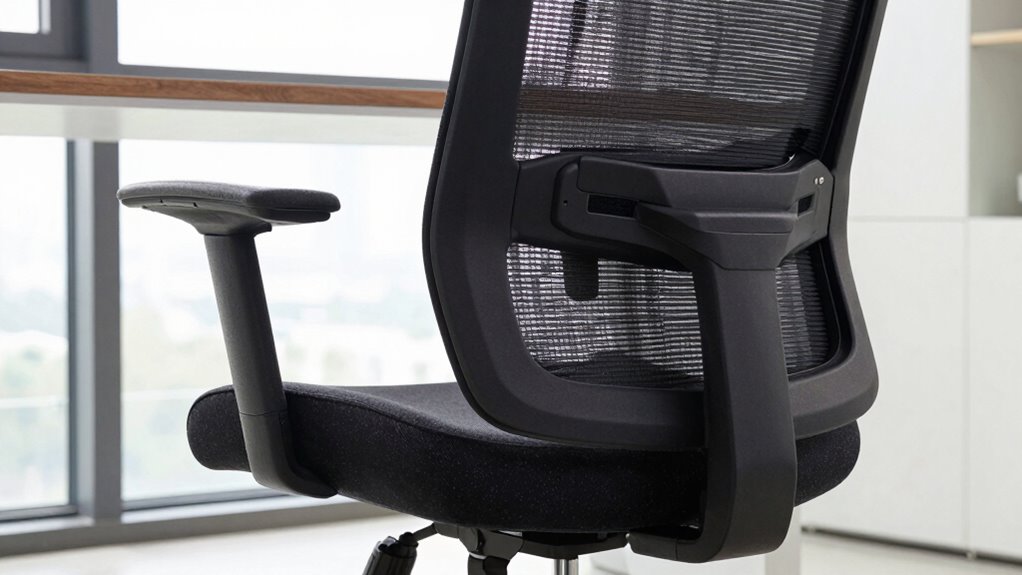
Getting lumbar support right is essential for maintaining long-term comfort and preventing back pain during extended periods at your desk. Proper lumbar support encourages posture awareness and aligns your spine with ideal desk ergonomics, reducing strain. When your lumbar support hits the right spot, you’ll experience:
- Less nagging back discomfort that distracts you
- Better posture that feels natural and effortless
- Increased energy and focus throughout the day
Adjust your chair’s lumbar cushion or support to fit your lower back’s natural curve. Ensure it’s neither too tight nor too loose. Remember, small adjustments make a big difference in how your body feels after hours of work. Incorporating ergonomic principles into your workspace can help optimize your comfort and prevent discomfort. Prioritize lumbar support to protect your back and improve your overall desk ergonomics. Research suggests that proper support can also aid in emotional healing by reducing physical stress. Incorporating natural light into your workspace can further enhance your comfort and well-being during long work sessions.
Adjusting Armrests and Headrests for Better Posture
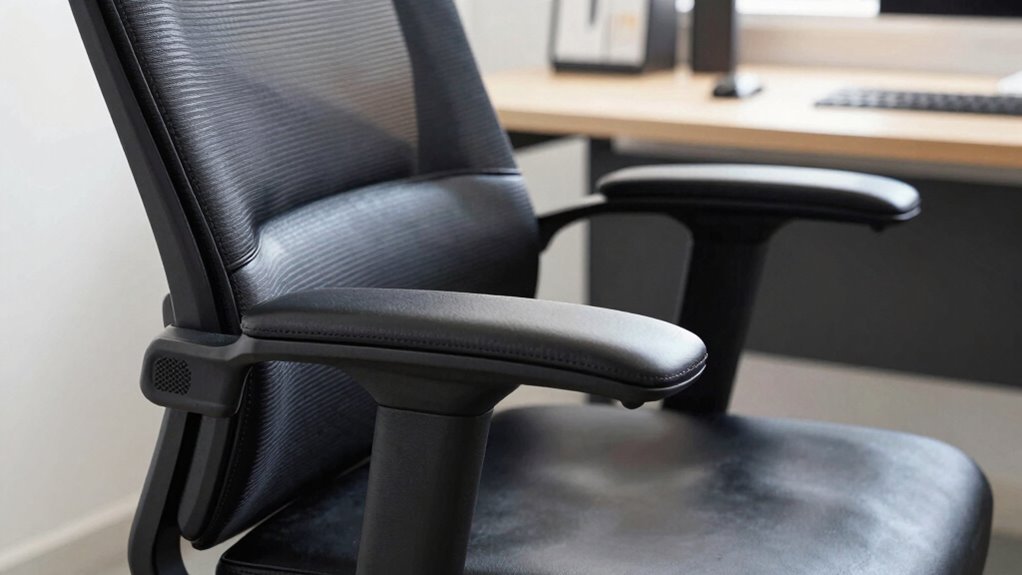
Adjusting your armrests and headrests properly is key to maintaining good posture and reducing strain during long work sessions. Start with armrest positioning: they should support your elbows comfortably at a 90-degree angle without raising your shoulders. Your arms should rest naturally, with no outward or inward tilt. For headrest alignment, position it so that it cradles the back of your head, keeping your neck aligned with your spine. The headrest shouldn’t push your head forward or tilt it excessively; it should gently support your head in a neutral position. Proper adjustments prevent neck and shoulder tension, allowing for a more relaxed posture. Take a moment to fine-tune these settings until they feel natural, and you’ll notice less fatigue over extended hours.
Why Movement and Changing Positions Matter
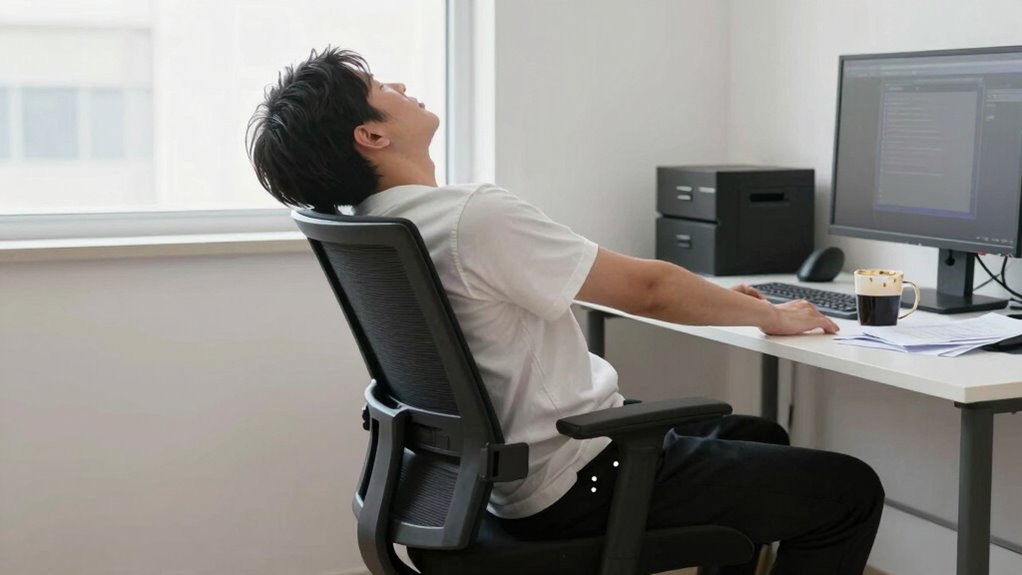
While sitting for long periods can cause stiffness and discomfort, staying in the same position for too long can also lead to muscle fatigue and reduced circulation. Moving and changing positions helps keep your muscles engaged and blood flowing. Incorporate stretching routines to loosen tight muscles and prevent strain. Pay attention to foot positioning—adjust your feet and shift your weight to avoid numbness and improve comfort. Regular movement can:
Frequent movement and stretching prevent stiffness, boost circulation, and keep you energized throughout the day.
- Keep your energy levels high and mind alert
- Prevent chronic aches and pains from settling in
- Make your workday feel less exhausting and more manageable
Tips to Regularly Check and Fine-Tune Your Ergonomic Chair
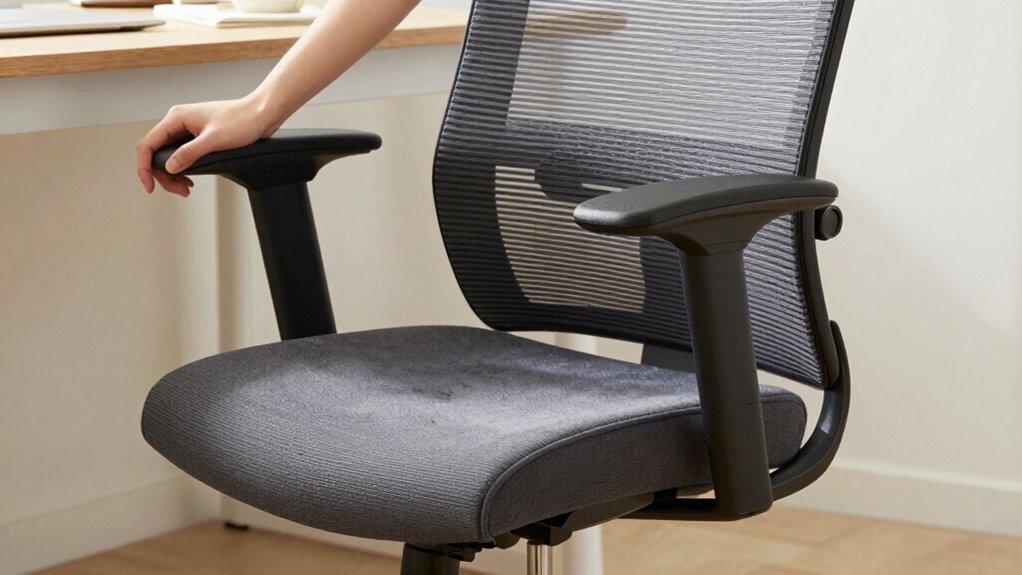
To guarantee your ergonomic chair continues to support proper posture and comfort, make it a habit to regularly check and fine-tune its settings. Start by evaluating the seat height, backrest angle, and armrest positions. Adjust these to match your body’s needs, ensuring your feet are flat on the floor and your hips are level. When selecting a chair, consider color options that match your workspace aesthetic, and check material durability for long-term use. Regularly inspect for loosened screws or worn padding. Use this quick reference:
| Adjustment Area | What to Check | Tips |
|---|---|---|
| Seat Height | Proper fit | Feet flat, knees at 90° |
| Backrest | Support level | Align with lower back |
| Armrests | Comfort & support | Adjust to elbows at 90° |
Fine-tuning keeps your chair supportive and comfortable.
Frequently Asked Questions
How Often Should I Replace My Ergonomic Office Chair?
You should replace your ergonomic office chair every 5 to 8 years, depending on material durability and your adjustment frequency. If the chair shows signs of wear, like sagging or loose adjustments, it’s time for a new one. Regularly check and tighten adjustments to extend its lifespan. Prioritizing these factors guarantees your chair supports your comfort and posture, preventing long-term discomfort.
Can an Ergonomic Chair Prevent All Types of Back Pain?
Investigating the theory that ergonomic chairs prevent all back pain reveals it’s not entirely true. While they promote good posture correction and provide lumbar support, they can’t eliminate every cause of back discomfort. Factors like individual health, activity levels, and proper sitting habits also matter. An ergonomic chair helps reduce risk, but maintaining movement and proper posture throughout your day is essential for complete back health.
What Are Signs My Chair Is Causing Discomfort Despite Adjustments?
If you’re experiencing discomfort despite adjustments, your chair might be causing issues with posture correction and cushion comfort. Signs include persistent back, neck, or shoulder pain, numbness, or tingling in your legs. You might also notice that your hips or lower back feel unsupported or that the cushion feels too firm or too soft. These cues suggest your chair isn’t properly aligned or cushioned, so reevaluate your settings or consider an ergonomic upgrade.
Are There Specific Exercises to Complement Ergonomic Chair Use?
Think of your body as a well-tuned instrument—you need regular tune-ups. Incorporate stretch routines like neck tilts, shoulder rolls, and hamstring stretches into your day. Pair these with posture tips such as sitting upright and avoiding slouching. These exercises help counteract the effects of long hours in your chair, reducing discomfort and boosting circulation, so you stay comfortable and focused all day.
How Do I Choose the Best Chair for Long-Term Office Work?
To choose the best chair for long-term office work, prioritize lumbar support for your lower back, which helps prevent pain. Look for color options that match your workspace and personal style to keep you comfortable and motivated. Test chairs for adjustable features like seat height and tilt, ensuring good posture. Opt for breathable fabric to stay cool during extended periods. Ultimately, a well-supported, customizable chair keeps you comfortable and productive all day.
Conclusion
Don’t let a poorly adjusted chair silently sabotage your long workdays. Picture yourself slipping into a seat that cradles your back, supporting every curve, while your arms rest comfortably and your feet are grounded. When you fine-tune your setup and stay mindful of movement, you create a sanctuary for your body amidst the chaos of work. Embrace these small changes, and watch your comfort grow, transforming your daily grind into a more sustainable, pain-free journey.