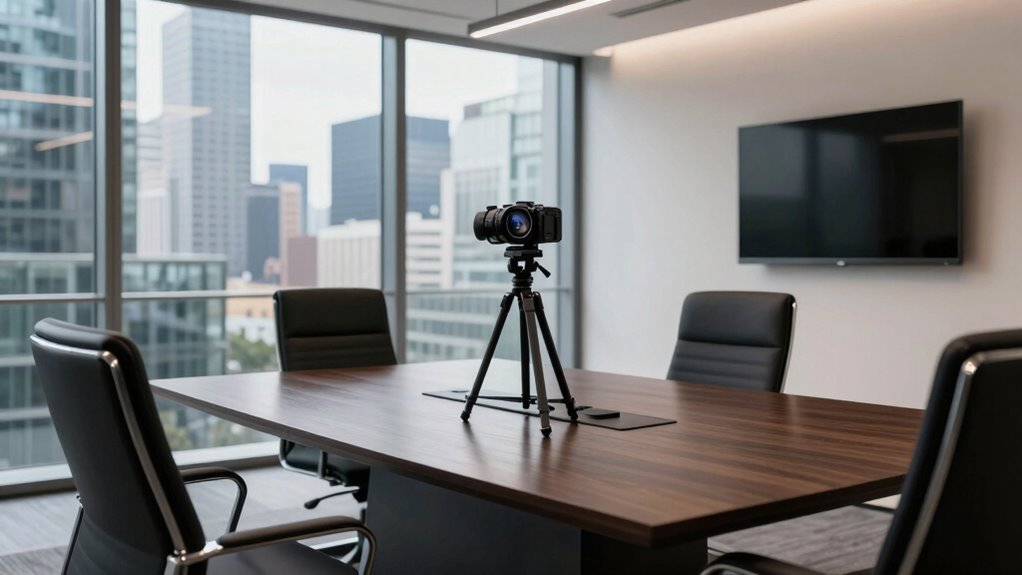

When choosing the best conference room camera for your small team, prioritize models with encrypted streaming, password protections, and security features to keep your conversations private. Look for easy-to-install, HD cameras with automatic framing, pan-tilt-zoom, and wireless options for flexibility. Make sure they seamlessly integrate with platforms like Zoom or Teams to reduce frustrations. Investing in a secure, user-friendly camera boosts productivity and collaboration. Keep exploring to find the perfect fit for your growing team’s needs.
Key Takeaways
- Prioritize cameras with encryption and security features to protect sensitive meeting content.
- Choose models with easy installation, stable mounting, and optimal positioning at eye level.
- Look for HD video and auto-framing capabilities for clear, dynamic, and engaging virtual interactions.
- Ensure compatibility with popular platforms like Zoom, Teams, or Meet for seamless integration.
- Consider wireless options and user-friendly controls to simplify setup and daily operation.
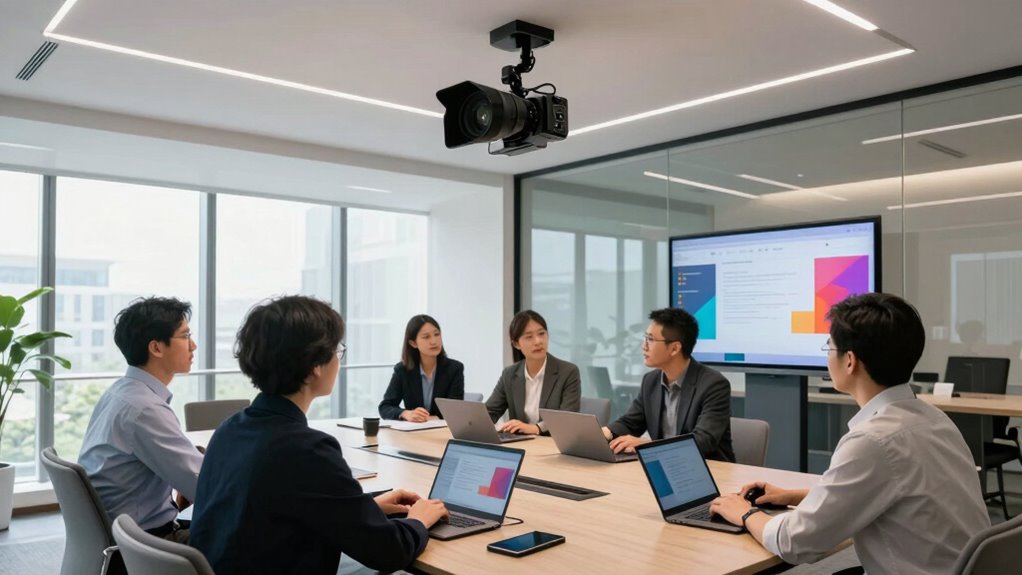
For small teams, choosing the right conference room camera can profoundly boost collaboration and productivity. When you’re selecting a device, it’s vital to consider how well it supports virtual meeting security, guaranteeing your conversations remain private and protected from potential breaches. A camera with robust security features, like encrypted streaming and password protections, helps you confidently share sensitive information during meetings. This peace of mind keeps your team focused on the discussion rather than worrying about potential security vulnerabilities.
Additionally, practical camera installation tips can make a significant difference in your meeting experience. Position your camera at eye level to foster natural eye contact, which helps create a more engaging and personable atmosphere. Avoid placing it too close or too far from participants, as this can distort the view or make it difficult for everyone to be seen clearly. Keep the camera stable, preferably mounted on a wall or a sturdy surface, to prevent shaky footage that can distract or frustrate viewers. When setting up, guarantee there’s proper lighting—avoid harsh backlighting that causes glare or shadows, and opt for soft, even illumination to enhance image clarity. Ensuring camera stability can prevent unnecessary disruptions during your meetings. Incorporating security features like encrypted streams can further safeguard your virtual meetings from unauthorized access. Moreover, selecting a camera with easy integration can streamline your setup process and ensure compatibility with your existing technology ecosystem. Additionally, choosing a camera with user-friendly controls can simplify operation, especially for team members less familiar with advanced tech.
In terms of features, look for cameras with automatic framing or pan-tilt-zoom capabilities. These features allow the camera to follow speakers automatically, making meetings more dynamic and ensuring everyone stays in focus without manual adjustments. For small teams, a compact, easy-to-install model can streamline setup and minimize clutter in your conference space. Wireless options can also be advantageous, providing flexibility in positioning and simplifying the installation process, especially if you’re limited on space or want to avoid complex wiring. To enhance overall meeting quality, consider cameras that offer high-definition video, which significantly improves visual clarity and engagement during virtual discussions.
When it comes to selecting the best conference room camera, compatibility with your existing communication platforms is key. Many cameras now integrate seamlessly with popular services like Zoom, Microsoft Teams, or Google Meet, allowing for smooth setup and operation. Consider whether the camera supports high-definition video, as clear visuals enhance engagement and reduce misunderstandings during virtual discussions.
Ultimately, investing in a camera that balances security, ease of installation, and advanced features ensures your small team can conduct productive, secure meetings without technical frustrations. With thoughtful placement and the right equipment, you’ll foster a collaborative environment that keeps everyone connected and focused on your shared goals.

CZUR StarryHub Video Conferencing System, 2200 ANSI Lumens Short Throw Projector + HD 1080P Conference Room Camera with Auto Framing + 6 AI-Driven Microphones + Conference Speakers
- All-in-One Conference System: Includes projector, webcam, microphones, speakers
- High Brightness Short Throw Projector: 2200 ANSI Lumens, 30-150’’ display
- HD Conference Webcam: 1080P, 120° wide, auto framing, WDR
As an affiliate, we earn on qualifying purchases.
As an affiliate, we earn on qualifying purchases.
Frequently Asked Questions
How Do Conference Room Cameras Integrate With Existing Video Conferencing Platforms?
You’ll find that conference room cameras easily integrate with existing video conferencing platforms through their compatibility features. Many offer high camera resolution for clear visuals and support network compatibility, ensuring smooth streaming over your Wi-Fi or wired connections. Just connect the camera to your network, select it within your platform’s settings, and you’re ready to host professional meetings without hassle. This seamless integration enhances your team’s collaboration and communication.
What Is the Typical Installation Process for Small Team Setups?
You’ll likely find the installation process surprisingly simple, despite the elaborate setup you might imagine. First, determine ideal camera placement to capture everyone clearly, usually at the room’s front or ceiling. Then, connect wiring requirements—often just plugging into an outlet and network. Most small team setups involve mounting the camera, running minimal cables, and configuring the device through a quick software setup, making it a straightforward task rather than a tech nightmare.
Are There Any Privacy Concerns With Advanced Camera Features?
Yes, advanced camera features can raise privacy concerns, but you can address these by ensuring data encryption and obtaining user consent. Data encryption protects your video streams from unauthorized access, while user consent guarantees everyone knows when they’re being recorded or monitored. Implementing these measures helps create a transparent environment, alleviating privacy worries and maintaining trust within your small team during conference calls.
How Often Should Conference Room Cameras Be Upgraded?
You should upgrade your conference room cameras every 2 to 3 years to keep up with advancements in camera resolution and mounting options. Regular updates guarantee you benefit from clearer video quality and flexible mounting solutions, which enhance your team’s collaboration. If you notice degraded performance or outdated features, it’s time for an upgrade. Staying current helps maintain a professional, seamless experience during meetings.
What Are the Hidden Costs Associated With High-End Camera Systems?
Think of high-end camera systems as a luxury car—initially impressive but with hidden expenses lurking beneath. You might overlook maintenance costs, software updates, and compatibility issues that add up over time. Hidden expenses can also include specialized support, repairs, and upgrades, which aren’t always clear upfront. These costs can quickly escalate, making your investment more expensive than anticipated, so plan for ongoing maintenance and unforeseen expenses before purchasing.
Conclusion
Choosing the right conference room camera can transform your small team’s meetings, making collaboration seamless and productive. For instance, a startup increased meeting engagement by upgrading to a camera with smart tracking features, ensuring everyone stays visible. As your team grows, investing in a versatile, easy-to-use camera will keep communication clear and efficient. Don’t wait—select a solution that adapts to your evolving needs and helps your team stay connected and focused.