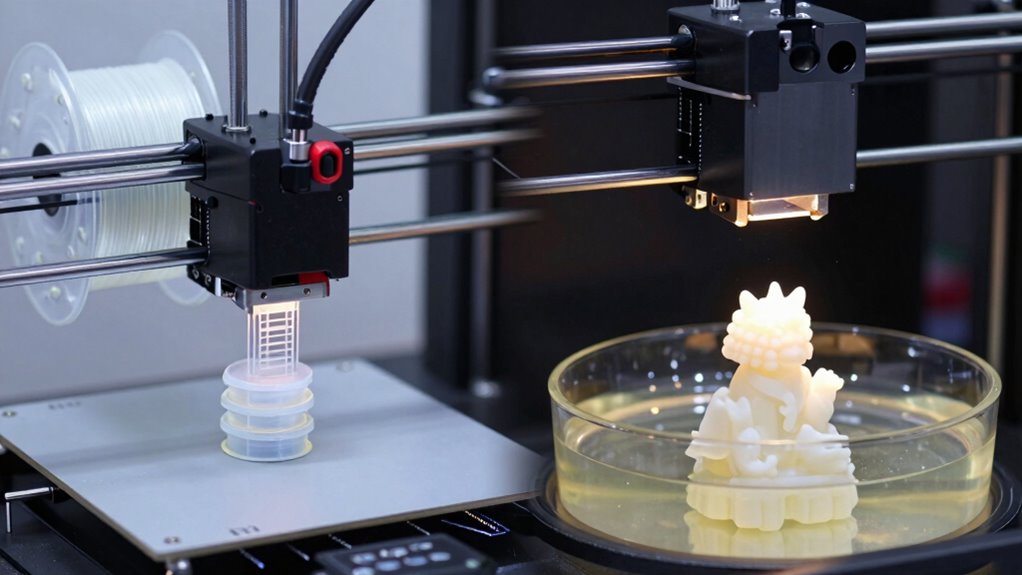

Choosing the wrong 3D printer for your prototype can cause delays and frustration. FDM printers are great for durable, functional parts but may lack the detail you need, while resin printers offer high resolution but limit material options and slow down post-processing. Rushing setup or skipping calibration worsens results. To speed up your workflow, you need to pick the right technology and follow best practices—more tips await if you keep exploring.

Get business pricing on office and shipping supplies
- Business-only prices and quantity discounts
- Tax-exempt purchasing
- Multiple users, one account, clear invoices
Key Takeaways
- Choosing an incompatible printer type for your project can cause delays and compromise prototype quality.
- FDM is slower for high-detail, intricate designs, leading to longer production times.
- Resin printers require extensive post-processing, which can slow rapid prototyping workflows.
- Selecting the wrong printer limits material options, reducing design flexibility and increasing iteration time.
- Improper calibration or setup of either printer type leads to errors, slowing down the overall process.
FDM 3D printer for durable prototypes
As an affiliate, we earn on qualifying purchases.
As an affiliate, we earn on qualifying purchases.
Understanding FDM and Resin 3D Printing for Prototyping
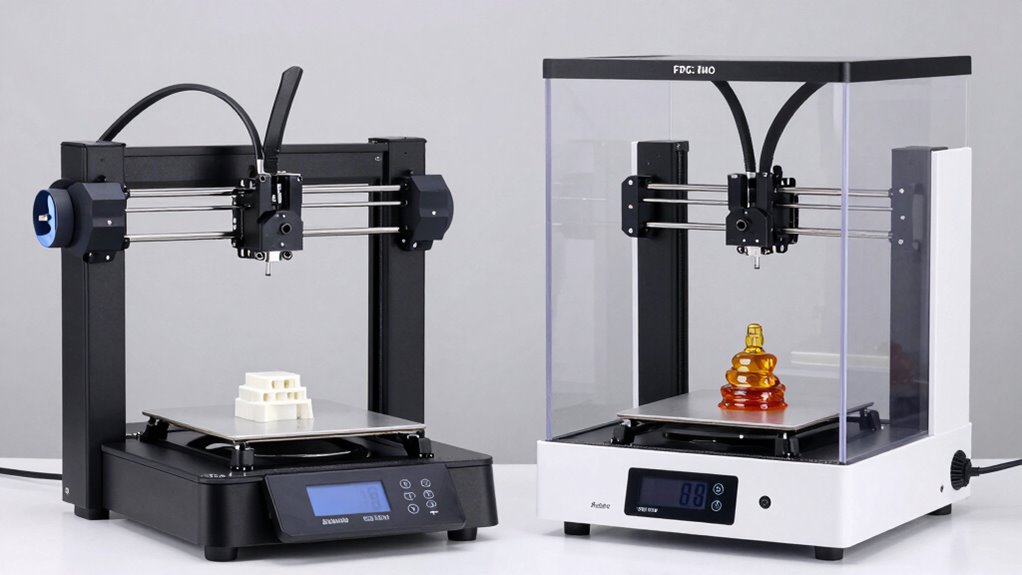
When it comes to prototyping, understanding the differences between FDM and resin 3D printing is vital. FDM printers use thermoplastic filament, so you need to contemplate material compatibility to guarantee your chosen filament suits your project’s strength, flexibility, and heat resistance needs. Resin 3D printers, on the other hand, cure liquid resin with UV light, offering high detail but limited material options. Proper printer calibration is key for both methods; FDM requires precise temperature and filament flow settings, while resin printers need accurate exposure times and layer curing adjustments. Recognizing these factors helps you optimize your printing process, reduce errors, and produce prototypes that meet your specifications efficiently.
How to Choose the Right 3D Printing Method for Your Prototype
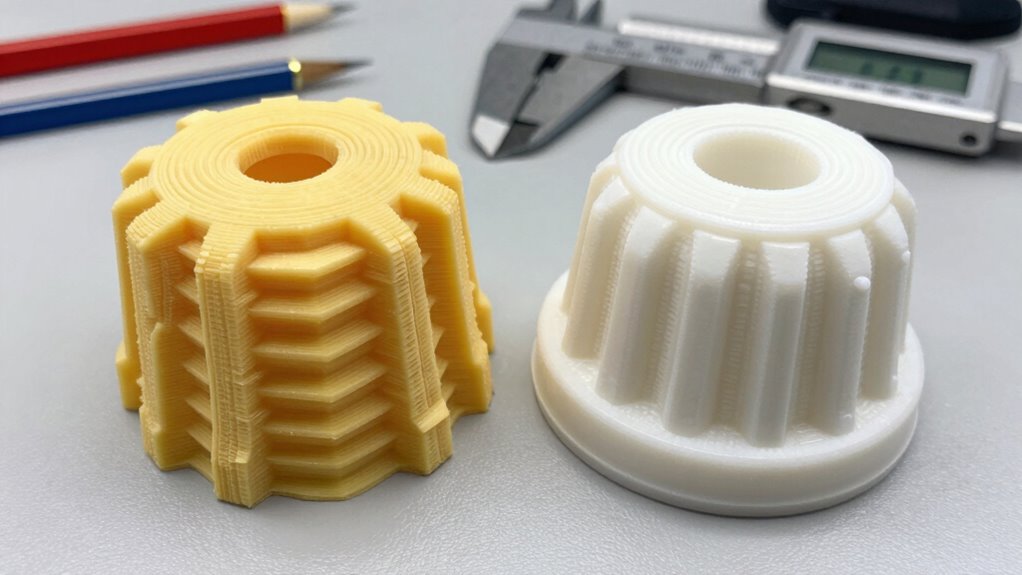
Choosing the right 3D printing method for your prototype depends on your specific project requirements, such as detail, strength, and material properties. If you need high resolution and fine features, resin printers excel due to their precision, but consider the material selection carefully to match your needs. For more durable, functional parts, FDM offers better strength options and easier post processing techniques like sanding or drilling. Think about the final application when selecting materials—some require minimal finishing, while others need extensive post processing. Additionally, evaluate how much time and effort you’re willing to invest in finishing, as resin prints often need cleaning and curing, while FDM parts might need support removal and surface smoothing. Making an informed choice guarantees your prototype meets your expectations efficiently. Understanding the digital concepts behind these technologies can also help optimize your workflow and results.
Common Mistakes That Slow Down Your 3D Printing Workflow
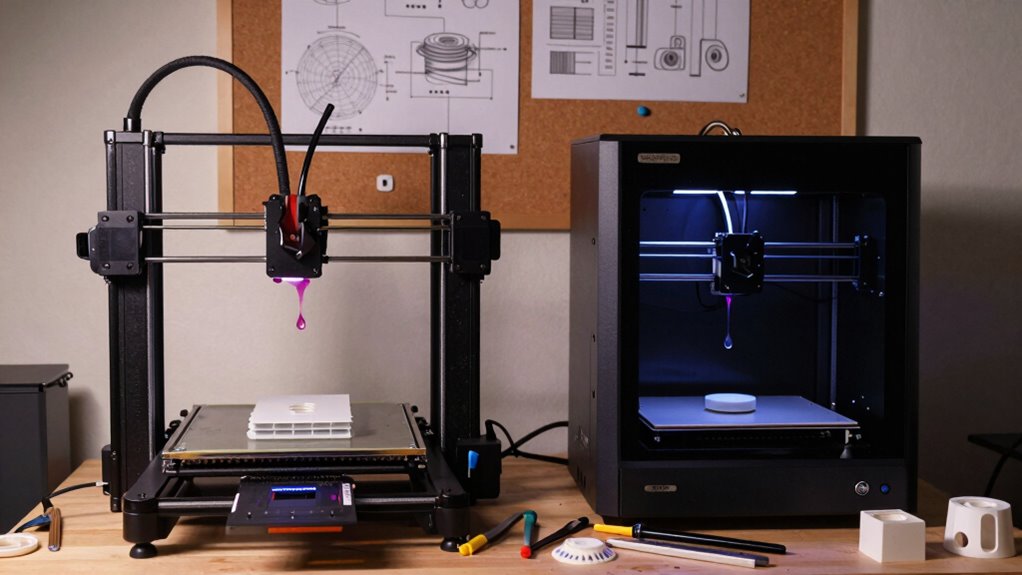
One of the most common pitfalls that slow down your 3D printing workflow is neglecting proper preparation—skipping steps like thorough model checking, correct slicing settings, or making certain your print bed is level can lead to failed prints and wasted time. Material flexibility plays a role here; if you don’t consider how your material behaves during printing, you risk warping or poor adhesion, which delays your process. Additionally, rushing your print speed without testing can cause layer inaccuracies or print failures, forcing you to restart. Proper calibration and understanding material properties help optimize print speed while maintaining quality. Avoid shortcuts in setup; investing time upfront ensures smoother operation, faster results, and fewer errors, ultimately speeding up your overall prototyping process.
Limitations of FDM and Resin Printing in Prototyping
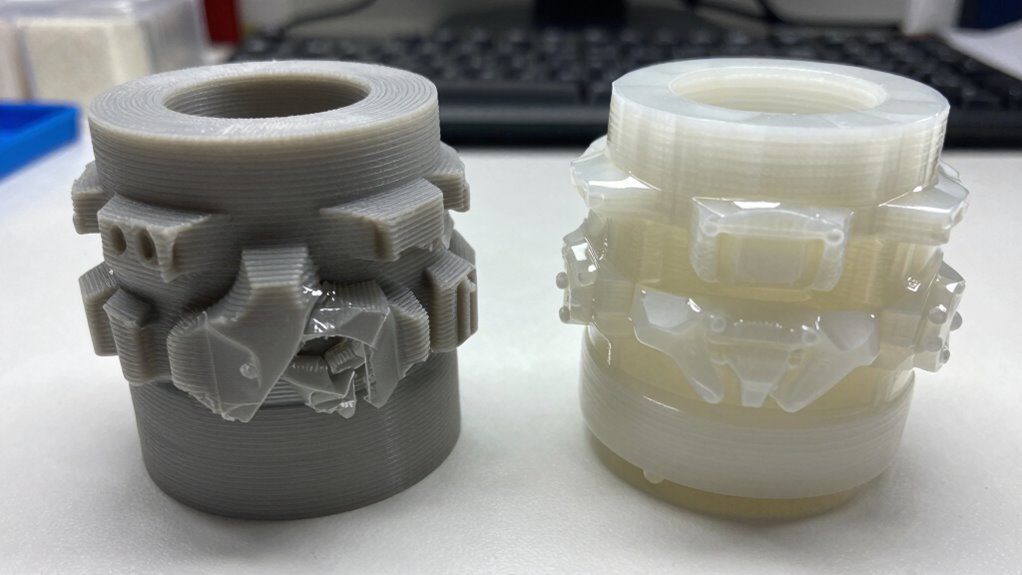
While proper preparation minimizes errors, the inherent limitations of FDM and resin 3D printing methods can still pose challenges during prototyping. Material compatibility is a key issue; FDM printers often struggle with certain filament types, limiting your design options, while resin printers may require specific resin formulations for ideal results. Additionally, post-processing challenges can slow your workflow—FDM parts often need support removal and surface finishing, and resin prints require careful cleaning and curing to achieve their best quality. These steps can add time and complexity, especially if you’re working with delicate or intricate designs. Understanding these limitations helps you plan better, but they still might restrict rapid prototyping, forcing you to balance speed with quality and material considerations.
How to Optimize Your Workflow and Avoid Delays
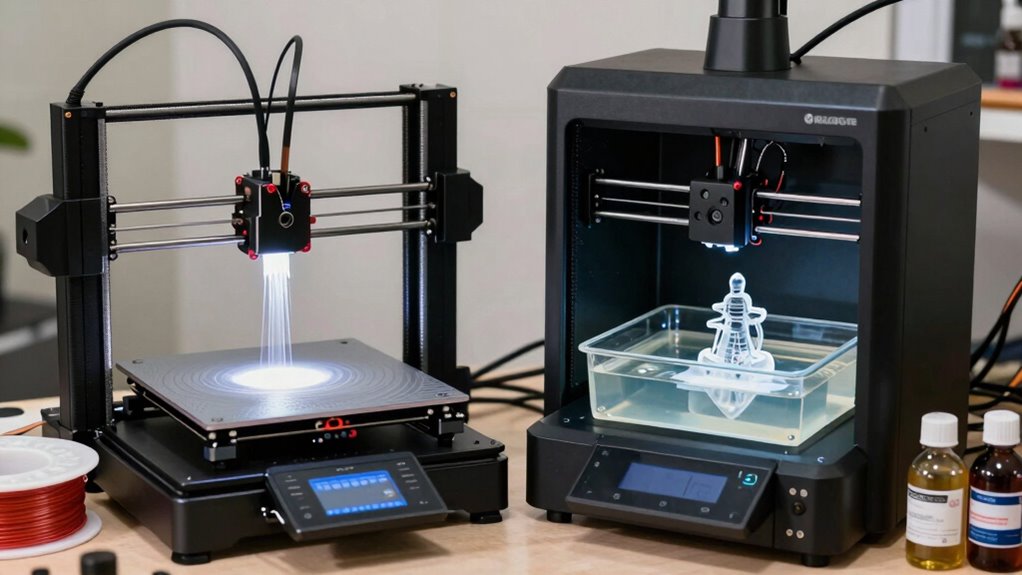
To enhance your workflow and avoid delays, start by thoroughly preparing your models and print settings before beginning the actual print. Check material compatibility to guarantee your chosen filament or resin matches your project’s requirements, reducing failed prints. Adjust print parameters like temperature, speed, and layer height for ideal results. Once printing is complete, focus on post processing techniques—cleaning, curing, and finishing—to improve quality and prevent rework. Proper post processing not only improves surface finish but also minimizes the risk of defects that cause delays. Streamlining these steps minimizes errors, saves time, and keeps your prototyping process smooth. By carefully preparing models and mastering post processing, you can considerably speed up your workflow and avoid costly setbacks.
Frequently Asked Questions
How Long Does It Take to Learn Each 3D Printing Method?
You can learn the basics of FDM and resin 3D printing in a few days, but mastering material flexibility and post-processing techniques takes weeks. FDM printing requires understanding filament types and layer settings, while resin printing demands precision with curing and cleaning. With dedicated practice, you’ll improve your skills quickly, but becoming proficient in both methods and their nuances can take several weeks to months.
What Are the Cost Differences Between FDM and Resin Printers?
Imagine choosing between a sturdy toolbox and a delicate jewelry box; your decision depends on your needs. FDM printers are generally more affordable upfront, with lower maintenance and a wider range of materials, making them cost-effective for many users. Resin printers, while pricier, often demand higher material costs and delicate handling, which can add up. Your choice hinges on material versatility and ongoing maintenance expenses.
Can Both Methods Print in Multiple Colors Simultaneously?
You can’t print in multiple colors simultaneously with either method, as both FDM and resin printers typically produce single-color outputs per print job. However, FDM printers offer better material variety, allowing you to switch filaments for different colors and achieve varied color accuracy through post-processing. Resin printers focus on high detail and color accuracy for single-color prints, but multi-color capabilities often require advanced, multi-material systems or post-printing painting techniques.
Which Method Is Better for High-Resolution Prototypes?
For high-resolution prototypes, resin printers win with finer, flawless finishes, offering exceptional detail and smooth surfaces. Material versatility is high, covering various resins, but post-processing complexity can be a challenge, requiring careful cleaning and curing. FDM printers, while easier to post-process, often produce less precise, layered results. If precision is your priority, resin printing delivers detailed, delicate prototypes, making it the better choice for high-resolution needs.
How Environmentally Friendly Are FDM and Resin 3D Printing?
FDM 3D printing is generally more environmentally friendly because it uses thermoplastics that can often be recycled or reused, reducing waste. Resin printing, however, involves chemicals that are less recyclable and require careful disposal due to potential environmental impact. You should consider material recyclability and the environmental impact of the chemicals involved when choosing a method, especially if sustainability is a priority for your projects.
Conclusion
Choosing the right 3D printing method can considerably speed up your prototyping process. Remember, FDM printers make up about 80% of the desktop 3D printing market, but resin printers offer higher detail for complex prototypes. Avoid common mistakes, optimize workflows, and you’ll cut delays. Making the right choice not only saves time but also enhances your design accuracy—ultimately accelerating your path from concept to creation.
Fall Picks
fall essentials
As an affiliate, we earn on qualifying purchases.