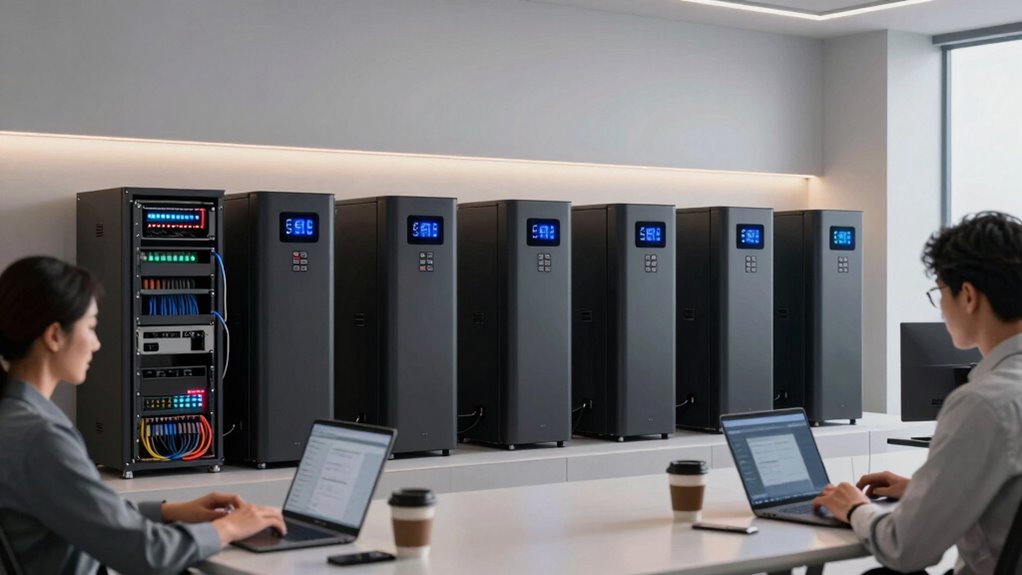

For growing teams, choosing the best office battery backup system means prioritizing units with sufficient capacity to support essential networking devices like routers, switches, and servers during outages. Look for models with built-in surge protection, power conditioning, and easy-to-use indicators for seamless management. Scalability is also key, so you can expand as your network grows. Want to discover the top options that guarantee reliable uptime and data protection? Keep going to find out more.

Get business pricing on office and shipping supplies
- Business-only prices and quantity discounts
- Tax-exempt purchasing
- Multiple users, one account, clear invoices
Key Takeaways
- Prioritize units with sufficient capacity to support critical networking devices during outages.
- Ensure the system includes built-in surge protection and power conditioning for device safety.
- Look for easy installation, clear status indicators, and automatic transfer switches for seamless power switching.
- Choose scalable backup systems that can expand as your team and network grow.
- Focus on reliable, low-maintenance options to ensure continuous network uptime and business continuity.
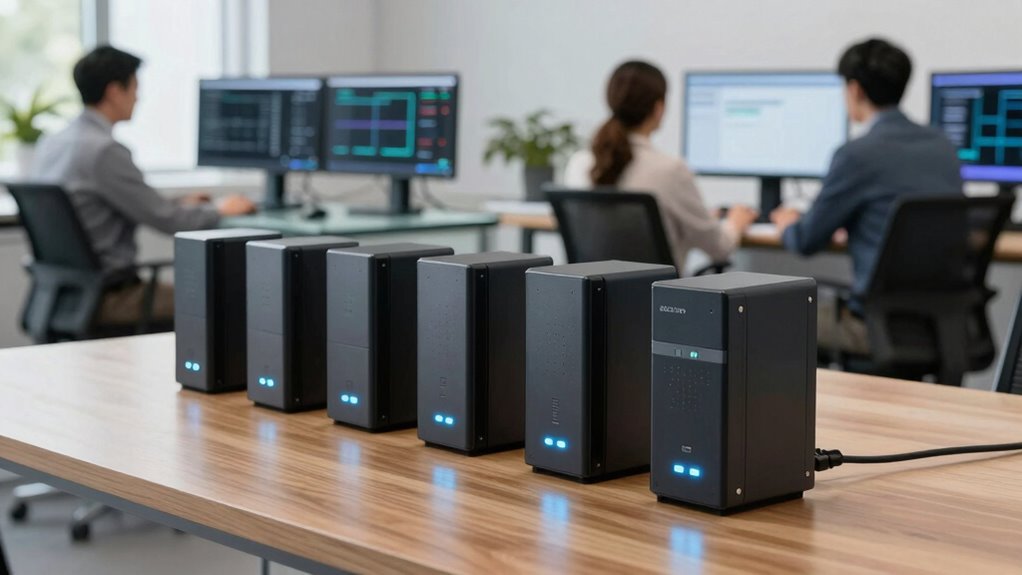
In today’s office environment, power outages can disrupt productivity and threaten important data. That’s why having a reliable office battery backup system is crucial, especially for growing teams that rely heavily on network stability. When the power flickers or cuts out unexpectedly, emergency power becomes your first line of defense. A good backup system ensures your critical devices stay operational long enough for you to save work, shut down properly, or switch to an alternative power source. It’s not just about keeping the lights on; it’s about safeguarding your network and data integrity during unforeseen outages.
Reliable office battery backups protect critical devices and data during unexpected power outages.
Surge protection is also an indispensable component of any backup system. Power surges—those sudden spikes in electrical voltage—can damage sensitive networking equipment, servers, and computers. A high-quality battery backup for office environments should include built-in surge protection to shield your devices from these damaging events. This feature helps prevent costly repairs or replacements and keeps your network equipment running smoothly without interruptions caused by electrical anomalies. Moreover, choosing a system with power conditioning can further enhance the protection of your electronic devices by filtering out electrical noise and ensuring consistent voltage levels. Additionally, selecting a system with easy maintenance features can help keep your backup operational with minimal effort over time.
When selecting the best office battery backup system, look for units that offer sufficient emergency power capacity. This means they should be capable of supporting your essential networking devices, such as routers, switches, servers, and workstations, for an adequate amount of time. The goal isn’t just to keep things running briefly but to give you enough time to save your work, shut down systems properly, or activate other contingency plans. Larger capacity units may be necessary for offices with a higher demand for continuous network uptime, especially if you handle sensitive or time-critical information.
Ease of use and installation also matter. You want a system that’s straightforward to set up and manage, with clear indicators for battery status and surge protection. Some backup systems come with automatic transfer switches that switch seamlessly to emergency power when needed, ensuring minimal downtime. Additionally, consider systems that are scalable, so you can expand your backup capacity as your team grows or your network infrastructure evolves. Investing in a reliable power backup system is essential for maintaining business continuity and ensuring your network remains secure during unexpected outages.
office battery backup system for networking
As an affiliate, we earn on qualifying purchases.
As an affiliate, we earn on qualifying purchases.
Frequently Asked Questions
How Long Do Office Battery Backups Typically Last During Power Outages?
During power outages, office battery backups typically last between 5 to 60 minutes, depending on their battery lifespan and power efficiency. If you prioritize high power efficiency, your backup system can sustain essential networking equipment longer. Keep in mind that larger batteries with better power management tend to last longer, giving you more time to save work and shut down devices safely. Regular maintenance also helps maximize their runtime during outages.
Are There Battery Backup Systems Compatible With All Networking Equipment?
Imagine a backup system that’s like the Swiss Army knife of networking — yes, it exists! Most battery backup systems are compatible with a wide range of networking equipment, making your setup practically unstoppable. Prioritize models with excellent battery compatibility and energy efficiency, so your devices stay powered longer without wasting energy. This way, you keep your team connected and productive, no matter how wild the power outage gets!
What Is the Cost Difference Between Basic and Advanced Backup Systems?
You’ll find that basic backup systems are more affordable, typically costing a few hundred dollars, with lower battery capacity and simpler features. Advanced systems, however, can range from $1,000 to several thousand, offering higher battery capacity, more reliable power, and additional features. Keep in mind, installation costs also increase with complexity, so investing in an advanced backup might require extra expenses for professional setup, but it provides greater peace of mind during outages.
How Often Should Battery Backups Be Maintained or Replaced?
Many believe battery backups last forever, but they actually need regular attention. You should check your battery lifespan and follow a maintenance schedule, typically every 6 to 12 months. Replace batteries when they show signs of reduced capacity or after the recommended lifespan, usually 3-5 years. Regular maintenance ensures your backup system stays reliable, protecting your networking equipment during outages and preventing costly downtime.
Do Battery Backups Support Surge Protection for Networking Devices?
Yes, many battery backups support surge protection for networking devices. When choosing, check for surge compatibility to guarantee your equipment is protected from power spikes. Also, consider the power capacity; a higher capacity provides reliable backup during outages. This combination safeguards your networking gear and maintains seamless connectivity, especially essential for growing teams that depend on uninterrupted internet and network access for productivity.
Conclusion
So there you have it—your foolproof guide to choosing the perfect battery backup for your office. Because who wouldn’t want their Wi-Fi to survive a power outage, right? Now, go ahead, pick the one that best suits your team’s needs, and finally stop pretending that losing your internet isn’t the end of the world. After all, in the office of the future, power outages should be just a minor inconvenience—nothing more.
Fall Picks
fall essentials
As an affiliate, we earn on qualifying purchases.