When choosing the best 4K conference camera with auto framing, focus on the camera sensor, auto framing tech, and microphone quality. A larger sensor captures clearer, brighter images even in low light, while auto framing keeps everyone centered by detecting movement and adjusting the lens. Good microphones ensure your voice is clear, even with background noise. Understanding these features helps you select a device that makes virtual meetings more professional—stay tuned to learn more about each one.

Get business pricing on office and shipping supplies
- Business-only prices and quantity discounts
- Tax-exempt purchasing
- Multiple users, one account, clear invoices
Key Takeaways
- Look for high-quality, large sensors that improve image clarity, color vibrancy, and low-light performance in 4K conference cameras.
- Auto framing relies on sensors and motorized lenses working together to keep subjects centered and in focus during meetings.
- Choose cameras with multiple, noise-canceling microphones and advanced audio features for clear, natural sound.
- Sensor size and microphone technology directly impact video sharpness and audio clarity, enhancing overall virtual meeting quality.
- Features like auto framing and high-resolution sensors create a seamless, professional experience for remote collaboration.
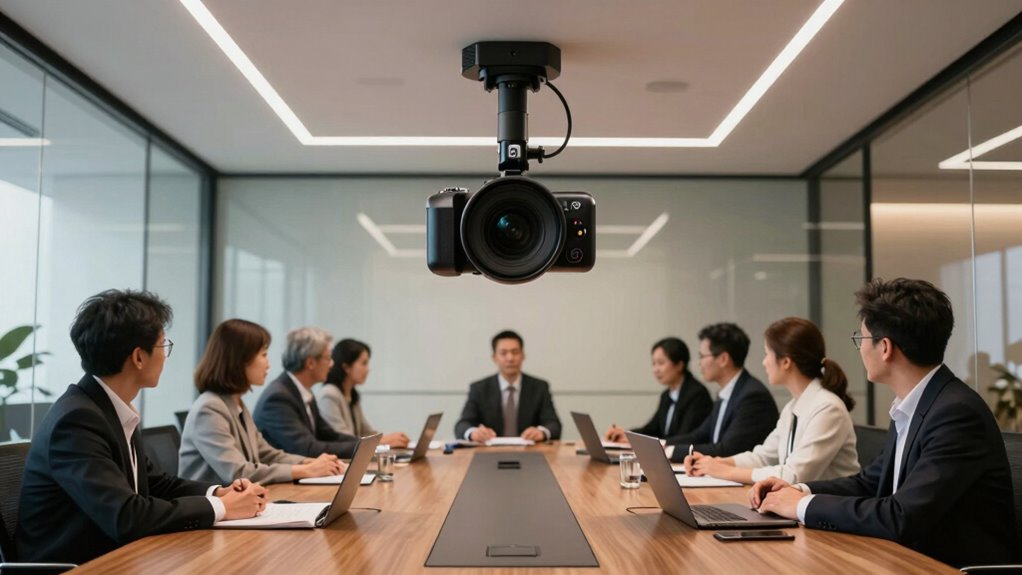
In today’s remote and hybrid work environments, staying engaged during virtual meetings is essential, and conference cameras with auto framing make that easier. These cameras are designed to keep you centered and visible, no matter how much you move or shift during a call. When choosing a 4K conference camera with auto framing, you’ll notice several key specifications, including the camera sensor and microphone quality. Understanding these features helps you pick the right device for your needs.
The camera sensor is the core component that captures light and converts it into an image. A high-quality sensor in a 4K conference camera ensures crisp, detailed video even in challenging lighting conditions. The larger the sensor, generally, the better the image quality, because it gathers more light and produces a clearer picture. For your meetings, a camera with a good sensor means you’ll appear sharp and professional, with vibrant colors and minimal noise, especially in low-light settings. Sensor technology plays a crucial role in how well your camera performs across different environments, and advancements in sensors continue to improve overall video quality. Additionally, newer sensor technologies are increasingly capable of handling high dynamic range, which enhances contrast and color accuracy. Moreover, sensor performance can also influence how well the camera manages motion, ensuring smooth auto framing during movement.
Auto framing technology is what keeps you in the center of the view at all times. Using intelligent algorithms, the camera detects your position and dynamically adjusts its lens to keep you framed perfectly, whether you’re sitting still or moving around slightly. This feature is particularly helpful if you’re collaborating with multiple people or moving between different parts of the room. The camera’s ability to follow these movements smoothly depends heavily on the precision of its auto framing system, which is influenced by factors like the camera sensor’s responsiveness and the quality of its motorized lens.
Sound quality is just as important as video clarity, and that’s where microphone quality comes into play. High-caliber conference cameras are equipped with multiple microphones arranged to pick up your voice clearly, even amid background noise. Look for models that feature noise reduction and echo cancellation, so your speech comes through crisp and natural. Good microphone quality ensures your colleagues can hear you without straining, making conversations more fluid and productive. Additionally, microphone technology has seen significant improvements, enhancing clarity and reducing unintended noise. Certain models also incorporate beamforming microphones, which focus on capturing voice from specific directions for even better audio accuracy. The integration of advanced audio features further elevates the overall conference experience.
In essence, when you’re evaluating 4K conference cameras with auto framing, pay attention to the camera sensor’s size and technology, as well as the microphone quality. These specifications directly impact your overall experience during virtual meetings. A camera with a superior sensor will deliver sharp, vibrant images, while a high-quality microphone ensures your voice is heard clearly. Combining these features results in a seamless, professional virtual presence that keeps you engaged and connected, no matter where you work from.
Products Worth Considering

Logitech MX Ergo S Advanced Wireless Trackball Mouse USB-C – Graphite

Apple Mac mini M6, 12-core CPU and GPU, 24GB Memory, 1TB SSD

FLEXISPOT 3-in-1 Convertible Chair and Table for Four
As an affiliate, we earn on qualifying purchases.
Frequently Asked Questions
Do Auto-Framing Cameras Work Well in Low-Light Environments?
Auto-framing cameras generally struggle in low-light environments, but some models improve performance with advanced low light performance features. They use image enhancement techniques like noise reduction and brighter sensors to capture clearer images. However, in very dark settings, auto-framing may lag or produce grainy images. To get the best results, choose a camera with strong low light performance and effective image enhancement, ensuring your conference stays sharp and clear even in dim conditions.
Can These Cameras Be Used With Multiple Video Conferencing Platforms?
Yes, these cameras are versatile, and you won’t have to reinvent the wheel. They typically support multiple platforms, making them great for diverse conferencing needs. Just check the camera’s platform compatibility and software integration options, and you’re good to go. Most auto-framing cameras easily connect via USB or HDMI, so you can switch between Zoom, Teams, or Webex without missing a beat. It’s a win-win for smooth, professional meetings.
How Easy Is It to Set up Auto-Framing Cameras for Beginners?
Setting up auto-framing cameras for beginners is straightforward, especially with flexible mounting options like tripods or wall mounts. You’ll need to do some camera calibration to guarantee the auto-framing works smoothly, but most models guide you through this process easily. Once calibrated, the camera automatically tracks your movements, making setup quicker and more intuitive. Overall, with clear instructions, auto-framing cameras are quite user-friendly for newcomers.
What Is the Typical Field of View for These Cameras?
The typical field of view for these cameras usually ranges from 70 to 120 degrees, depending on the model. Camera specifications highlight this aspect, as a wider field of view captures more participants in a conference. When choosing a camera, consider your space and number of attendees to guarantee the field of view aligns with your needs. This way, you’ll get a clear, inclusive shot during your meetings.
Are Auto-Framing Cameras Compatible With Existing AV Equipment?
Auto-framing cameras generally integrate well with existing AV equipment, but compatibility issues can arise, especially if your setup uses older or non-standard hardware. You might face integration challenges, like needing additional converters or controllers. To avoid these problems, check the camera’s compatibility with your current AV system beforehand. Ensuring your equipment supports the camera’s connection types and control protocols will make setup smoother and minimize compatibility issues.
Conclusion
Choosing the right 4K conference camera with auto framing can considerably boost your meetings’ productivity and engagement. Did you know that remote meetings with high-quality video see a 30% increase in participant satisfaction? Investing in the right tech not only enhances communication but also creates a more connected and efficient team. So, make your meetings count—upgrade to a camera that truly captures every detail and keeps everyone involved.