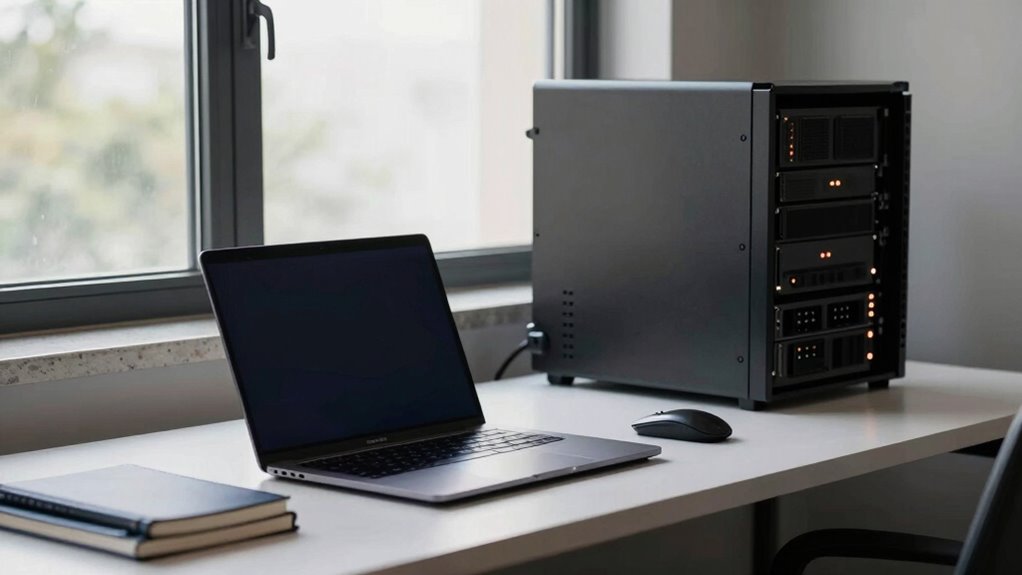

In small offices, runtime is more important than wattage because it determines how long your critical devices stay powered during outages. A higher wattage rating only shows the maximum power capacity, not how long the UPS can run. Longer runtime lets you save your work and shut down safely, reducing stress and data loss. To learn how to choose the right UPS for your needs, keep exploring this topic further.
Key Takeaways
- Longer runtime ensures critical devices stay powered during outages, preventing data loss and operational disruptions.
- Runtime determines how long equipment can operate, directly impacting office productivity during power failures.
- Proper matching of UPS capacity to load avoids unnecessary costs but prioritizes sufficient runtime.
- Battery health and efficiency influence runtime more than wattage capacity alone.
- Extended runtime supports safe shutdowns and maintains professional stability amid power disruptions.
UPS with extended runtime for small office
As an affiliate, we earn on qualifying purchases.
As an affiliate, we earn on qualifying purchases.
Why Runtime Is More Important Than Wattage for Small Offices
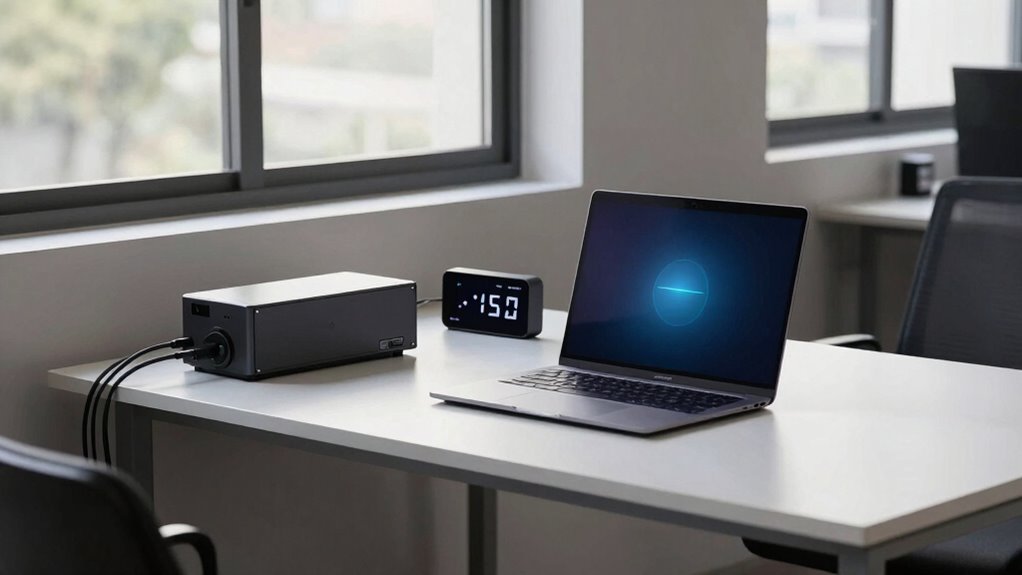
While wattage indicates the power an uninterruptible power supply (UPS) can handle, it doesn’t tell you how long your office can run during a blackout. That’s where runtime becomes essential. You need enough runtime to save your work and shut down equipment safely, especially if power outages last longer than expected. Battery lifespan directly impacts this runtime, so choosing a UPS with a longer-lasting battery ensures your office stays operational when needed most. Power efficiency also plays a role, as a more efficient UPS consumes less energy, helping to extend runtime without sacrificing performance. In small offices, focusing on runtime means you’re prepared for outages, reducing downtime and protecting critical data. Additionally, understanding power protocols can help optimize your UPS setup for better performance and reliability. Being aware of battery maintenance can also help prolong your UPS’s effective runtime during extended outages. Moreover, selecting a UPS with features like automatic voltage regulation can help maintain consistent power quality and protect sensitive equipment during fluctuations. Properly managing battery capacity is crucial for ensuring your UPS can provide sufficient runtime when needed most. Ultimately, runtime determines how resilient your office is during power disruptions, making it a crucial factor in backup power planning.
How UPS Runtime Differs From Wattage Capacity

Understanding the difference between UPS runtime and wattage capacity is essential for selecting the right system for your small office. Wattage capacity indicates the maximum power your UPS can deliver at once, while runtime reflects how long it can sustain that power during an outage. The key factor here is battery capacity, which directly affects power duration. A UPS with high wattage capacity might have a short runtime if its battery isn’t large enough. Conversely, a system with a smaller wattage capacity could provide longer power duration if it has a better battery. The table below breaks down these differences:
| Aspect | Wattage Capacity | Runtime | Focus |
|---|---|---|---|
| Definition | Max power output | Duration of power supply | Battery’s role |
| Primary metric | Maximum power | How long it lasts | Battery capacity |
| Key factor | Device load | Power duration | Battery size and quality |
| Impact on choice | Sizing devices | Planning outages | Battery investment |
Additionally, understanding these distinctions helps in optimizing your backup power to ensure continuous operation during outages. Being aware of battery quality can significantly influence your system’s reliability, especially during prolonged outages. Properly matching your system’s runtime needs with battery capacity is crucial for effective backup planning, and considering system efficiency can help maximize the utility of your battery investment. Recognizing the importance of power management features can further enhance your system’s performance during critical times.
Benefits of Extended UPS Runtime During Power Outages
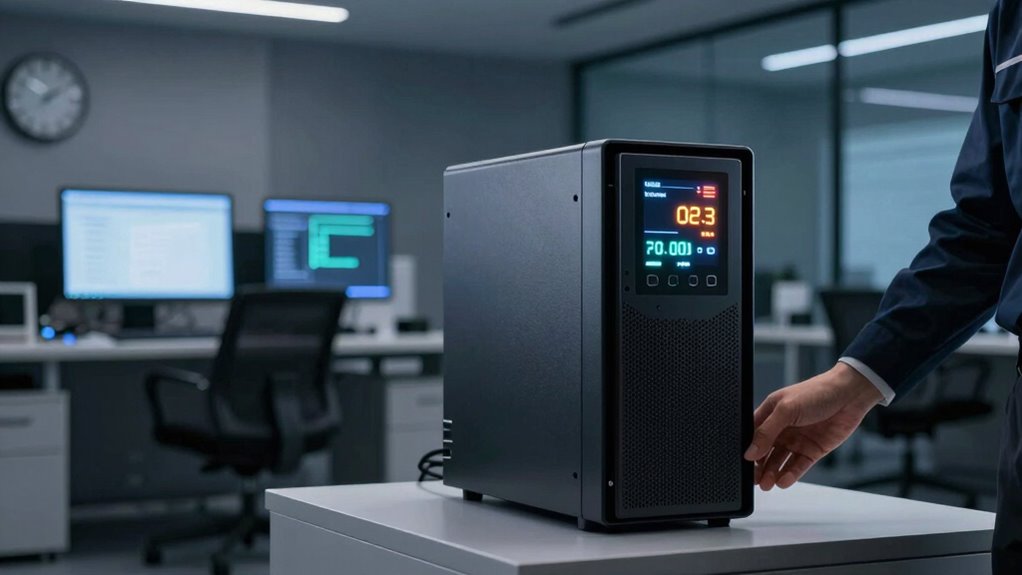
Extended UPS runtime offers significant advantages during power outages by giving you more time to save work, shut down equipment properly, or switch to backup systems. Longer backup duration ensures your critical devices stay operational during outages, reducing data loss and downtime. It also enhances energy efficiency by allowing your systems to run smoothly without sudden shutdowns. With increased runtime, you can manage multiple devices simultaneously, maintaining productivity and security. Additionally, extended runtime minimizes the need for frequent battery replacements, saving costs over time. You gain peace of mind knowing your office remains functional longer during outages. Proper filter sizing and flow management can further optimize your system’s overall efficiency and reliability during power fluctuations. Incorporating proper safety practices helps prevent accidents and protects your equipment during extended power events. Ensuring your system is designed with appropriate load management can also improve runtime and prevent overload issues. Understanding your battery capacity is essential for selecting the right inverter generator that provides sufficient runtime for your needs. Properly assessing your power needs can also help in choosing the most suitable printmaking paper options, ensuring your workflow remains uninterrupted.
Common Myths About UPS Wattage and Runtime

Many people assume that higher wattage means longer runtime, but that’s not always true. Overestimating a UPS’s power capacity can leave you unprotected when the power goes out. Keep in mind, runtime can vary considerably even among units with similar wattage ratings. Understanding the role of efficiency in UPS performance can help you make better decisions. Additionally, battery capacity plays a crucial role in determining how long your UPS can sustain connected devices during an outage. Factors like load management also influence overall runtime, making it important to consider the entire system rather than just wattage ratings. Recognizing how system design impacts efficiency can further optimize your power backup strategy. Being aware of performance metrics can help you evaluate which UPS best fits your needs.
Wattage Doesn’t Equal Runtime
A common misconception is that higher wattage ratings on a UPS directly translate to longer backup runtime, but this isn’t how it works. Wattage measures the maximum power the UPS can handle, not how long it can support your devices. Backup runtime depends on your battery’s capacity, which influences both battery lifespan and power efficiency over time. Incorporating outdoor features such as fire pits and landscaping can enhance the overall efficiency and enjoyment of your back-up power setup. Remember:
- A higher wattage rating doesn’t mean your UPS will run longer
- Runtime varies based on battery capacity, not wattage rating alone
- Power efficiency impacts how well the UPS uses its battery
- Battery lifespan determines how effectively your UPS provides backup over time
Focusing solely on wattage can lead to overestimating your UPS’s runtime. Instead, prioritize understanding battery capacity and efficiency for real-world performance.
Overestimating Power Capacity
It’s common to believe that a higher wattage rating on a UPS means it can support more devices or run longer, but this is a misconception. A higher wattage doesn’t necessarily translate to better energy efficiency or longer support time. Many overestimate the capacity, assuming it improves power distribution across all connected devices. In reality, the UPS’s true strength lies in its ability to handle specific loads efficiently, preventing energy waste. Overestimating power capacity can lead to underperformance and unnecessary costs. Instead, focus on matching the UPS’s true wattage ratings to your actual device needs, ensuring maximum energy efficiency and reliable power distribution. This approach guarantees your small office stays protected without overpaying for unnecessary capacity.
Runtime Varies Widely
While having a UPS with a high wattage rating might seem like it guarantees longer backup times, the reality is more complex. Runtime can vary widely due to factors like battery longevity, load type, and power efficiency. A higher wattage UPS doesn’t always translate into longer backup periods because:
- Battery age reduces runtime regardless of wattage.
- Power efficiency impacts how effectively energy is used during outages.
- Peak loads drain batteries faster than rated capacities suggest.
- Runtime calculations often ignore real-world conditions, leading to misconceptions.
- Ensuring proper storage and maintenance of batteries is crucial for maintaining optimal runtime performance.
Understanding these variables helps you choose a UPS that truly meets your needs. Wattage alone isn’t enough; focusing on runtime performance and battery health ensures your small office stays protected during power disruptions.
How to Choose a UPS Based on Runtime for Your Office
Wondering how to select a UPS that truly meets your office needs? Focus on runtime, not just wattage. A longer runtime guarantees your critical devices stay powered during outages, giving you time to save work. When choosing, consider the battery lifespan, which affects overall reliability, and power efficiency, which impacts ongoing costs. Use this guide to compare options: Additionally, understanding how to properly care for your UPS and dispose of its components in an eco-friendly manner can extend its usefulness and reduce environmental impact. Regular maintenance and proper disposal practices also contribute to battery sustainability, ensuring your UPS remains dependable over time. Recognizing the importance of water-cooled mattress pads and dehumidifiers in maintaining a comfortable office environment can also enhance overall productivity and well-being.
Tips to Measure and Maximize Your UPS Runtime
To get the most accurate picture of your UPS’s runtime, you should regularly check its battery health and performance. You can also extend runtime by optimizing your power usage and reducing unnecessary loads. Small adjustments now can make a significant difference when you need backup power most.
Monitor Battery Health Regularly
Regularly checking your UPS battery health guarantees you’re prepared when power disruptions occur. Proper battery maintenance ensures your system stays reliable and maximizes runtime. To accurately measure battery health, look for signs like reduced backup time or swelling. Regular inspections help catch issues before they cause downtime. Keep these tips in mind:
- Test the battery periodically to assess capacity
- Replace batteries showing signs of degradation
- Keep connections clean and secure
- Record performance changes over time
These steps help maintain power efficiency and prolong your UPS lifespan. Monitoring battery health isn’t just about avoiding surprises; it’s about ensuring your small office stays protected during outages. Consistent checks allow you to act proactively, keeping your critical devices running smoothly when it matters most.
Optimize Power Usage
Maximizing your UPS runtime starts with understanding how to measure and improve your power consumption effectively. To do this, focus on enhancing energy efficiency by unplugging unused devices and switching off unnecessary equipment. Use power management settings on your devices to reduce energy draw during low activity periods. Regularly monitor your energy consumption to identify high-power devices that could be optimized or replaced with more efficient alternatives. Implementing smart power strips can help manage multiple devices easily. Keep track of your UPS load to ensure it’s running within suitable limits, preventing unnecessary strain. By actively managing your power usage, you extend your UPS runtime, guaranteeing your small office stays protected longer during outages. Good power management is key to maximizing efficiency and reliability.
Real-World Examples of Small Offices Benefiting From Longer UPS Runtime
In small offices, longer UPS runtimes can make a significant difference during power outages, guaranteeing critical systems stay online until backup power is restored or the issue is resolved. This prevents disruptions that could affect office aesthetics and employee productivity. With extended runtime, you can:
- Safeguard sensitive equipment without hurried shutdowns
- Maintain a professional appearance during outages
- Allow employees to finish important tasks safely
- Reduce stress by avoiding unexpected shutdowns
These benefits help preserve your office’s professionalism and ensure your team remains focused. When outages last longer, a UPS with extended runtime becomes essential, giving you more time to manage the situation smoothly. Ultimately, longer runtime enhances stability and keeps your business running seamlessly, even in challenging circumstances.
Frequently Asked Questions
Can Longer UPS Runtime Reduce Overall Energy Costs?
Yes, longer UPS runtime can reduce your overall energy costs. When your UPS has better battery efficiency, it uses less power to operate during outages, which means lower energy consumption. Effective power management guarantees you’re not overloading the system or wasting energy, helping you save on electricity bills. By investing in a UPS with extended runtime, you optimize energy use and improve your small office’s efficiency and cost savings over time.
How Does Battery Age Affect UPS Runtime Performance?
Battery aging is like a fading light bulb—its brightness diminishes over time. As batteries experience degradation, their ability to deliver power during outages weakens, reducing UPS runtime. Aging effects cause capacity loss, meaning your UPS won’t last as long when you need it most. Regularly checking battery health and replacing aging units guarantees your system maintains maximum runtime, keeping your small office protected during power interruptions.
Is Runtime More Critical Than Wattage for Data Centers?
Runtime is more critical than wattage for data centers because it directly impacts your ability to maintain power stability during outages. Longer runtime ensures your systems stay operational, reducing downtime. Focus on energy efficiency to optimize runtime without increasing wattage. This way, you guarantee reliable power, protect your data, and assure smooth operations, especially during unexpected interruptions. Prioritizing runtime helps you achieve a more resilient and efficient data center.
What Factors Influence the Actual Runtime During Outages?
Your actual runtime during outages depends on factors like battery capacity and power fluctuations. Higher battery capacity provides more stored energy, extending backup time. Power fluctuations can cause your system to draw inconsistent loads, reducing effective runtime. To maximize your backup duration, guarantee your batteries are well-maintained and equipped to handle voltage variations. Regular testing also helps identify potential issues before outages occur, ensuring your system performs when you need it most.
How Often Should UPS Batteries Be Replaced to Maintain Runtime?
If your small office relies on an UPS, you should replace batteries every 3-5 years to guarantee maximum runtime. For example, a recent case study showed a company’s battery failure after 4 years, causing unexpected shutdowns. Regular battery maintenance and sticking to a replacement schedule prevents surprises. Keep an eye on signs like decreased runtime or age, and proactively swap batteries to keep your backup power ready when needed.
Conclusion
By prioritizing UPS runtime over wattage, you guarantee your small office stays powered long enough to save work and shut down safely during outages. For example, a small design firm increased its UPS runtime, allowing employees to finish critical tasks without disruption. Remember, choosing the right runtime can be the difference between a quick recovery and costly downtime. So, assess your needs carefully and opt for a UPS that provides sufficient backup to keep your business running smoothly.