
Inventory errors often begin with bad labels, which cause misreads, misplaced items, and delays. To fix this, regularly inspect labels for damage, clarity, and proper placement. Use durable, weatherproof labels with high-quality printing to prevent fading or smudging. Automate quality checks and implement proper labeling protocols to catch issues early. Continuously improving your labeling practices helps maintain accuracy, and if you want detailed steps, there’s more to cover that can make a big difference.
Key Takeaways
- Regularly inspect and replace damaged, faded, or smudged labels to maintain readability and accuracy.
- Use high-quality, weather-resistant materials and inks to ensure labels withstand environmental conditions.
- Implement standardized labeling protocols and employee training to reduce mislabeling and placement errors.
- Automate label scanning and inventory checks with barcode systems for early error detection.
- Conduct periodic quality control checks to identify and address label issues before they cause inventory discrepancies.
Why Bad Labels Cause Inventory Errors
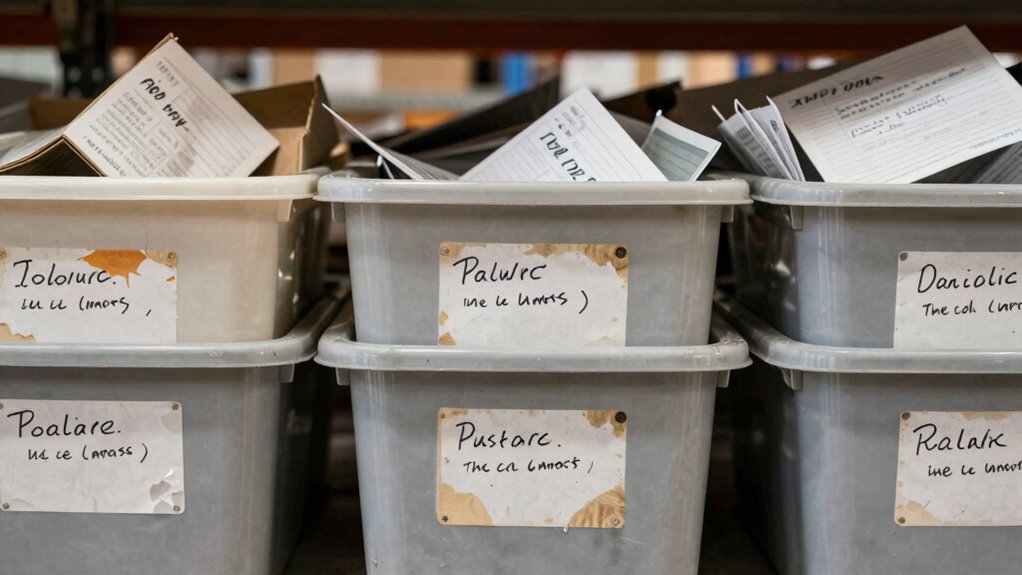
Bad labels cause inventory errors because they provide incorrect or incomplete information about products. If your label design is cluttered or unclear, it’s easy to misread details like SKUs or expiration dates. Color accuracy and clear labeling are essential to ensure that information is easily distinguishable and correctly interpreted. Poor label design can lead to picking mistakes, stock miscounts, or misplaced items. Additionally, outdated or damaged labels can cause confusion during inventory checks. Printing technology plays an essential role here; low-quality printing may result in smudged, faded, or illegible labels, making errors more likely. Modern printing technology ensures sharp text and durable labels that withstand handling and environmental factors. Proper label maintenance and regular updates are also crucial to prevent confusion and ensure accuracy. Implementing quality control measures for labels helps maintain consistent standards and supports inventory accuracy by reducing the risk of misidentification and errors. Regular inspection of labels for signs of wear or damage can further help in maintaining label integrity and avoiding avoidable mistakes.
Identify Label Problems Before They Disrupt Your Inventory
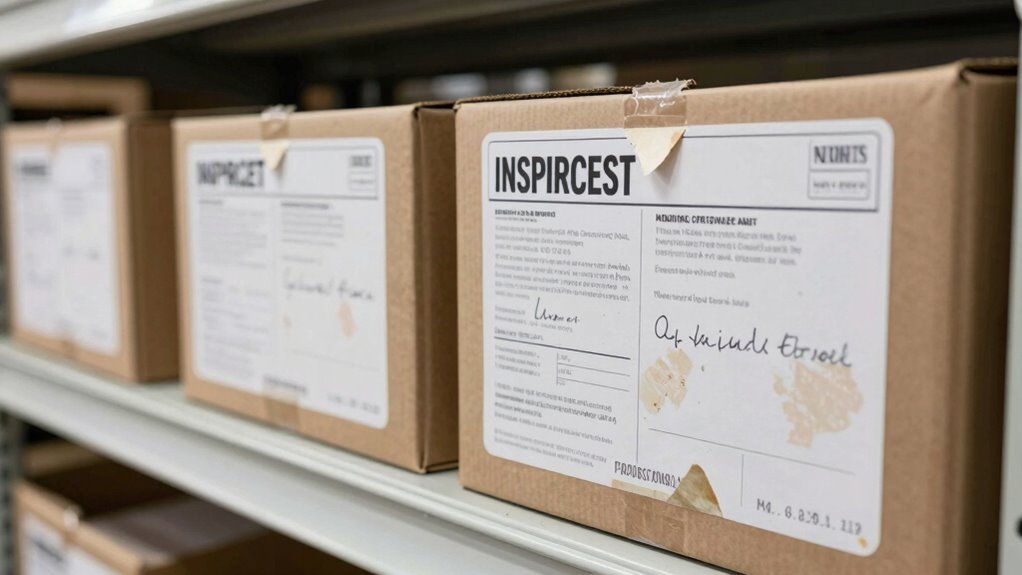
Detecting label problems early can save you from costly inventory disruptions. Start by inspecting your labels regularly for issues with label design, such as unclear fonts or small print that’s hard to read. Next, verify that labels are securely affixed to prevent peeling or falling off, which hampers accurate inventory tracking. Ultimately, verify labels contain correct, up-to-date information—misleading or outdated data can cause stock miscounts and delays. By proactively checking these aspects, you catch problems before they escalate. Focus on clear, consistent label design that’s easy to scan and interpret. Proper labeling techniques can help prevent inventory errors caused by faulty labels. Early detection is key to preventing inventory chaos caused by faulty labels. Incorporating quality control checks into your routine can further reduce labeling mistakes and improve overall accuracy, especially when combined with performance metrics to monitor labeling effectiveness. Regularly reviewing your labeling process can also enhance overall accuracy and ensure ongoing compliance.
Common Faulty Labels and Their Impact on Stock Accuracy
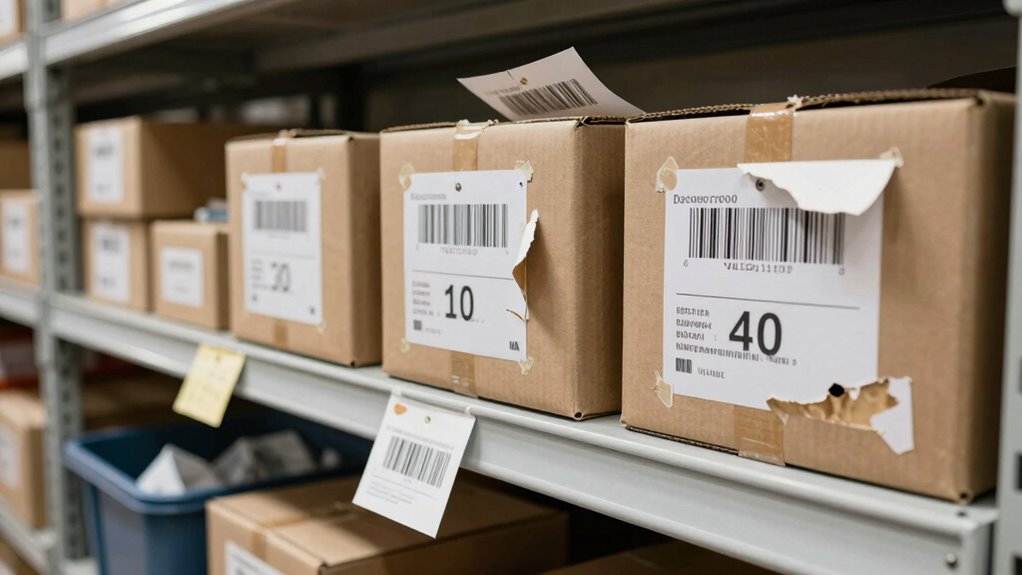
Faulty labels come in various forms, each capable of throwing off your inventory counts. Poor label design can cause misreads or confusion, while outdated printing technology might produce smudged or illegible labels. These issues directly impact stock accuracy by making it difficult to identify items correctly. Here’s how common faulty labels manifest:
| Faulty Label Type | Cause | Impact on Stock Accuracy |
|---|---|---|
| Smudged Labels | Low-quality printing | Misreads, slow scanning |
| Faded Labels | Poor ink durability | Hard to identify, errors increase |
| Misaligned Labels | Improper label placement | Confusing, incorrect stock counts |
| Torn Labels | Handling damage | Difficult to scan, errors escalate |
Additionally, implementing proper label orientation can significantly reduce misreads caused by misaligned labels. Choosing better label design and upgrading printing technology can minimize these issues, thereby improving overall inventory management accuracy. Furthermore, understanding waterproofing techniques can help ensure labels withstand handling and environmental conditions, maintaining label integrity over time.
How to Print Labels That Last and Avoid Errors
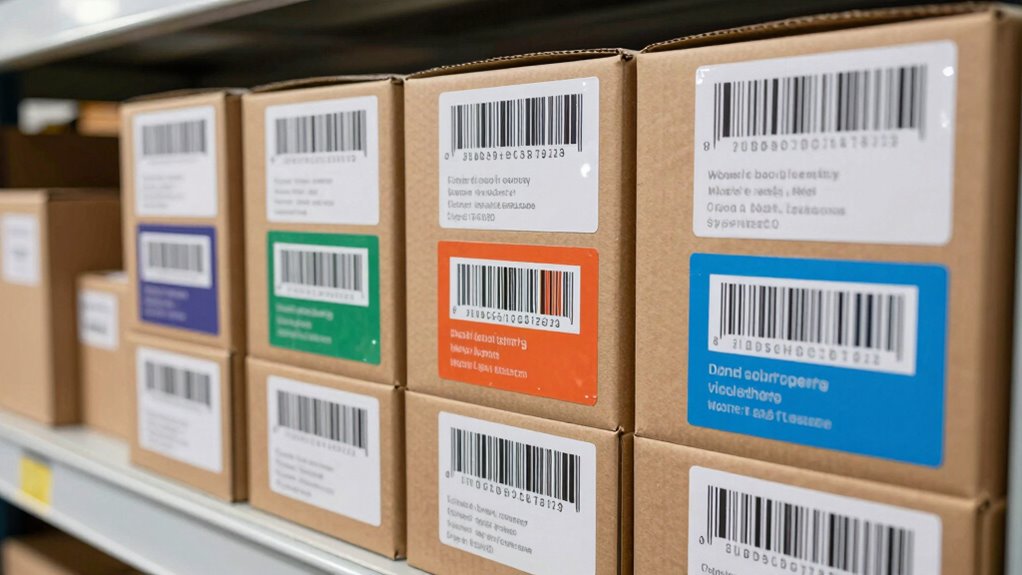
To guarantee your labels last and prevent errors, choose durable materials that withstand wear and tear. Use clear, high-quality printing to make information easy to read at a glance. Regularly check your labels for damage or fading, so you can replace them before errors occur. Incorporating proper maintenance routines can also help ensure your labeling system remains accurate and effective over time. Additionally, understanding halal certification standards can guide you in selecting labels that meet specific cultural and regulatory requirements. Being aware of Italian gelato culture and terminology can also improve communication and customer trust. Moreover, selecting labels with clear regulatory compliance ensures your products adhere to safety standards and avoid legal issues. Considering the durability of labels used on electric bikes, such as those in the KTM electric dirt bike range, can help prevent mislabeling caused by environmental exposure.
Use Durable Label Materials
Choosing the right label materials is essential to make sure your labels stay intact and legible over time. To achieve maximum label longevity, focus on durable materials that resist wear, moisture, and chemicals. Here are three tips:
- Select weatherproof labels made from vinyl or polyester for durability in harsh environments.
- Use labels with a strong adhesive that sticks well to different surfaces and prevents peeling.
- Opt for laminated labels to add an extra layer of protection against scratches, smudges, and exposure.
Opt for Clear Printing
Clear printing is essential for creating labels that remain legible and error-free over time. To achieve this, focus on maximizing color contrast—use dark ink on light backgrounds or vice versa—so your labels stand out clearly. Choose fonts that prioritize readability; simple, sans-serif fonts are often best for quick recognition. Avoid overly decorative or thin fonts that can become difficult to read at smaller sizes. *Guarantee* the print quality is high, whether you’re using a laser or inkjet printer, to prevent smudging or fading. Consistent, sharp printing reduces errors and makes inventory management smoother. Remember, the clearer your labels are, the less likely you are to misidentify items, saving time and avoiding costly mistakes. Additionally, understanding body jewelry measurements can help ensure your labels accurately reflect item sizes, reducing confusion in your inventory. Incorporating print resolution best practices can significantly enhance label clarity and durability, helping prevent labeling errors before they occur. Proper labeling practices can also help identify cable failures, preventing potential issues before they escalate. Ensuring proper label adhesion can further improve longevity and readability in various environments.
Regularly Check Label Quality
Even with well-designed labels, poor quality printing can lead to fading, smudging, or tearing over time, making labels unreadable and increasing the risk of errors. To maintain label aesthetics and guarantee durability, regularly check your printed labels. A consistent label quality ensures that labels remain legible and professional-looking over time. 1. Inspect labels frequently for signs of wear or damage, replacing any that show fading or smudging. 2. Review your printing techniques—use high-quality ink and printers suited for labels to prevent smudging. 3. Test print samples periodically to verify clarity and durability, adjusting settings if needed. Additionally, consider implementing outdoor-ready labels designed specifically to withstand environmental factors. Incorporating label material that resists moisture and abrasion can further enhance longevity and accuracy.
Tools to Automate Label Quality Checks
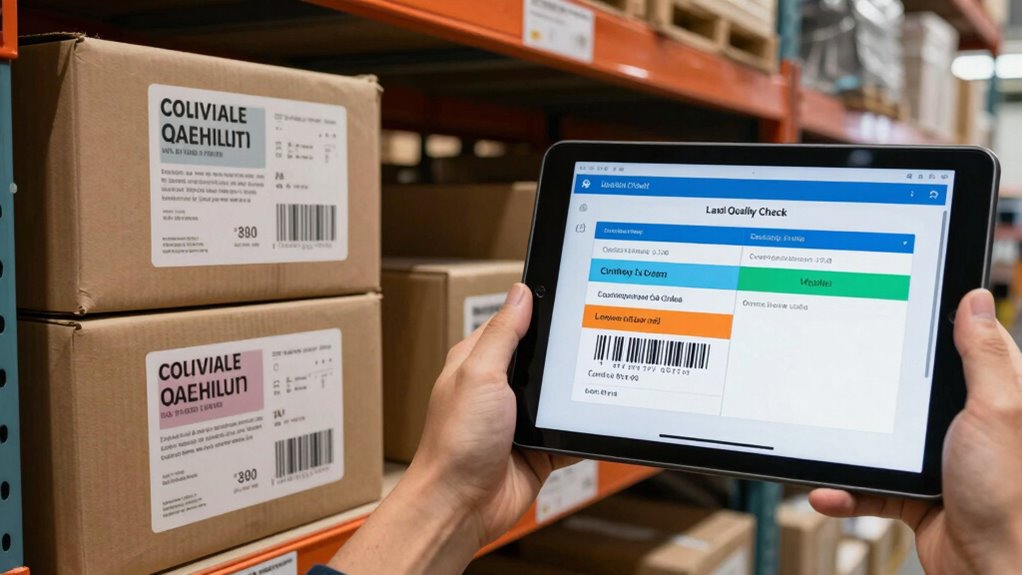
Automated label scanning tools help you quickly identify errors before they reach your inventory. Real-time error alerts notify you instantly of issues, so you can fix them on the spot. These tools streamline quality checks and reduce the risk of costly labeling mistakes.
Automated Label Scanning
To effectively catch labeling errors before they cause inventory issues, many companies turn to automated label scanning tools. These tools streamline barcode scanning, making inventory tracking faster and more accurate. Here’s how they help:
- Reduce manual errors – Automated systems verify labels instantly, catching mistakes early.
- Speed up processes – Quickly scan large batches of labels, saving time during inventory counts.
- Enhance data accuracy – Consistent barcode scanning ensures reliable inventory data, reducing stock discrepancies.
Real-Time Error Alerts
Real-time error alerts have become essential tools for maintaining label quality. They instantly notify you when a barcode scanning mistake occurs or when inventory synchronization issues arise, preventing costly errors. These alerts help you catch problems before they escalate, ensuring accurate data entry and streamlined operations. Imagine a dashboard displaying real-time status updates:
| Error Type | Action Required |
|---|---|
| Barcode mismatch | Re-scan or correct label |
| Inventory out of sync | Update system immediately |
| Missing labels | Generate and apply new labels |
Quick Fixes for Bad Labels and When to Replace Them
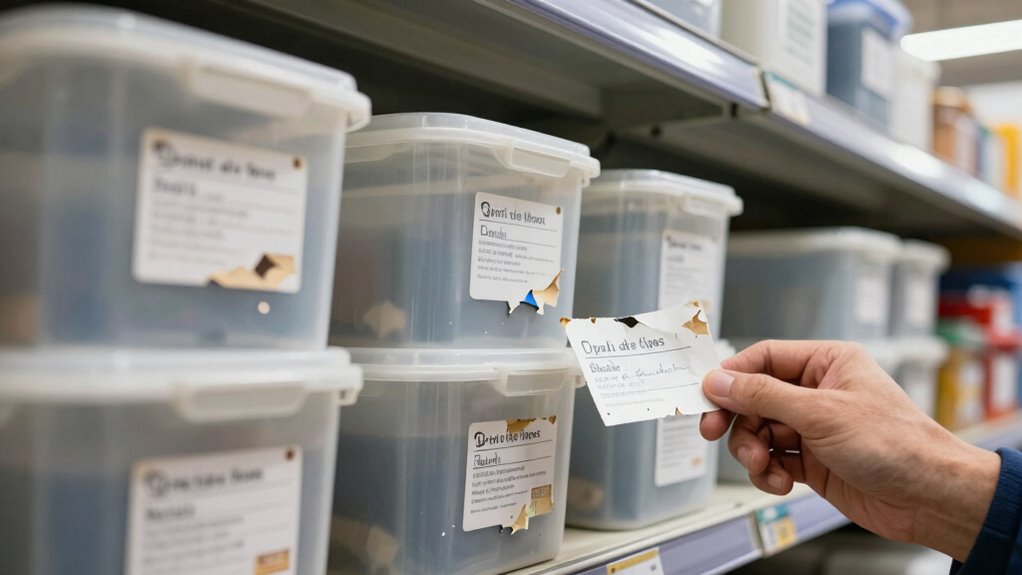
When you notice a bad label on your inventory, quick fixes can save time and prevent bigger errors. First, adjust the label design by simplifying fonts, using clear colors, and ensuring all information is legible. Second, improve label placement by sticking labels at eye level and on flat, smooth surfaces for better visibility. Third, if the label is damaged or peeling, remove it carefully and replace it with a new one, ensuring correct placement. Keep in mind, if labels are consistently problematic, it’s time to replace them entirely with higher-quality options that adhere better and resist wear. These quick fixes help maintain accurate inventory tracking and reduce errors caused by poor label quality or placement.
Prevent Future Label-Related Inventory Mistakes
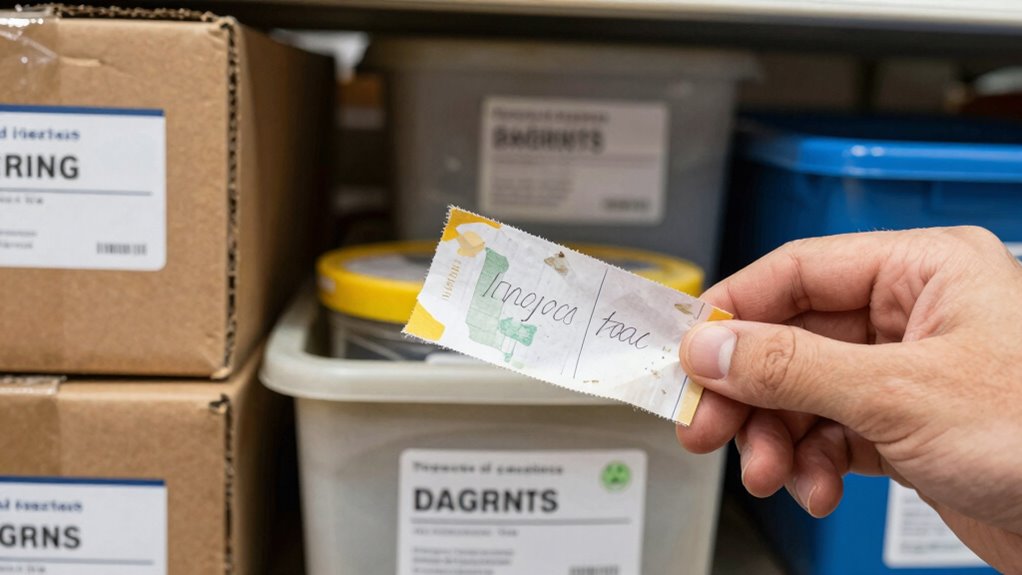
Implementing consistent labeling protocols is essential to prevent future inventory mistakes caused by poor labels. Focus on label customization to suit your specific inventory needs, ensuring labels are clear, durable, and easy to read. Proper employee training is vital; when staff understand labeling standards, errors decrease markedly. Regularly review and update your labeling procedures to adapt to changing inventory.
Here’s a reminder of the impact:
| Mistake | Consequence | Solution |
|---|---|---|
| Mislabeling | Stockouts or overstock | Custom labels & training |
| Confusion | Increased errors | Consistent protocols |
| Loss | Revenue decline | Clear, durable labels |
Frequently Asked Questions
How Often Should I Audit My Labels for Accuracy?
You should audit your labels for accuracy at least monthly to guarantee proper label customization and quality assurance. Regular checks catch errors early, preventing costly inventory mistakes. Adjust the frequency based on your inventory volume and how often labels change. Consistent audits help maintain reliable data, reduce errors, and streamline operations. Prioritize these reviews as part of your quality assurance process to keep your inventory management accurate and efficient.
What Are the Best Label Materials for Durability?
If you want labels that survive a hurricane in your warehouse, go for waterproof vinyl or polyester materials. They come with tough label adhesives that cling like stubborn relatives and ink durability that laughs in the face of spills and smudges. These materials withstand rough handling, moisture, and temperature swings, making sure your labels stay legible and attached — because nobody has time for peeling paper labels when chaos ensues.
Can Barcode Labels Improve Inventory Tracking?
Yes, barcode labels considerably improve inventory tracking by enabling quick, accurate barcode scanning. They simplify data entry and reduce human errors. With label customization, you can tailor the labels to include specific information, ensuring clarity and consistency. This combination streamlines your inventory management process, making it easier to track items, monitor stock levels, and improve overall efficiency. Properly designed barcode labels are essential for reliable, error-free inventory control.
How Do I Train Staff to Recognize Label Issues?
Start with simple, standout staff training that emphasizes spotting label issues. Use consistent, clear label design to make errors obvious. Teach your team to check labels for clarity, accuracy, and correct placement regularly. Reinforce this routine through real-world practice, encouraging questions and quick corrections. By building awareness and awareness, you’ll boost your staff’s ability to recognize label problems early, ensuring smoother inventory management and fewer costly errors.
What Are the Costs Associated With Replacing Faulty Labels?
Replacing faulty labels incurs costs like label printing, which includes purchasing new labels and updating printing supplies. You’ll also face labor expenses for removing old labels and applying new ones. Conducting a cost analysis helps you evaluate these expenses against potential inventory errors caused by bad labels. Investing in high-quality label printing reduces repeat replacements and minimizes errors, ultimately saving you money and improving overall inventory accuracy.
Conclusion
Don’t let bad labels turn your inventory into a game of hide and seek like in old tales. By catching label issues early, printing durable labels, and using automation tools, you can keep your stock accurate and avoid costly mistakes. Think of it as your modern-day alchemy—turning simple labels into gold-standard inventory management. Stay vigilant, fix problems swiftly, and prevent future errors. With these tips, you’ll keep your inventory running smoothly, no matter if it’s 1492 or 2023.