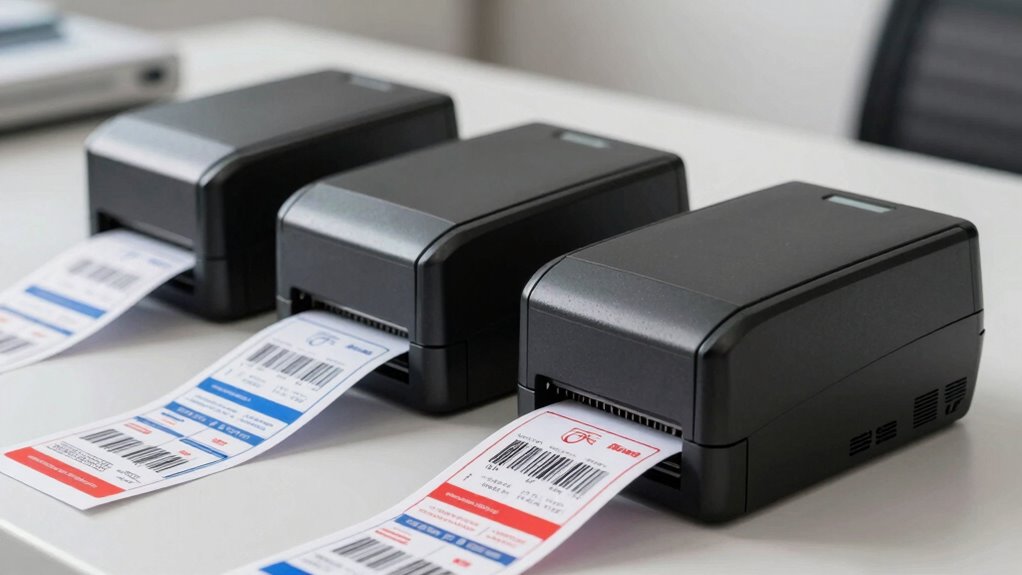

Choosing the wrong thermal label printer can result in frequent jams, misprints, and poor barcode scans, which cause delays and increase costs. Low-quality printers often wear out quickly, leading to early replacements and ongoing expenses. Inaccurate labels can also misroute shipments, harming your reputation. To avoid these costly mistakes, it’s essential to pick a durable, easy-to-maintain model with excellent barcode compatibility. If you want to prevent costly errors and keep your shipping smooth, explore the key features to take into account.

Get business pricing on office and shipping supplies
- Business-only prices and quantity discounts
- Tax-exempt purchasing
- Multiple users, one account, clear invoices
Key Takeaways
- Choosing the wrong printer can lead to mislabeling, delays, and increased operational costs.
- Poor quality printers may cause frequent jams, misprints, and hardware failures, disrupting shipping workflows.
- Inadequate barcode accuracy affects package tracking, resulting in lost shipments and customer dissatisfaction.
- Low durability and high maintenance needs increase long-term expenses and reduce overall efficiency.
- Investing in the right printer ensures reliable performance, reduces errors, and saves money over time.
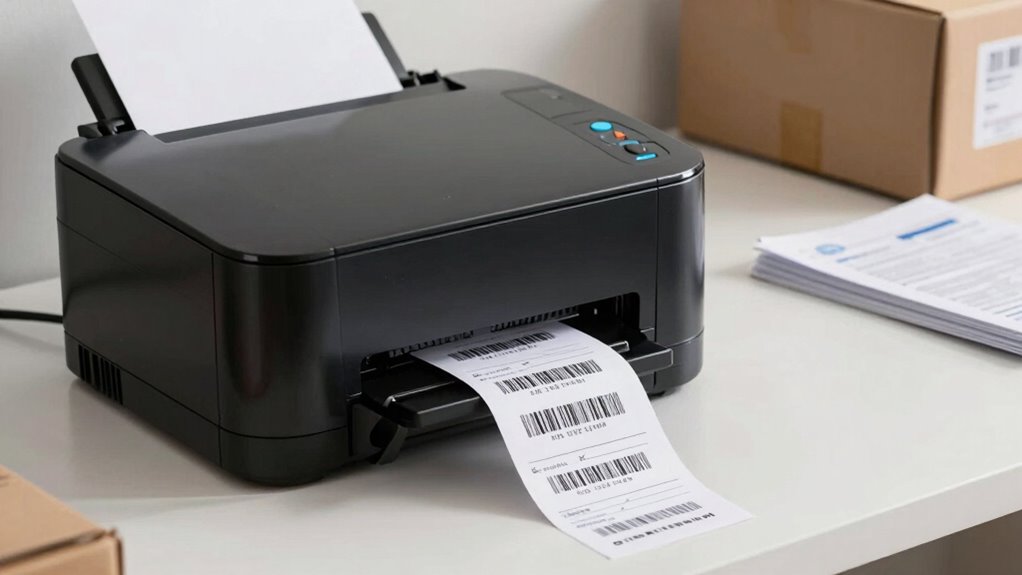
Are you searching for the best thermal label printer to streamline your shipping process? The right choice can save you time, reduce errors, and improve overall efficiency. But picking the wrong printer may lead to costly mistakes, including mislabeling, delayed shipments, and increased expenses. When shopping for a thermal label printer, consider how well it handles barcode scanning, since accurate barcodes are crucial for tracking packages and ensuring smooth logistics. A reliable printer produces clear, smudge-free labels that scan effortlessly, preventing delays caused by unreadable barcodes. Additionally, think about printer maintenance—regular upkeep prolongs your device’s lifespan and maintains optimal performance. Neglecting maintenance can cause print quality to decline, jams, or even hardware failures, all of which disrupt your shipping workflow. Ensuring your printer is compatible with your barcode scanning systems helps maintain accuracy and efficiency. To prevent costly downtime, it’s also important to select a printer with easy-to-maintain components, so routine cleaning and repairs don’t become burdensome. Proper maintenance routines are essential to prevent hardware failures and keep your equipment running smoothly. Implementing a scheduled maintenance routine can significantly reduce unexpected breakdowns and extend the life of your printer. If you overlook these factors, the consequences can be significant. An unreliable printer might lead to frequent jams or misprints, forcing you to reprint labels and wasting both material and time. Poor barcode scanning results can cause packages to go astray or get stuck in transit, damaging your reputation and increasing operational costs. Investing in a quality thermal label printer with easy-to-manage maintenance routines ensures smooth, uninterrupted shipping runs. Look for models that are simple to clean, have accessible parts, and come with support resources that guide you through routine upkeep. This proactive approach reduces downtime and keeps your workflow running seamlessly. The true cost of getting this purchase wrong extends beyond initial spending. If you buy a low-quality printer, you might find yourself replacing it sooner than expected, which adds up over time. Additionally, troubleshooting issues caused by subpar hardware or incompatible labels can drain your resources and slow down your operation. The right printer, on the other hand, minimizes these risks by offering consistent print quality, durability, and compatibility with your shipping software and barcode scanning systems. It’s also essential to consider printer durability, as frequent use can wear down less sturdy devices quickly, leading to more frequent replacements. Remember, a well-maintained printer not only ensures high-quality labels but also keeps your entire shipping process running efficiently, saving you money and headaches in the long run. Ultimately, choosing the best thermal label printer involves assessing your volume needs, label types, and maintenance capacity. Don’t underestimate how much a reliable device with good barcode scanning capabilities can improve your shipping accuracy. Prioritize ease of maintenance to keep your printer functioning at its best. Doing so makes all the difference, helping you avoid the pitfalls of poor equipment choices and ensuring your shipping operations stay swift, accurate, and cost-effective.
Products Worth Considering

Brother SP1 Dye-Sublimation Printer

Brother SP-1 Dye-Sublimation Printer Starter Bundle

Canon PIXMA TR160 Color Wireless Portable Printer
As an affiliate, we earn on qualifying purchases.
Frequently Asked Questions
How Long Do Thermal Labels Typically Last Before Fading?
Thermal labels typically last about 6 months to a year before fading, depending on label durability and fading factors. Exposure to sunlight, heat, moisture, and chemicals accelerates fading, reducing label lifespan. To guarantee your shipping labels stay clear and legible, choose high-quality labels designed for durability and store them in a cool, dry place. Proper handling and environmental control can considerably extend the lifespan of your thermal labels.
Are There Eco-Friendly Thermal Label Options Available?
Yes, eco-friendly thermal label options are available. You can choose labels made from eco-friendly materials like recycled paper or biodegradable substrates, supporting sustainable printing practices. These options reduce environmental impact while maintaining quality. By opting for eco-conscious labels, you contribute to sustainability efforts and help minimize waste. It’s a smart choice for environmentally aware businesses seeking effective shipping labels without compromising their ecological responsibility.
Can Thermal Printers Handle Different Label Sizes?
Of course, thermal printers can handle different label sizes—if you enjoy juggling and frustration. Many models offer impressive label size compatibility and printer dimension flexibility, making it easy to switch from small to large labels. Just be aware that not all printers are equal, so check their specifications before buying. Otherwise, you might find yourself tearing labels or reconfiguring settings more often than you’d like, turning a simple task into a hassle.
What Maintenance Is Required for Thermal Printers?
You should regularly perform printer calibration to guarantee accurate label printing and check the alignment. Keep your thermal printer clean by regularly cleaning the print head and rollers with a soft cloth or alcohol swabs to prevent dust buildup. Label cleaning is essential to avoid smudging or printing errors. Proper maintenance extends your printer’s lifespan and ensures consistent, high-quality prints, saving you money and avoiding costly replacements.
Do Thermal Printers Work With All Shipping Software?
Thermal printers are like chameleons, adapting to most shipping software, but compatibility depends on your label material and print resolution. You need to make certain your software supports direct thermal or heat-sensitive labels. Most modern thermal printers work seamlessly if they match your software’s specifications, but double-check the label material type and print resolution. This way, you avoid surprises and keep your shipping process smooth, like a well-oiled machine.
Conclusion
Choosing the right thermal label printer is like finding the perfect compass for your shipping journey—pointing you straight to efficiency and savings. Don’t let a wrong turn cost you time or money; instead, steer confidently with a reliable, high-quality printer. Remember, the right tool not only smooths out your shipping process but also keeps your business sailing smoothly on the vast ocean of e-commerce. Choose wisely, and let your logistics flow seamlessly.