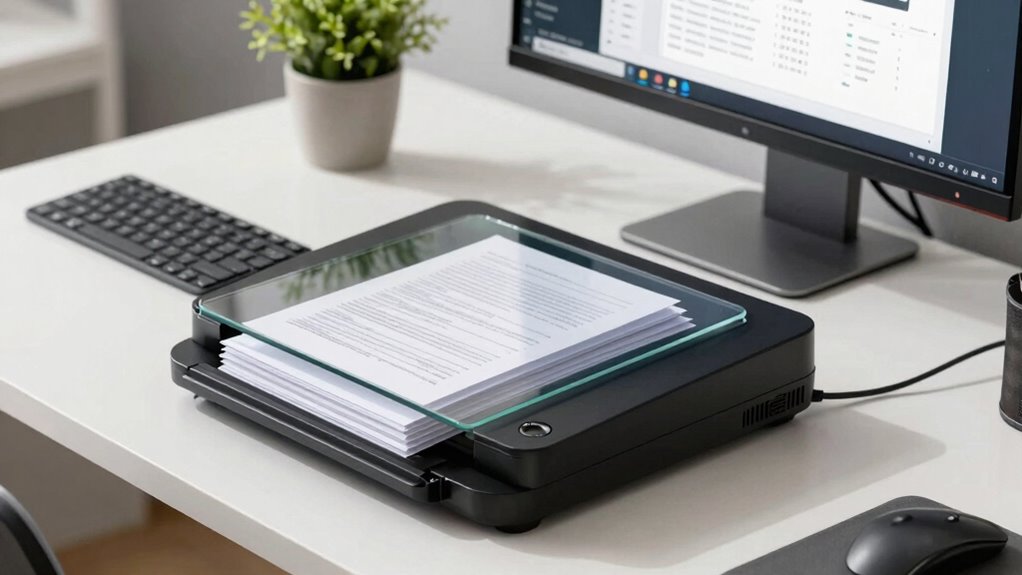

The best document scanners for small business feature workflow tools like automatic file naming, OCR for searchable documents, and customizable scanning presets that save you time. Duplex scanning and high-capacity feeders boost efficiency by handling large volumes quickly, while easy-to-use controls reduce setup hassle. Cloud integration guarantees your files are instantly accessible and backed up. If you keep going, you’ll discover even more ways to streamline your document management.

Get business pricing on office and shipping supplies
- Business-only prices and quantity discounts
- Tax-exempt purchasing
- Multiple users, one account, clear invoices
Key Takeaways
- Automatic document feeders and duplex scanning speed up high-volume, double-sided document processing.
- OCR technology converts scans into searchable, editable files to streamline document retrieval.
- Customizable workflows with preset destinations and naming conventions reduce manual handling.
- Cloud integration enables instant upload and secure storage, minimizing manual transfers.
- User-friendly interfaces and automatic features enhance ease of use and reduce setup time.

Are you looking for a dependable way to streamline your small business’s document management? If so, investing in the right document scanner can transform your workflow. The best options feature cloud integration, allowing you to instantly upload and access files from anywhere, which eliminates the hassle of manual file transfers and keeps your data organized in real-time. With cloud-connected scanners, you can seamlessly save scanned documents directly to your preferred cloud services, like Dropbox, Google Drive, or OneDrive, making collaboration easier and reducing the risk of losing important files. This integration guarantees your team can access necessary documents instantly, boosting productivity and reducing delays. Additionally, cloud integration ensures your data remains secure and backed up, providing peace of mind for sensitive information. Mobile scanning is another game-changer for small businesses. When your scanner supports mobile scanning, you can use your smartphone or tablet to scan documents directly into your cloud storage or local network. This feature is especially useful for on-the-go tasks, such as capturing receipts during business trips or scanning signed contracts at client sites. It minimizes the need for bulky equipment or being tethered to a desk, giving you flexibility and saving time. Plus, mobile scanning apps often offer automatic cropping, image enhancement, and OCR (optical character recognition), which make your scans clearer and more searchable. Incorporating efficient workflows can further enhance your document management, reducing manual intervention and increasing overall productivity. Speed and efficiency are essential, and modern document scanners excel here with features like duplex scanning, which allows you to scan both sides of a page in a single pass. This cuts down time considerably, especially when handling large batches of documents. Additionally, high-capacity document feeders enable you to load more pages at once, reducing the frequency of manual loading and keeping your workflow moving smoothly. The best scanners also come with user-friendly interfaces—touchscreens or simple controls—that minimize setup time and simplify operation, so you spend less time troubleshooting and more time working. To maximize these benefits, choosing scanners with automatic document feeders can significantly improve your overall efficiency during high-volume scanning sessions. Incorporating advanced workflow features like automatic file naming and OCR can further save you time. OCR converts scanned text into editable, searchable documents, which helps with quick retrieval and reduces manual data entry. Furthermore, some scanners offer customizable workflows, allowing you to predefine scan destinations, formats, and naming conventions, streamlining repetitive tasks. When selecting a scanner for your small business, it’s also important to consider reliability to ensure consistent performance during demanding workloads. These elements combine to make your document management faster, more efficient, and less burdensome, giving you more time to focus on growing your business.
Products Worth Considering

HP OfficeJet 250 Wireless Mobile All-in-One Inkjet Printer

LG UltraWide 34U620B-B 34-Inch Curved WQHD 144Hz Monitors, 2-Pack Bundle

FLEXISPOT Mochi-Pro Zero-Wall Oversized Power Recliner, Beige
As an affiliate, we earn on qualifying purchases.
Frequently Asked Questions
How Do Document Scanners Integrate With Existing Business Software?
You can easily integrate document scanners with your existing business software through cloud integration and OCR technology. Cloud integration allows your scanner to directly upload files to your preferred platforms, streamlining workflows. OCR technology converts scanned images into editable, searchable text, making document management more efficient. By connecting scanners to your software via these features, you save time, reduce manual data entry, and enhance overall productivity.
What Is the Typical Lifespan of a Small Business Scanner?
A small business scanner typically lasts around 3 to 5 years, but it’s not set in stone. You can extend its life if you prioritize scanner durability and choose models with solid warranty coverage. Think of it as a trusted workhorse: with proper care and timely maintenance, you’ll get the most out of your investment. Don’t forget to keep an eye on wear and tear to avoid unexpected breakdowns.
Are There Portable Scanners Suitable for On-The-Go Use?
Yes, there are portable solutions designed for on-the-go scanning that suit small business needs. You can easily carry compact scanners in your bag or briefcase, making on the go scanning quick and convenient. These devices often connect via USB or wireless, allowing you to digitize documents wherever you are. If mobility is essential for your workflow, investing in a portable scanner guarantees you stay productive, no matter where your business takes you.
How Secure Are Digital Documents Stored From Scanners?
Digital documents stored from scanners are generally secure, especially with features like cloud encryption and user authentication. Cloud encryption protects your files during transmission and storage, preventing unauthorized access. User authentication guarantees only authorized personnel can access sensitive documents. However, you should always choose scanners with robust security protocols and regularly update your software to maintain high security standards, reducing risks of data breaches or unauthorized access.
What Maintenance Is Required to Keep Scanners Running Efficiently?
Oh, sure, forget about maintenance routines and cleaning protocols—who needs efficiency, right? To keep your scanner humming smoothly, regularly dust off the glass and rollers, and check for paper jams. Follow the manufacturer’s instructions for cleaning and lubrication, and keep firmware updated. A little routine TLC prevents costly breakdowns, so you can focus on growing your business instead of troubleshooting a stubborn, jam-prone scanner.
Conclusion
Choosing the right document scanner is like finding the missing piece of a puzzle — it seamlessly completes your workflow, saving you precious time. With the right features, you’ll turn piles of paper into organized digital files faster than ever. Don’t settle for less; invest in a scanner that streamlines your tasks and keeps your business running smoothly. When it comes to efficiency, the right scanner isn’t just a tool — it’s your secret weapon.