Poor desk height can cause discomfort, eye strain, and awkward postures that reduce focus and increase fatigue. When your team isn’t properly adjusted, they may slouch, lean forward, or experience wrist and neck pain, all of which lower productivity. Small adjustments like setting the right height, positioning monitors correctly, and using ergonomic accessories can make a big difference. Keep going to discover practical tips that can transform your workspace and boost your team’s performance.
Key Takeaways
- Incorrect desk height can cause discomfort and fatigue, reducing focus and overall team productivity.
- Poor ergonomic setup leads to physical pain, increasing absenteeism and decreasing work efficiency.
- Discomfort from improper desk height may result in frequent breaks and interruptions, lowering work flow.
- Misaligned desks can cause postural issues, leading to long-term health problems and decreased team performance.
- An uncomfortable workspace discourages sustained attention, harming productivity and team morale over time.
Why Desk Height Matters for Comfort and Productivity
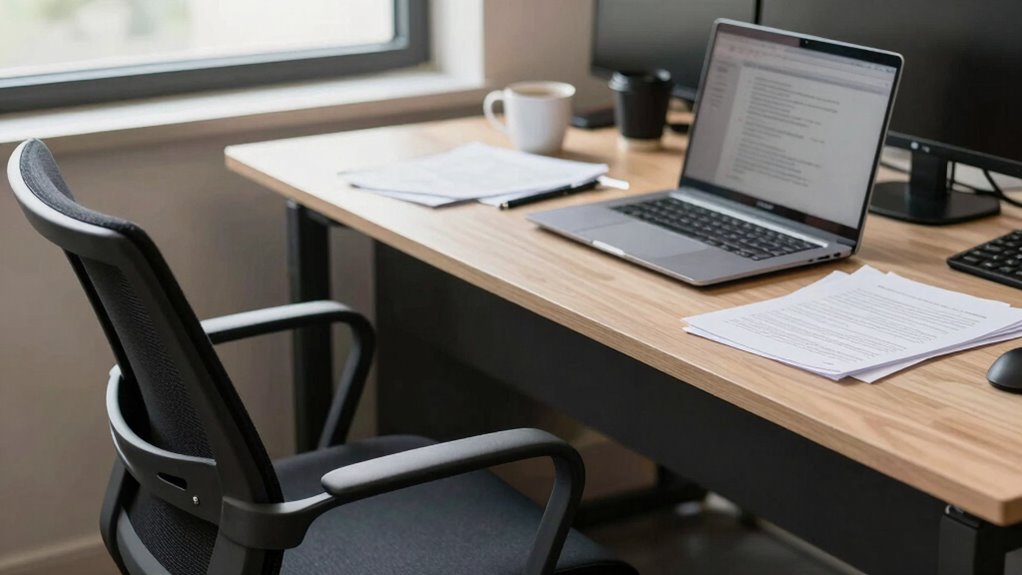
Have you ever noticed how uncomfortable your workspace feels after just a few hours? The right desk height is essential for both comfort and productivity. Using a standing desk can help you switch between sitting and standing, reducing fatigue and discomfort. Proper desk height keeps your wrists straight and your elbows at a 90-degree angle, preventing strain. Incorporate ergonomic accessories like keyboard trays and adjustable monitors to optimize your setup. When your workspace aligns with your body’s natural posture, you’ll stay focused longer and experience less pain. Small adjustments in desk height can greatly boost your efficiency, making it easier to stay engaged and productive throughout the day. Additionally, maintaining proper ergonomic posture supports your well-being and enhances overall work performance. Being mindful of workplace ergonomics can lead to healthier habits and sustained productivity over time, ensuring that your entire workspace promotes comfort and efficiency. Properly setting up your workspace also involves understanding cycling skills, which can help you stay active and reduce sedentary discomfort during long work hours.
How to Spot Signs of Poor Desk Ergonomics in Your Team

Pay attention to your team’s posture and alignment—slouching or leaning forward can signal poor ergonomic setup. Watch for signs of persistent discomfort or complaints, which often point to underlying issues. Also, notice if they frequently blink or rub their eyes, as these are common indicators of visual strain. Ensuring proper desk height and color accuracy can help reduce fatigue and improve overall comfort. Additionally, smart home safety and other ergonomic innovations can support healthier workspace environments and promote better habits and environment adjustments. Recognizing time-related stress signs can also help address underlying stressors linked to poor ergonomics and workload management.
Posture and Alignment Issues
Poor posture often signals that your team isn’t set up for ergonomic success. Look for signs like slouched shoulders, a forward head position, or uneven sitting. These indicators suggest a lack of proper alignment awareness. When you observe your team members leaning heavily into their chairs or hunching over screens, it’s time for posture correction. Encourage them to sit with their backs straight, shoulders relaxed, and feet flat on the floor. Proper alignment helps reduce strain and boosts productivity. Regularly remind your team to check their posture and make adjustments as needed. Simple cues like adjusting chair height or screen position can make a big difference. Additionally, incorporating landscaping elements that promote natural movement and comfort can support better ergonomics. Utilizing adjustable tech settings, such as monitor height and desk ergonomics, can further enhance comfort and prevent strain. By promoting awareness of alignment, you’ll help prevent discomfort and foster healthier, more efficient work habits.
Persistent Discomfort Signs
Persistent discomfort in your team members can be a clear sign that their desk setups aren’t ergonomic enough. If employees frequently complain of aching necks, sore backs, or wrist pain, it indicates poor posture support or improper desk height. Look for signs like fatigue or difficulty maintaining focus, which often stem from discomfort. Check if they’re using ergonomic accessories, such as adjustable chairs or wrist supports, to improve comfort. Additionally, workspace lighting plays a role; inadequate lighting can cause eye strain and lead to awkward postures. If discomfort persists despite these adjustments, it’s a red flag that their ergonomic setup needs reevaluation. Incorporating inclusive design principles can help create workspaces that accommodate diverse body types and needs. Paying attention to cabling solutions and proper equipment placement can also significantly enhance ergonomic comfort by reducing clutter and unnecessary reach. Ensuring that employees have access to adjustable workstations can further promote better posture and comfort. Regularly reviewing and adjusting workstations based on feedback can help prevent posture-related issues from developing into long-term health problems. Implementing ergonomic accessories such as anti-fatigue mats and monitor stands can further support long-term comfort and health. Addressing these signs early helps prevent long-term health issues and boosts overall productivity.
Visual Strain Indicators
Visual strain is a common but often overlooked sign that your team’s workspace may not be ergonomically optimized. Look for signs like eye fatigue, where employees blink less, rub their eyes, or complain about blurry vision after long screen time. Wrist tension is another indicator—if your team members frequently stretch their wrists, experience numbness, or shift position often, their desks might be too high or too low. These signs suggest poor ergonomic setup, causing unnecessary strain. Pay attention to how your team interacts with their screens and keyboards. If they seem tense or fatigued, it’s a clear sign their workspace isn’t supporting healthy posture. Addressing these visual strain indicators can markedly improve comfort, focus, and overall productivity.
Simple Adjustments to Your Desk Height That Boost Focus
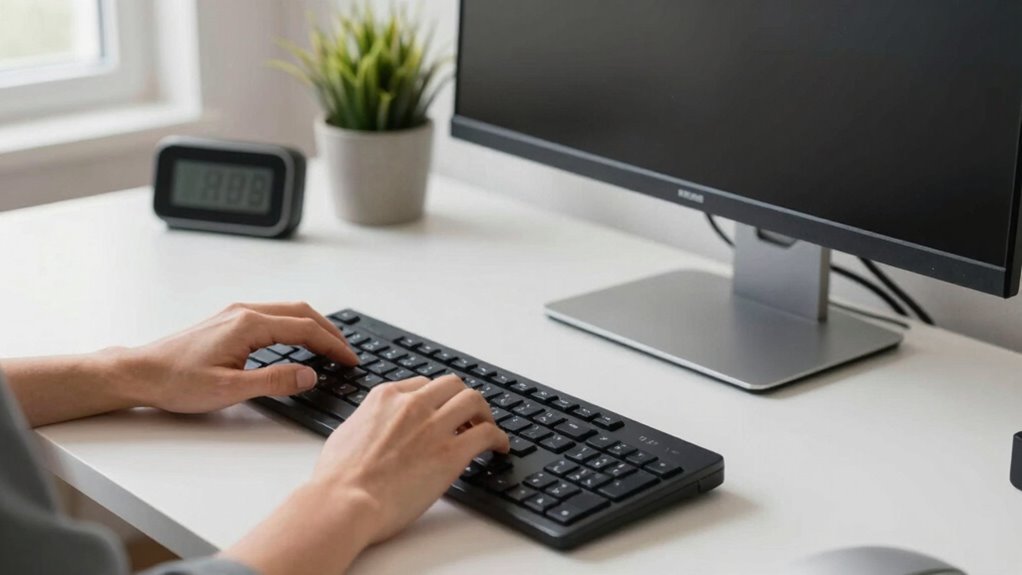
Adjusting your desk to the right height can instantly improve focus and comfort. Keep your elbows at a 90-degree angle and your monitor at eye level for ideal ergonomics. Small changes like these can make a big difference in productivity. Proper ergonomic setup can also help prevent long-term discomfort and injuries. Additionally, paying attention to signs of imbalance in your workspace can ensure you maintain a healthy posture and prevent fatigue. Recognizing posture issues early on allows for timely adjustments that support overall well-being. Incorporating soundproofing solutions can further create a quieter environment, reducing distractions and promoting sustained concentration. Regularly evaluating your workspace for ergonomic best practices can further enhance comfort and efficiency.
Optimal Desk Height Tips
Ensuring your desk height is just right can greatly boost your focus and comfort throughout the workday. The key is to align your elbows at a 90-degree angle and keep your screen at eye level. This setup leverages desk height psychology, reducing strain and increasing productivity. Use ergonomic accessories like adjustable monitor stands or keyboard trays to fine-tune your workspace. These simple adjustments help maintain proper posture, ward off fatigue, and improve concentration. To visualize your options:
| Adjustment Method | Benefits | Tools Needed |
|---|---|---|
| Raise/lower your desk | Promotes natural arm and wrist positioning | Adjustable desk or risers |
| Use ergonomic accessories | Supports ideal ergonomics and reduces strain | Keyboard trays, monitor stands |
| Maintain eye level | Keeps neck relaxed and minimizes eye strain | Adjustable monitor stand |
Small tweaks can make a big difference in your daily focus.
Ergonomic Adjustments for Focus
Even small changes to your desk height can considerably improve your focus throughout the day. Adjusting your desk to a comfortable height reduces strain and keeps you alert. Here are three ergonomic adjustments to boost focus:
- Use desk accessories like monitor stands or adjustable keyboard trays to align your screen and keyboard with your eye level.
- Incorporate keyboard shortcuts into your routine—less movement means less distraction and more efficiency.
- Keep frequently used items within arm’s reach, minimizing unnecessary movements that break concentration.
- Consider workspace accessories and power options for your workspace equipment to ensure reliable performance and reduce interruptions. Understanding the history of women’s golf can inspire you to create a workspace that empowers focus and achievement. Additionally, selecting sustainable printmaking paper can promote a more eco-friendly workspace, aligning your environment with your values.
These simple tweaks help maintain proper posture, reduce fatigue, and keep your mind engaged. When your workspace is ergonomically optimized, your focus sharpens, and productivity naturally increases.
Choosing the Best Desk and Chair for Proper Height Setup
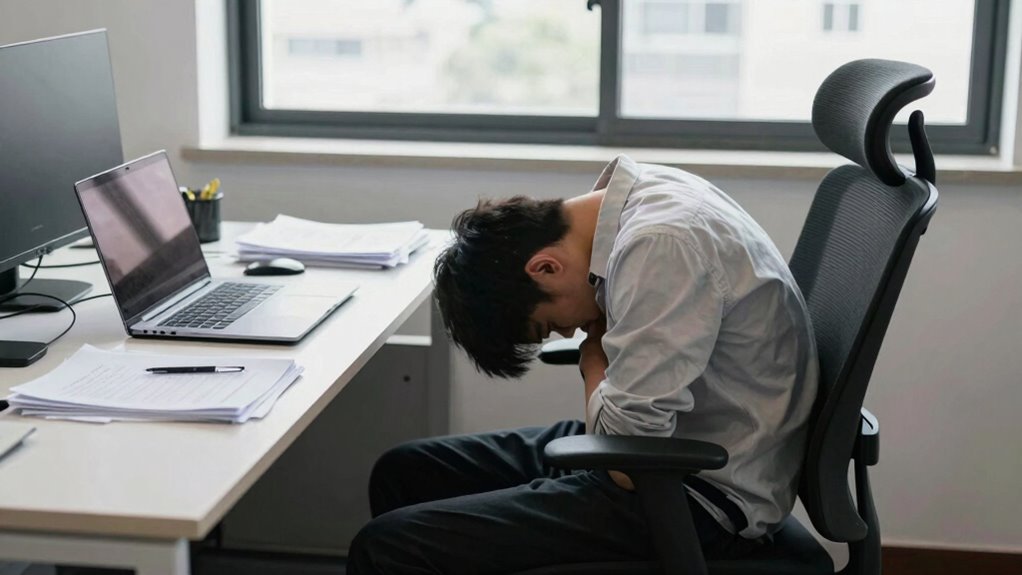
Choosing the right desk and chair is essential for setting up a workspace that supports good posture and productivity. When selecting your furniture, prioritize adjustable features to suit your height, reducing strain. A well-chosen chair should keep your feet flat and knees at a 90-degree angle, while your desk height allows your elbows to rest comfortably at your sides. Enhance your setup with desk accessories that keep essentials within reach, minimizing unnecessary movements. Ambient lighting adds comfort, preventing eye strain and boosting focus. Here’s a table to evoke emotion:
| Comfort Level | Key Feature | Impact on Productivity |
|---|---|---|
| Relaxed | Proper chair height | Ease, reduce fatigue |
| Focused | Adjustable desk height | Increased concentration |
| Energized | Adequate ambient lighting | Boosts mood, alertness |
| Organized | Smart desk accessories | Streamlines workflow |
| Healthy | Supportive posture | Prevents discomfort, pain |
Tips for Creating a Comfortable and Efficient Workspace
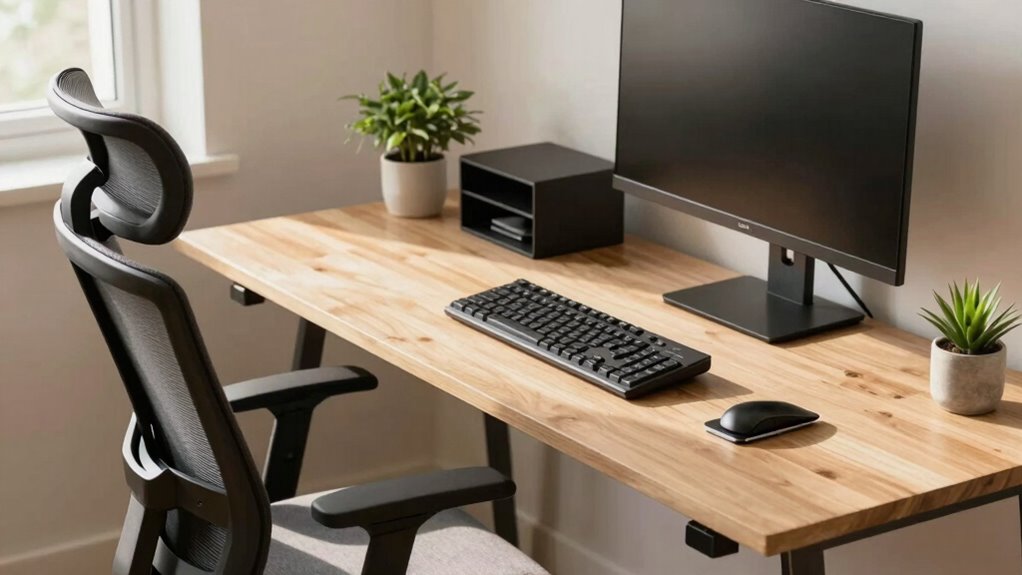
Creating a comfortable and efficient workspace starts with mindful organization and thoughtful design. To boost productivity, focus on strategic desk decor and motivational accessories that inspire you. Keep your workspace clutter-free by following these tips:
- Use storage solutions to maintain clear surfaces.
- Add personal touches, like plants or artwork, for a calming vibe.
- Incorporate motivational accessories, such as inspiring quotes or vision boards, to keep you focused.
Choose desk decor that promotes comfort and functionality, ensuring everything you need is within reach. Keep your environment visually appealing yet uncluttered to minimize distractions. A well-organized, personalized workspace enhances focus and energy, helping you work more efficiently and stay motivated throughout the day.
How Monitor Placement Affects Desk Height and Reduces Strain
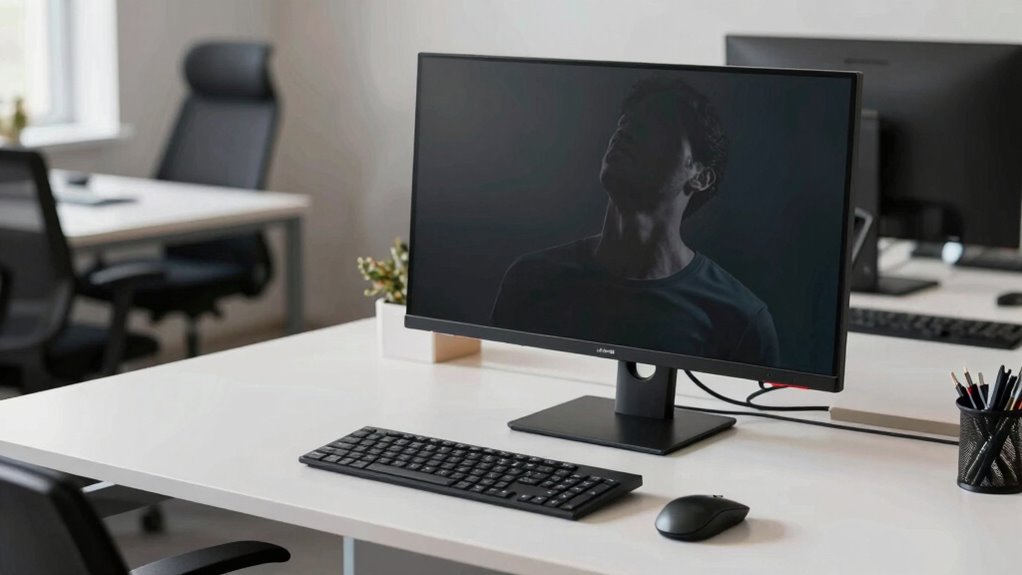
Proper monitor placement plays a crucial role in reducing strain and preventing discomfort during long work hours. When your monitor is positioned correctly, you can maintain an ideal desk height that minimizes neck and eye fatigue. The top of your screen should be at or just below eye level, encouraging a natural, relaxed head position. To help visualize, see the table below:
| Monitor Placement | Ideal Desk Height |
|---|---|
| Screen at eye level | Desk height adjusted to keep arms parallel to the floor |
| Distance about an arm’s length | Keep monitor directly in front of you |
| Top of monitor slightly below eye level | Ensure comfortable viewing angle |
| Avoid glare and reflections | Position monitor to reduce strain |
Proper monitor placement supports better ergonomics and reduces strain.
Affordable Solutions to Improve Desk Ergonomics Quickly

If you’re looking to quickly boost your desk ergonomics without breaking the bank, there are several affordable solutions that can make a noticeable difference. First, avoid desk height myths—adjust your chair and monitor to promote proper alignment. Second, add an inexpensive keyboard riser or stack books to elevate your keyboard and mouse, preventing slouching. Third, incorporate simple ergonomic exercises into your day, like shoulder rolls or neck stretches, to reduce strain. These small tweaks can substantially improve comfort and productivity. Remember, improving desk height isn’t about expensive equipment; it’s about smart adjustments and habits. By focusing on affordable solutions, you’ll create a healthier workspace that minimizes discomfort and boosts efficiency.
A Handy Desk Height Checklist for Long-Term Productivity
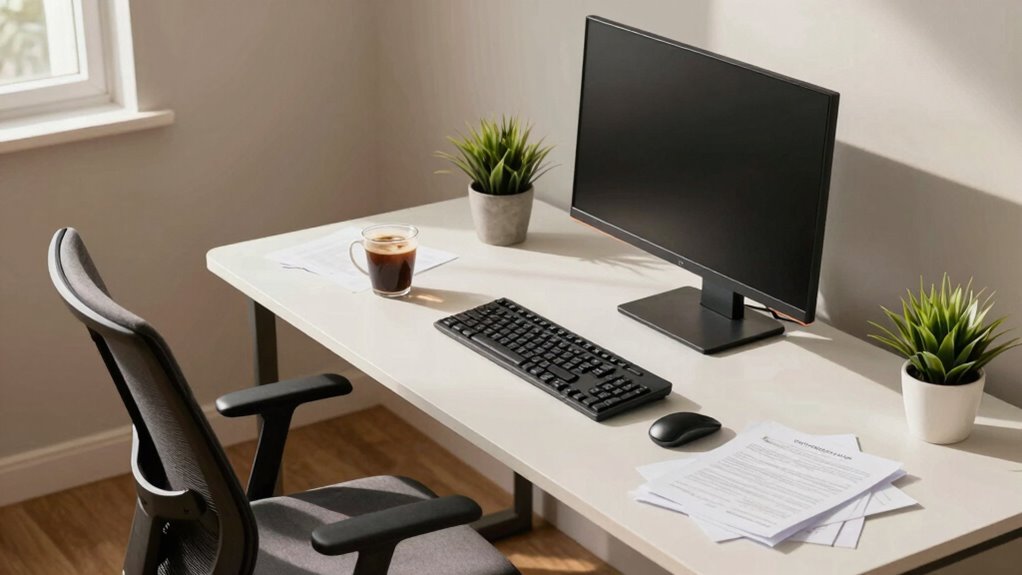
To maintain long-term productivity, it’s helpful to have a straightforward checklist that keeps your desk setup optimized. Many fall for desk height myths that lead to discomfort and fatigue. Use ergonomic accessories like adjustable monitors, footrests, and keyboard trays to support proper posture. Regularly verify your desk height aligns with your seated elbow angle—ideally at 90 degrees. Keep this checklist handy:
| Aspect | Ideal Setting | Why It Matters |
|---|---|---|
| Monitor Height | Top of the screen at eye level | Prevents neck strain |
| Desk Height | Elbows at 90 degrees while typing | Reduces shoulder tension |
| Foot Position | Feet flat on the floor or footrest | Maintains lower back support |
Sticking to this checklist helps you break free from desk height myths and promotes sustained comfort and focus.
Common Mistakes to Avoid When Setting Up Your Desk

Setting up your desk incorrectly can quickly lead to discomfort and reduced productivity. Avoid common mistakes that hinder your work environment. First, neglect proper ergonomics—your monitor should be eye level, and your chair should support your back. Second, cluttered desk decor and excess office plants can distract or obstruct your workspace. Keep decor minimal and functional. Third, placing office plants too close to your workspace can block natural light or interfere with your movement. Remember, a balanced setup promotes focus. Use these tips:
- Limit desk decor to essentials.
- Position office plants where they add ambiance without disruption.
- Arrange your workspace to maintain clear, ergonomic pathways.
Avoid these pitfalls to create a productive, comfortable environment that supports long-term focus.
Frequently Asked Questions
How Often Should I Reevaluate My Team’s Ergonomic Setup?
You should reevaluate your team’s ergonomic setup at least every six months, or whenever you notice signs of discomfort or decreased productivity. Regular ergonomic assessments help identify issues and guarantee workspace customization remains effective. By staying proactive with these evaluations, you create a healthier, more comfortable environment that boosts focus and efficiency. Don’t wait for problems to arise—schedule routine ergonomic assessments to keep your team’s workspace optimized and productive.
What Are the Long-Term Health Risks of Poor Desk Ergonomics?
Ignoring poor desk ergonomics can turn your posture correction efforts into a nightmare, risking long-term musculoskeletal health issues. Over time, you might develop chronic back pain, neck strain, and joint problems that hinder daily life. These risks can escalate, causing lasting damage, reduced mobility, and even permanent discomfort. Prioritize ergonomic setups now to protect your team’s musculoskeletal health and prevent these exaggerated, yet real, health disasters down the line.
Can Desk Height Adjustments Improve Mental Well-Being?
Adjusting your desk height can markedly improve your mental health by reducing physical discomfort and stress. When your workspace is ergonomically optimized, you’ll feel more comfortable and focused, boosting your overall well-being. These ergonomic benefits help alleviate fatigue and tension, leading to better mood and mental clarity. By making simple desk adjustments, you create a healthier, more supportive environment that promotes sustained mental wellness and productivity throughout your workday.
Are There Specific Ergonomic Accessories That Help Maintain Proper Desk Height?
Yes, ergonomic accessories like adjustable monitor stands, keyboard risers, and footrests help maintain proper desk height. These tools allow you to customize your workspace, reducing strain on your neck, shoulders, and back. By ensuring your desk height aligns with your body’s needs, you improve comfort and focus. Investing in ergonomic accessories supports better posture, prevents fatigue, and keeps your productivity levels high throughout the day.
How Do Different Body Types Affect Optimal Desk Height Choices?
Think of your body as a unique puzzle—each piece influences your comfort. Your body type affects ideal desk height choices, impacting posture alignment and muscle strain. Taller individuals need higher desks to prevent slouching, while shorter ones benefit from lower surfaces. Adjusting your workspace guarantees your posture stays aligned, reducing muscle strain. By tailoring your setup, you create a comfortable environment that keeps productivity alive and well, no matter your body type.
Conclusion
By fine-tuning your desk height, you create a workspace that feels like a gentle breeze guiding your focus—comfortable, effortless, and productive. Imagine your keyboard at just the right height, your monitor perfectly aligned, and your chair supporting your back like a trusted friend. When your setup feels right, work becomes a smooth river flowing with ease. Take these simple steps, and watch your team’s energy and efficiency soar, turning every workday into a comfortable, productive journey.