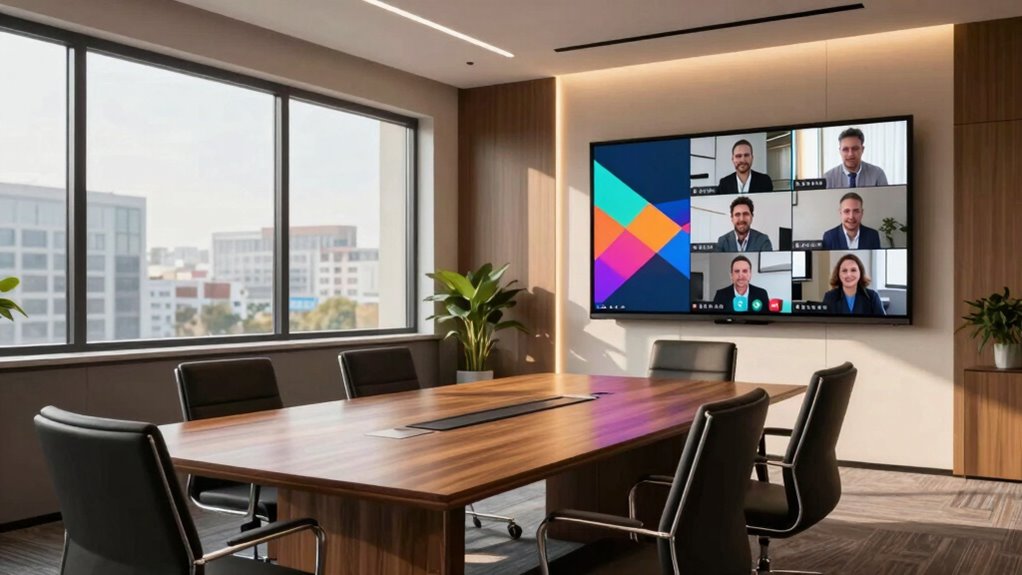

To make remote staff feel less invisible, upgrade your meeting room with technology that promotes equal participation, like high-quality audio, cameras at eye level, and clear video feeds. Improving acoustics, lighting, and using interactive tools helps everyone stay engaged. Create a comfortable environment that fosters connection and inclusivity. When you optimize the space and tech, remote team members feel seen and heard. Keep exploring how these enhancements can transform your meetings into more engaging experiences.

Get business pricing on office and shipping supplies
- Business-only prices and quantity discounts
- Tax-exempt purchasing
- Multiple users, one account, clear invoices
Key Takeaways
- Enhance audio and video quality with high-quality microphones, cameras, and proper lighting to ensure remote staff are clearly visible and heard.
- Position cameras at eye level and use consistent framing to create equal visual presence for remote participants.
- Incorporate interactive features like chat, polling, and virtual icebreakers to foster engagement and visibility.
- Improve physical meeting spaces with soundproofing, ergonomic furniture, and adjustable lighting to support inclusive, comfortable interactions.
- Support remote staff with user-friendly platforms and accessible technology that encourage participation and reduce feelings of invisibility.
high quality conference room microphone
As an affiliate, we earn on qualifying purchases.
As an affiliate, we earn on qualifying purchases.
Understanding the Challenges Remote Staff Face in Meetings
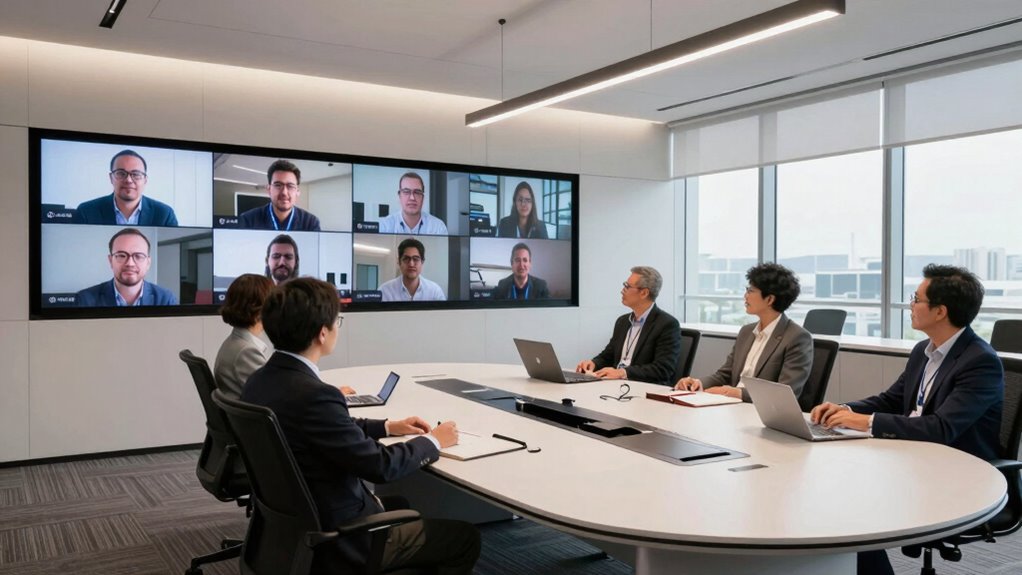
Remote staff often feel overlooked during meetings because they can’t read body language as easily or engage as spontaneously as in-person attendees. This creates significant communication barriers, making it harder for them to participate fully. Virtual engagement can be challenging when cues like gestures, facial expressions, or tone of voice aren’t as clear, leading to misunderstandings or feelings of exclusion. You might notice that remote team members hesitate to contribute, fearing they aren’t being heard or understood. These barriers can diminish their confidence and sense of connection. Recognizing these challenges is essential. Addressing them requires intentional efforts to foster inclusive communication, ensuring remote staff feel valued and engaged rather than invisible during meetings. Incorporating digital concepts into meeting strategies can help bridge these gaps effectively.
How Upgrading Your Meeting Space Boosts Inclusivity
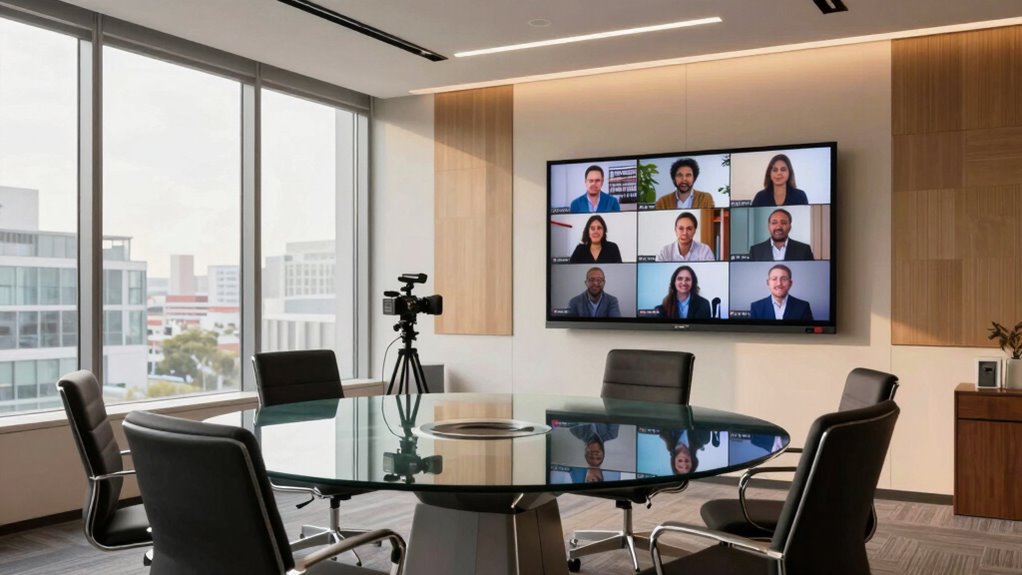
Upgrading your meeting space can markedly enhance inclusivity by creating an environment that makes everyone feel seen and heard. Incorporating decorative acoustics reduces background noise, ensuring remote and in-person participants can communicate clearly. Ergonomic furniture promotes comfort, encouraging engagement from all attendees. These improvements foster a sense of equality and attention to individual needs. Consider these points: Free Floating elements like adjustable furniture and versatile layouts can further support diverse working styles and preferences. Additionally, fostering an environment that supports emotional well-being helps all participants feel more connected and valued. Implementing effective home soundproofing solutions can also minimize disruptive noise from surrounding areas, enhancing the overall communication experience. Understanding accessibility features can guide you in making your meeting space more inclusive and adaptable for everyone. Integrating simple DIY tools can help in making these upgrades cost-effective and tailored to your specific space needs.
Choosing Tech That Makes Everyone Feel Included
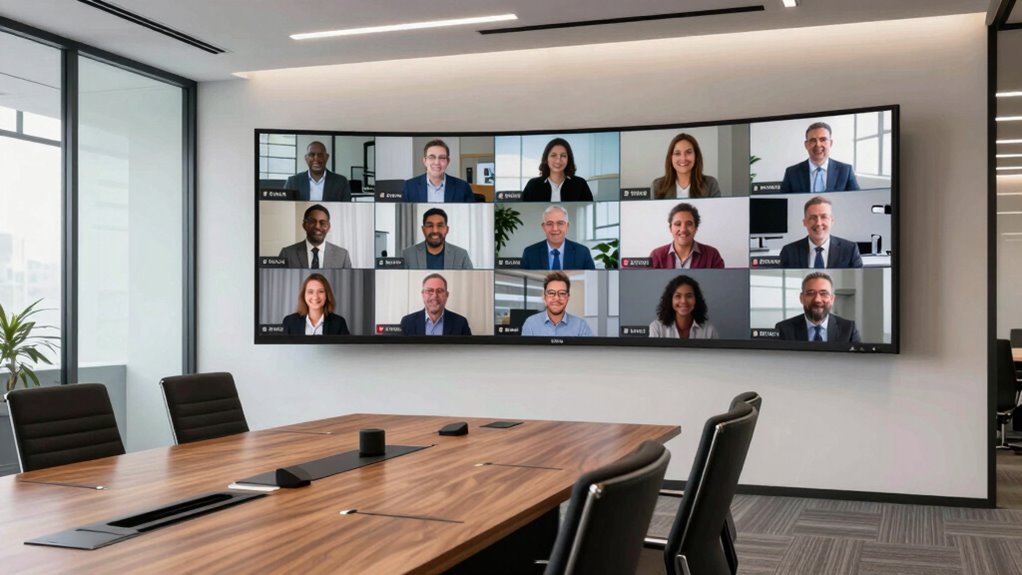
To make everyone feel included, you need tech that guarantees equal audio quality so remote participants can hear clearly. Visible video feeds help remote staff stay engaged and feel connected to what’s happening in the room. Choosing user-friendly interfaces also makes it easier for everyone to participate without frustration or confusion. Incorporating sound masking devices can further enhance audio clarity and reduce distractions during meetings. Additionally, implementing performance cookies can help monitor and optimize the overall meeting experience for all users. Using audio calibration tools can ensure consistent sound levels and improve clarity for all participants. Investing in reliable remote conferencing accessories can also enhance overall communication effectiveness. Selecting appropriate data storage and backup solutions ensures your meeting recordings and shared files are protected and easily accessible, reducing potential disruptions.
Equal Audio Quality
Ensuring everyone can hear clearly during meetings requires choosing the right audio technology that provides equal sound quality for all participants. Prioritize equipment that offers excellent voice clarity, so remote staff can easily follow conversations. Look for systems with sound isolation features to minimize background noise and prevent audio bleed. This ensures everyone’s voice comes through distinctly, reducing misunderstandings and fatigue. Incorporating creative craft ideas such as custom soundproof panels can also enhance the overall audio experience. Additionally, selecting equipment that adheres to industry standards like those highlighted in Gold IRA Markets can help ensure reliability and quality. Staying informed about the latest technology innovations can help you select the most effective solutions for an inclusive meeting environment. Incorporating regional flavor into your audio setup—such as localized sound calibration—can further improve clarity and comfort for diverse participants.
Visible Video Feeds
When it comes to making remote staff feel truly included during meetings, choosing the right video technology is essential. Clear, high-quality visible video feeds foster better virtual collaboration, allowing everyone to see facial expressions and gestures clearly. This visual connection helps remote participants feel more engaged and less like outsiders. To improve meeting ergonomics, position cameras at eye level and guarantee proper lighting so remote attendees appear natural and approachable. Consistent camera use by all participants encourages equal participation and reduces the tendency for remote staff to fade into the background. Investing in reliable video tech also minimizes distractions caused by lag or poor image quality, creating a seamless experience. Additionally, being mindful of ethical considerations such as privacy and data security ensures that technology use promotes trust and respect among team members. Understanding the importance of high-quality visible feeds can significantly enhance team dynamics and communication. Ensuring that all team members have access to appropriate equipment helps maintain consistent video quality across the board. Proper camera placement is crucial for creating an inclusive environment, making every participant feel equally seen and heard. Recognizing the role of visual connection in fostering team cohesion can lead to more effective and personable meetings. Ultimately, quality visible feeds make meetings more personal, productive, and inclusive for everyone involved.
User-Friendly Interfaces
Choosing intuitive, easy-to-navigate technology is essential for making remote team members feel truly included. User-friendly interfaces with intuitive controls guarantee everyone can participate without frustration or delays. When the tech is simple to operate, remote staff can focus on the conversation instead of struggling with the tools. Clear icons, minimal menus, and straightforward commands foster confidence and reduce technical barriers. Incorporating impact investing principles into technology selection can further enhance the sustainability and inclusivity of the tools used. Additionally, designing interfaces with user experience in mind ensures accessibility for all users, regardless of their technical proficiency. Prioritizing design simplicity helps create an environment where users can navigate effortlessly. Remember these key points: – Prioritize clean, uncluttered layouts for quick understanding – Use familiar icons and terminology for ease of use – Incorporate consistent controls across devices – Enable simple one-touch functions for common actions – Offer quick access to essential features to streamline participation These steps create an inclusive environment where everyone can engage seamlessly.
Design Tips for Creating an Engaging Meeting Environment
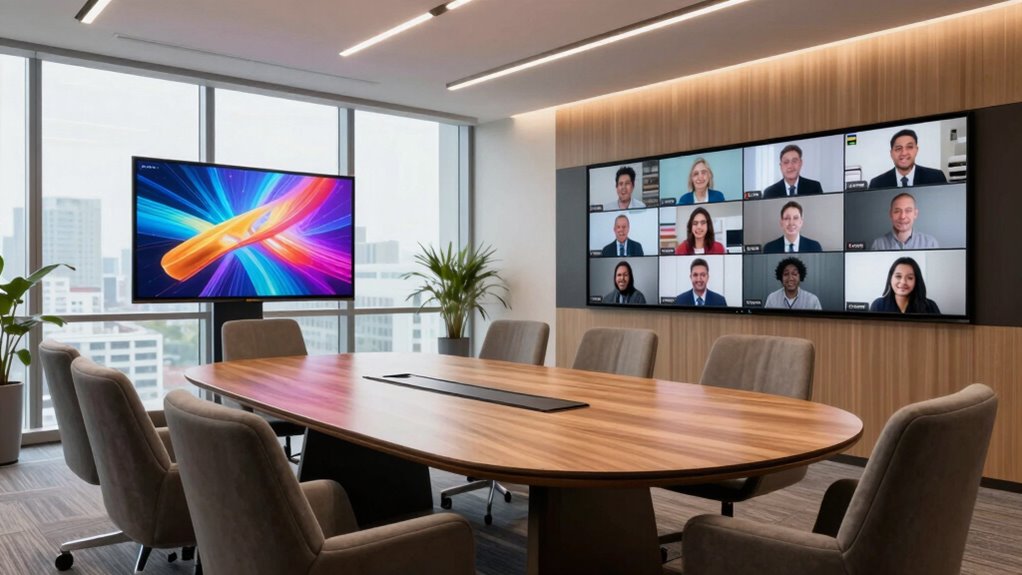
You can make meetings more engaging by incorporating adaptive lighting that adjusts to the mood and activity level. Using dynamic video displays helps everyone stay focused and connected, whether in person or remote. Small changes like these can transform your meeting space into a more inviting and inclusive environment. Additionally, incorporating comfortable and safe furniture can enhance overall well-being and reduce fatigue during long discussions.
Incorporate Adaptive Lighting
Adaptive lighting transforms the meeting space into an engaging environment by adjusting brightness and color temperature in real-time. It creates a comfortable atmosphere that responds to the mood and activity level of the meeting. Properly managed ambient lighting reduces eye strain and highlights participants, making remote staff feel more included. By fine-tuning color temperature, you can evoke a sense of warmth or focus as needed. Consider these points:
- Use warmer tones for relaxed, casual discussions
- Brighten ambient lighting during presentations or brainstorming
- Adjust color temperature to maintain focus and alertness
- Incorporate dimming options for a flexible environment
- Synchronize lighting with natural daylight cycles to enhance well-being
This approach fosters a more inviting, inclusive meeting space that keeps everyone engaged.
Use Dynamic Video Displays
To create a more engaging and interactive meeting environment, incorporating dynamic video displays can make a significant difference. Use virtual backgrounds to add visual interest and help remote participants feel more connected to the meeting setting. This not only enhances engagement but also offers a professional touch, especially when displaying branding or relevant visuals. Additionally, gesture recognition technology can be integrated into your displays, allowing participants to control presentations or navigate content with simple hand movements. This creates a more dynamic and inclusive experience, encouraging active participation. By combining virtual backgrounds with gesture recognition, you foster a lively, immersive environment that reduces feelings of invisibility among remote staff, making every participant feel more involved and valued during meetings.
Best Video Conferencing Tools for Remote Collaboration
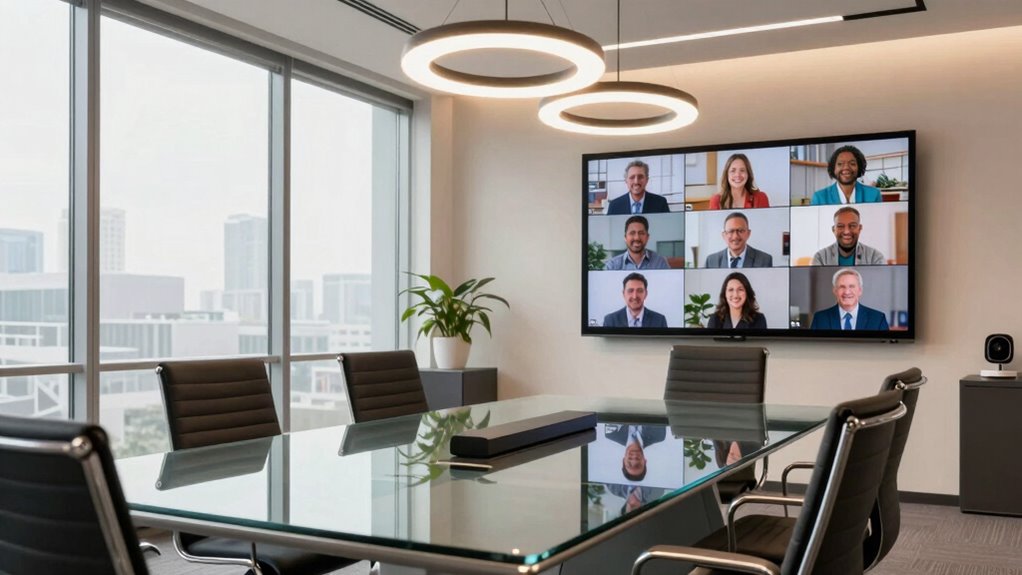
Ever wondered which video conferencing tools can truly enhance remote collaboration? Choosing the right platform can make virtual collaboration seamless and minimize technical troubleshooting. Top tools like Zoom, Microsoft Teams, and Google Meet offer reliable video quality, screen sharing, and chat features. For more interactive sessions, tools like Cisco Webex and Slack with video add-ons work well. Keep in mind, effective tools should foster engagement and clarity. Look for platforms that support breakout rooms, easy scheduling, and robust security. These features help guarantee everyone stays connected and productive. When selecting, consider your team’s needs, ease of use, and compatibility. The right choice can bridge the distance gap, making remote staff feel more involved and less invisible in your meetings.
Setting Up Audio and Visuals to Minimize Distractions
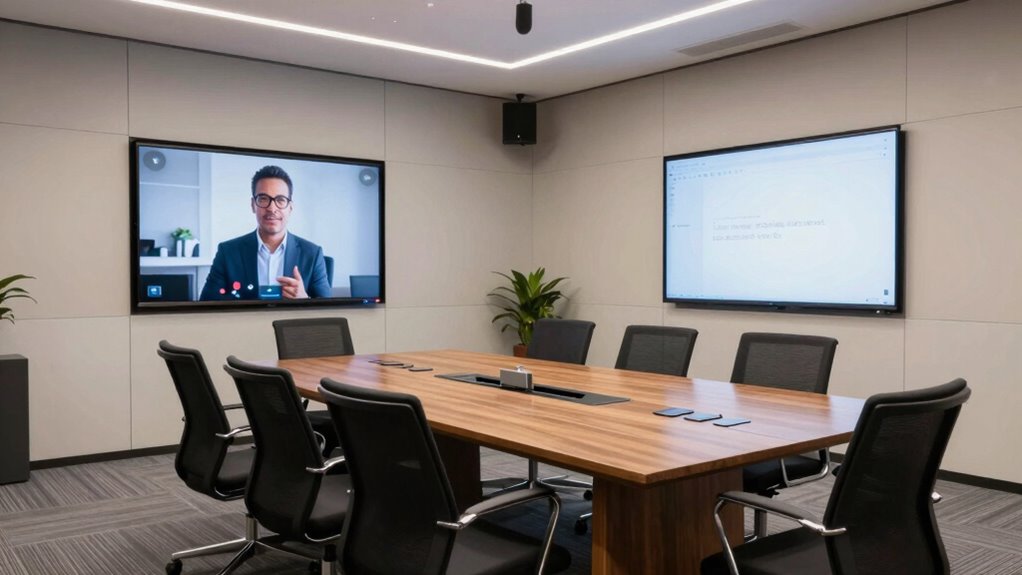
Setting up your audio and visuals properly can considerably reduce distractions during virtual meetings. Focus on soundproofing enhancements to block external noise, ensuring clear audio for everyone. Use quality microphones and speakers to improve sound clarity and prevent misunderstandings. For visuals, prioritize high-resolution cameras and proper lighting to enhance visual clarity, making it easier to read facial expressions and gestures. Minimize background clutter and noise, and position your camera at eye level for natural engagement. Consider acoustic panels or soft furnishings to absorb sound and prevent echo. Here’s a quick overview:
| Aspect | Tips | Benefits |
|---|---|---|
| Soundproofing | Install acoustic panels or rugs | Reduces external noise, improves sound clarity |
| Visual Clarity | Use HD cameras and proper lighting | Clearer images, better engagement |
| Distractions | Minimize background clutter and noise | Keeps focus on the speaker |
| Equipment | Invest in quality microphones and speakers | Enhances audio quality and reduces distractions |
Facilitating Inclusive and Interactive Meetings
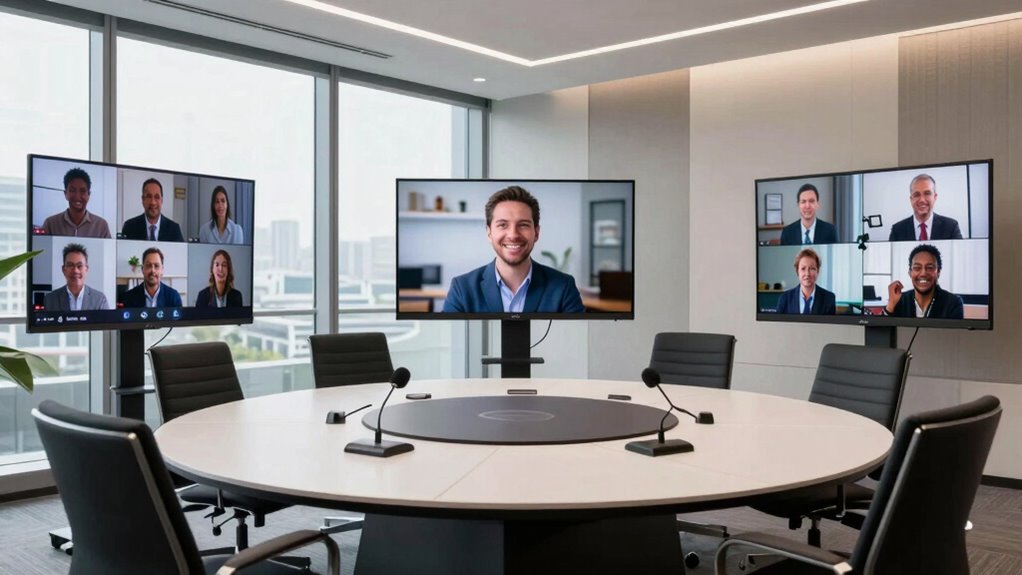
Creating inclusive and interactive meetings requires intentional effort to guarantee every participant feels valued and engaged. Use engagement strategies like virtual icebreakers to warm up the group and foster connection. Incorporate tools that encourage everyone to contribute, such as chat functions or polling. To deepen involvement, consider rotating leadership roles or assigning specific discussion topics. Keep remote participants visible and heard by actively inviting their input. Remember, small gestures matter:
- Start with quick virtual icebreakers
- Use visual aids and shared documents
- Encourage video participation
- Pose open-ended questions
- Recognize contributions equally
These strategies make meetings more dynamic and inclusive, helping remote staff feel less invisible and more integral to the team.
Measuring the Success of Your Meeting Room Improvements
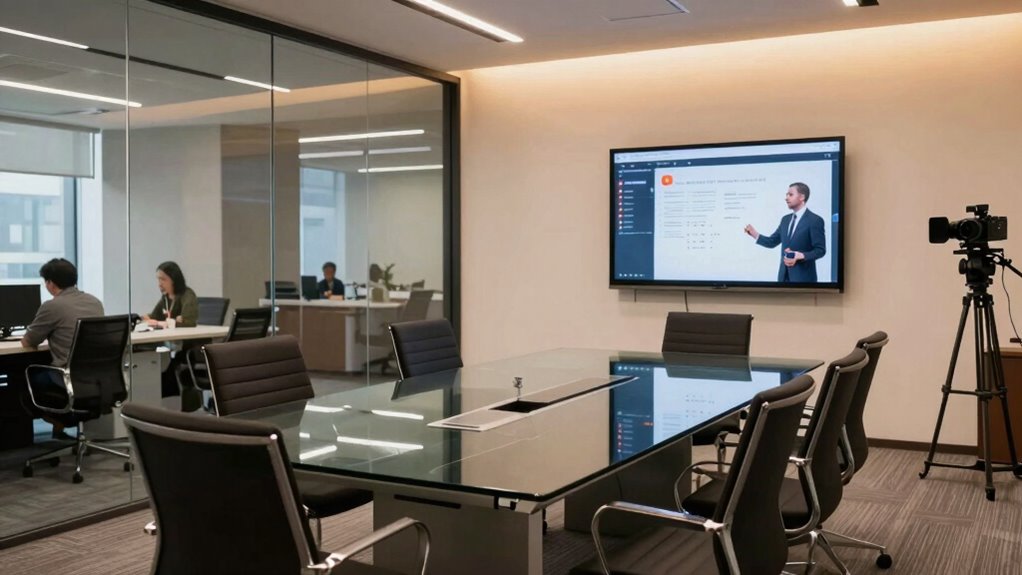
To determine whether your meeting room upgrades effectively enhance remote staff engagement, it’s essential to establish clear, measurable criteria. Start by implementing feedback mechanisms such as surveys or quick polls to gather direct input from your team about their experience. Use engagement metrics like participation rates, speaking time, and attentiveness during meetings to assess impact. Track changes over time to identify trends and areas needing improvement. Regularly review this data to guarantee your upgrades are fostering inclusivity and interaction. If remote staff report feeling more connected and your engagement metrics improve, you’ll know your efforts are successful. Consistently refining your approach based on these insights will help maintain a meeting environment where everyone feels seen and heard.
Frequently Asked Questions
How Can I Train Staff to Use New Meeting Technology Effectively?
To train staff effectively on new meeting technology, you should organize virtual training sessions that are interactive and engaging. Use real-life scenarios to demonstrate features and encourage questions to boost user engagement. Provide clear, step-by-step guides and follow up with practice opportunities. Additionally, offer ongoing support and feedback to help staff become confident users, ensuring the technology enhances collaboration rather than hindering it.
What Budget Considerations Are Involved in Upgrading Meeting Rooms?
Think of your budget as a garden—carefully tending to equipment procurement within tight constraints. You need to prioritize essential upgrades like cameras and microphones that bridge the remote-in-person divide. Balancing costs involves exploring cost-effective tech options and negotiating with vendors. Staying mindful of budget constraints guarantees your meeting room blossoms into a space where remote staff feel equally seen, heard, and valued, fostering stronger connections.
How Do I Gather Remote Staff Feedback on Meeting Environment Changes?
You can gather remote staff feedback by creating dedicated feedback channels, like surveys or online suggestion boxes, to encourage virtual engagement. Actively ask for their input after implementing changes and schedule regular check-ins to discuss improvements. Make it easy for remote team members to share their thoughts, ensuring they feel heard and valued. This approach helps you refine the meeting environment based on their experiences, fostering a more inclusive atmosphere.
Are There Legal or Privacy Concerns With New Meeting Equipment?
Yes, there are legal and privacy concerns with new meeting equipment. You need to guarantee compliance regulations are met, especially regarding data privacy. Make sure that any recording, data collection, or monitoring features are transparent and consented to by all participants. Regularly review your company’s privacy policies and consult legal experts to avoid potential violations, and clearly communicate how meeting data is used and stored to protect everyone’s privacy.
How Often Should Meeting Room Technology Be Updated or Maintained?
You should update or maintain meeting room technology every 6 to 12 months to guarantee seamless integration and avoid disruptions. Imagine a smooth presentation, free from glitches—that’s what proper maintenance scheduling delivers. Regular updates keep your devices compatible with new software and security standards, while proactive checks prevent costly breakdowns. Staying on top of technology integration guarantees your team stays connected, productive, and confident in every meeting.
Conclusion
By upgrading your meeting space, you transform remote staff from feeling invisible to being seen and heard—like turning a flickering candle into a blazing beacon of connection. When you prioritize inclusive tech, thoughtful design, and interactive facilitation, you create an environment where every voice matters. This isn’t just an upgrade; it’s a revolution in collaboration that can elevate your team’s unity to levels never imagined. Embrace these changes, and watch your meetings become truly transformative.
Halloween Picks
halloween
As an affiliate, we earn on qualifying purchases.