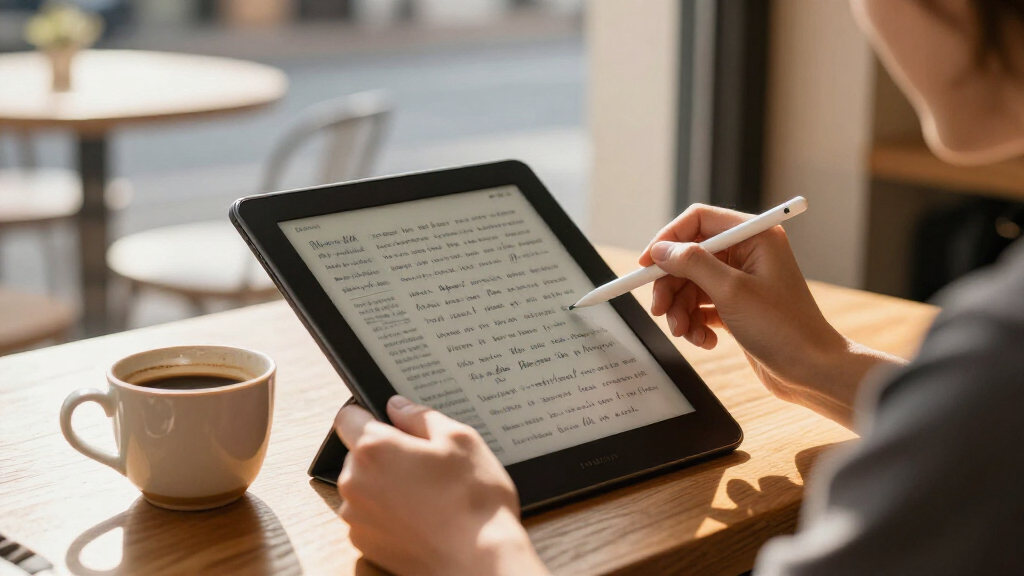

🔍 Read the full analysis: 10 Best E Ink Tablets For Reading Books, Drafting, And Work In 2027 on ThorstenMeyerAI.com

Get business pricing on office and shipping supplies
- Business-only prices and quantity discounts
- Tax-exempt purchasing
- Multiple users, one account, clear invoices
TL;DR
ThorstenMeyerAI.com’s 2027 guide compares 10 E Ink tablets for reading, handwriting and document work, with the Kindle Scribe 64GB ranked best overall. The recommendations are a buying guide, not a report of newly announced devices; their central tradeoffs are screen size, color, software flexibility and included accessories.
ThorstenMeyerAI.com has published a 2027 guide ranking 10 E Ink tablets for reading, handwriting and work, naming the Kindle Scribe 64GB its best overall pick for readers who also want a writing surface. The list also highlights the BOOX Note Air 5 C for app flexibility and color, and the reMarkable Paper Pro 11.8-inch bundle for a larger, focused workspace. The recommendations are editorial judgments based on different user needs, not a single claim that one tablet suits everyone; see the original guide for its full coverage.
The guide groups the devices by their intended use: larger tablets are presented as better suited to handwriting and document work, while compact models prioritize portable reading. It says screens of about 10.3 inches or more give notes and full-page documents more space, while 7-inch devices are easier to carry and hold. The tradeoff is practical: a reader optimized for novels may feel cramped for PDFs, while a writing-first tablet may be less convenient to take everywhere.
Color and software access are other key distinctions in the guide. It identifies the BOOX Go Color 7 Gen II, BOOX Note Air 5 C and reMarkable Paper Pro models as color options, while presenting monochrome screens as a reasonable fit for text-focused reading. BOOX models are described as offering broader Android app options; Kindle and reMarkable are characterized as more focused environments. For another look at how these devices support productivity, see E Ink tablets for AI efficiency. Buyers who depend on a particular reading or work app should check its availability and usability on the specific device.
The source says its rankings weigh reading and writing usability, screen size, color, software flexibility, portability and accessories. It also advises checking whether a pen or folio is included, since bundles differ and accessories affect the out-of-box experience. The guide’s supplied material names several models but does not provide a complete list of all 10 picks or detailed specifications for every device.
The 10 picks
- 1
 reMarkable Paper Pro 11.8-Inch Color E-Ink Tablet Bundle with Marker Plus and…View on Amazon →
- 2
 reMarkable Paper Pro with Marker PlusView on Amazon →
- 3
 Kindle Scribe 64GB (Newest Model) – 11" Paper-like Display with Premium PenView on Amazon →
- 4
 VIWOODS AiPaper 10.65-Inch E Ink Tablet with Stylus and Folio CoverView on Amazon →
- 5
 BOOX Go 10.3 Gen II Lumi ePaper TabletView on Amazon →
- 6
 Penstar eNote 2 E-Ink Digital Notebook with Pen, 10.3" AI eNote TabletView on Amazon →
- 7
 BOOX Note Air 5 C 10.3" E Ink Tablet with 6GB RAM and 64GB StorageView on Amazon →
- 8
 BOOX Go 7 B/W 7-Inch E Ink Tablet, 4GB RAM, 64GB Storage, WhiteView on Amazon →
- 9
 BOOX Go Color 7 Gen II E Ink TabletView on Amazon →
- 10
 Ocean 64GB + 4GB 7” E-Ink eBook Reader with Handwriting Support (Stylus Pen N…View on Amazon →
Choosing Between Reading and Writing
The comparison matters because E Ink tablets are not interchangeable just because they share a display type. A buyer seeking a digital notebook may value a large surface and stylus tools more than one-handed portability, while a frequent reader may prefer a smaller device and a familiar book ecosystem. Matching the device to the main task can matter more than choosing the most feature-rich model.
Color and app access also involve tradeoffs rather than automatic upgrades. Color may help with charts, diagrams and highlighted material, but the source cautions that E Ink color should not be expected to look like a conventional tablet display. Broader app access can support more workflows, but may require extra setup. The guide’s useful takeaway is to identify the real reading, writing and document tasks first, then compare devices against them.
Products Worth Considering

LG UltraGear 32GX850A-B 32-inch 4K UHD OLED Gaming Monitor

LG UltraGear 27-Inch QHD OLED Gaming Monitor, 240Hz, 0.03ms, G-SYNC Compatible, FreeSync Premium Pro, HDMI 2.1, Black

Canon SELPHY CP1500 Compact Photo Printer Bundle with Two KP-108IN Ink and Paper Sets, Black
As an affiliate, we earn on qualifying purchases.
How the Guide Separates Device Roles
The guide says it ranks products by how well they serve distinct buyer needs rather than treating every model as a direct substitute. Its framework separates focused readers and notebooks from devices with broader app-based workflows. That distinction explains why a compact model can be a strong choice for books without being the best option for extensive handwriting or full-page documents.
It also frames screen size as a workflow choice. A larger display can make document viewing and handwriting more comfortable, while a compact one is easier to carry. The source recommends considering the documents and apps a buyer actually uses, and checking included accessories, rather than selecting by a headline feature alone.
“The lineup splits into two jobs: larger models … prioritize writing and document work, while the BOOX Go 7 and Musnap Ocean 7 favor portable reading.”
— ThorstenMeyerAI.com, in its 2027 guide
Details Buyers Should Verify
The source material does not give a full, verifiable list of all 10 tablets, prices, release dates, current stock or complete specifications. Its rankings are the publisher’s recommendations, and the supplied information does not describe testing methods or comparative performance measurements in detail. Availability, bundle contents and product specifications can change, so readers should confirm current details with manufacturers or retailers before purchasing.
The guide also does not establish how well every named device supports a particular app, file format or writing workflow. App availability alone does not confirm that an app will be comfortable to use on an E Ink screen. The material does not provide a standardized comparison of display quality, battery life or writing latency, so those factors cannot be ranked from the information supplied.
Check the Models Against Your Routine
Readers considering a purchase should compare current model specifications and prices, verify pen and folio inclusions, and confirm that essential apps and file types work on the device. For a shortlisting process, decide whether the tablet will mainly replace a book, a paper notebook or part of a document workflow; then weigh screen size, color and software access against portability.
The guide is a snapshot of recommendations for 2027, not a notice of new product launches. Its rankings may need revision if products, bundles or software support change. No further ranking update or follow-up testing is specified in the supplied material.
Key Questions
Which tablet does the guide rank best overall?
ThorstenMeyerAI.com names the Kindle Scribe 64GB its best overall choice for readers who also want a writing surface. That is the guide’s editorial ranking, not a universal recommendation for every use.
Which models does it highlight for color and app flexibility?
The guide highlights the BOOX Note Air 5 C for flexible apps and color. It also lists the BOOX Go Color 7 Gen II and reMarkable Paper Pro models among the color-capable options.
Is a larger E Ink tablet better for work?
A larger screen can provide more room for handwriting and full-page documents, according to the guide. It is also less compact, so the best size depends on how often the device needs to travel.
What should buyers check before choosing a model?
Check screen size, writing tools, app compatibility and bundle contents. The source advises confirming whether a stylus or folio is included and whether the device supports the apps and documents needed for a daily workflow.
Source: ThorstenMeyerAI.com