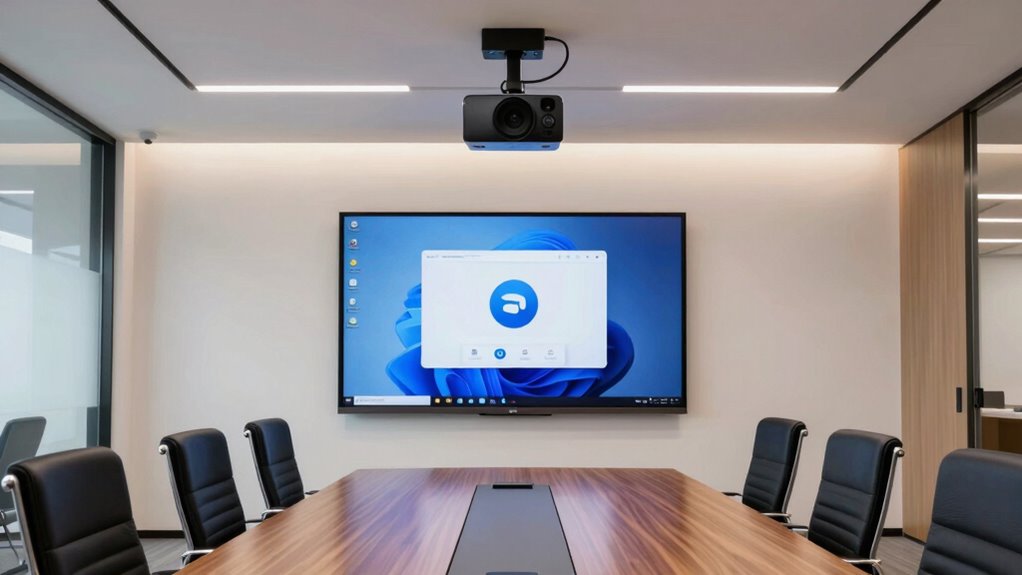

To choose the best conference room camera for your Zoom Rooms, focus on models with high resolution (4K or 1080p), strong low-light performance, and seamless platform compatibility. Look for features like automatic framing, speaker tracking, and easy remote controls to enhance user experience. A well-designed camera that’s simple to set up and manage helps keep virtual participants engaged. Keep exploring to discover more tips on selecting the perfect camera for your growing team’s needs.

Get business pricing on office and shipping supplies
- Business-only prices and quantity discounts
- Tax-exempt purchasing
- Multiple users, one account, clear invoices
Key Takeaways
- Prioritize cameras with 4K or at least 1080p resolution for clear, detailed visuals during Zoom meetings.
- Ensure compatibility with Zoom Rooms and native integration features like automatic framing and speaker tracking.
- Opt for models with strong low-light performance to maintain image clarity in varied lighting conditions.
- Choose cameras with user-friendly controls, remote management, and easy setup to streamline deployment.
- Consider future-proofing with standardized protocols and flexible design for seamless upgrades and scalability.
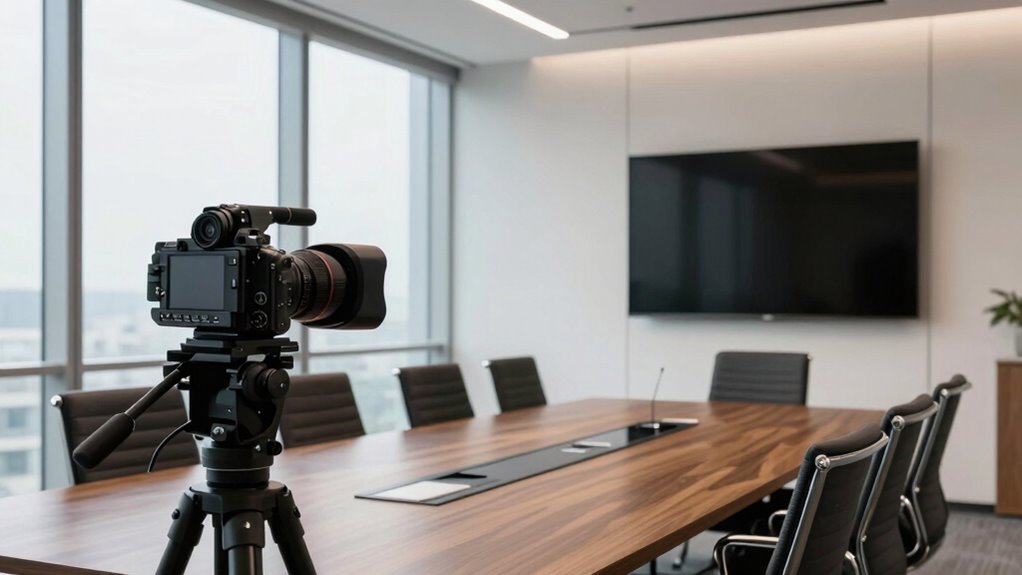
When it comes to creating seamless and productive Zoom Rooms, choosing the right conference room camera is fundamental. The camera resolution plays an essential role in how clearly your team’s visuals come across during meetings. A higher resolution, such as 4K, allows you to capture every detail sharply, making it easier for remote participants to see facial expressions, documents, or shared screens. If your team often discusses detailed visuals or needs to read small text, investing in a camera with at least 1080p or higher resolution can markedly enhance the meeting experience. Keep in mind, though, that resolution alone isn’t enough—look for cameras with good low-light performance to guarantee clear images even in dimly lit rooms.
Beyond resolution, integration features are equally important. A camera that easily integrates with your existing video conferencing ecosystem simplifies setup and ongoing management. Check whether the camera supports popular conferencing platforms like Zoom, Microsoft Teams, or Google Meet, and verify if it offers native compatibility. Many modern cameras include features like automatic framing, speaker tracking, and remote control, which help keep participants engaged without manual adjustments. These integration features also streamline your workflow—some cameras can automatically turn on when a meeting starts or adjust focus based on who’s speaking. This automation reduces interruptions and lets you focus on the meeting content rather than adjusting hardware. Additionally, standardized protocols in camera compatibility can further enhance ease of integration and future-proof your setup. Furthermore, considering user-friendly controls can make managing the camera easier for all team members, regardless of technical expertise. A well-designed interface and easy setup process can significantly reduce the time needed to get your system up and running smoothly.
Products Worth Considering

Logitech MX Master 4 for Mac, Ergonomic Bluetooth Mouse with Haptic Feedback, Ultra-Fast Scrolling, USB-C Charging, for MacOS, iPadOS, Windo

Brother TD-2020A 2‑Inch Direct Thermal Desktop Label Printer with USB

Samsung 27 Odyssey OLED G5 (G50SF) QHD QD-OLED Gaming Monitor
As an affiliate, we earn on qualifying purchases.
Frequently Asked Questions
How Do Camera Resolutions Impact Video Call Quality?
Higher camera resolutions directly boost video call quality by enhancing video clarity, making details sharper and more visible. Resolution benefits include clearer images, better facial recognition, and smoother video streaming, even in larger conference rooms. When you choose a camera with higher resolution, you guarantee your team experiences more professional, engaging meetings. So, investing in a higher-resolution camera means better communication and fewer misunderstandings during your Zoom calls.
What Is the Best Camera for Large Conference Rooms?
This camera is a game-changer for large conference rooms, delivering image clarity that could make a Hollywood director jealous. To get the best results, prioritize strategic camera placement and lighting optimization. Position the camera at a central point for even coverage, and confirm the room’s lighting is balanced to avoid shadows and glare. This setup guarantees everyone’s face is crisp and clear, making your meetings more engaging and productive.
How Do I Integrate Cameras With Existing Zoom Room Setups?
You can integrate cameras with your existing Zoom Room setup by first choosing the right camera placement to guarantee ideal coverage, typically at the front of the room aimed at participants and shared screens. Adjust lighting considerations for clear video quality, avoiding glare and shadows. Connect the camera to your Zoom Room hardware, and test the setup to ensure seamless video and audio. Regularly update firmware for smooth operation.
Are Wireless Cameras Reliable for Professional Meetings?
Wireless cameras can be reliable for professional meetings, especially since 78% of remote workers prefer wireless setups for flexibility. You’ll want to contemplate wireless connectivity, ensuring a stable signal for clear video, and battery life, so the camera lasts throughout your meetings without interruptions. If you choose high-quality models with strong wireless connections and long-lasting batteries, you’ll find wireless cameras can seamlessly support your professional needs.
What Is the Typical Price Range for High-Quality Conference Cameras?
High-quality conference cameras typically range from $300 to $1,500, depending on features and brand. For growing teams, investing in camera price ranges that offer high-quality options guarantees clear video and reliable performance during meetings. You’ll find affordable models around $300-$600 with good features, while premium options near $1,000-$1,500 deliver advanced capabilities like 4K resolution and pan-tilt-zoom. Choose based on your team’s size and the level of video quality you need.
Conclusion
Now that you’ve explored the top conference room cameras for Zoom Rooms, you’re ready to equip your team with the best tools for seamless communication. Think of it as upgrading from a dusty old telescope to a sleek, high-powered observatory—your meetings will shine brighter and connect more clearly than ever before. With the right camera, you’ll feel like you’re sitting in the same room, even if you’re miles apart. The future of collaboration has never looked clearer.