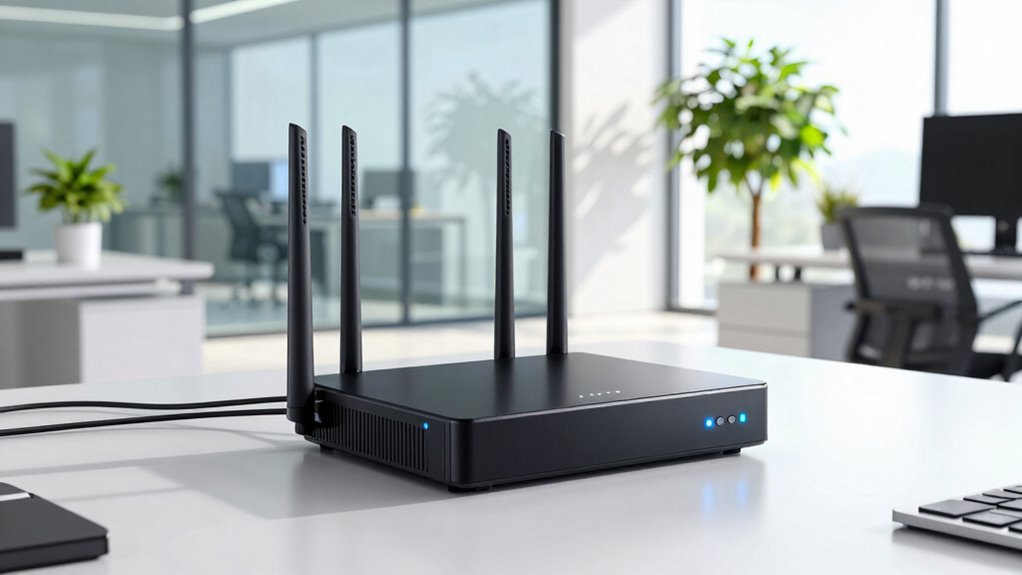

To avoid paying premium prices for outdated hardware, choose modern modem-router combos that support the latest security standards like WPA3 and MU-MIMO technology. Look for models designed for business use that can handle multiple devices and offer future-proof features. Prioritize options with regular firmware updates, energy efficiency, and scalability. Investing in up-to-date hardware now can save you costs later and ensure reliable, secure network performance for your office — there’s more to evaluate below.
Key Takeaways
- Choose modern, enterprise-grade modem-router combos that support WPA3 encryption and advanced security features.
- Prioritize devices with MU-MIMO technology to ensure reliable performance with multiple connected devices.
- Verify compatibility with current and upcoming networking standards to future-proof your investment.
- Opt for hardware with regular firmware updates to maintain security and optimize performance.
- Select scalable solutions designed for business use to avoid frequent replacements and additional costs.
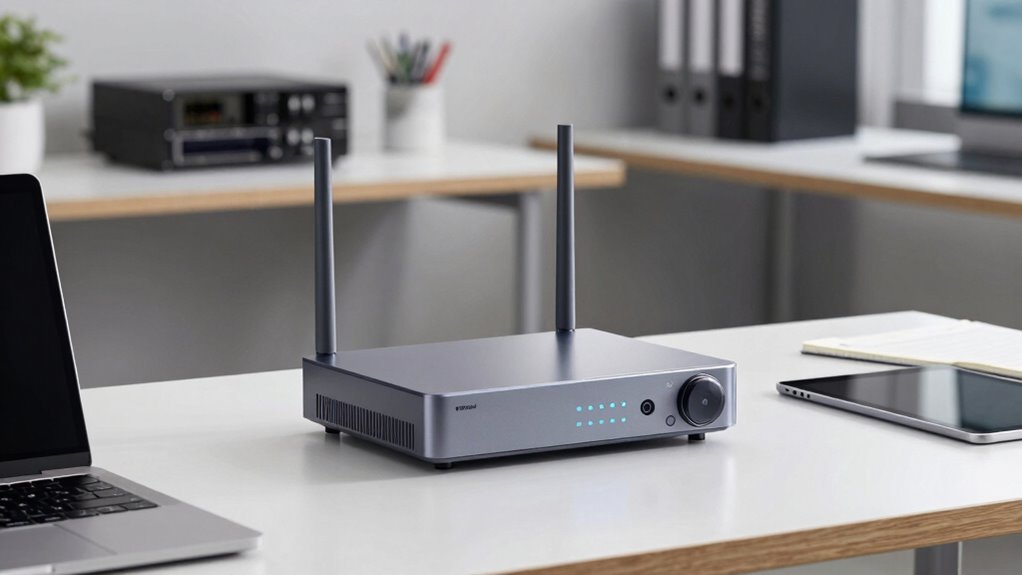
In today’s fast-paced office environments, having a reliable and efficient modem router combo isn’t just a convenience—it’s a necessity. The right device ensures your team stays connected, productive, and secure. When selecting the best business modem router combos, it’s essential to prioritize models that support modern wireless security standards. Outdated hardware often lacks up-to-date encryption, leaving your network vulnerable to cyber threats. Look for combos that support WPA3 encryption, which provides stronger protection against hacking attempts, and verify they have robust firewalls to shield your data. These features are indispensable for safeguarding sensitive business information and maintaining client trust.
Beyond security, network scalability plays a key role in choosing the right device. As your business grows, your network demands increase. You want a combo that can handle multiple devices simultaneously without sacrificing speed or stability. Modern modem router combos often come with advanced features like MU-MIMO technology, which allows multiple devices to communicate with the router at the same time, reducing lag and improving overall performance. This capacity is especially important in busy office environments where dozens of devices, from laptops to IoT gadgets, are connected at once. A scalable network reduces bottlenecks and prepares your infrastructure for future expansion, saving you from costly upgrades down the line. Ensuring compatibility with current network standards can prevent the need for frequent replacements as technology evolves. Additionally, choosing hardware with future-proofing capabilities can help your business stay ahead of technological changes and reduce long-term expenses.
Network scalability with MU-MIMO technology ensures seamless performance as your business and device count grow.
Many office owners fall into the trap of paying premium prices for outdated hardware, believing they’re getting a better deal. However, old equipment often lacks the latest features, including improved wireless security protocols and enhanced network scalability options. Instead, invest in newer models that are designed for business use. These typically come with firmware updates that support the latest security standards and technologies, ensuring your network remains resilient against evolving threats. Plus, newer devices tend to be more energy-efficient, which can lower operational costs over time. Additionally, choosing modern hardware ensures compatibility with current and upcoming networking standards, avoiding costly replacements sooner. Staying informed about network security standards can help you make more educated decisions when selecting your equipment.

NETGEAR Nighthawk Modem Router Combo (CAX30) DOCSIS 3.1 Cable Modem and WiFi 6 Router – AX2700 2.7 Gbps – Compatible with Xfinity, Spectrum, Cox, and More – Gigabit Wireless Internet
- Compatibility: Works with major cable providers
- Coverage: Up to 2,000 sq. ft. and 25 devices
- Ports: 4 Gigabit Ethernet and 1 USB 3.0
As an affiliate, we earn on qualifying purchases.
As an affiliate, we earn on qualifying purchases.
Frequently Asked Questions
How Often Should Business Modem-Router Combos Be Upgraded?
You should upgrade your business modem-router combo every 3 to 5 years to prevent network congestion and guarantee peak performance. Regular firmware updates are essential to fix security issues and improve stability, but hardware becomes outdated over time. If you notice slow speeds, frequent disconnections, or difficulty handling increased device loads, it’s time for an upgrade. Staying current helps you avoid costly downtime and keeps your network running smoothly.
Are There Compatibility Issues With Existing Office Network Equipment?
You might encounter network compatibility issues with existing office equipment when upgrading your modem-router combo. To avoid this, check that the new hardware supports your current network standards and integrates smoothly with your devices. Confirm compatibility with your network’s hardware, like switches and firewalls. Proper hardware integration minimizes disruptions, so review specifications carefully. This way, you can upgrade confidently without risking compatibility problems that could impact your office’s connectivity.
What Security Features Should I Prioritize in a Business Combo?
Imagine locking your office network with a fortress of security. Prioritize network encryption, ensuring your data stays private and protected from intruders. Look for a combo that offers automatic firmware updates, like a vigilant guard constantly strengthening your defenses. These features keep your system resilient against evolving threats, safeguarding sensitive information and maintaining business continuity. Investing in these security features means peace of mind, knowing your office network is well-guarded.
Can These Combos Support Multiple Users Simultaneously?
Yes, these combos can support multiple users simultaneously, thanks to their strong wireless performance and device scalability. They’re designed to handle several devices at once, ensuring smooth internet access for everyone in your office. Look for models with high throughput and advanced Wi-Fi standards, which enhance wireless performance. This way, you avoid lag and slowdowns, making sure your team stays productive without needing to upgrade hardware frequently.
Do Business Combos Come With Reliable Customer Support?
Yes, most business modem router combos come with reliable customer support. They typically offer dedicated technical support teams, ensuring your issues get resolved quickly. When choosing a combo, look for brands known for excellent customer service, as this can save you time and frustration. Good technical support helps you troubleshoot problems efficiently, so your office network stays stable and secure. Reliable customer service is essential for smooth, uninterrupted business operations.
Conclusion
Choosing the right modem-router combo is like planting a sturdy tree in your office landscape—you want it to grow strong and serve you well for years. By avoiding outdated hardware and investing in modern, business-grade equipment, you’ll guarantee your network remains resilient and ready to support your team’s growth. Don’t let slow, unreliable connections be the storm that topples your progress—plant the seeds today for a thriving, future-proof office.