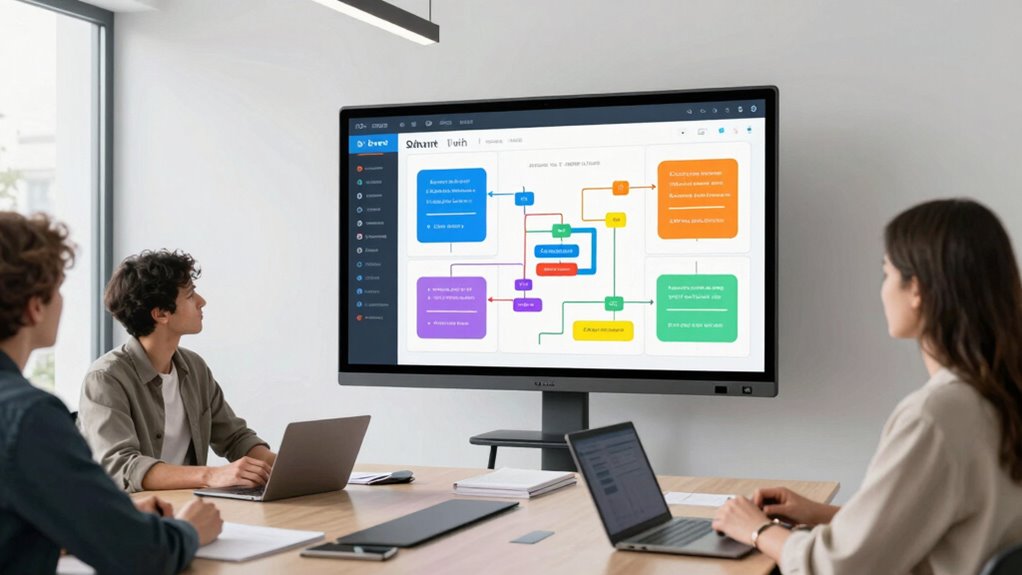
The best digital flipcharts for business planning feature workflow tools that save you time by using smart templates, quick data import, and seamless integration with project management platforms. They support real-time collaboration, enabling multiple users to work simultaneously and remotely, which speeds up decision-making. Automation tools help streamline meetings and organize ideas efficiently. To discover how these features can transform your planning sessions, keep exploring the options available.
Key Takeaways
- Support seamless data import and integration with project management tools for quick setup and collaboration.
- Offer smart templates and pre-set layouts to organize ideas rapidly without manual formatting.
- Enable real-time collaboration for multiple users, reducing the need for multiple sessions.
- Automate workflows to streamline meeting agendas and decision-making processes.
- Allow session recording and easy exporting to save time on documentation and follow-ups.
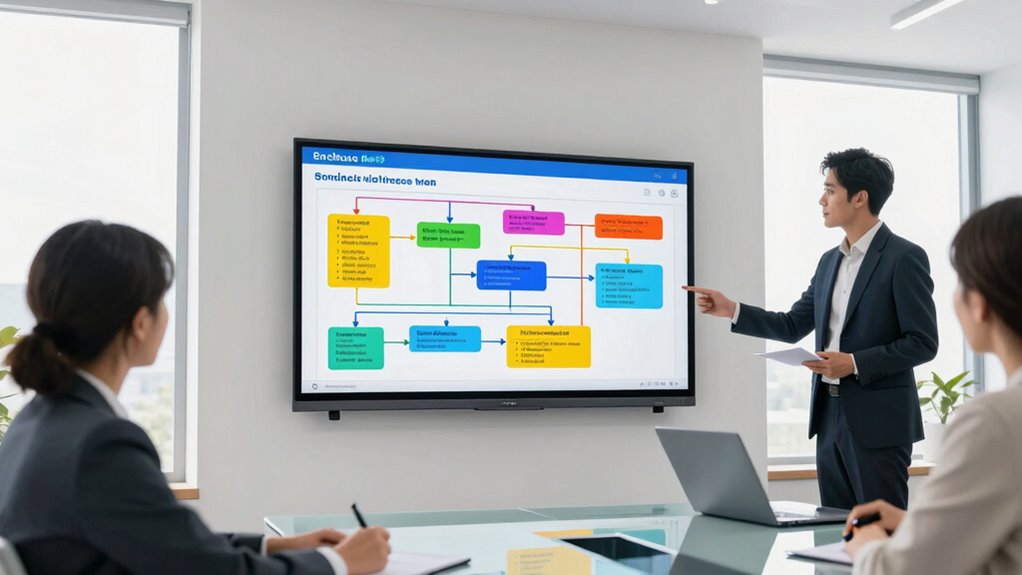
In today’s fast-paced business environment, digital flipcharts have become essential tools for effective planning and collaboration. They streamline brainstorming sessions, facilitate real-time updates, and make it easier to communicate ideas clearly. One of the key advantages is their interactive features, which allow you to engage participants and make meetings more dynamic. Touchscreens enable you to draw, annotate, and highlight directly on the display, mimicking traditional flipcharts but with added versatility. You can easily switch between different tools, colors, and templates, making your presentation more engaging and visually appealing. This interactivity keeps everyone involved and focused, reducing the time spent on clarifying points or trying to understand static visuals.
Another major benefit of these digital flipcharts is the rich set of collaboration tools they offer. Multiple users can work simultaneously on the same screen, whether in the room or remotely. This real-time collaboration eliminates the need for multiple sessions or sharing files back and forth, saving you significant time. Many models come with cloud integration, so your team can access, edit, and share content instantly from their devices. This seamless connectivity ensures everyone stays on the same page, no matter where they are. You can also record sessions, making it simple to revisit decisions or share insights with those who couldn’t attend. These features foster a more inclusive environment, where ideas flow freely and decisions are made faster. Additionally, understanding the digital systems and tools involved in these platforms helps optimize their use for your specific needs. Moreover, comprehending the user interface and navigation of these systems can significantly enhance your efficiency and ease of use. A well-designed interface minimizes the learning curve, enabling your team to utilize the tools more effectively from the start.
Furthermore, the workflow features embedded in top digital flipcharts are designed to enhance efficiency. Smart templates and pre-set layouts help you organize ideas quickly without starting from scratch. You can import data, images, or documents directly into the session, streamlining the process of incorporating relevant information. Many models support integration with project management or collaboration platforms, so you can sync updates with your existing tools. This integration minimizes manual data entry and reduces the risk of errors, allowing you to focus on strategic thinking instead of administrative tasks. The ability to save and export your work in various formats ensures your ideas are documented and ready for distribution or future reference. When selecting a digital flipchart, considering features like workflow automation can further streamline your meetings and planning processes.
Ultimately, the best digital flipcharts combine intuitive interactive features with powerful collaboration tools and workflow enhancements. They’re designed to help you save time, foster creativity, and accelerate decision-making. By leveraging these capabilities, you can transform your business planning sessions into more productive, engaging, and efficient meetings, giving your team a clear edge in today’s competitive landscape.
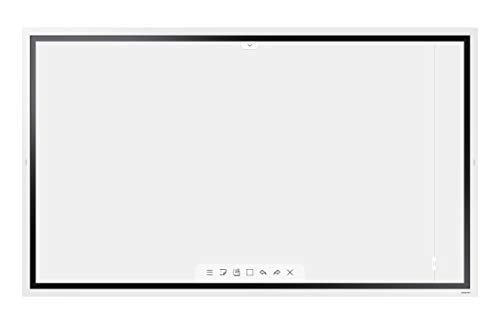
Samsung Flip 2 WM55R 55 Inch Digital Flipchart for Business 4K UHD 3840×2160 with Touch Screen, Wi-Fi, HDMI, USB (LH55WMRWBGCXZA), Light Gray
55-Inch interactive display features 4K UHD resolution and a built-in speaker
As an affiliate, we earn on qualifying purchases.
As an affiliate, we earn on qualifying purchases.
Frequently Asked Questions
Are Digital Flipcharts Compatible With All Operating Systems?
Digital flipcharts aren’t compatible with all operating systems. You’ll want to verify their hardware compatibility with your device, whether it runs Windows, macOS, or Android. Most models work well with popular systems, but some may need specific software or drivers. Keep in mind, software updates can improve compatibility and features, so staying current ensures your digital flipchart functions smoothly across your preferred operating system.
How Secure Is Data Stored on Digital Flipcharts?
You can trust that data stored on digital flipcharts is generally secure. They often use strong encryption protocols to protect your information and guarantee data privacy. However, the security level depends on the provider’s measures, so it’s wise to choose platforms with robust encryption and clear privacy policies. Always keep software updated and use strong passwords to further safeguard your data from unauthorized access.
Can Digital Flipcharts Integrate With Existing Business Tools?
You’ll find digital flipcharts foster fantastic flexibility through integration options, seamlessly syncing with your existing business tools. While compatibility challenges can occasionally arise, most modern flipcharts are designed to dovetail smoothly with popular platforms like Microsoft Teams, Slack, or Google Workspace. This integration encourages efficient workflows, empowering you to collaborate, coordinate, and communicate confidently, without missing a beat. So, yes, these tools can definitely fit into your current tech ecosystem.
What Is the Average Lifespan of a Digital Flipchart Device?
You can expect a digital flipchart device to last around 3 to 5 years, depending on hardware durability and how well you maintain it. Regular device maintenance, such as cleaning screens and updating software, helps prolong its lifespan. High-quality models with sturdy hardware tend to endure longer, but neglecting maintenance can shorten their usability. Investing in reliable devices and proper upkeep guarantees you get the most out of your digital flipchart.
Do Digital Flipcharts Support Real-Time Collaboration Across Locations?
Yes, digital flipcharts support real-time collaboration across locations. You can easily enable remote synchronization, allowing team members from different places to work on the same project simultaneously. Plus, they offer cross-platform collaboration, so users can access and edit content whether they’re on Windows, Mac, or mobile devices. This seamless integration helps streamline business planning, saving time and improving teamwork regardless of where everyone is located.

Smart Board Collaboration Hub, JYXOIHUB Digital Electronic Whiteboard Built in Dual OS for Classroom and Business, Touch Screen Interactive Smart Whiteboard (Board Only) (65 Inch)
【Dual System Smart Board】 JYXOIHUB smartboard build in Android OS and Windows OS. Advanced Android OS (Android 11.0,…
As an affiliate, we earn on qualifying purchases.
As an affiliate, we earn on qualifying purchases.
Conclusion
Choosing the right digital flipchart can revolutionize your business planning, making collaboration smoother and ideas clearer. With features designed to save time and boost productivity, you’re better equipped to lead your team toward success. Have you found the tool that fits your workflow best? Don’t wait to integrate these innovative solutions—your plans and team will thank you for it. After all, isn’t staying ahead of the curve what good business is all about?
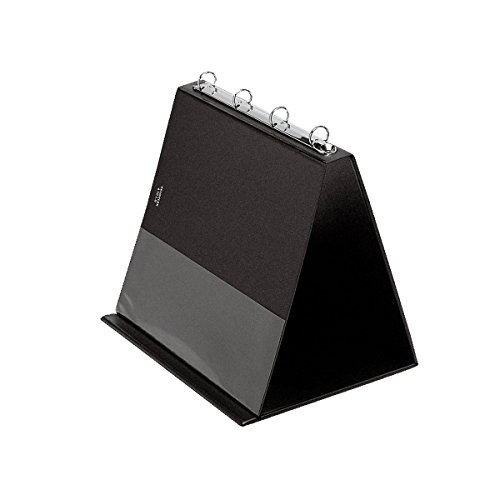
VELOFLEX 4101080 – Table Flipchart DIN A4 Landscape Format with Transparent PVC Pockets Presentation Table Display Black Flipchart Ring Book to fold out
A4 horizontal table flipchart is ideal for analogue presentations, meetings or training
As an affiliate, we earn on qualifying purchases.
As an affiliate, we earn on qualifying purchases.
touchscreen collaboration display for teams
As an affiliate, we earn on qualifying purchases.
As an affiliate, we earn on qualifying purchases.