
To pick a premium office monitor setup that stays reliable over time, focus on models with solid build quality and versatile connectivity like USB-C, HDMI, or DisplayPort. Prioritize ergonomic accessories such as adjustable stands, wrist rests, and proper screen calibration to guarantee comfort and visual accuracy. A high-resolution screen with fast refresh rates supports your workflow now and later. Keep an eye on durability and future compatibility—if you want to learn more about making a smart choice, continue exploring.
Key Takeaways
- Prioritize monitors with durable build quality and expandability to ensure longevity and compatibility with future devices.
- Choose models with high-resolution screens and performance features suited for your workflow to remain relevant over time.
- Opt for ergonomic accessories and adjustable stands to maintain comfort and proper posture during prolonged use.
- Ensure the monitor supports multiple connection options like USB-C, HDMI, and DisplayPort for versatile device compatibility.
- Select calibrated, color-accurate screens to sustain visual precision for creative and professional tasks long-term.
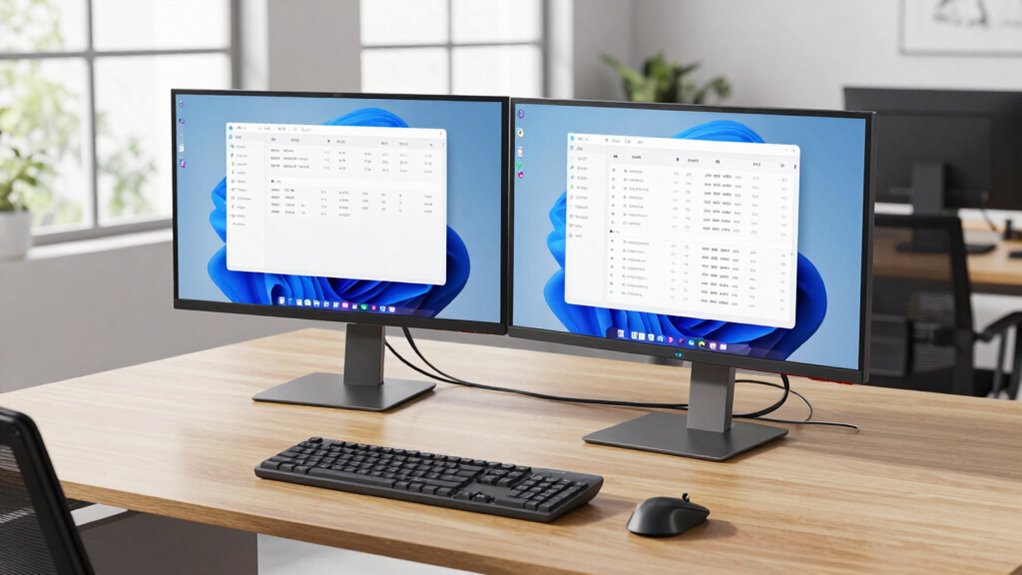
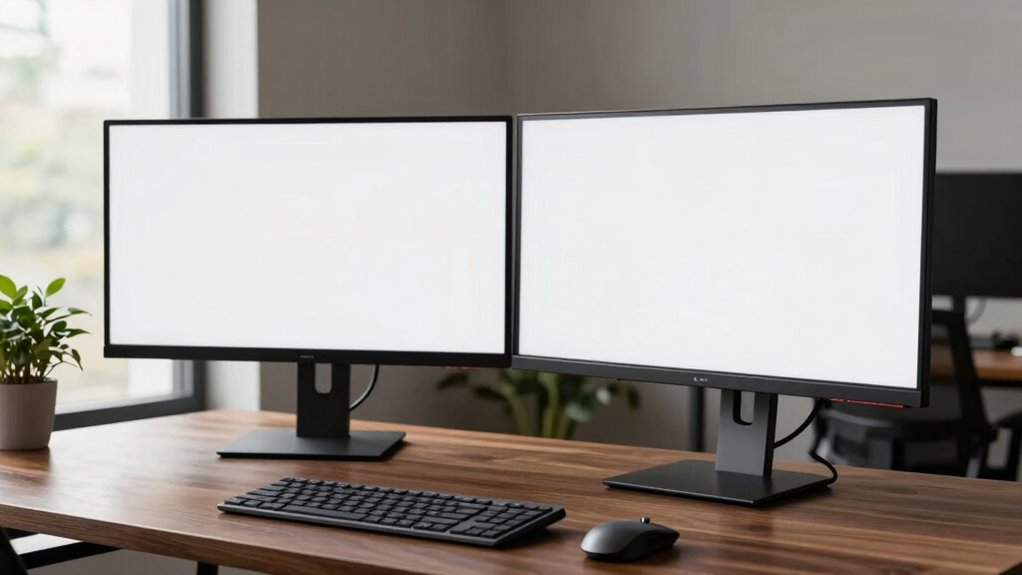
Creating an effective office monitor setup can profoundly boost your productivity and comfort throughout the workday. When you’re investing in a premium setup, it’s vital to consider not just the monitor’s resolution and size but also how it integrates with ergonomic accessories that support your health and efficiency. A well-chosen monitor paired with ergonomic accessories like adjustable stands, keyboard supports, and wrist rests ensures you maintain proper posture, reducing strain on your neck, shoulders, and wrists. These accessories make it easier to customize your workspace, allowing you to sit comfortably for hours without discomfort or fatigue.
A premium monitor with ergonomic accessories enhances comfort, supports proper posture, and boosts long-term productivity.
In addition to ergonomic accessories, pay attention to color calibration, especially if your work involves graphic design, photography, or any visual precision tasks. A monitor with accurate color calibration ensures that what you see on screen matches real-world colors, and it remains consistent over time. Opt for a premium monitor that offers hardware calibration options or comes pre-calibrated, so your colors stay true even after extended use. This is a feature that can save you from frustration months down the line when colors seem off or inconsistent, making your investment more future-proof. Incorporating technological compatibility features such as multiple connection options ensures your setup can adapt to future devices without additional upgrades.
Choosing a monitor that can stand the test of time involves considering build quality and technological compatibility. Look for models with sturdy, adjustable stands that allow you to set the height, tilt, and swivel easily. This flexibility helps you maintain perfect eye level and posture, which is essential for long-term comfort. Additionally, check for modern connectivity options such as USB-C, HDMI, or DisplayPort, ensuring compatibility with your current and future devices. These features help keep your workspace uncluttered and adaptable, so your setup remains sleek and functional a year from now. Moreover, selecting monitors with durable build quality can significantly extend their lifespan, ensuring your investment remains reliable over the years.
Performance is another vital aspect. High-resolution screens, such as 4K or higher, provide sharp images and ample workspace for multitasking. However, consider whether your computer’s graphics card can handle these resolutions smoothly. Investing in a monitor with a good refresh rate and response time also benefits tasks like video editing or gaming, making your setup versatile for various needs. Remember, a premium monitor isn’t just about specs; it’s about how well it integrates into your workflow and continues to serve your needs over time. Prioritizing monitor durability and quality build ensures your investment remains reliable over the years.

msi Modern MD342CQP 34 in VA 3440 x 1440(UWQHD) Computer Monitor, 120Hz, 1800 Curved, FreeSync Premium, HDMI, DP, USBC 98W Power Delivery, KVM, Height Adjustable, VESA, Speaker, 1ms, Black
- Screen Size: 34-inch UWQHD curved display
- Display Quality: 3440 x 1440 resolution
- Refresh Rate: 120Hz for smooth visuals
As an affiliate, we earn on qualifying purchases.
As an affiliate, we earn on qualifying purchases.
Frequently Asked Questions
How Often Should I Upgrade My Office Monitor Setup?
You should upgrade your office monitor setup every 3 to 5 years to stay current. Regular monitor calibration guarantees color accuracy, while ergonomic design helps prevent strain. If your current monitor no longer provides clear visuals, lacks ergonomic features, or feels outdated despite calibration, it’s time for an upgrade. Investing in a new monitor with better calibration tools and ergonomic features improves productivity and comfort, making it a worthwhile refresh.
Are There Eco-Friendly Options for Premium Monitors?
Like a gentle breeze through a forest, eco-friendly options for premium monitors exist. You can choose models made from eco-friendly materials and produced via sustainable manufacturing processes, reducing your environmental footprint. These monitors often feature energy-efficient designs and recyclable components, ensuring your workspace stays green. By selecting such sustainable options, you not only get a high-quality setup but also contribute to preserving the planet for years to come.
What Are the Best Accessories to Complement a Premium Monitor?
To complement your premium monitor, focus on ergonomic accessories like adjustable stands and wrist rests to boost comfort. Invest in good quality color calibration tools to guarantee your display always shows accurate colors, especially important for creative work. Consider a high-quality keyboard and mouse for better productivity, and add a monitor arm for flexible positioning. These accessories enhance your setup’s functionality and longevity, keeping your workspace efficient and comfortable over time.
How Do I Ensure Compatibility With Future Technology Upgrades?
Think of your setup as the foundation of a modern city—future-proofing considerations are key. To guarantee upgrade compatibility, choose monitors with versatile ports like USB-C or Thunderbolt, and check for modular components that can be upgraded. Stay informed about upcoming technology trends, and select models that support emerging standards. This way, your office setup remains adaptable, functional, and relevant, even as technology advances beyond today’s horizon.
Can a Premium Monitor Setup Improve My Overall Productivity?
A premium monitor setup can definitely boost your productivity, especially with features like excellent color accuracy and ergonomic design. Clear visuals help you work efficiently, whether you’re editing graphics or analyzing data, while ergonomic features reduce strain and fatigue during long hours. Investing in a high-quality monitor encourages better focus and comfort, ultimately helping you get more done in less time.
Conclusion
Choosing the right premium office monitor setup isn’t just about today’s needs; it’s about planting seeds for the future. By considering flexibility, build quality, and thoughtful features, you’re subtly ensuring your workspace remains a trusted companion as your work evolves. With a little foresight, your setup can quietly adapt, supporting your growth without fuss. In the end, it’s about creating a foundation that quietly stands the test of time, guiding you smoothly into tomorrow’s work.